Tools
Geometry tools
Tools that change the mesh: cut it into pieces, mirror it, fill it with a lattice, add a label or clean off loose fragments. Each returns the new mesh as artifacts.
All five run as {"recipe": "tool", "tool": "<name>", "params": {…}}. Coordinates are the model's own, in millimetres. See what a tool returns.
cut#
Splits the model along one or more planes. Every plane cuts every piece it passes through, so several planes can give many pieces. A plane with a width and height is a rectangle centred on origin that cuts only the part of the model it touches.
{
  "planes": [
    { "origin": [0, 40, 0], "normal": [0, 1, 0] },
    { "origin": [22, 95, 4], "normal": [1, 0, 0], "width": 40, "height": 40 }
  ],
  "cap_holes": true,
  "keep_both_sides": true,
  "key_params": { "key_type": "pin" }
}planesCuttingPlane[]required1–8 planesThe cuts to make, applied in order. At least one is required.
planes[].origin[x, y, z]requiredA point on the plane (the centre of a rectangle).
planes[].normal[x, y, z]requiredThe plane's direction. Without keep_both_sides, the piece behind the plane (the side the normal points away from) is kept.
planes[].width, planes[].heightnumber> 0Make the plane a rectangle of this size. Send both or neither. The cut inside the rectangle must separate the model; otherwise the job fails with "Plane N: the cut inside the plane's rectangle does not separate the model …".
planes[].u_axis[x, y, z]The rectangle's width direction; its height runs along normal × u_axis. Only with width and height, and not parallel to normal. Left out, the engine picks one.
cap_holesbooleandefault trueClose each cut face so every piece is a closed solid.
keep_both_sidesbooleandefault falseReturn every piece. Off, only the piece behind the plane is kept.
key_paramsobjectAlignment keys on the cut faces, so the pieces line up when glued. Applies to every plane. Fields you leave out take the engine defaults shown below.
key_params.key_typestringdefault "pin"pin, dovetail, snap or puzzle; none adds no keys.
key_params.clearancenumberdefault 0.150–10Gap between a key and its socket, in millimetres, added to the socket.
key_params.auto_countbooleandefault trueLet the engine choose how many keys fit the cut face.
key_params.fixed_countintegerdefault 20–64The number of keys when auto_count is off.
key_params.pin_diameter, pin_depthnumberdefault 3, 4> 0, ≤ 50Pin keys, in millimetres.
key_params.dovetail_width_base, dovetail_width_tip, dovetail_height, dovetail_depthnumberdefault 3, 5, 4, 4> 0, ≤ 100Dovetail keys, in millimetres.
key_params.snap_stem_diameter, snap_head_diameter, snap_depthnumberdefault 2, 3.5, 4> 0, ≤ 50Snap keys, in millimetres.
key_params.puzzle_width, puzzle_arm_width, puzzle_depthnumberdefault 4, 2, 3> 0, ≤ 100Puzzle keys, in millimetres.
key_params.flipbooleanAccepted, but the current engine does not use it.
axis, position"x" | "y" | "z", numberdefault "y", 0.5Accepted for compatibility but not used: the engine cuts along planes only.
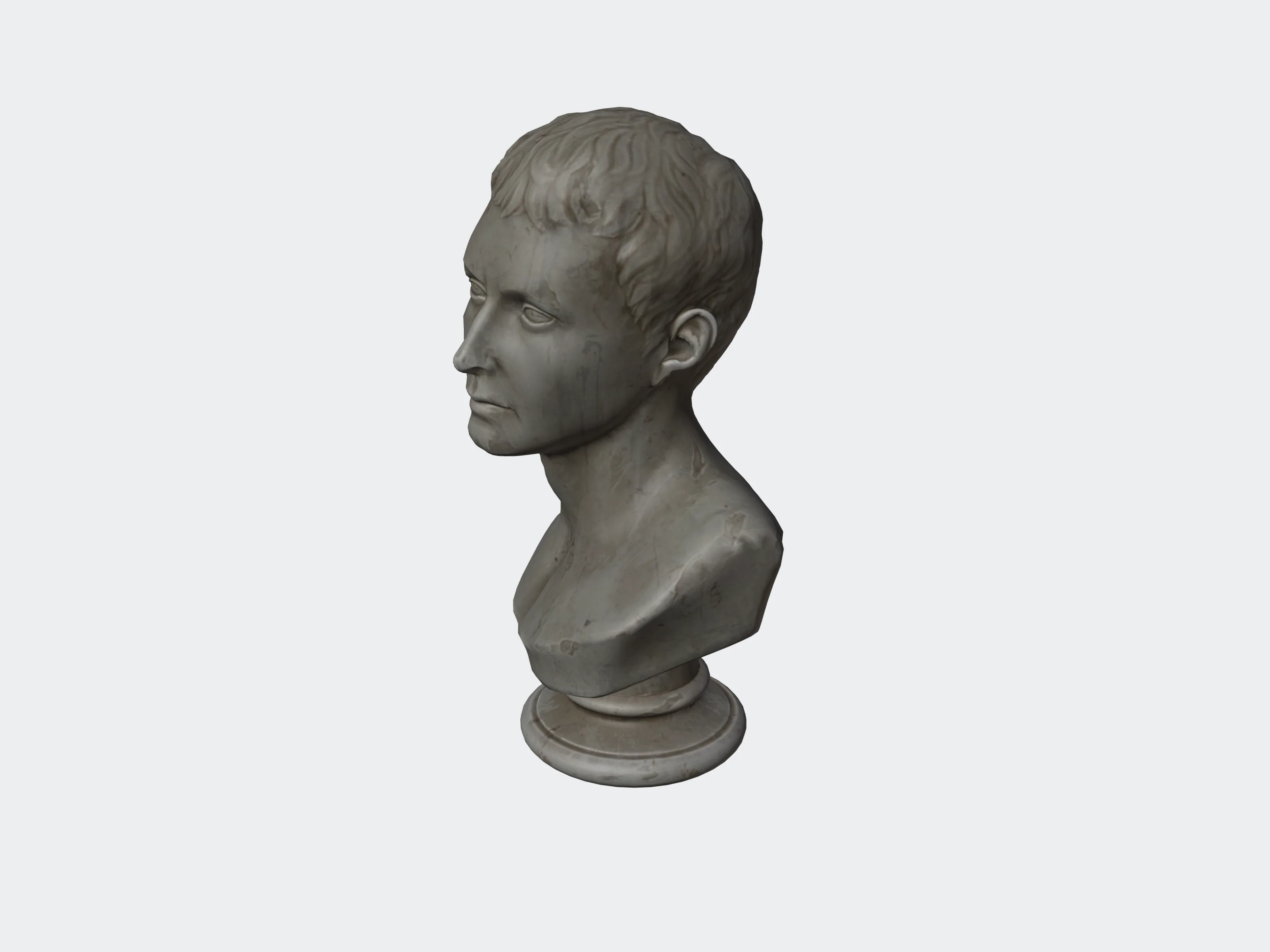 Uploaded
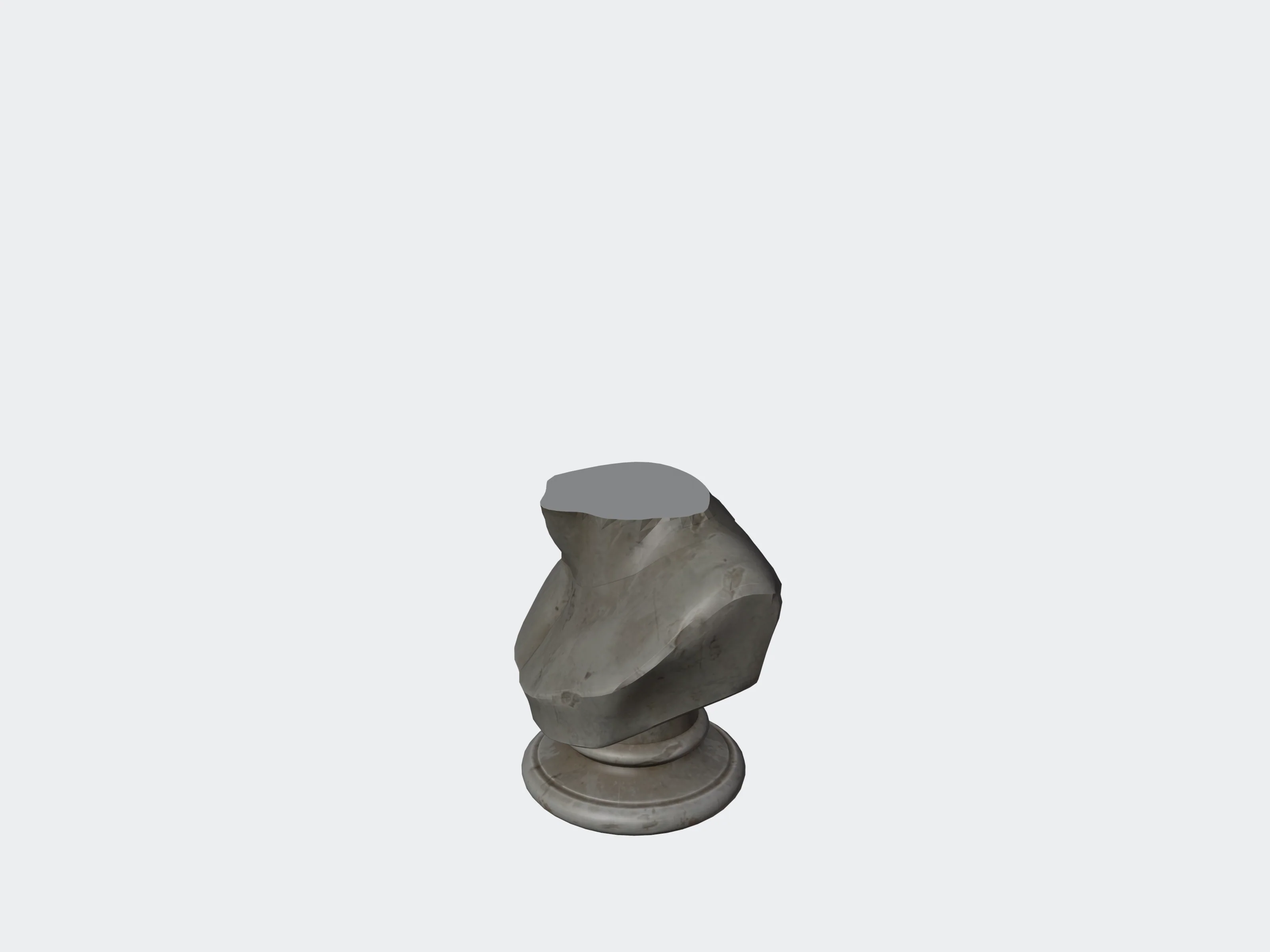 keep_both_sides: false
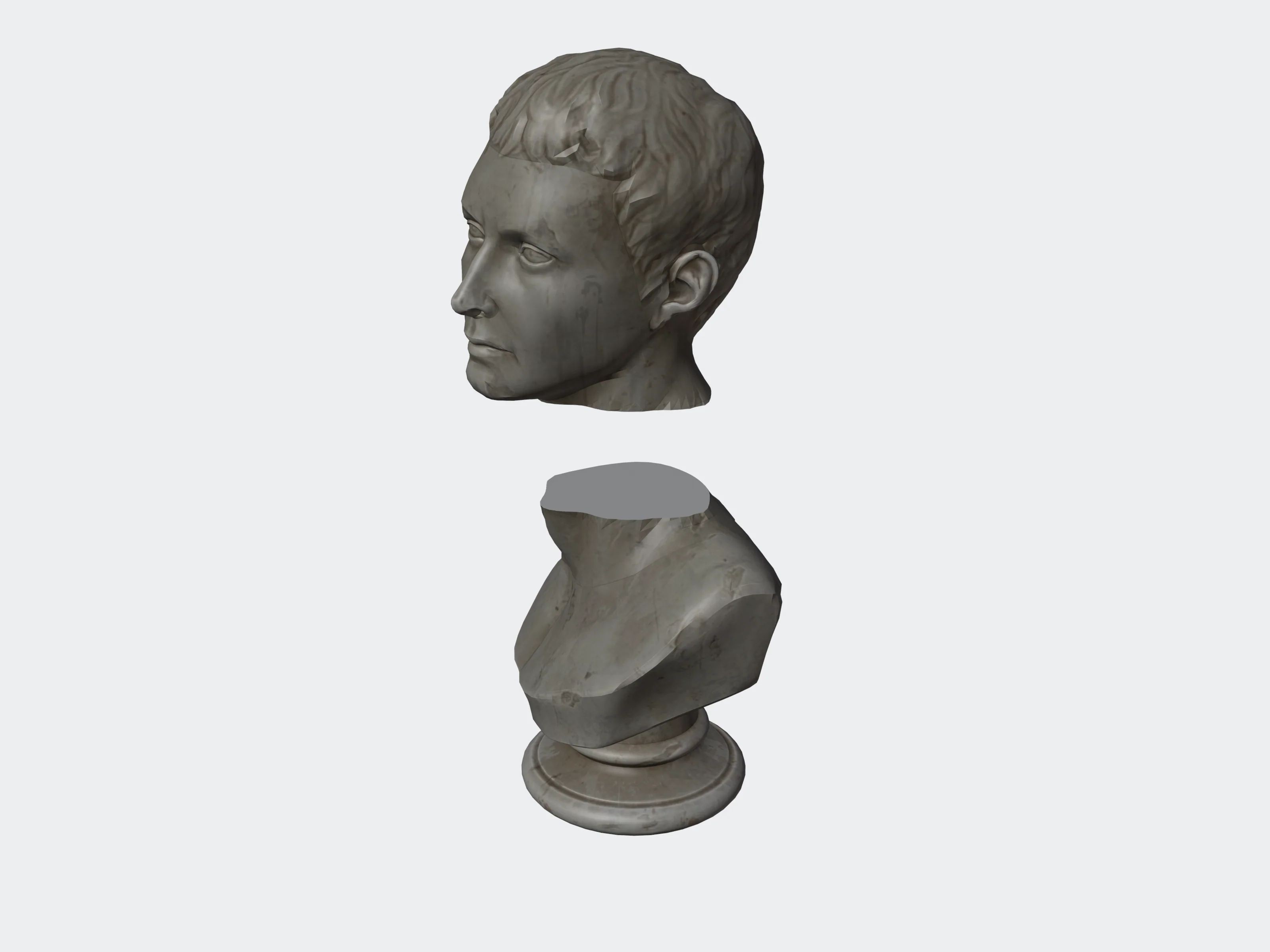 keep_both_sides: true
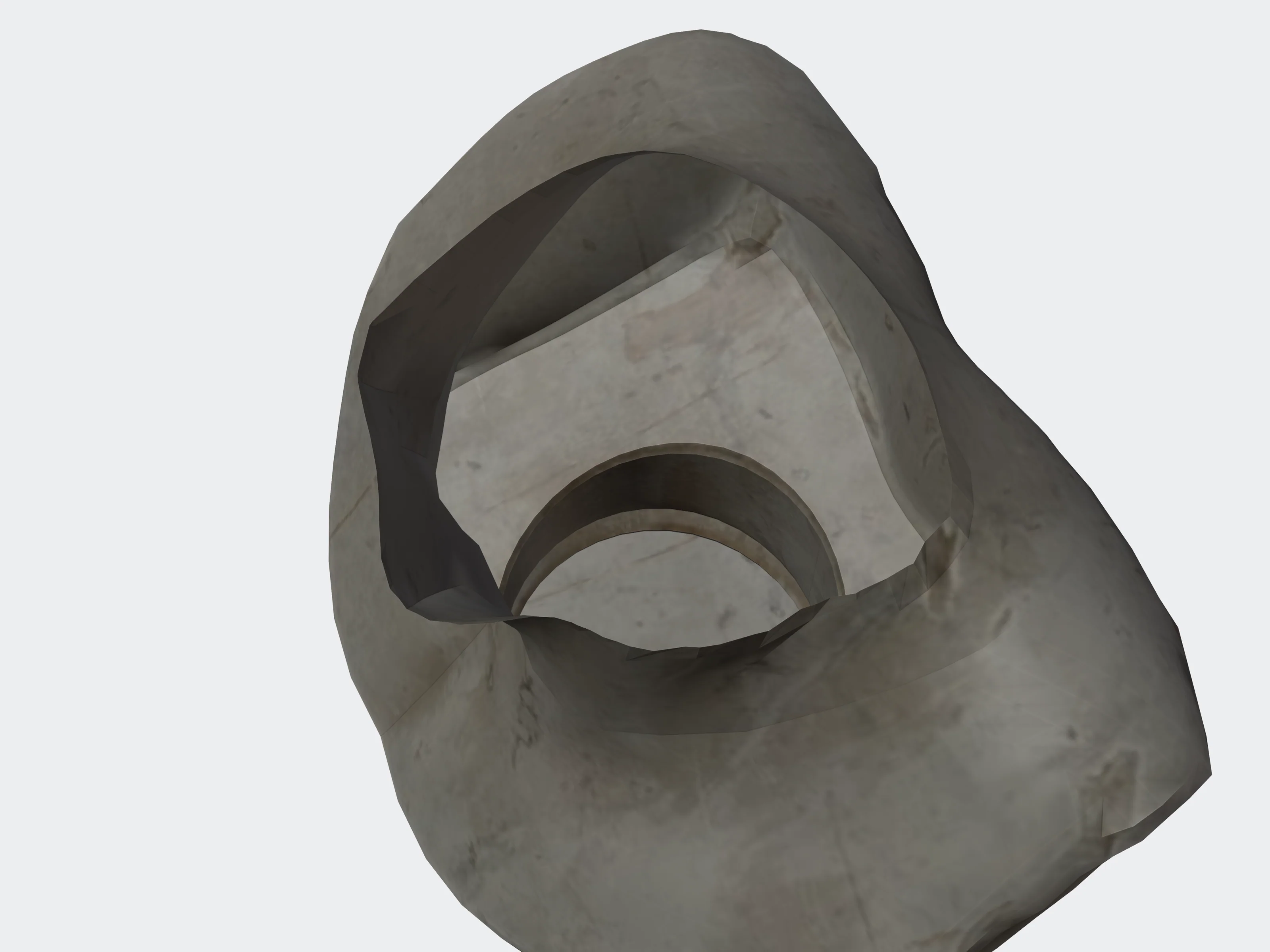 cap_holes: false
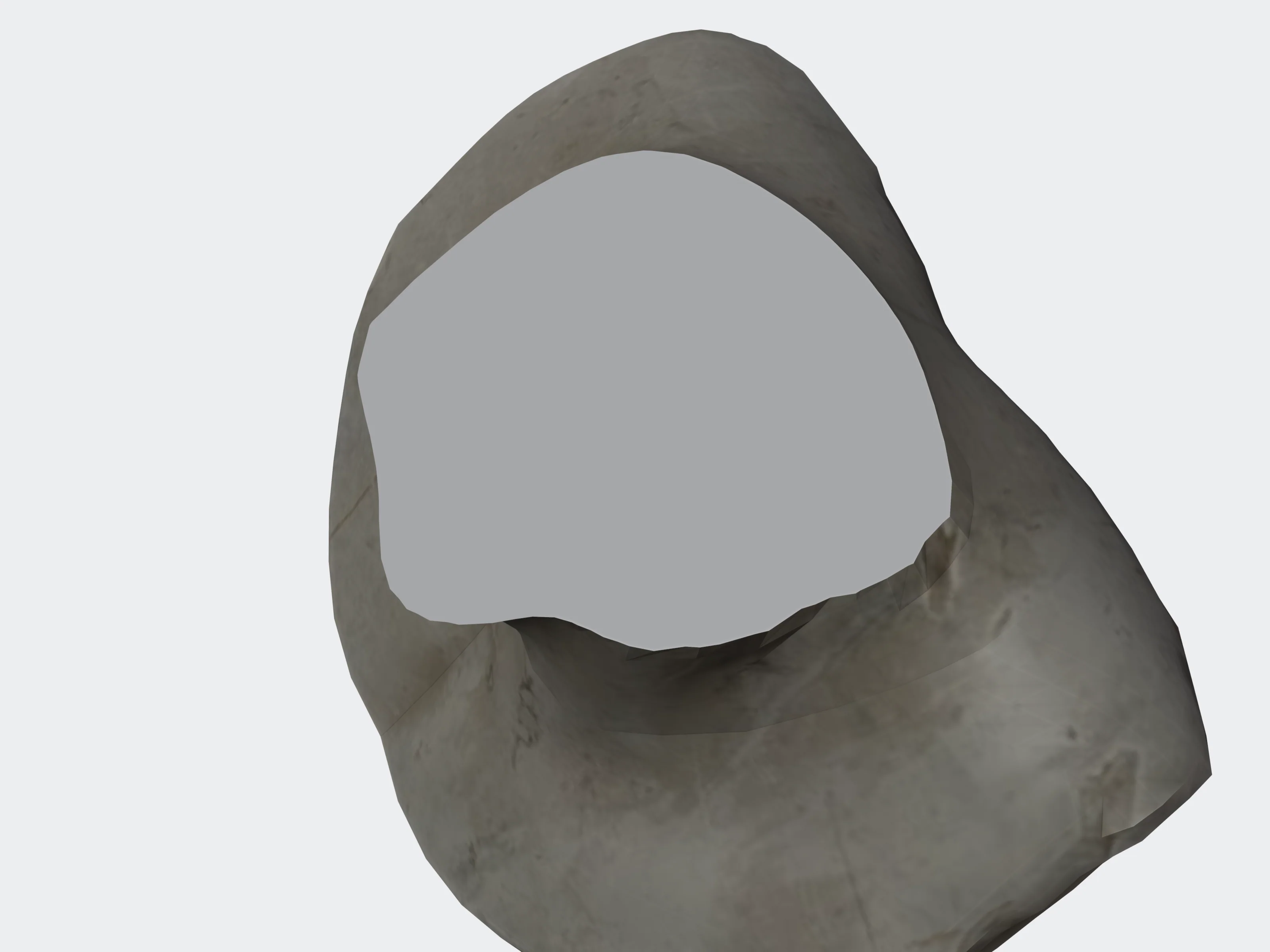 cap_holes: true
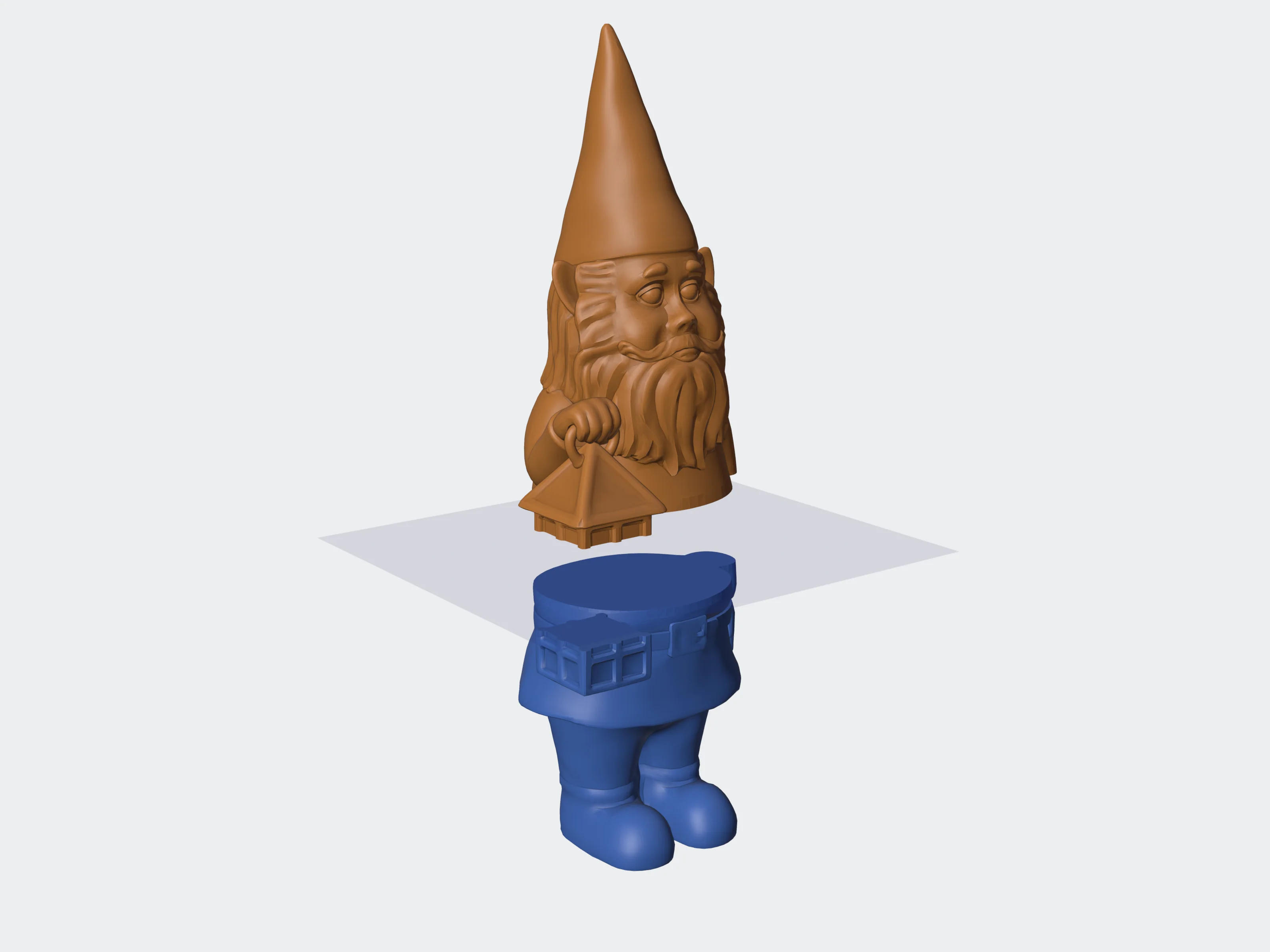 Infinite plane
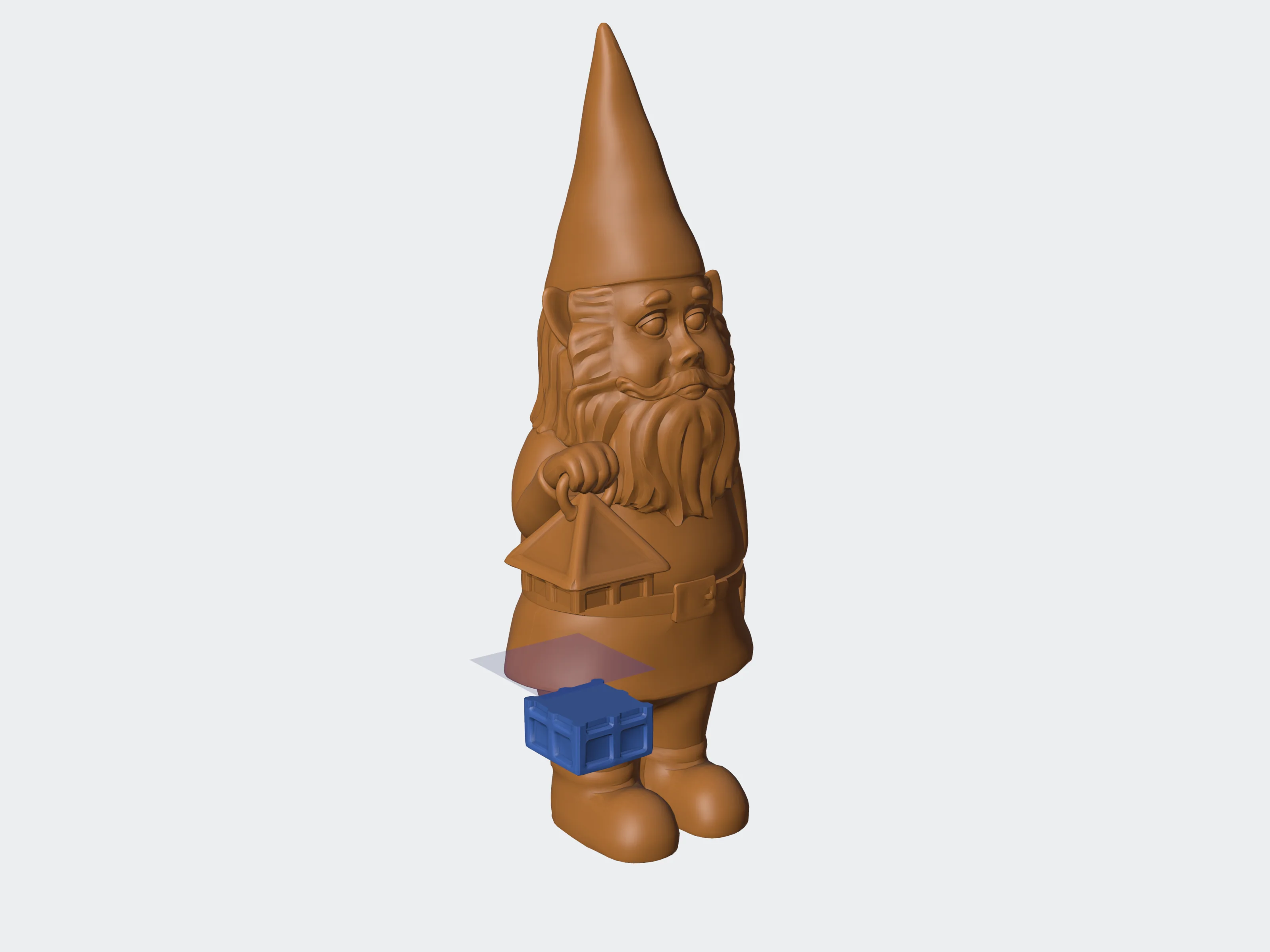 Rectangle 18 x 18 mm
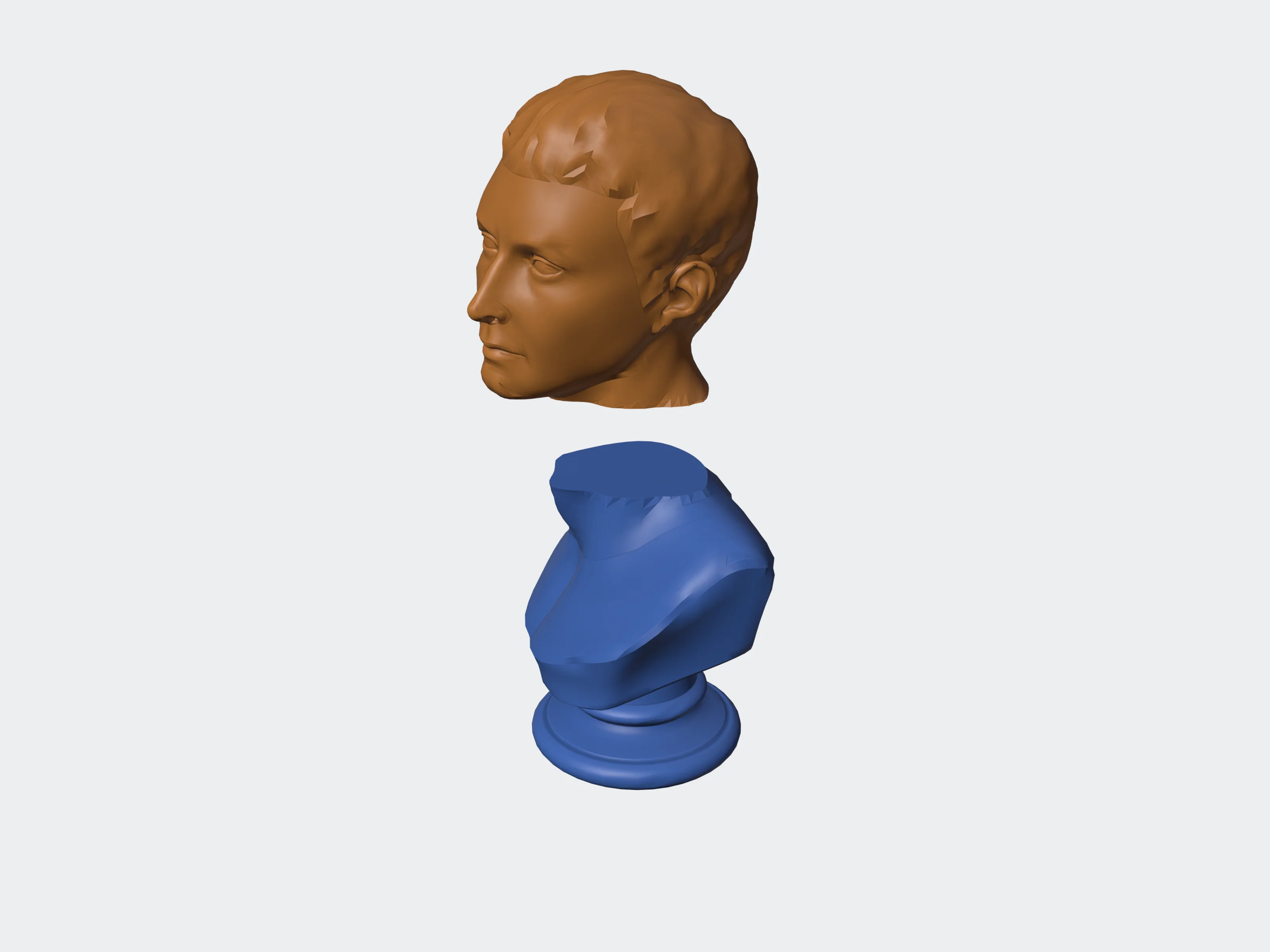 1 plane
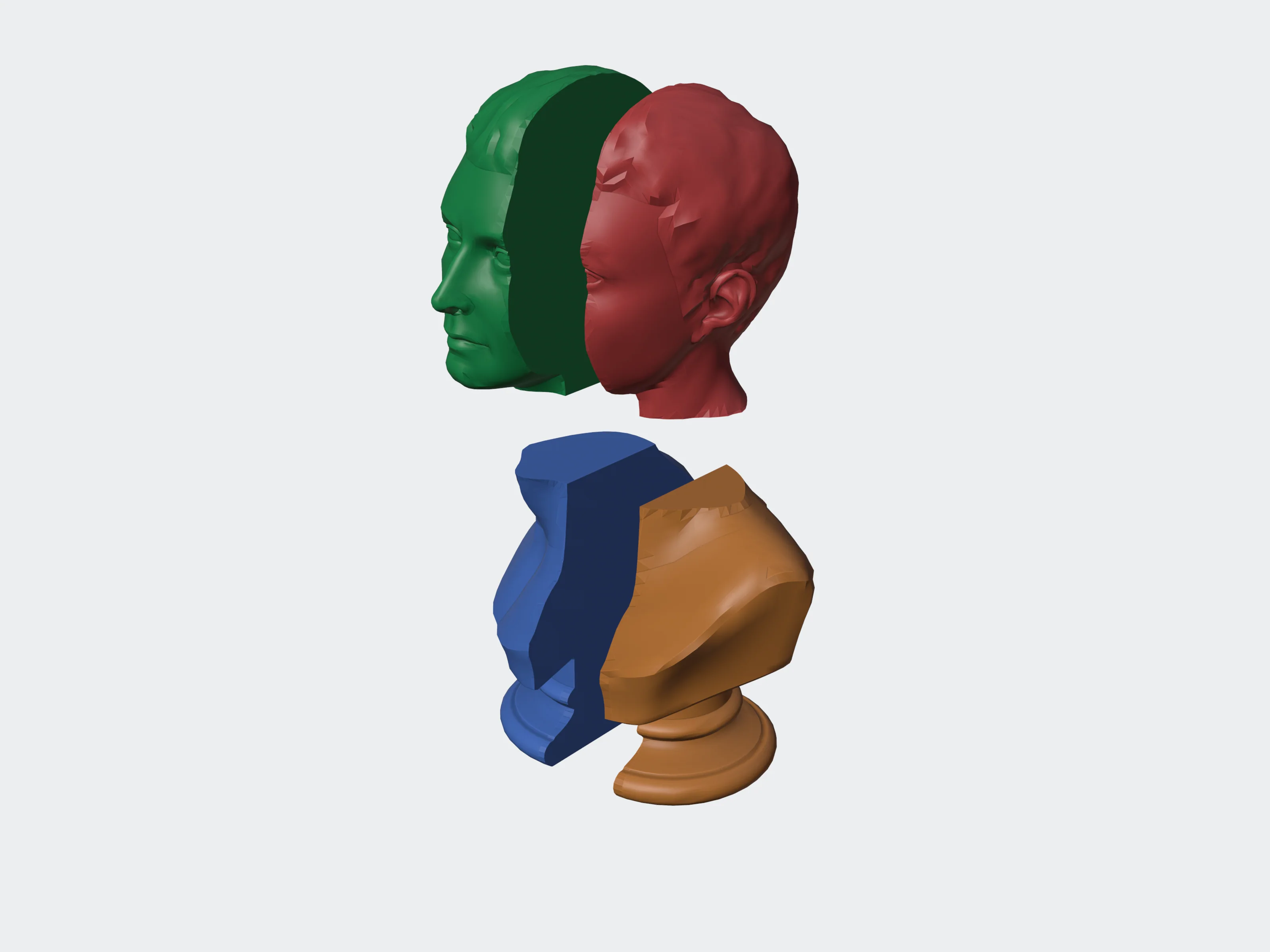 2 planes
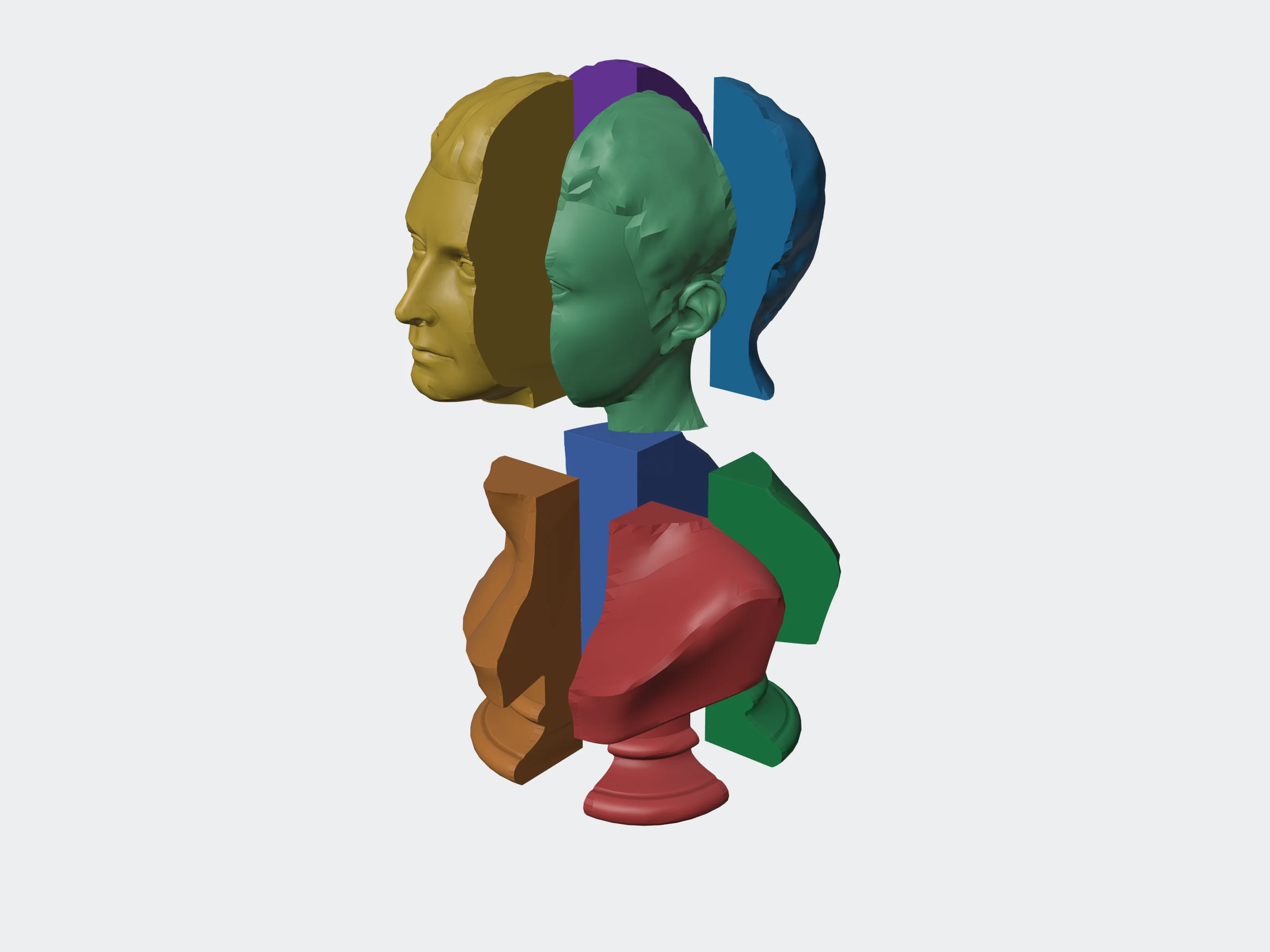 3 planes
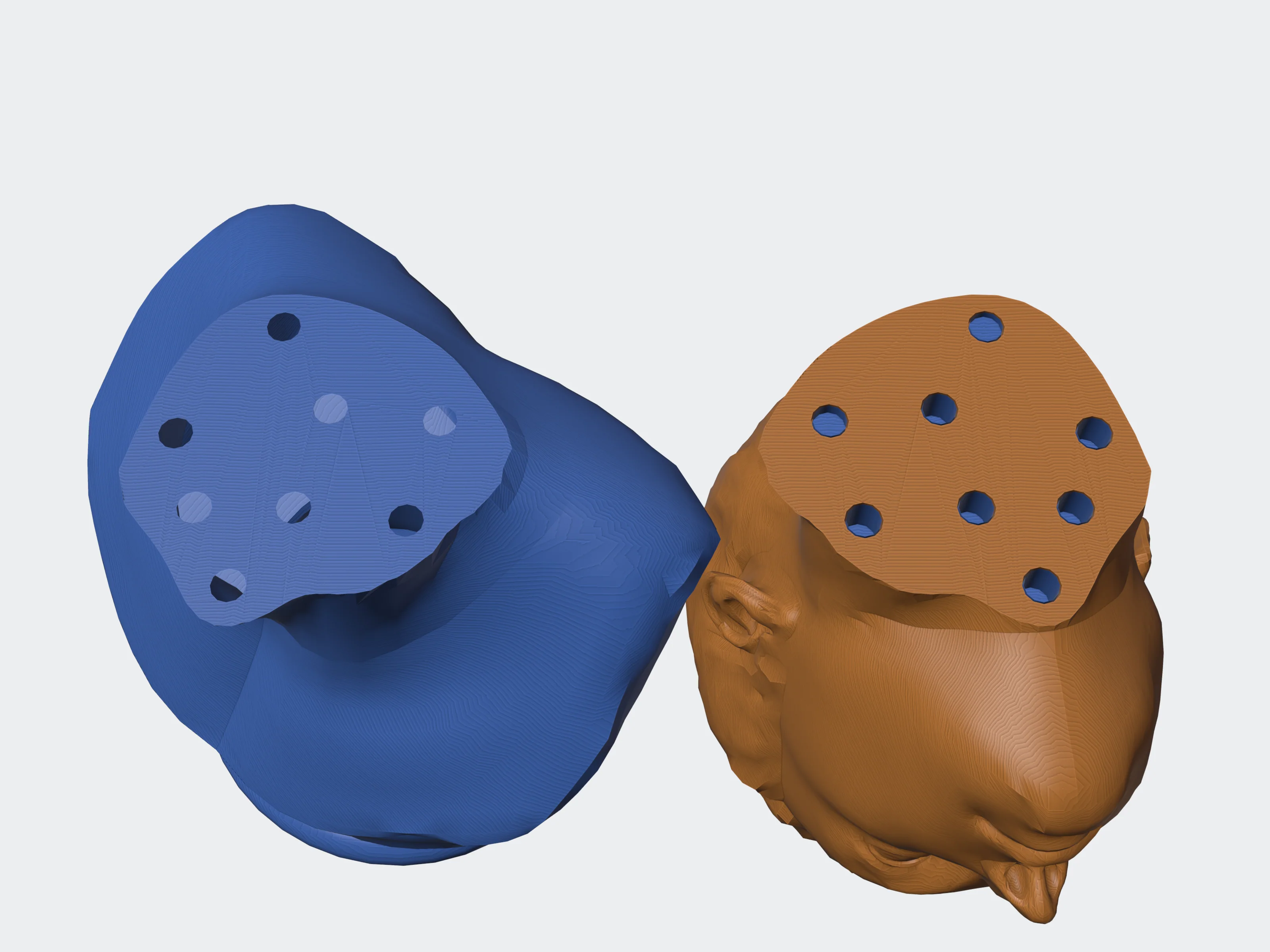 pin
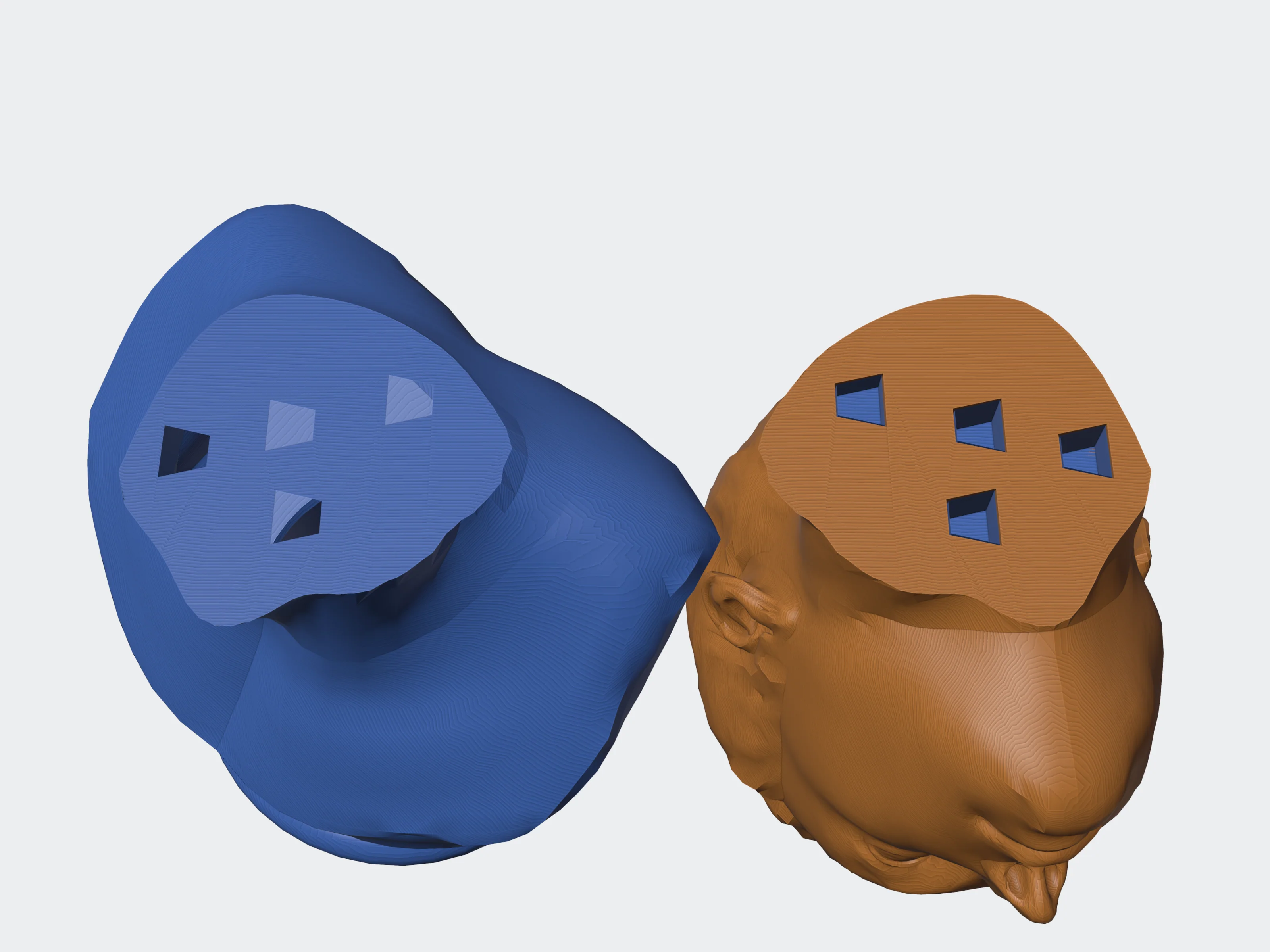 dovetail
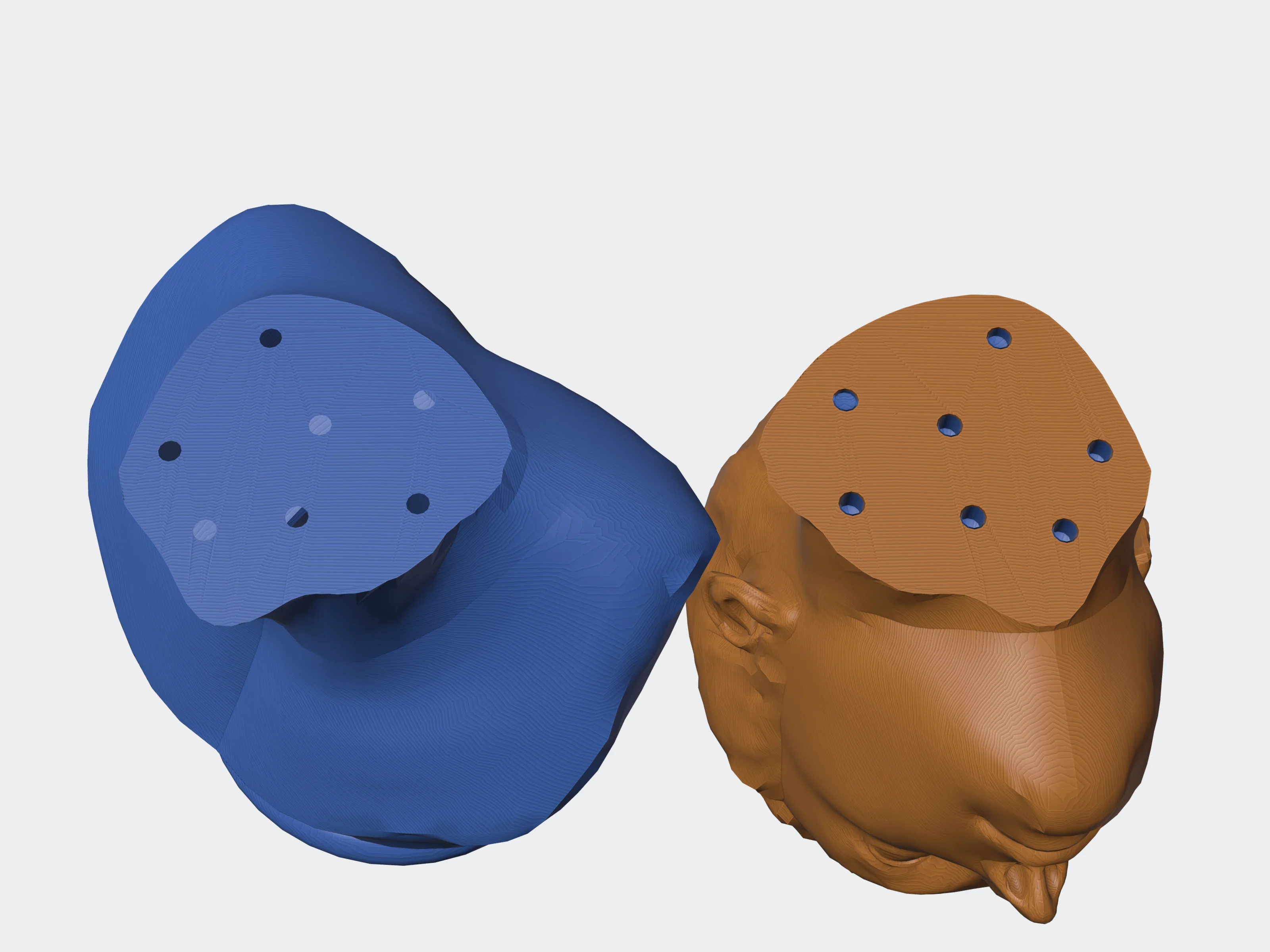 snap
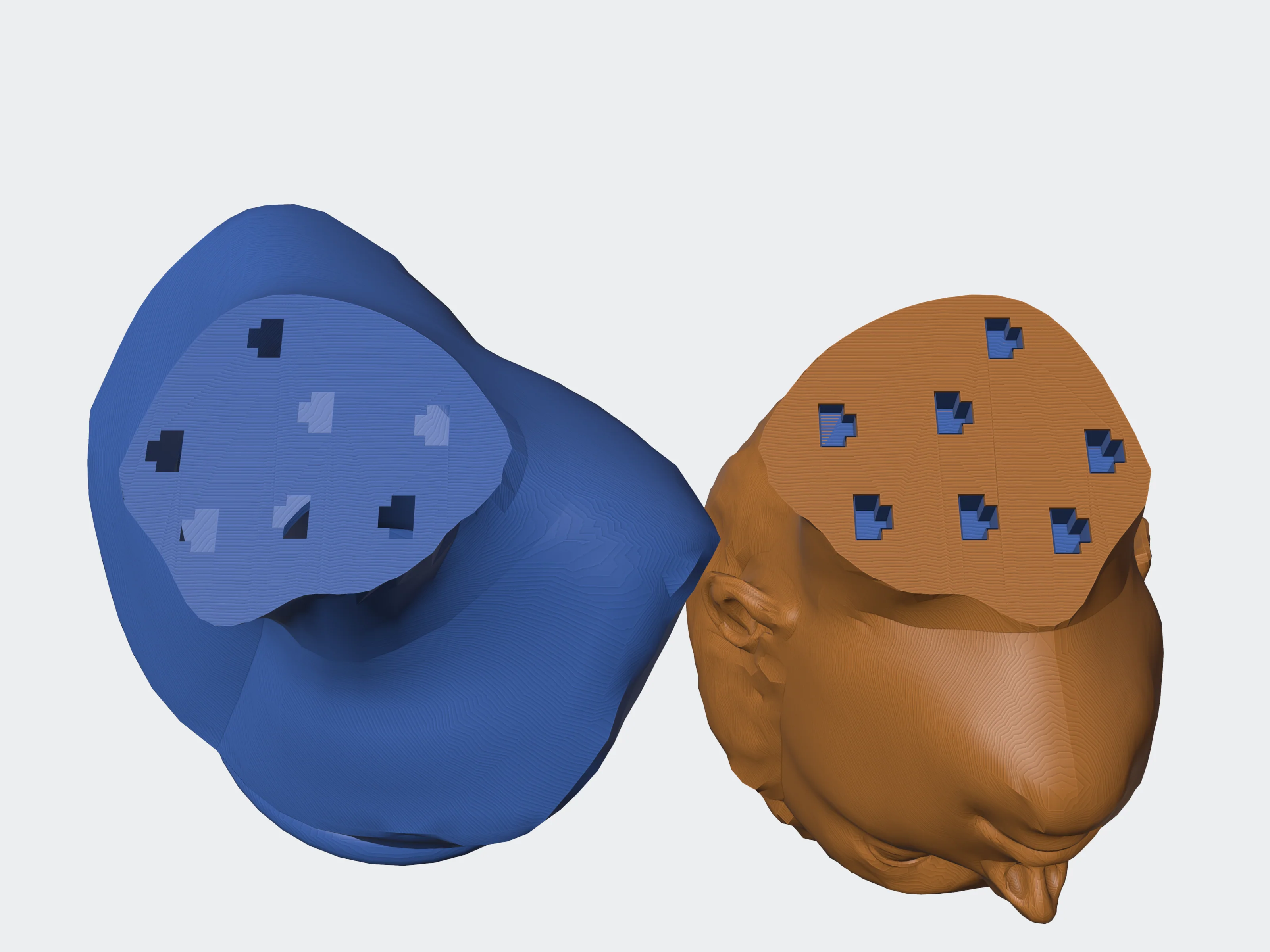 puzzle
mirror#
Adds a mirrored copy of the model; the result holds the original and the copy.
{ "axis": "x", "auto_offset": true, "offset_mm": 5, "merge": true }axis"x" | "y" | "z"default "x"The axis the copy is mirrored along.
auto_offsetbooleandefault truePlace the mirror plane at the model's edge, so the copy sits beside the original without overlapping.
offset_mmnumberdefault 0−10,000 to 10,000With auto_offset, how far the mirror plane moves from the model's edge, so the gap between original and copy is twice this. Without it, the position of the mirror plane on the axis.
mergebooleandefault trueReturn the original and the copy as one mesh. Off, they are two pieces.
flip_uvsbooleandefault falseFlip the copy's texture horizontally, so text in it does not read backwards.
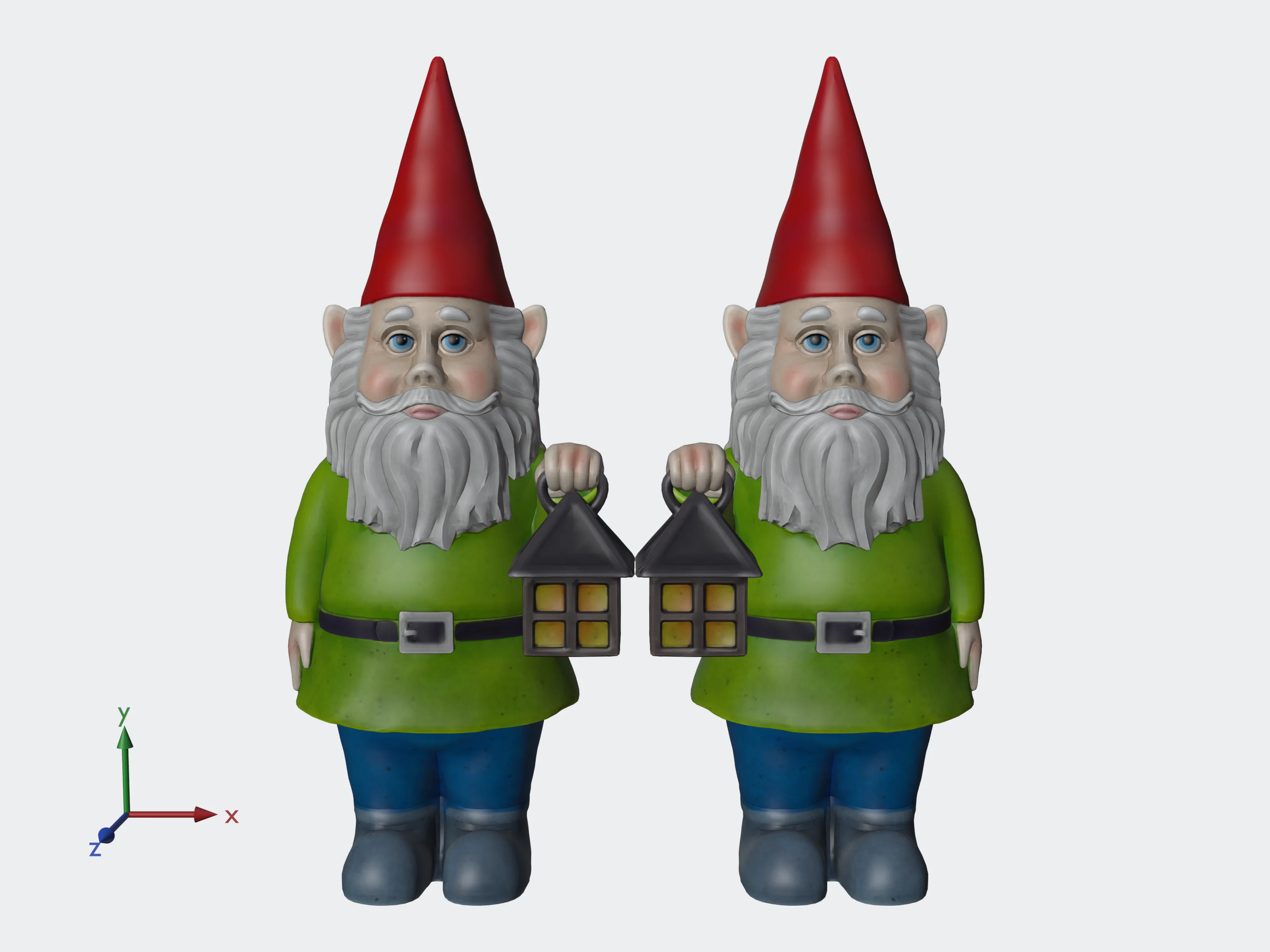 axis: x
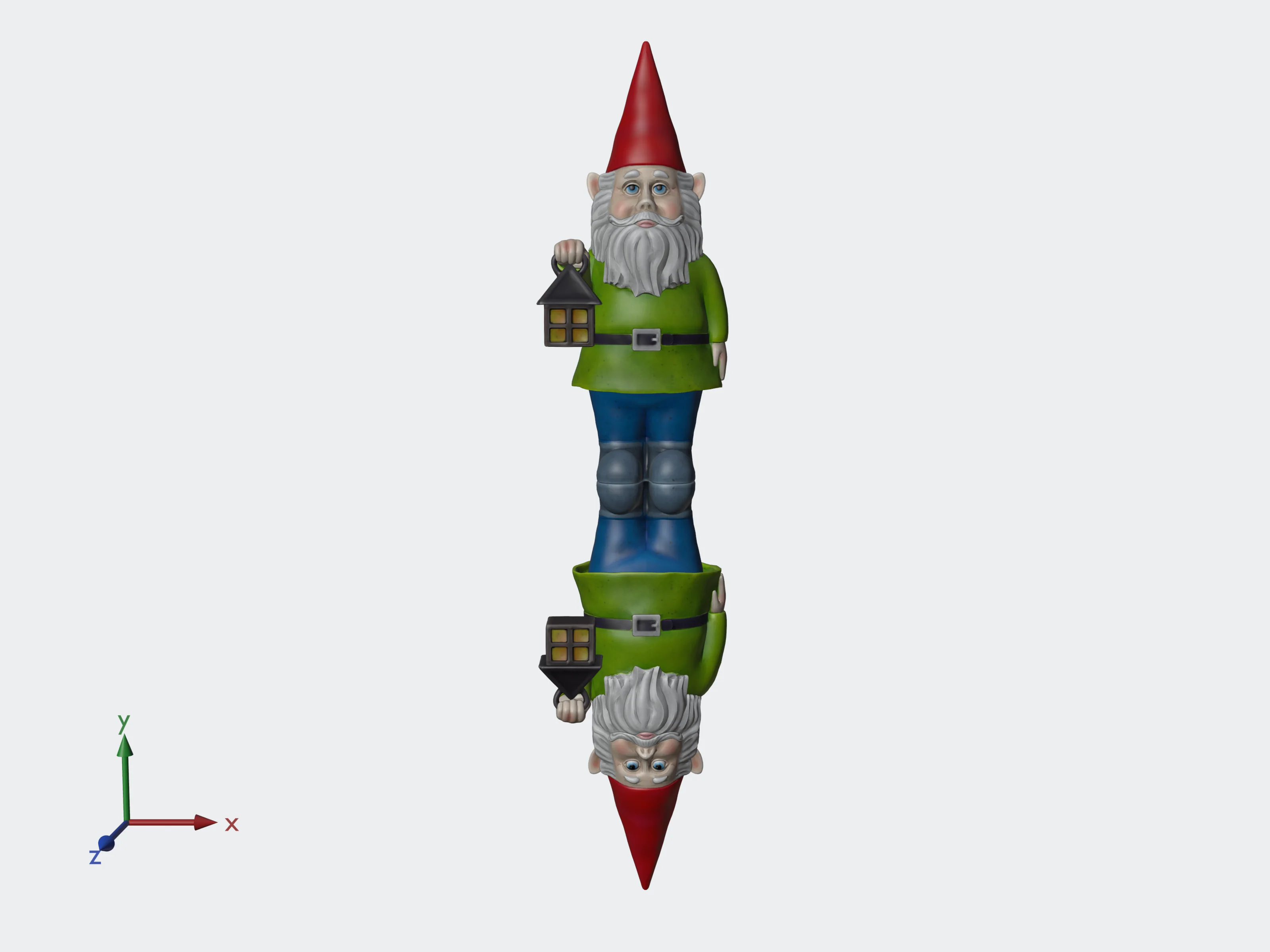 axis: y
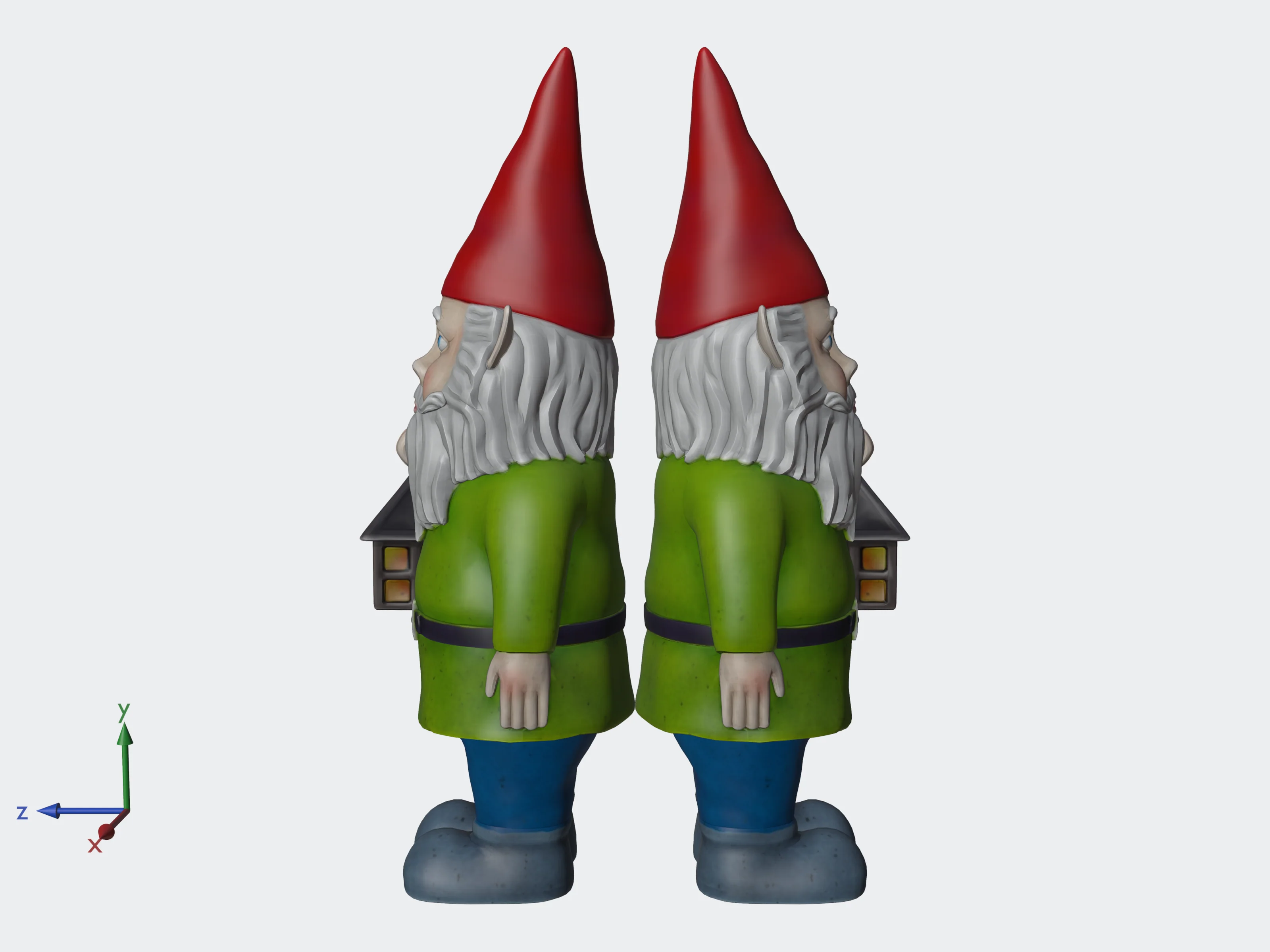 axis: z
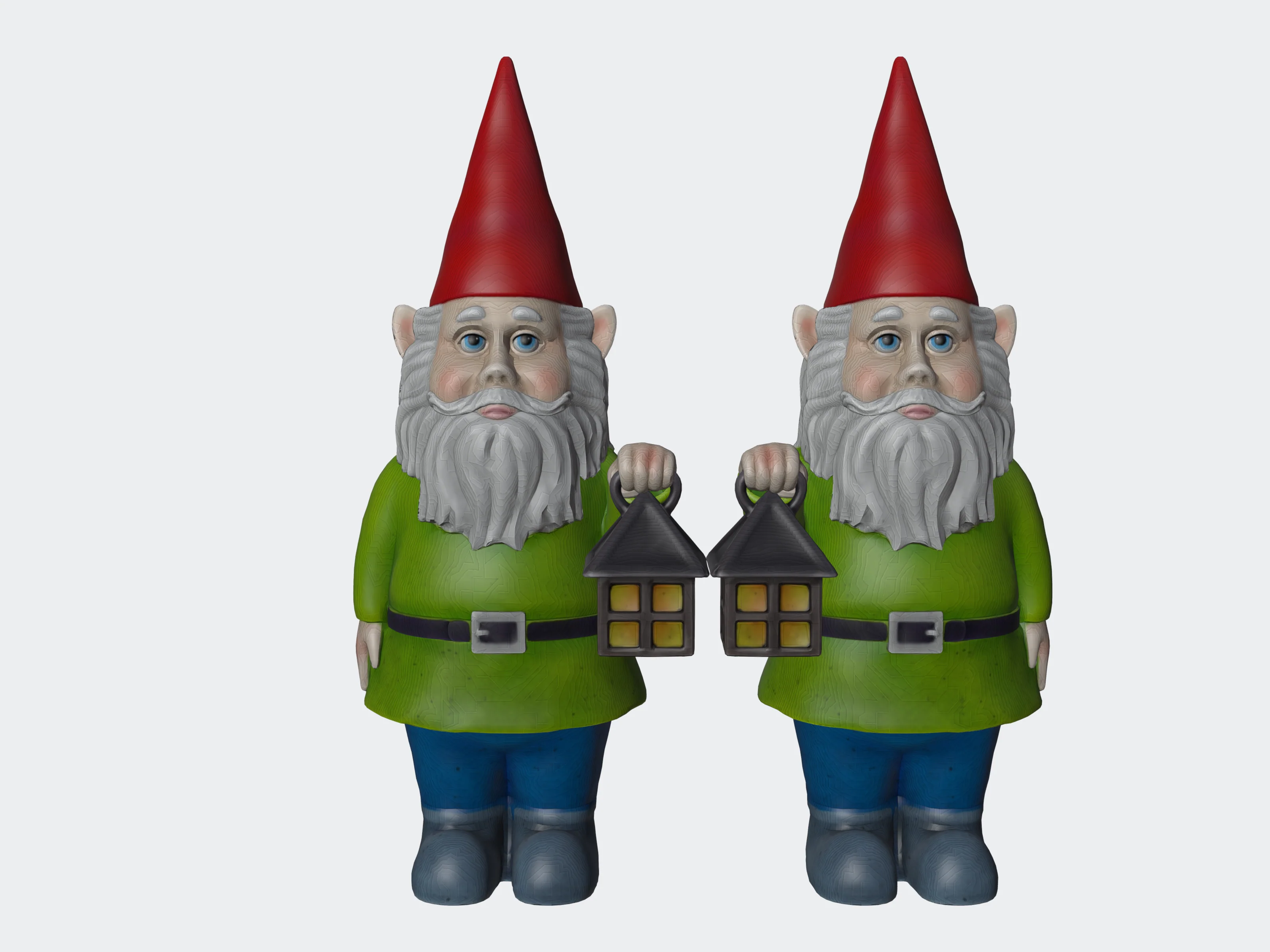 auto_offset, offset 0
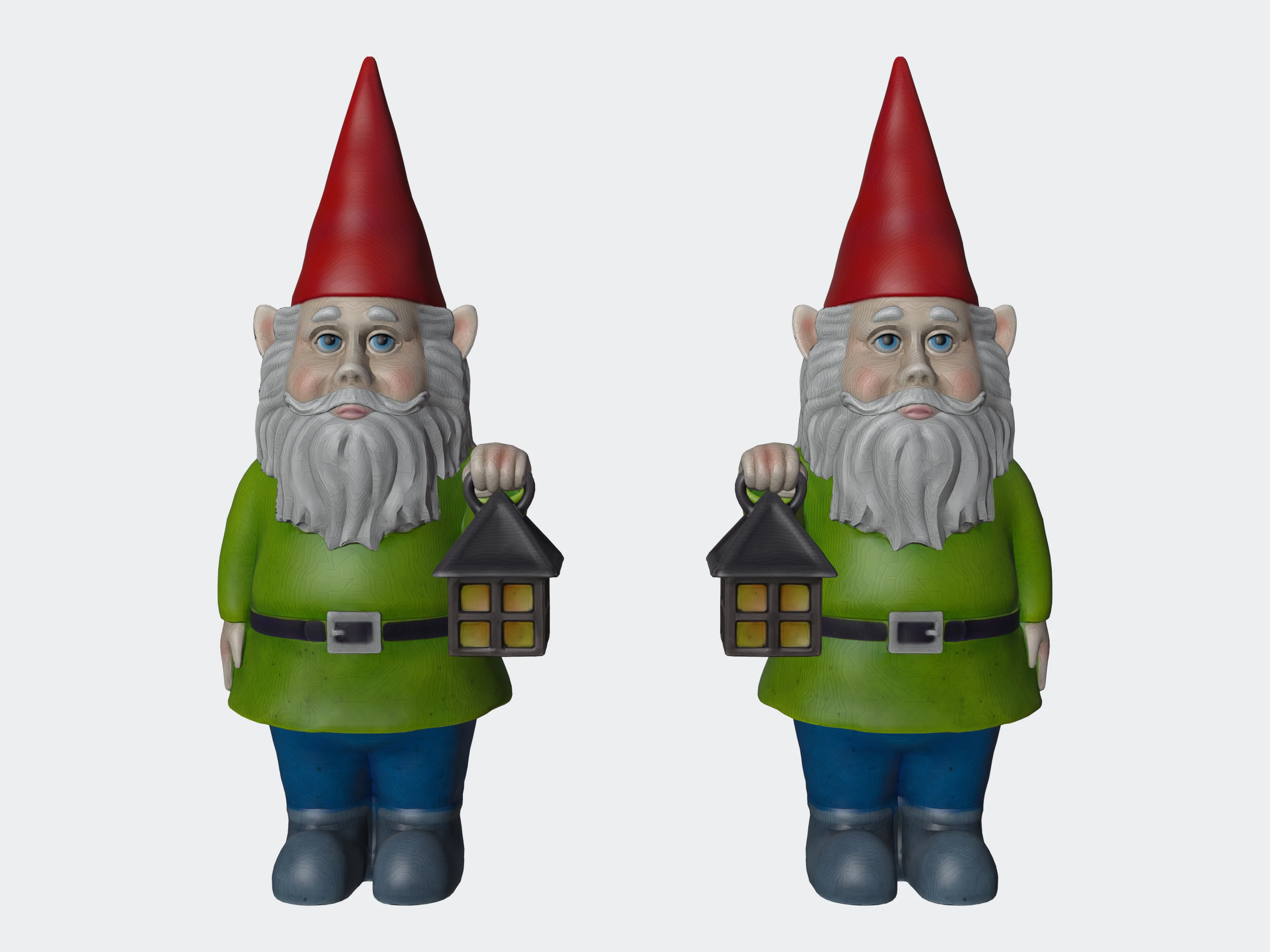 auto_offset, offset 10 mm
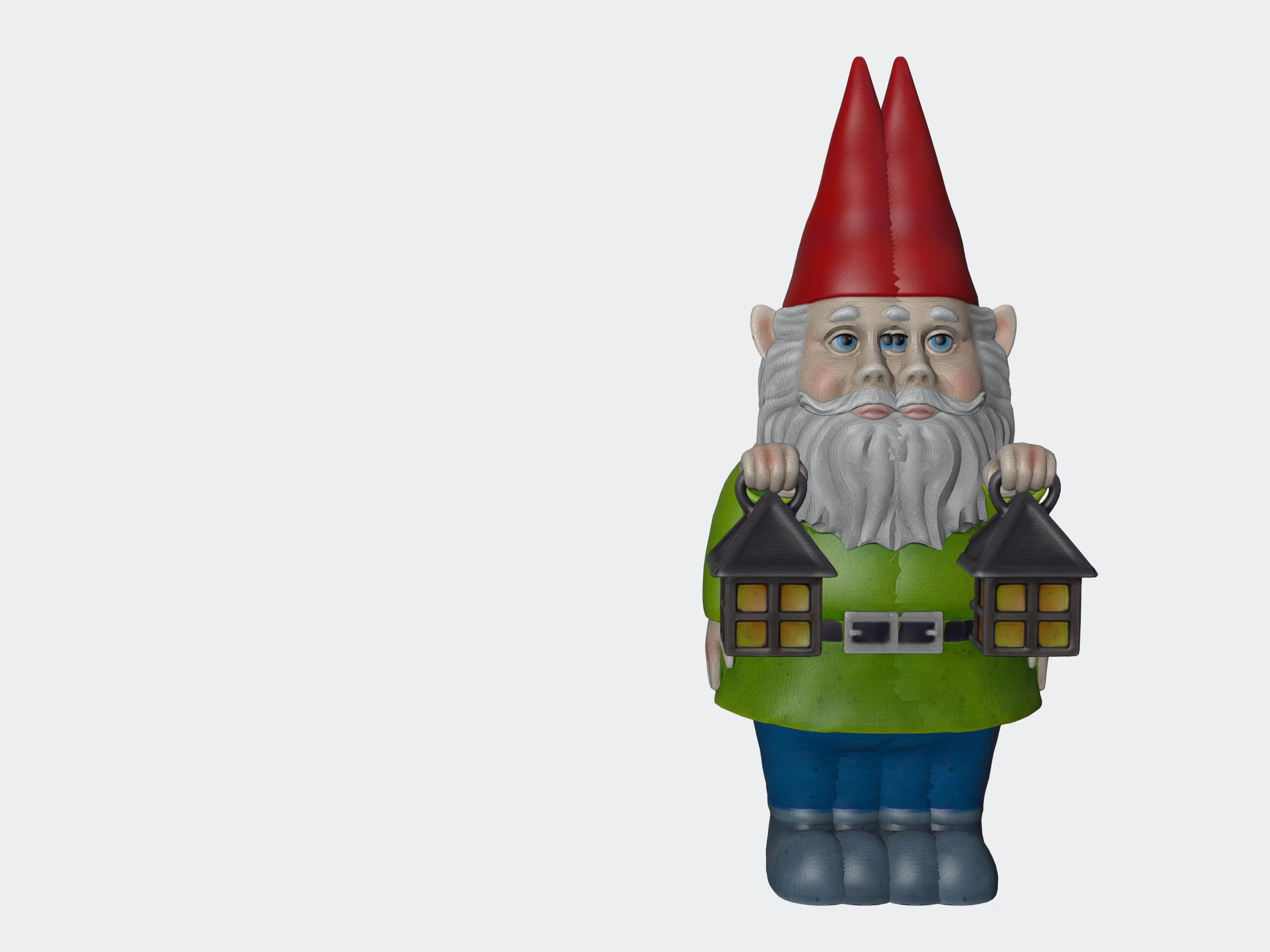 auto_offset false, offset 0
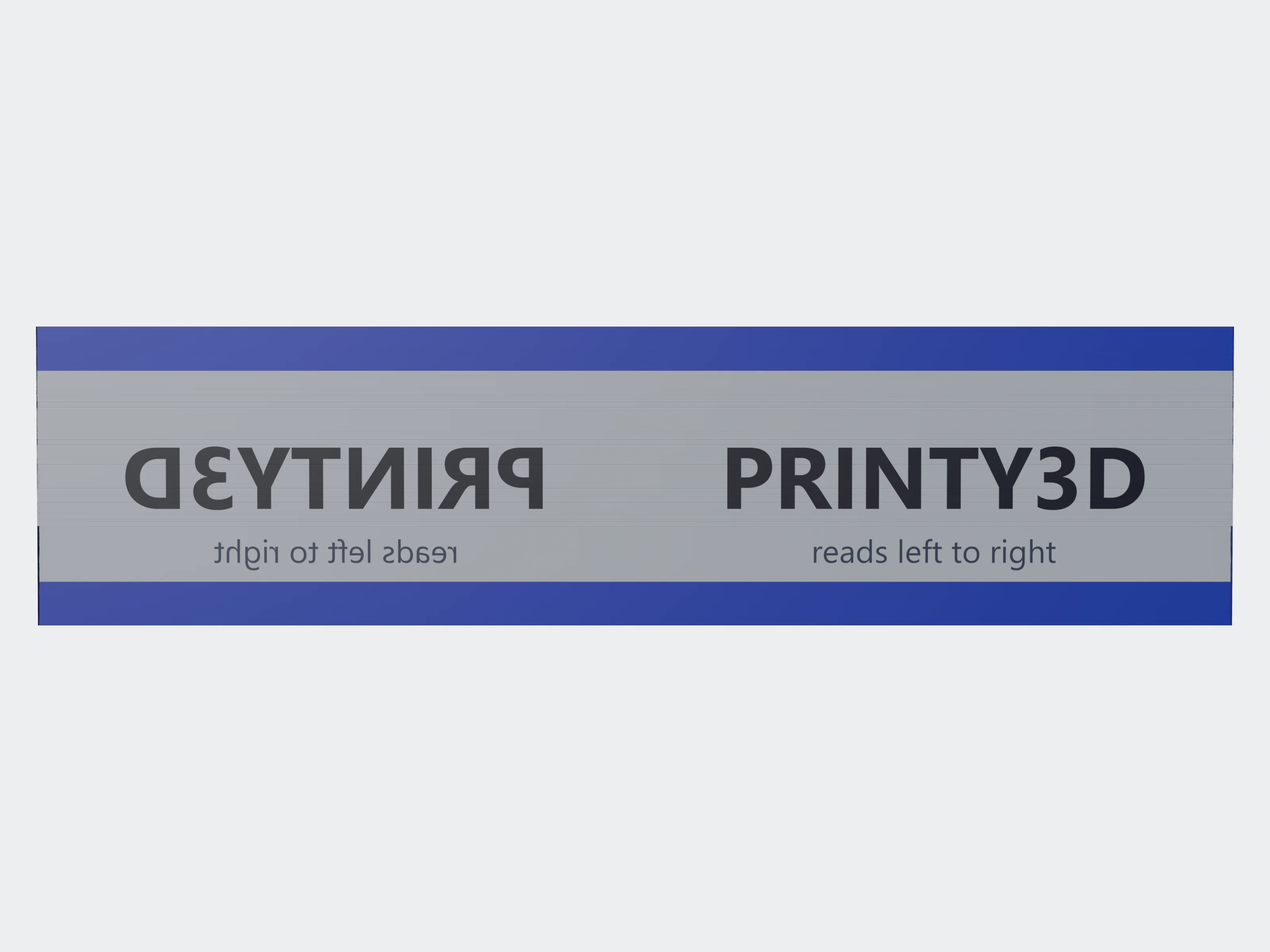 flip_uvs: false
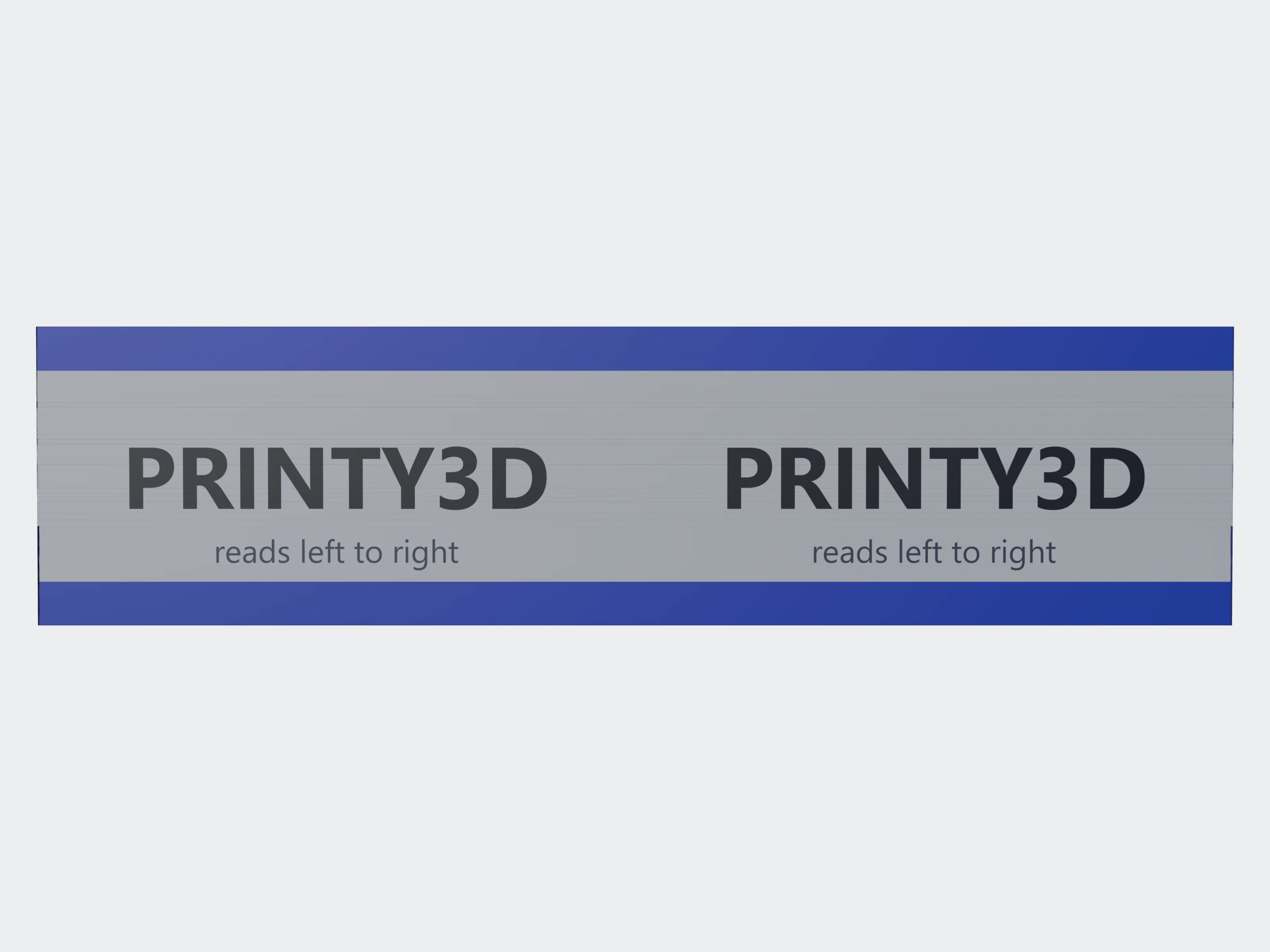 flip_uvs: true
lattice#
Replaces the model's interior with a lattice, inside an optional outer shell: lighter prints that keep their outside.
{ "lattice_type": "gyroid", "cell_size_mm": 6, "shell_thickness_mm": 1.2, "band_thickness_mm": 4 }lattice_type"gyroid" | "schwarz_p" | "bcc" | "octet" | "diamond"default "gyroid"gyroid: smooth, curved minimal surface with no sharp corners, self-supporting on FDM. schwarz_p: minimal surface with a nested-cube look, strong in compression. bcc: struts from each cell corner to its centre. octet: dense, stiff cross-braced truss. diamond: tetrahedral struts.
cell_size_mmnumberdefault 5> 0, ≤ 100Size of one repeating cell. Larger cells are fewer and bigger; smaller cells are finer, denser and heavier. 5–6 mm is a good default.
strut_thickness_mmnumberdefault 1> 0, ≤ 20Strut diameter for bcc, octet and diamond. With a shell it is also the thickness of the gyroid and schwarz_p surfaces. Members too thin for the engine's grid are raised to what it can resolve: on a 120 mm part, 0.5 mm came out at about 0.94 mm.
shell_thickness_mmnumberdefault 0.60–20With include_shell, the thickness of the outer wall. Without it, the thickness of the gyroid and schwarz_p surfaces.
include_shellbooleandefault trueKeep the model's outer surface as a closed shell around the lattice.
band_thickness_mmnumberdefault 00–1000 fills the whole interior with lattice. Above 0, the lattice stays in a band this thick just inside the shell and the core comes out solid: a smaller mesh, not a lighter part. On the 120 mm bust below: 120 cm³ at 0, 140 cm³ at 3 mm, 129 cm³ at 6 mm.
interior_erosion_mmnumberdefault 00–50Only with include_shell false: how far the lattice stays from the model's surface. With a shell it is ignored, because the wall thickness sets where the lattice starts.
material_color[r, g, b]each 0–1Colour of the lattice.
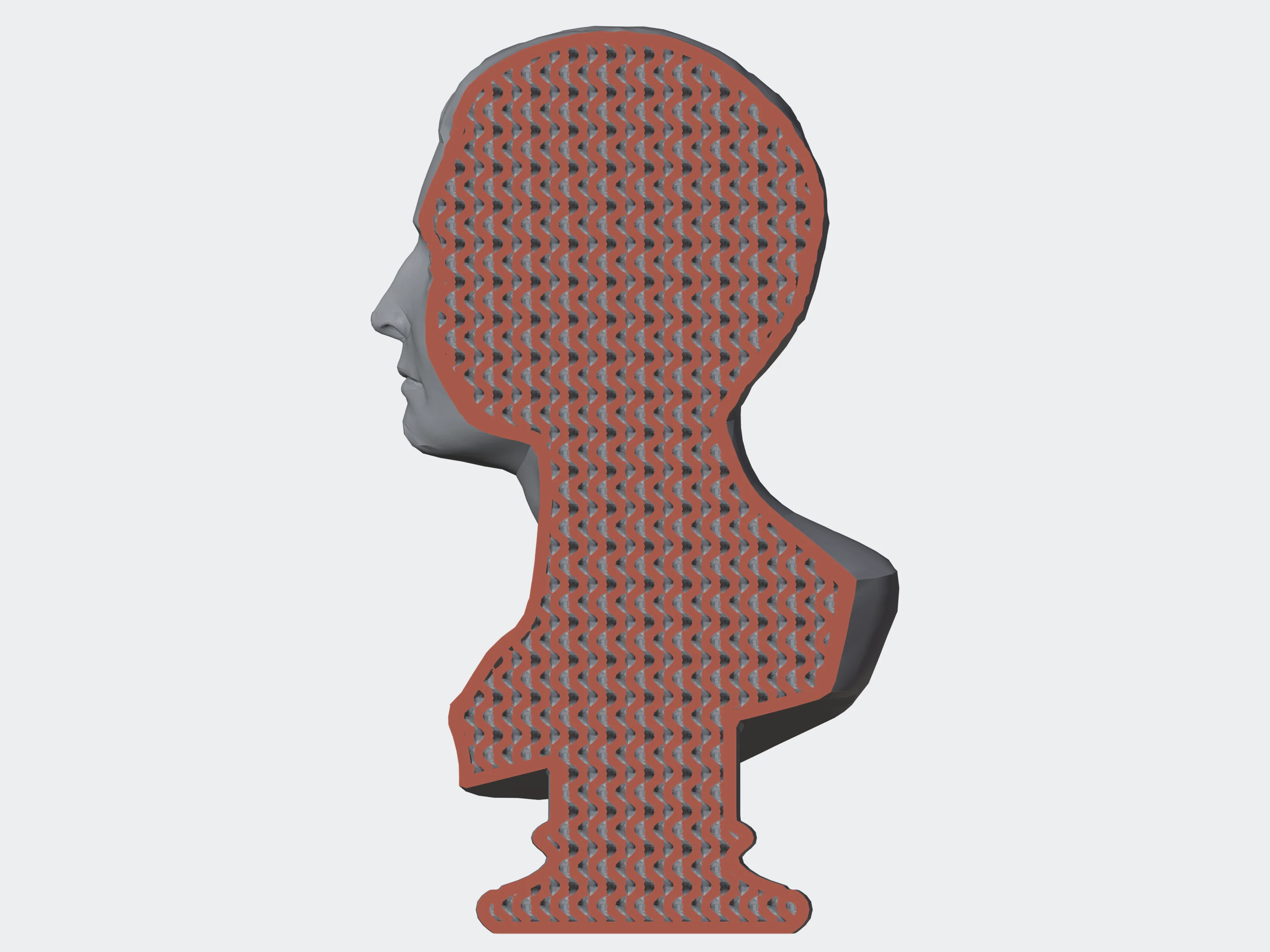 gyroid
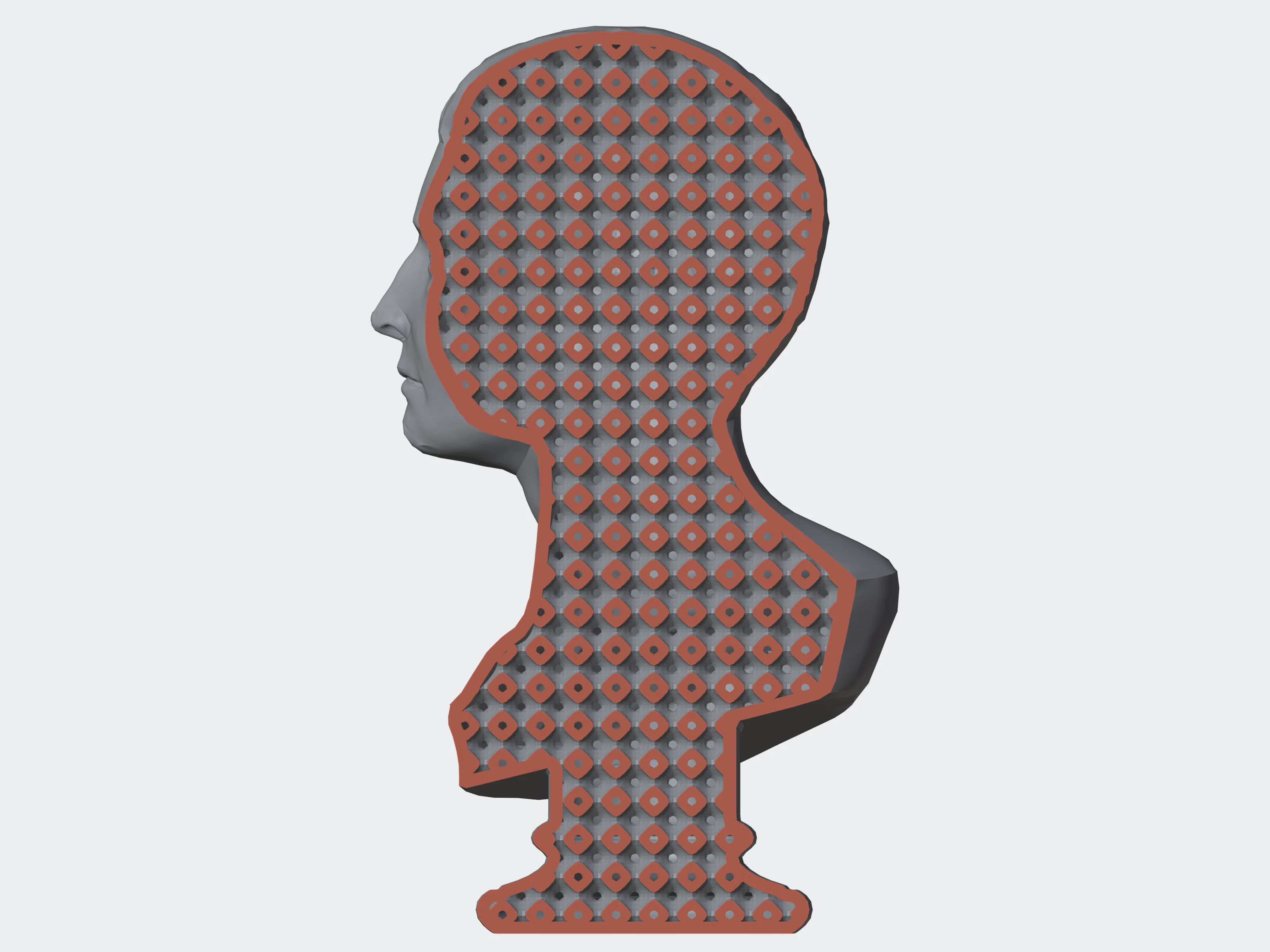 schwarz_p
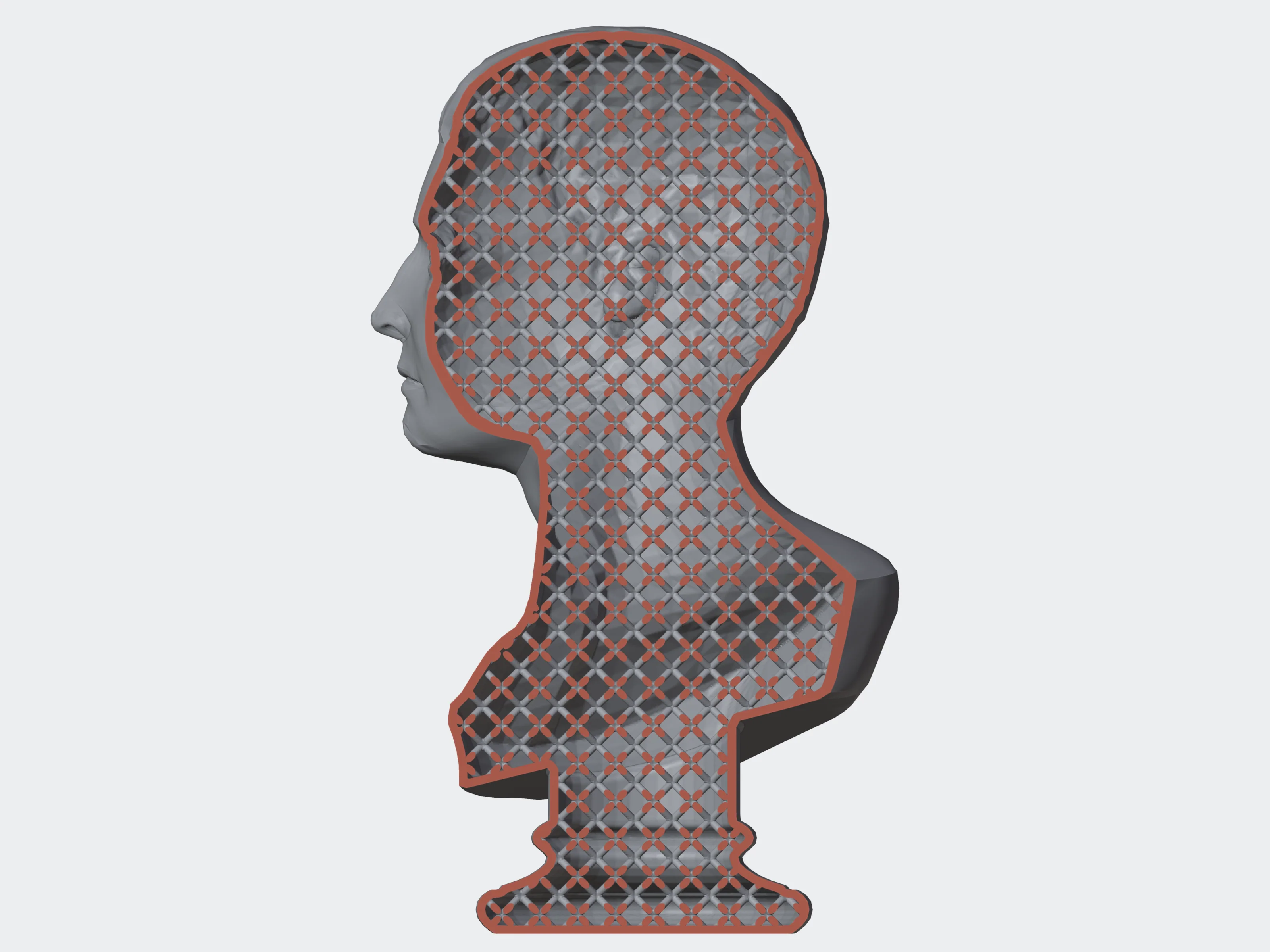 bcc
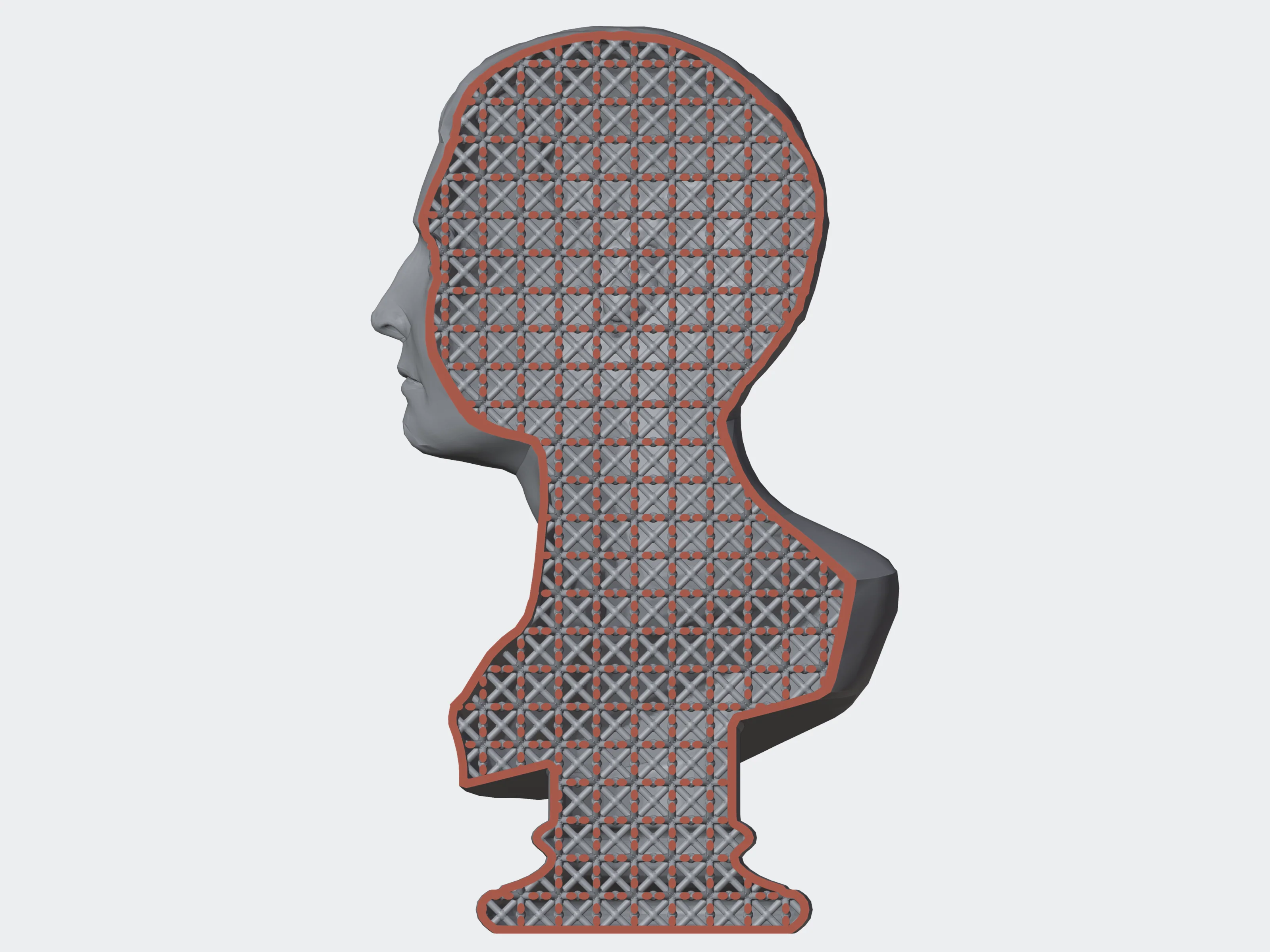 octet
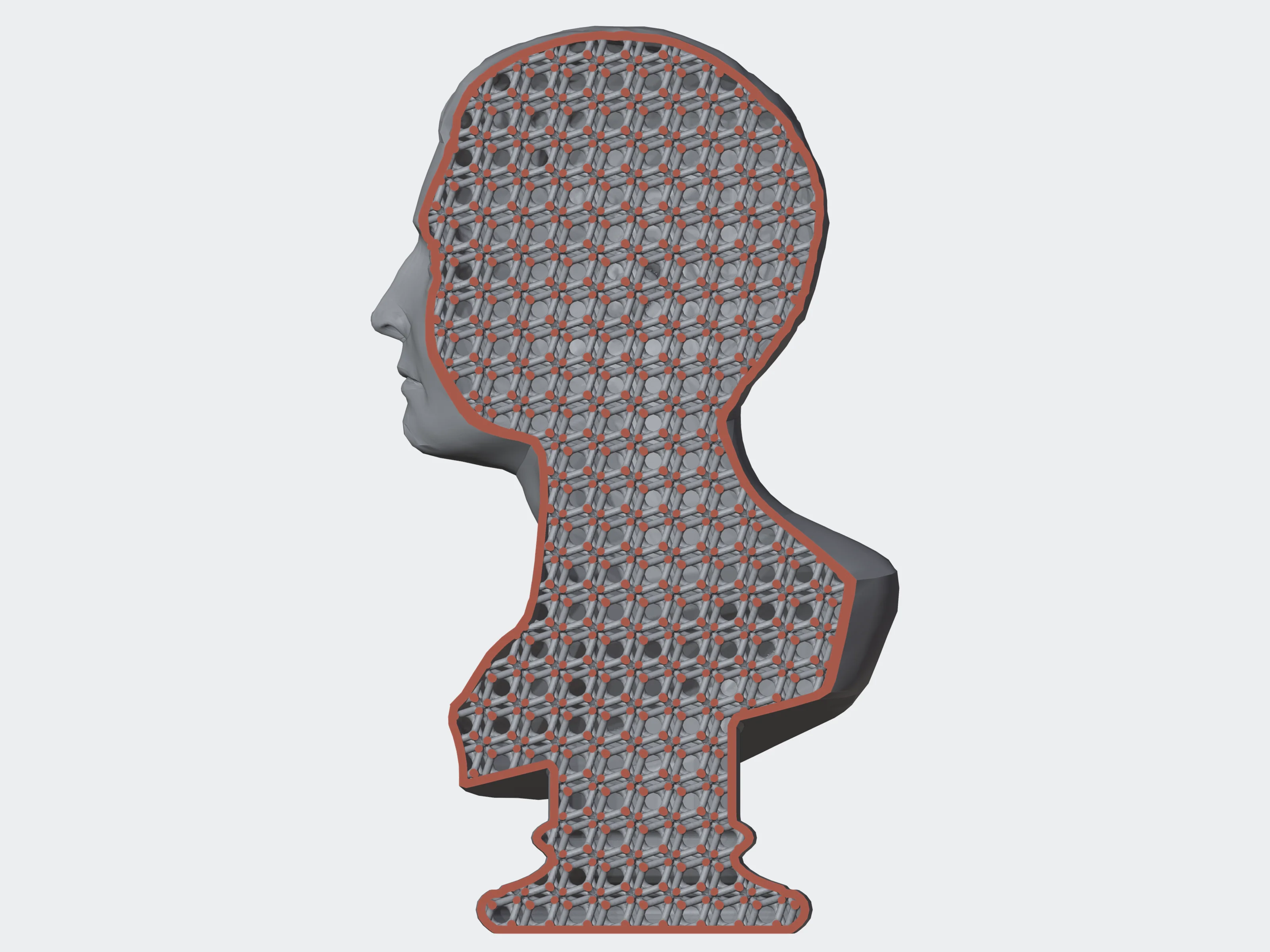 diamond
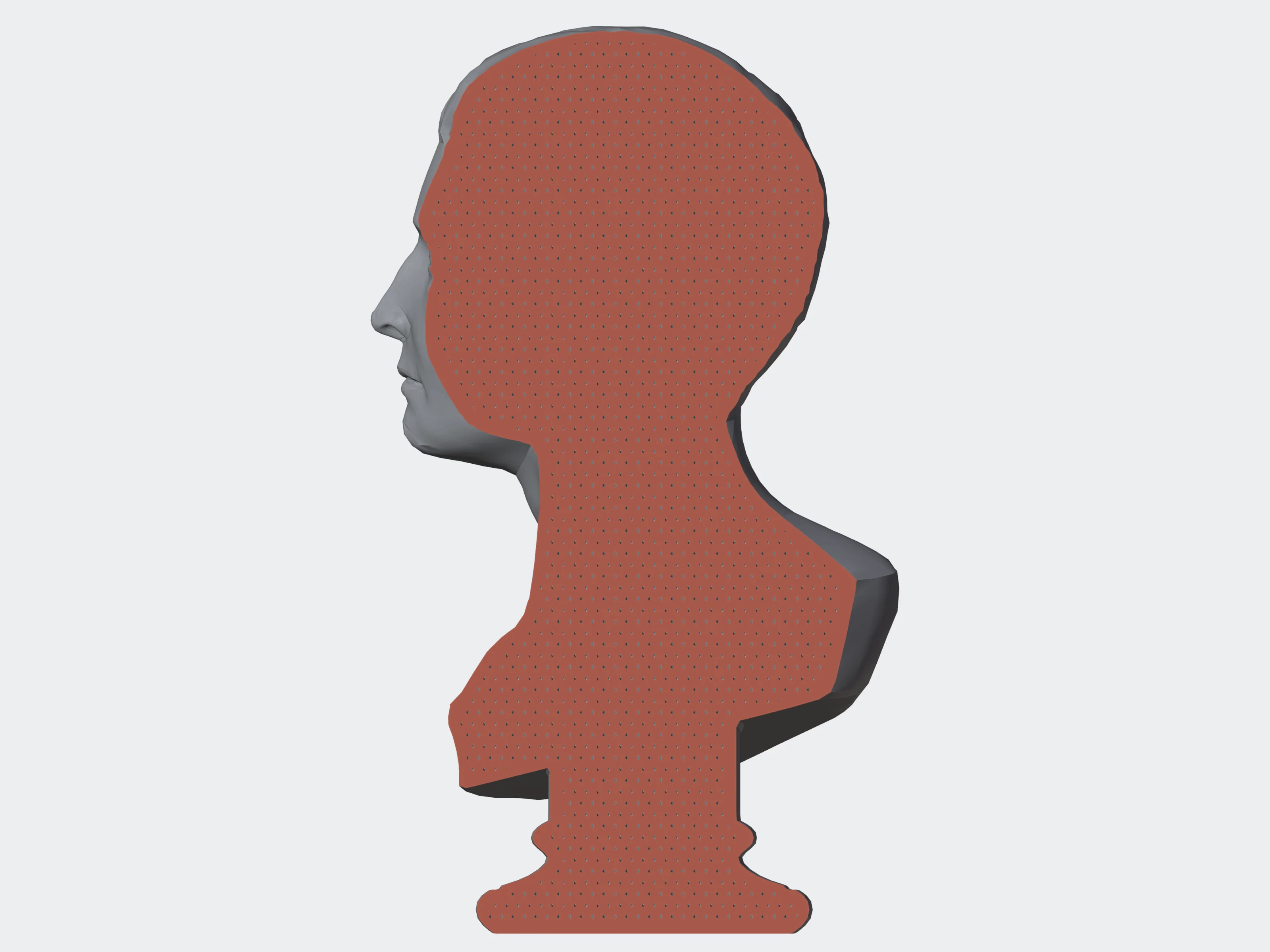 3 mm
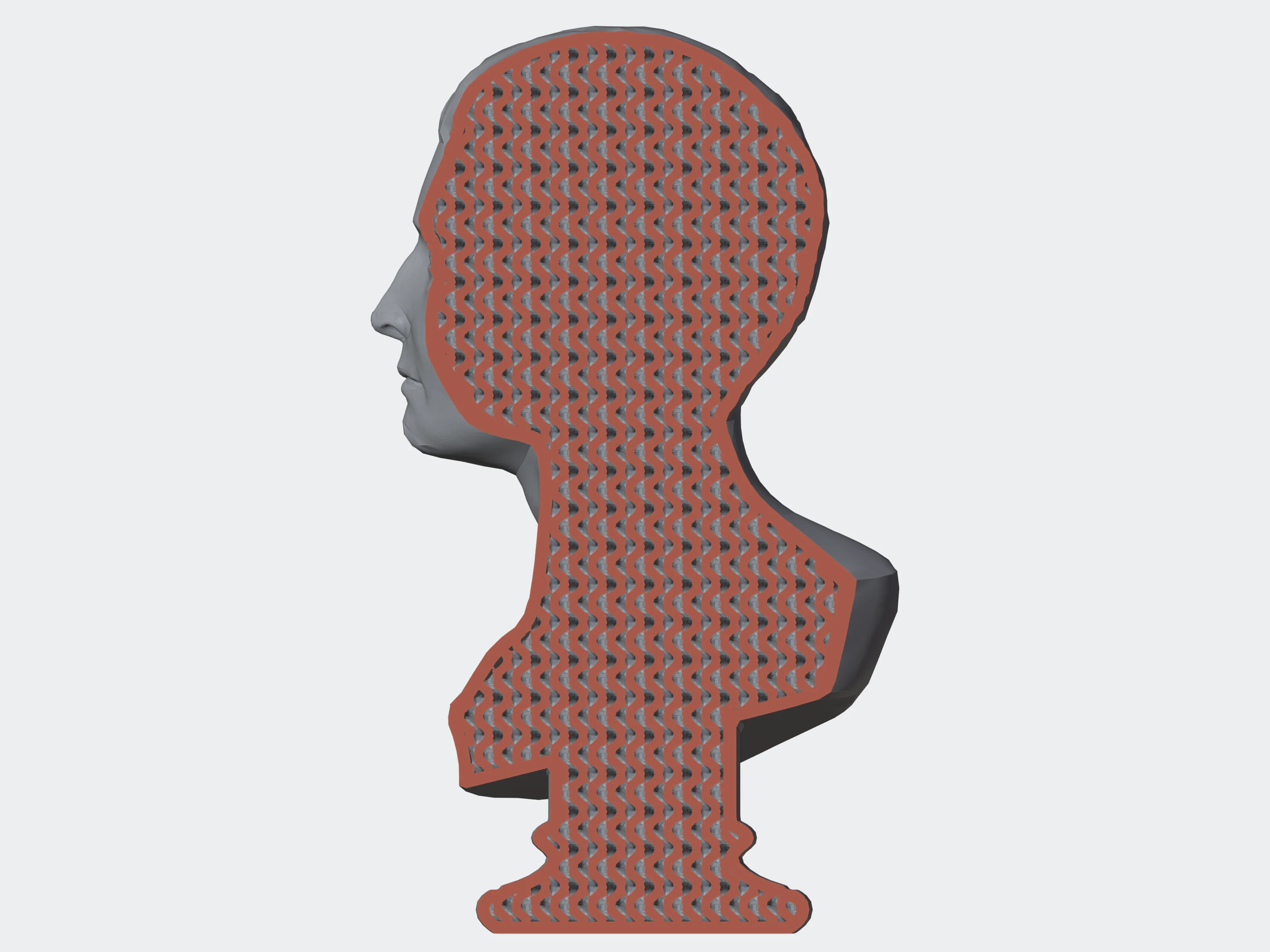 5 mm
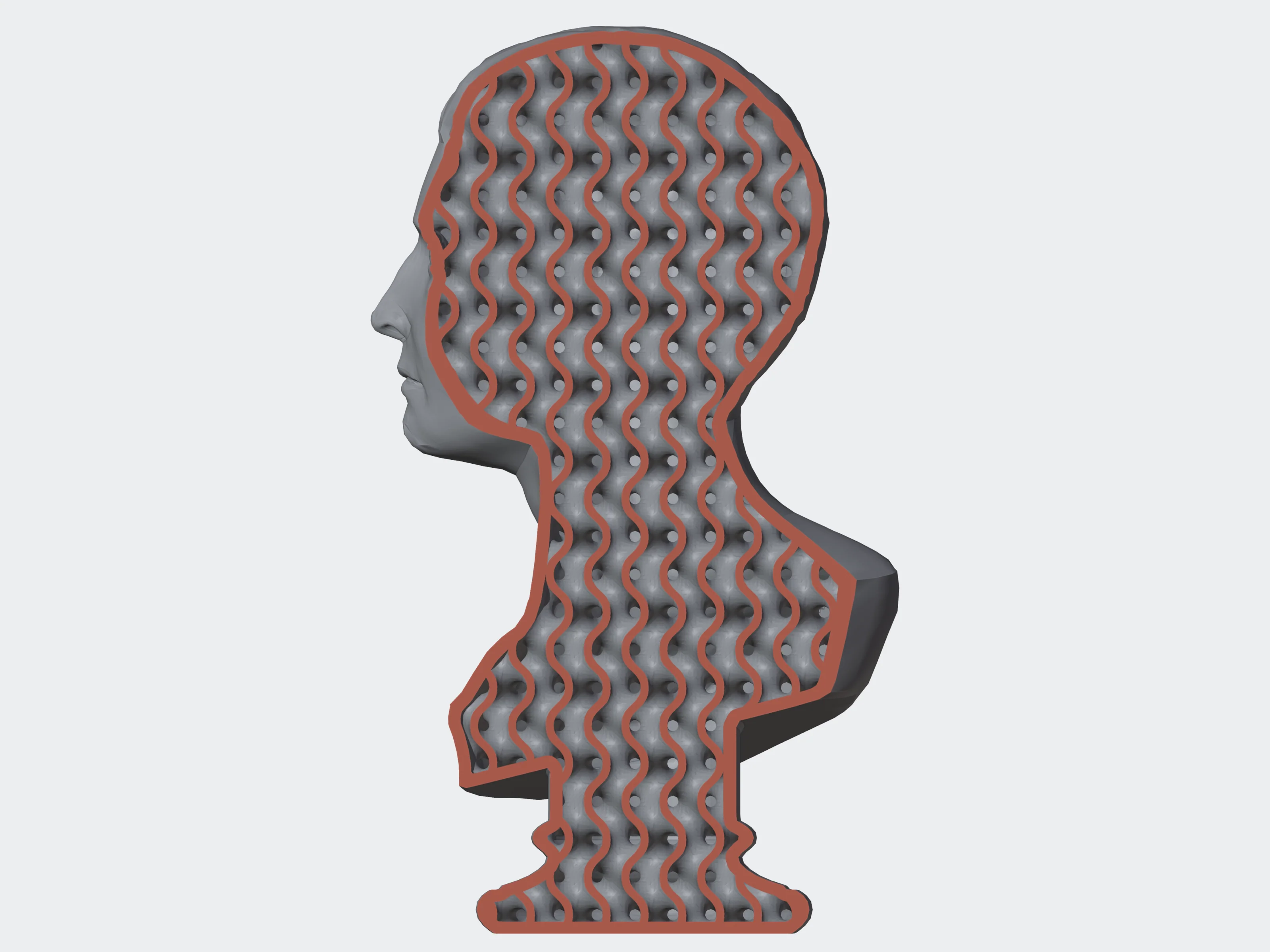 10 mm
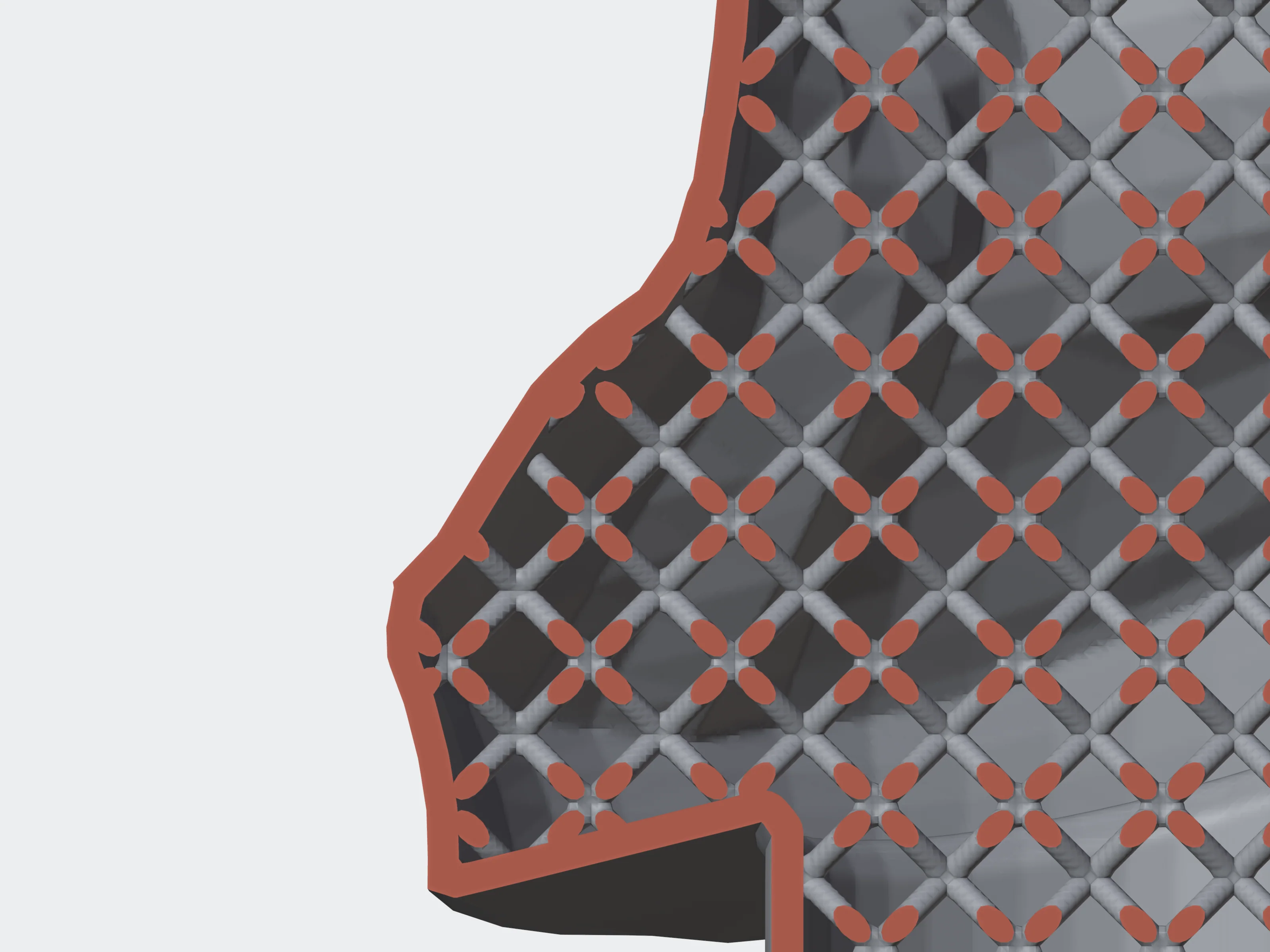 0.5 mm
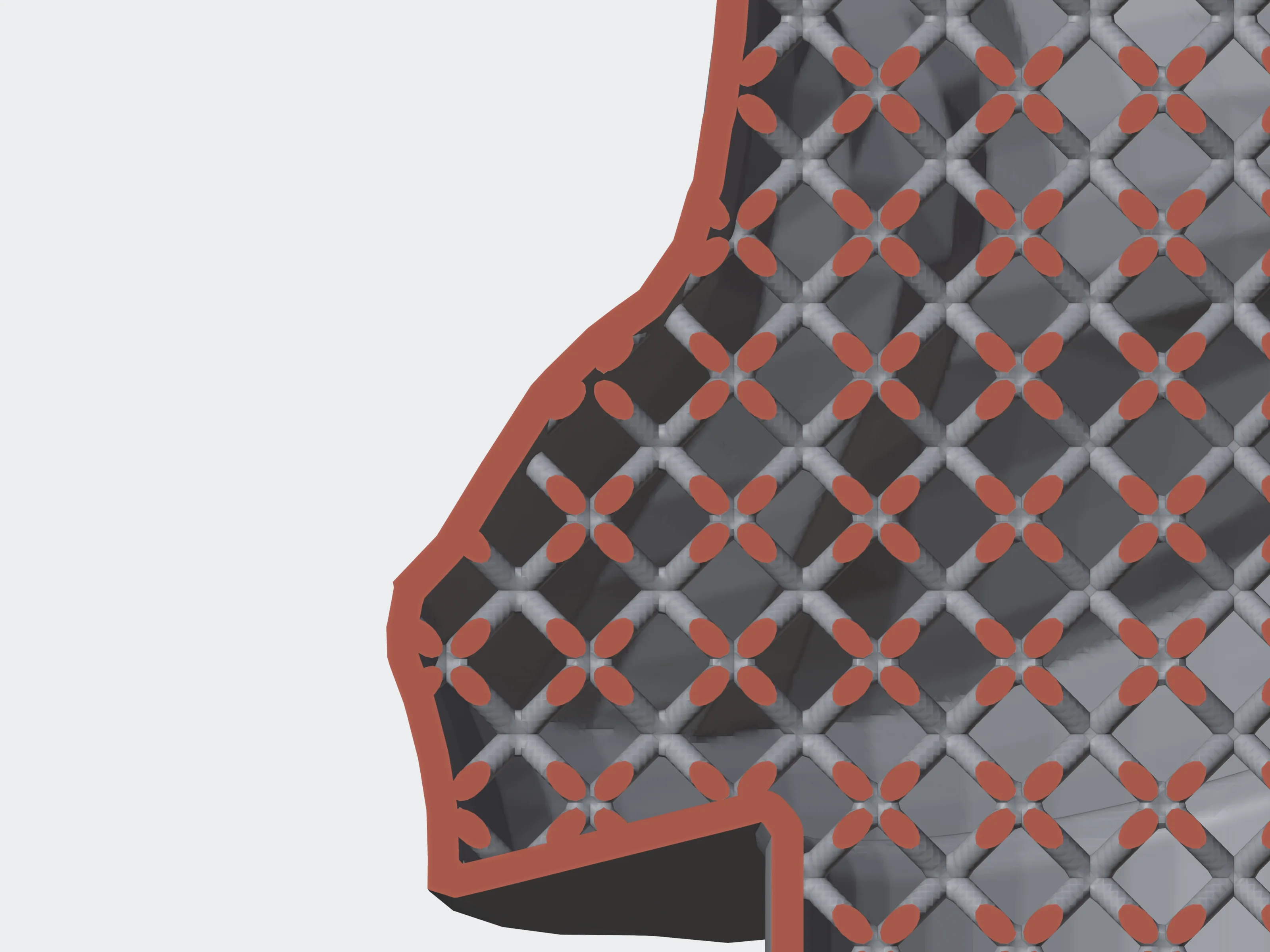 1 mm
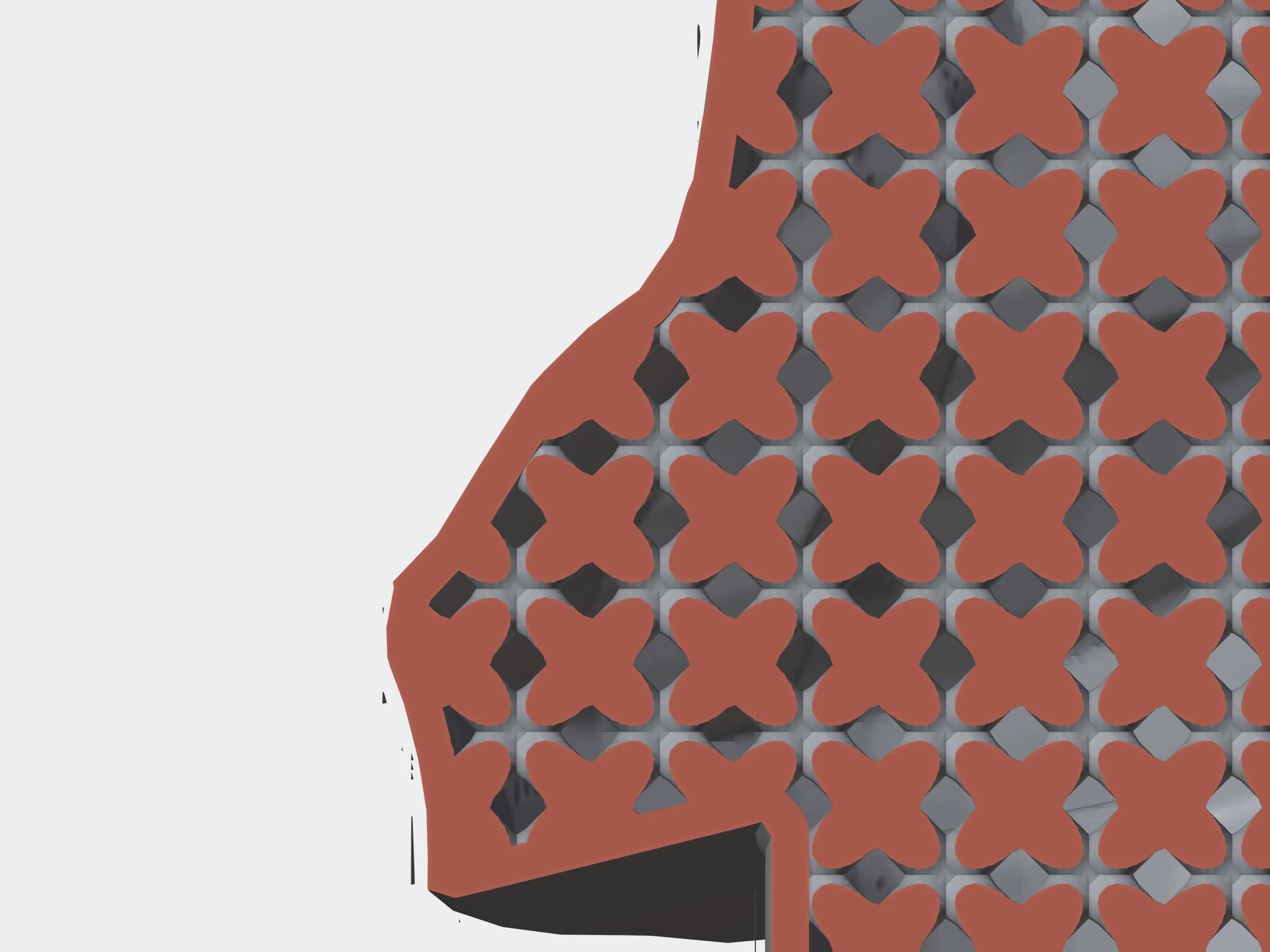 2 mm
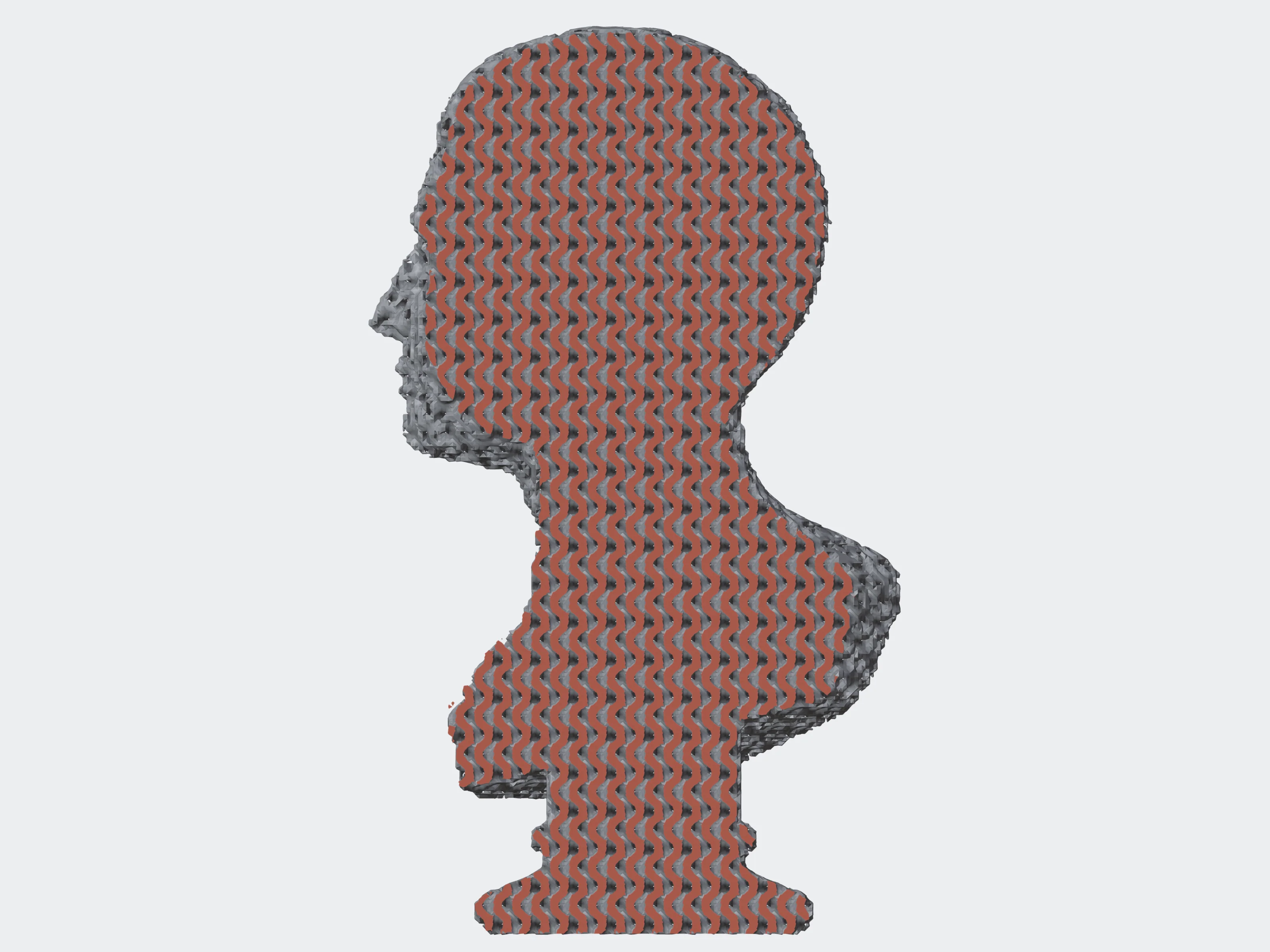 include_shell: false
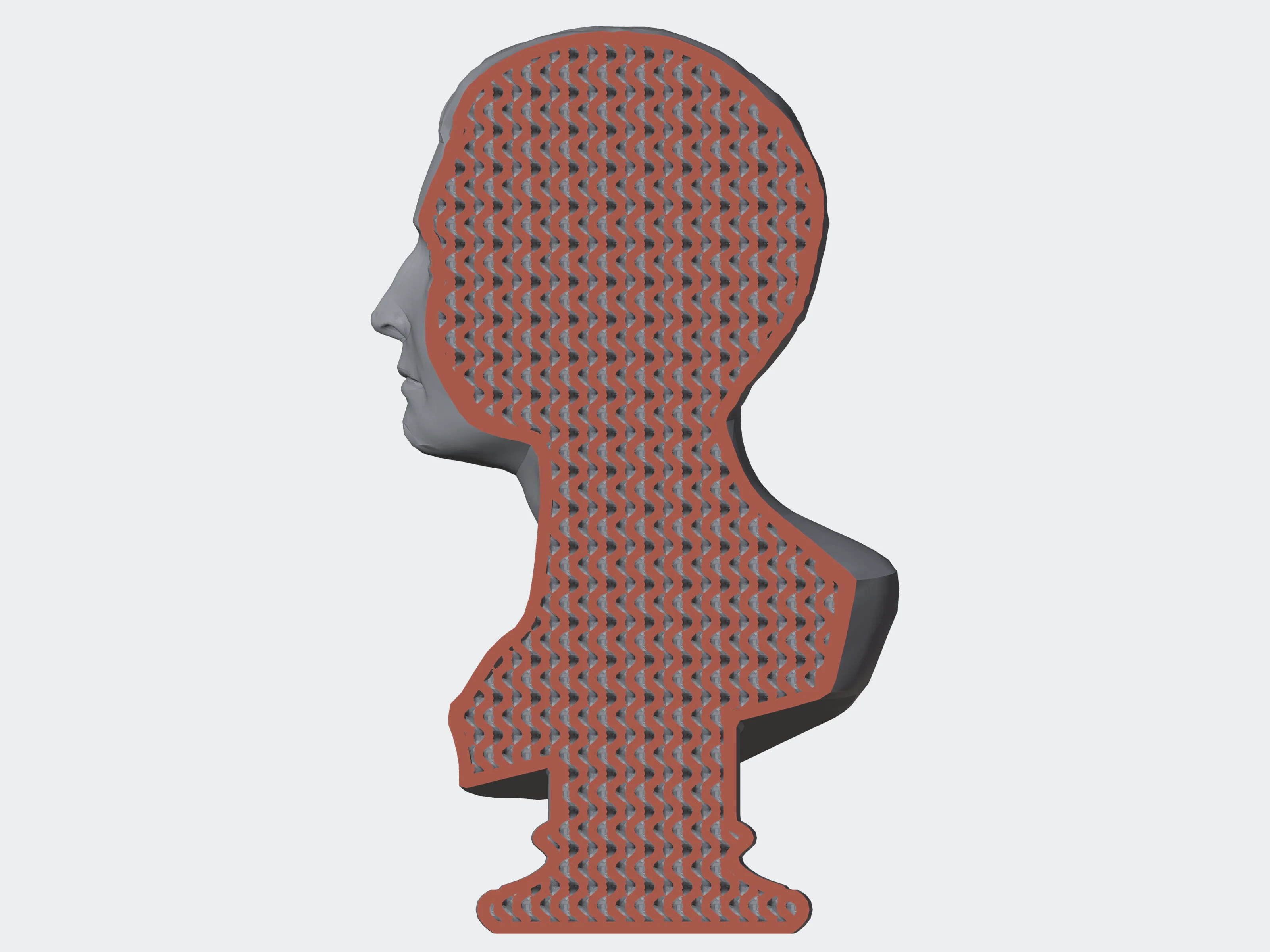 shell 0.6 mm
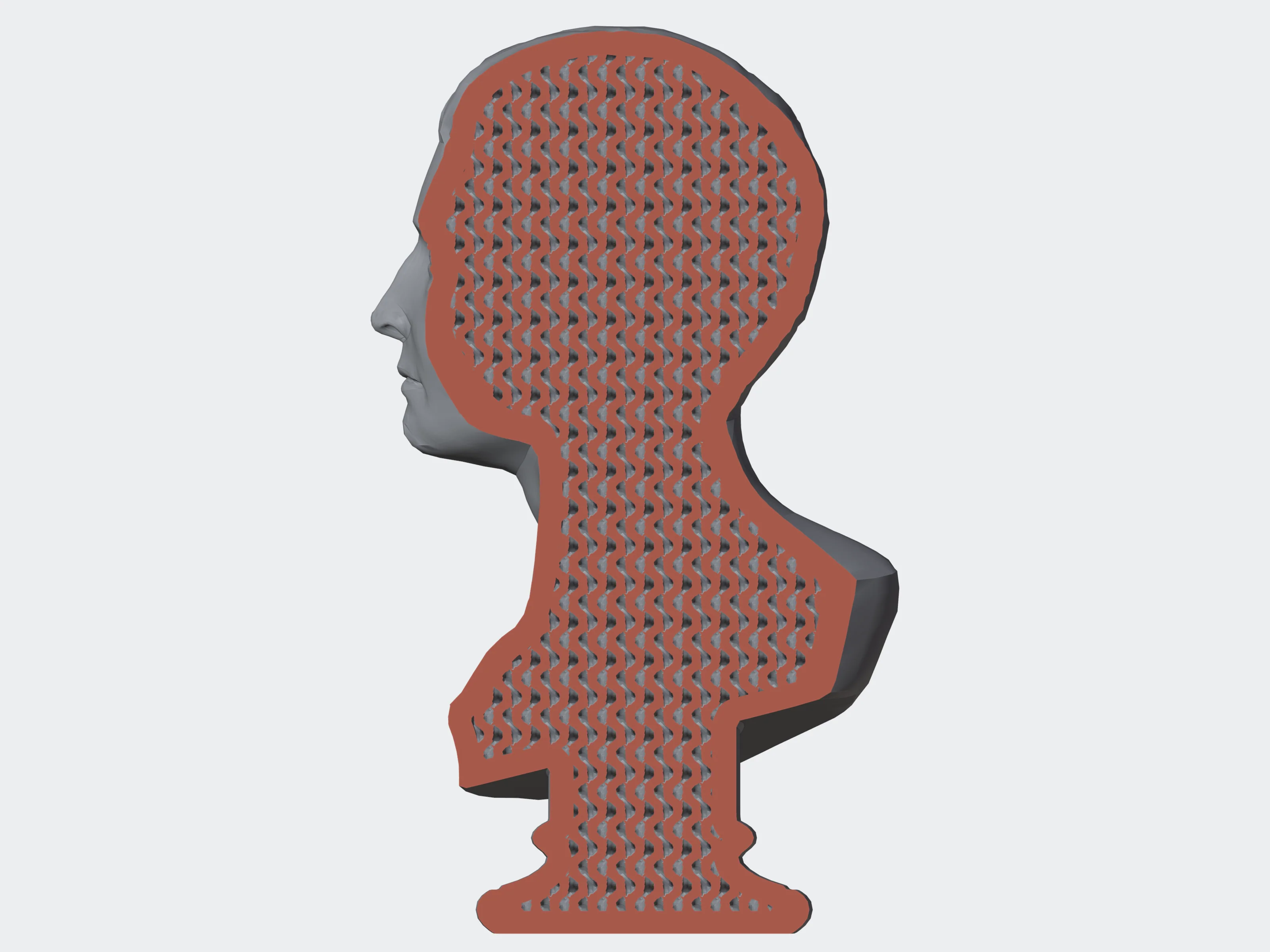 shell 2 mm
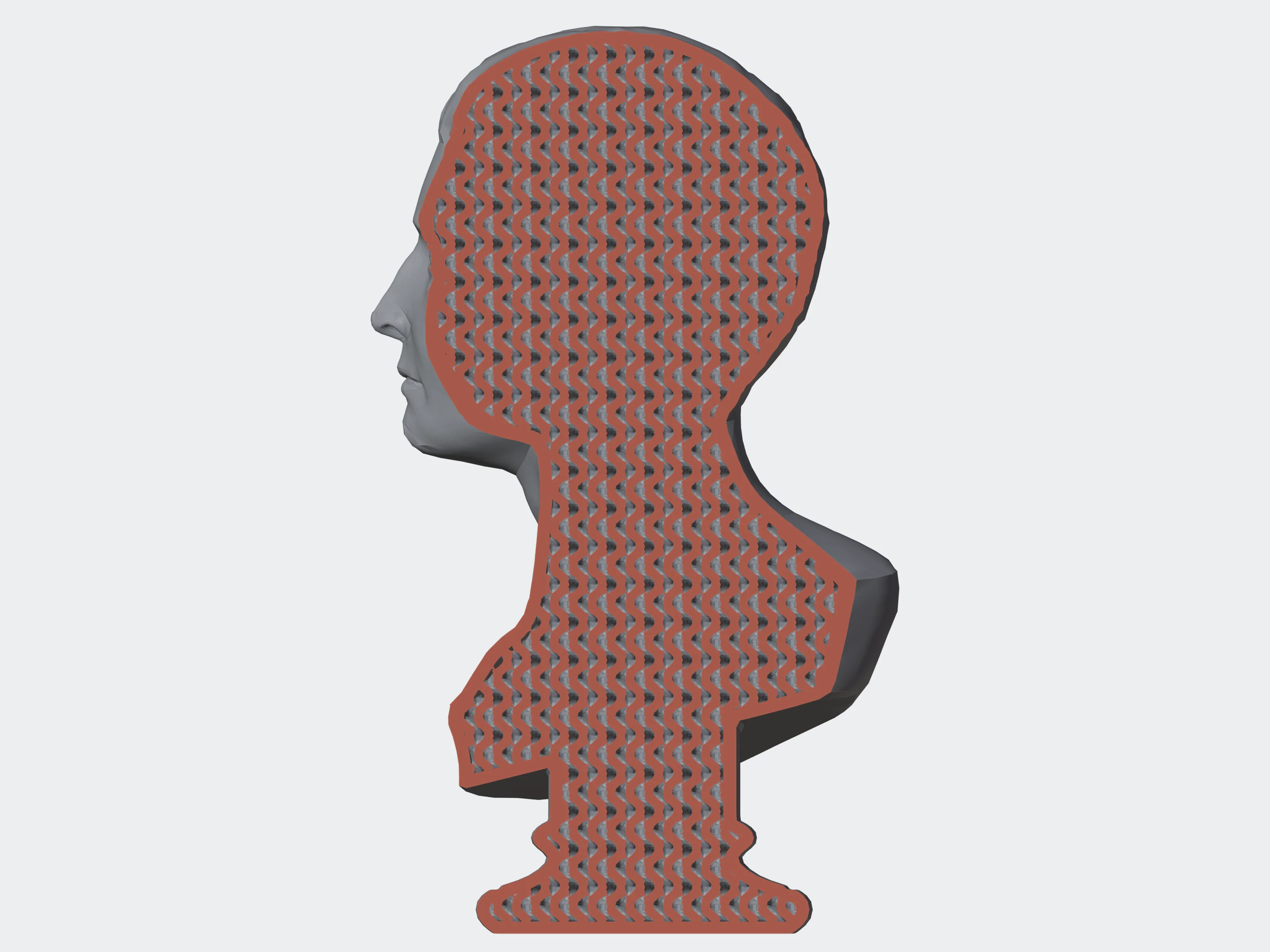 0 (fill)
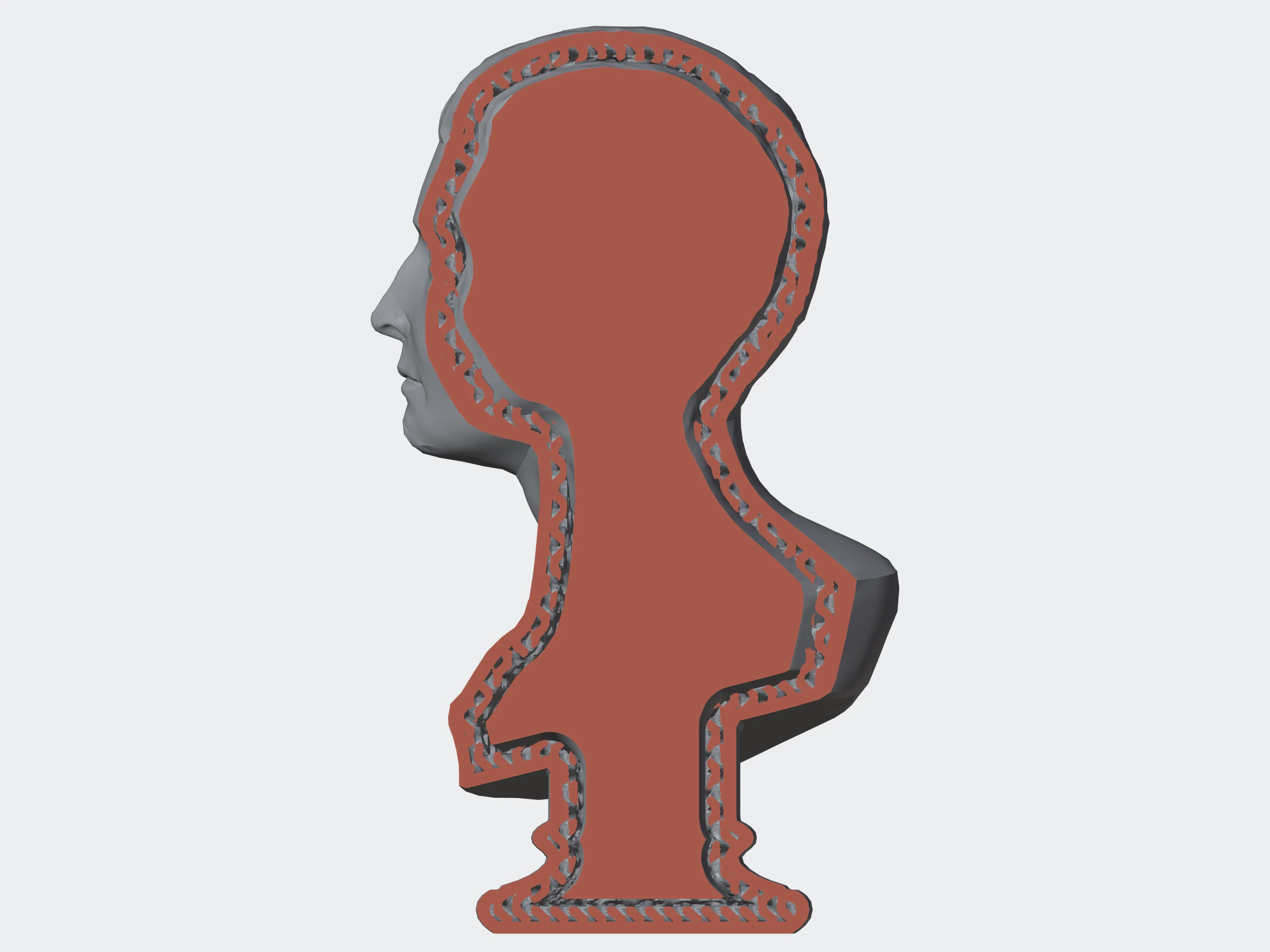 3 mm
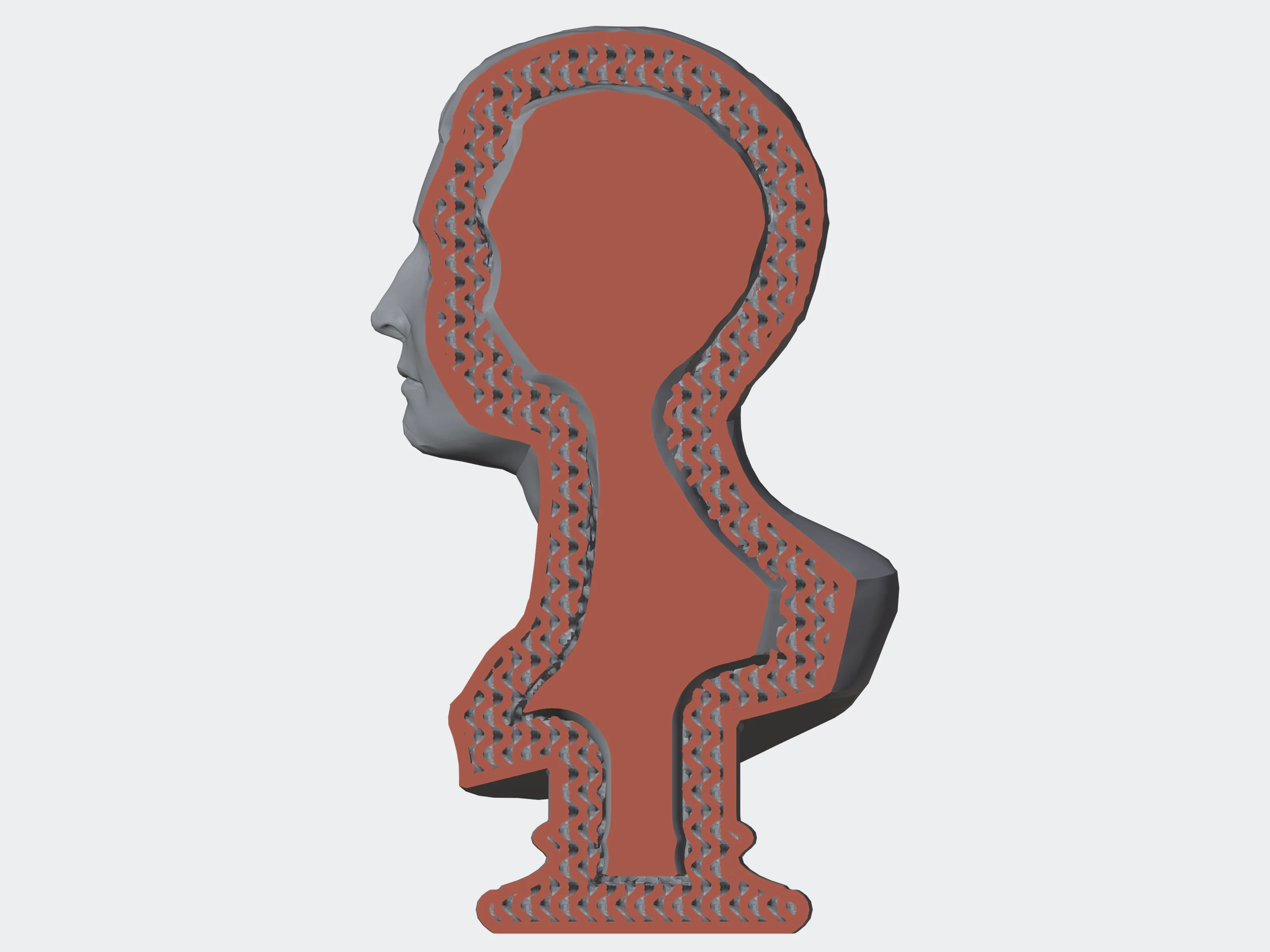 6 mm
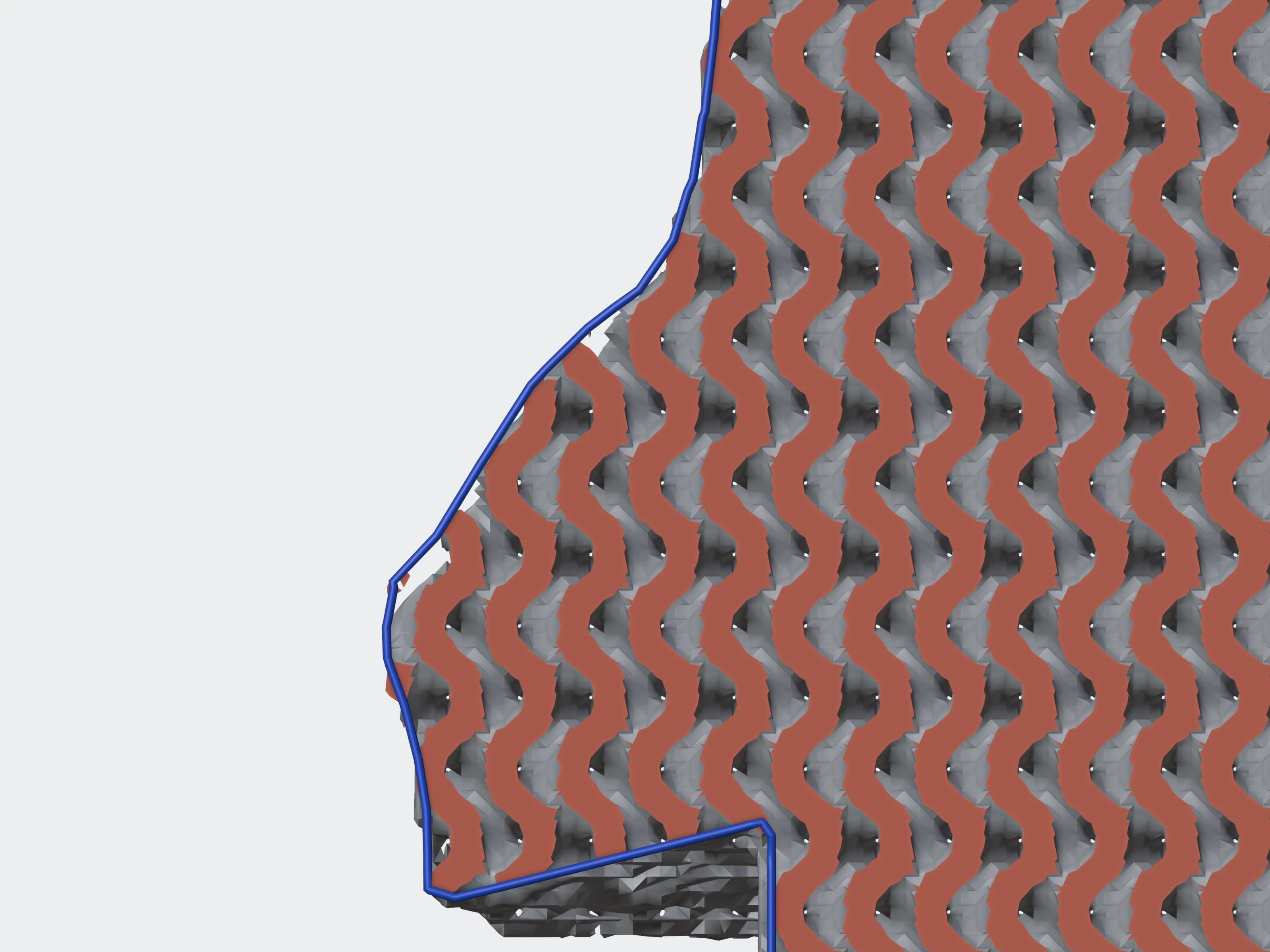 0 mm
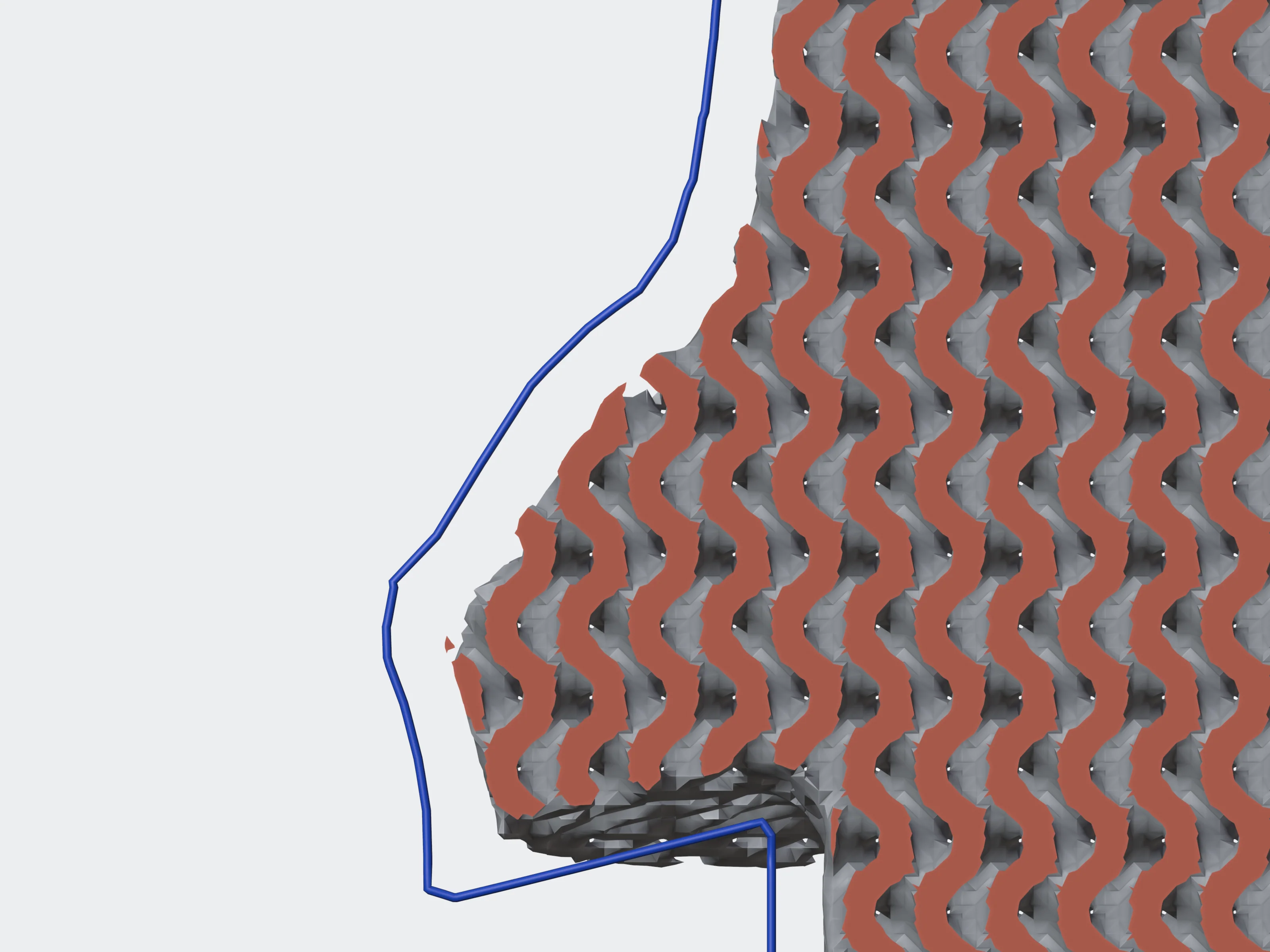 2 mm
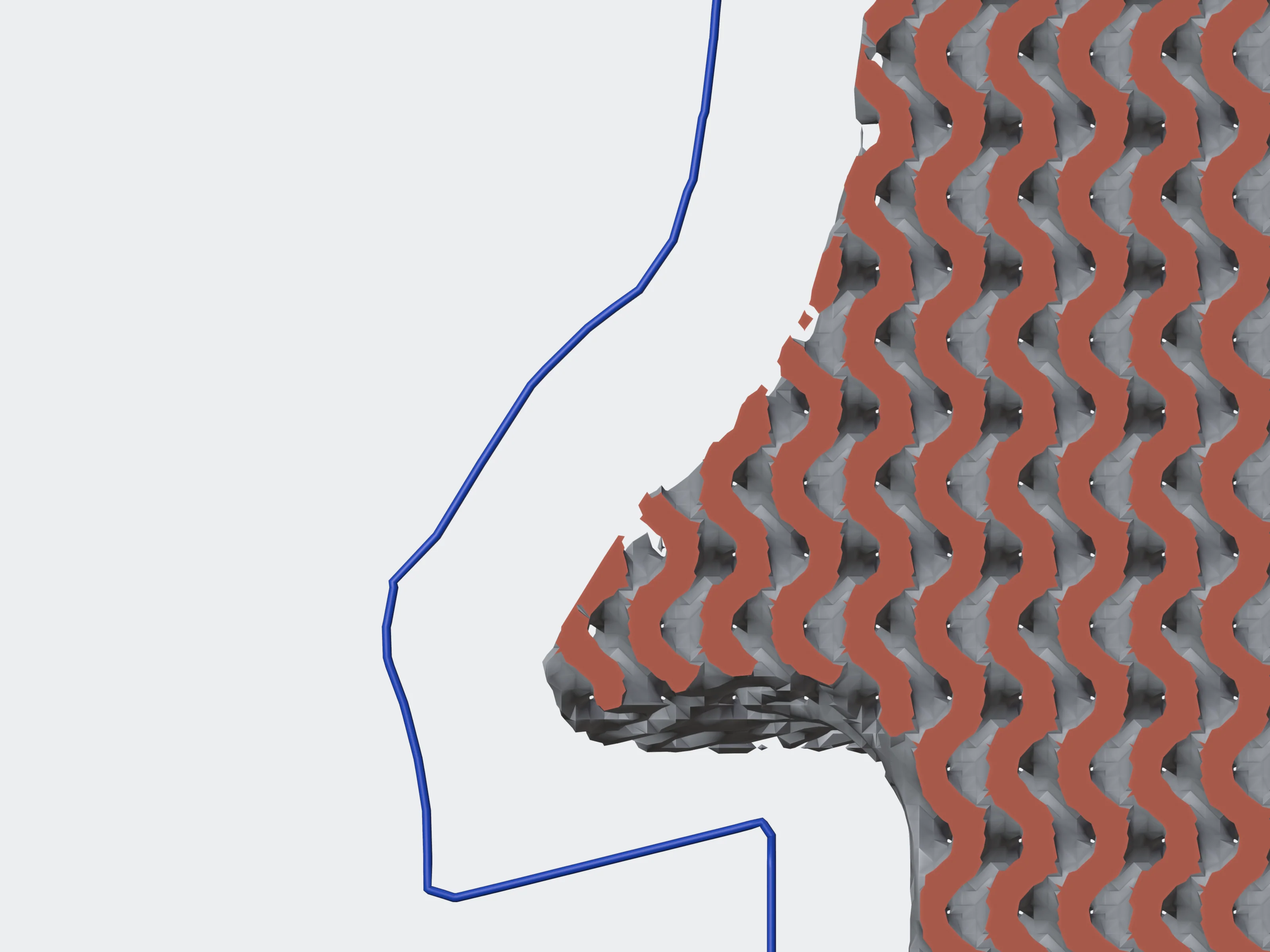 5 mm
label#
Adds text to the model at a point of its surface.
{ "text": "PART 7\nREV B", "position": [12.5, 30, 18], "mode": "engrave", "font_size_mm": 8, "depth_mm": 1 }textstringrequired1–500 charactersThe label. A newline starts a new line.
position[x, y, z]default [0, 0, 0]Where the label goes; snapped to the nearest point of the surface.
direction[x, y, z]The direction the label faces. Left out, the surface normal at position.
mode"snapoff" | "emboss" | "engrave" | "extrude"default "snapoff"snapoff: a plate with the text, joined to the model by a thin cylinder you snap off after printing. emboss: flat letters on thin rods, standing clear of the surface. engrave: closed text geometry recessed into the surface. extrude: closed text geometry standing out of it.
font_size_mmnumberdefault 12> 0, ≤ 200Text height.
depth_mmnumberdefault 0.5> 0, ≤ 50How far the text goes into, or stands out of, the surface.
font_namestringdefault "default"letters, digits, space . _ -; ≤ 64The font; default is a sans-serif.
rotation_anglenumberdefault 00–360Rotation of the text on the surface, in degrees.
line_spacingnumberdefault 1.20.5–3Space between lines, as a multiple of the font size.
text_alignment"left" | "center" | "right"default "center"Alignment of the lines.
cylinder_radius_mm, cylinder_length_mmnumberdefault 0.5, 10radius ≤ 50, length ≤ 500snapoff only: the connecting cylinder.
material_color[r, g, b]each 0–1Colour of the label. Default red for engrave and extrude, grey for snapoff and emboss.
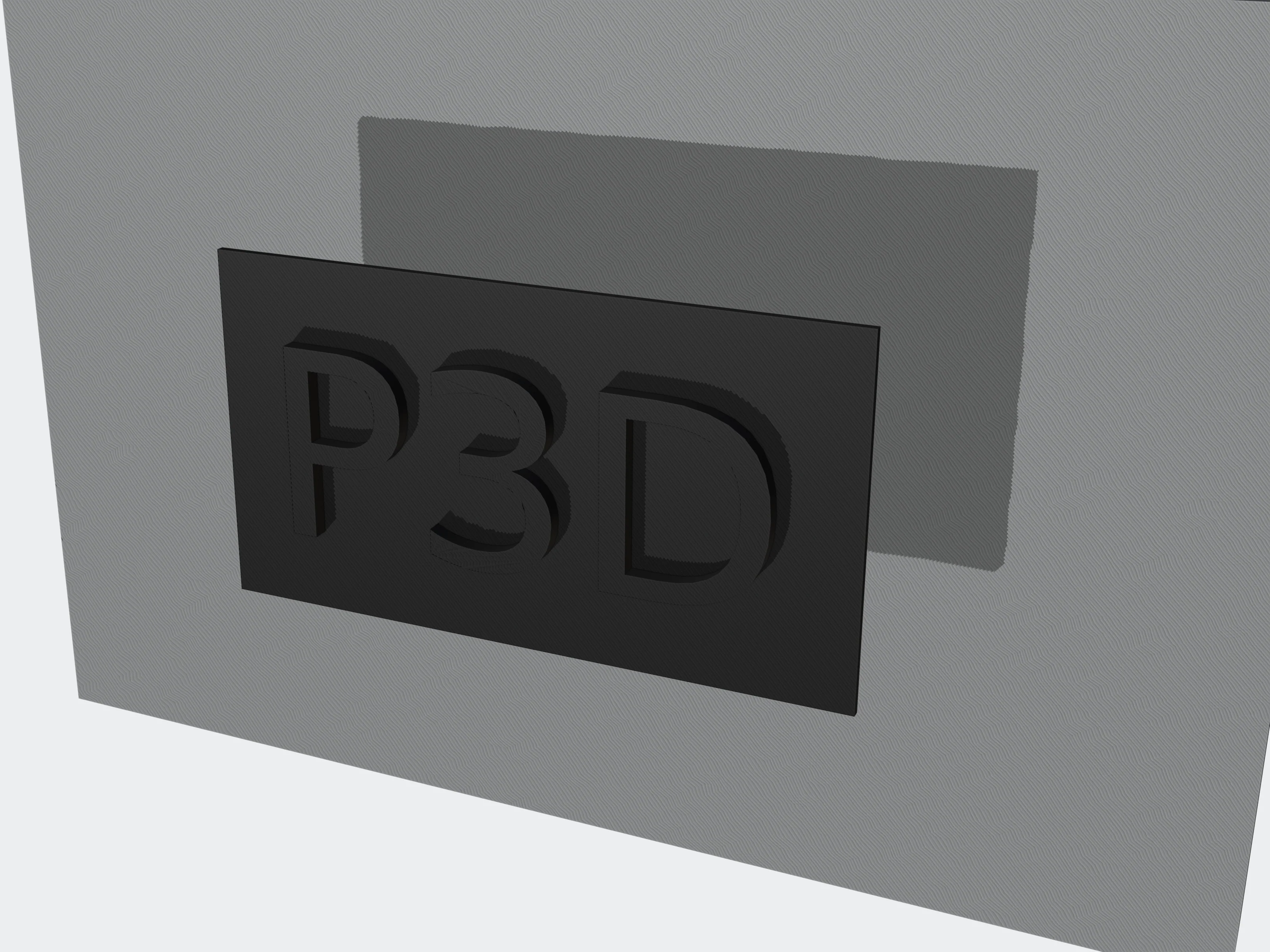 snapoff
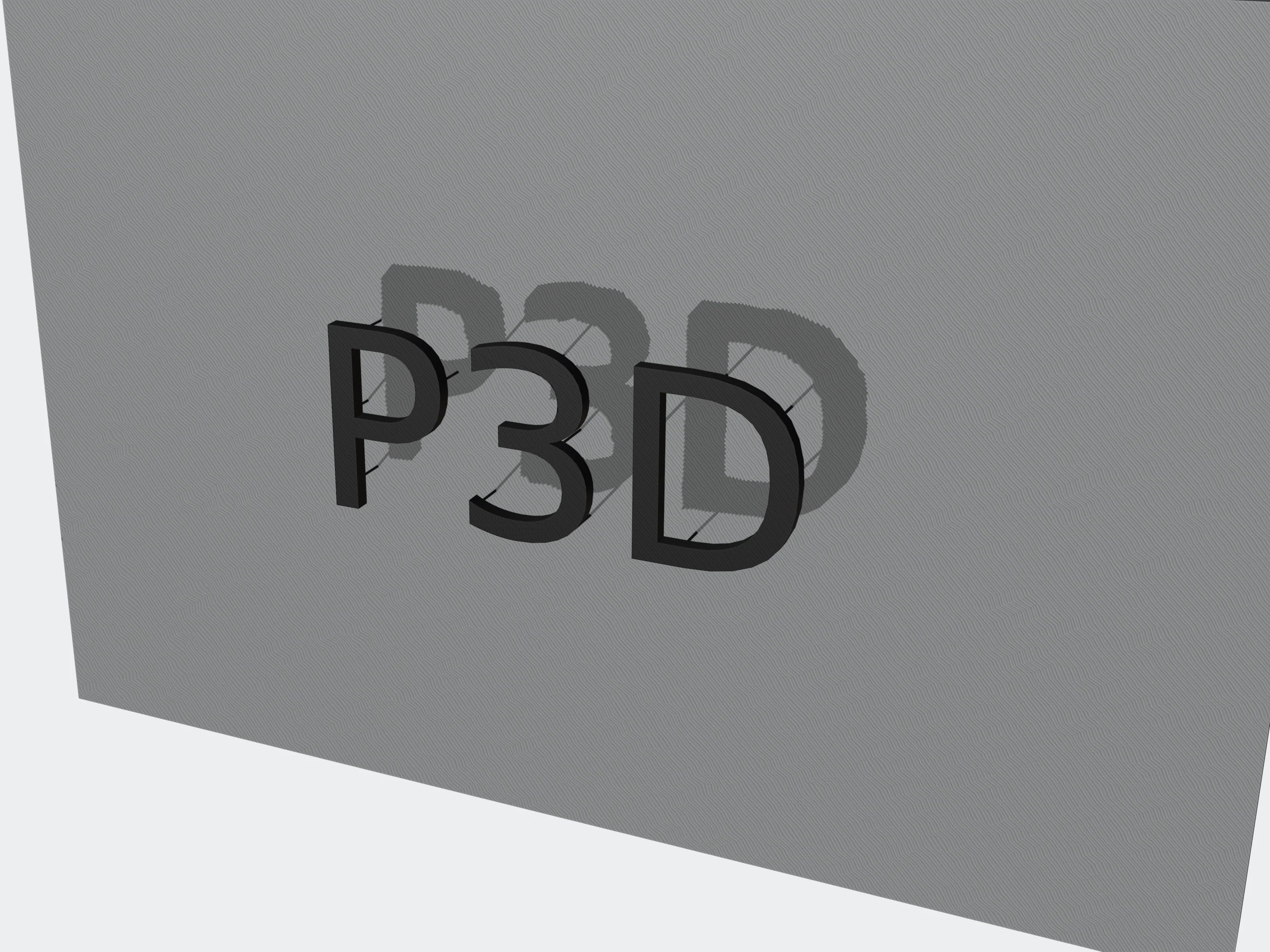 emboss
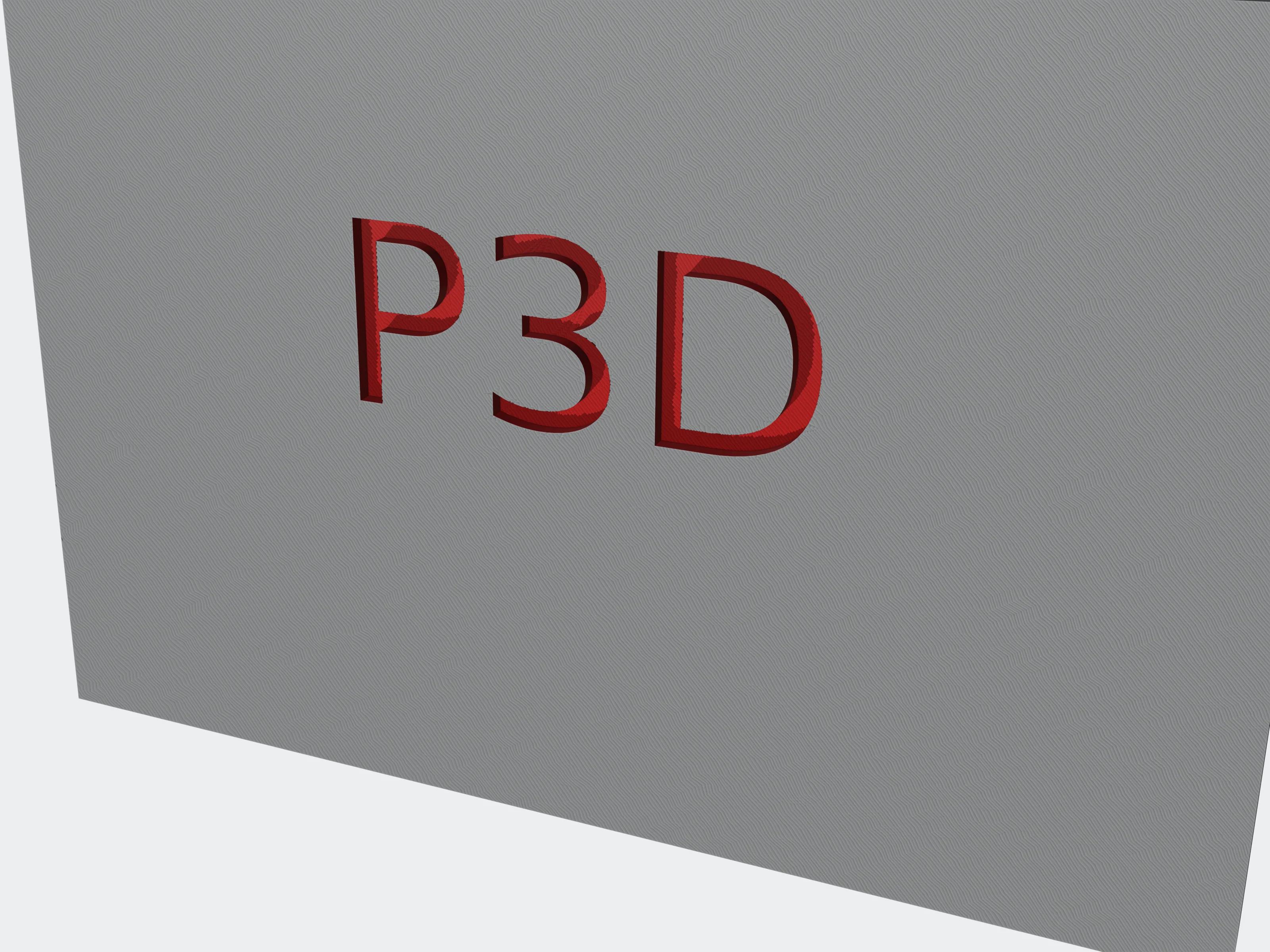 engrave
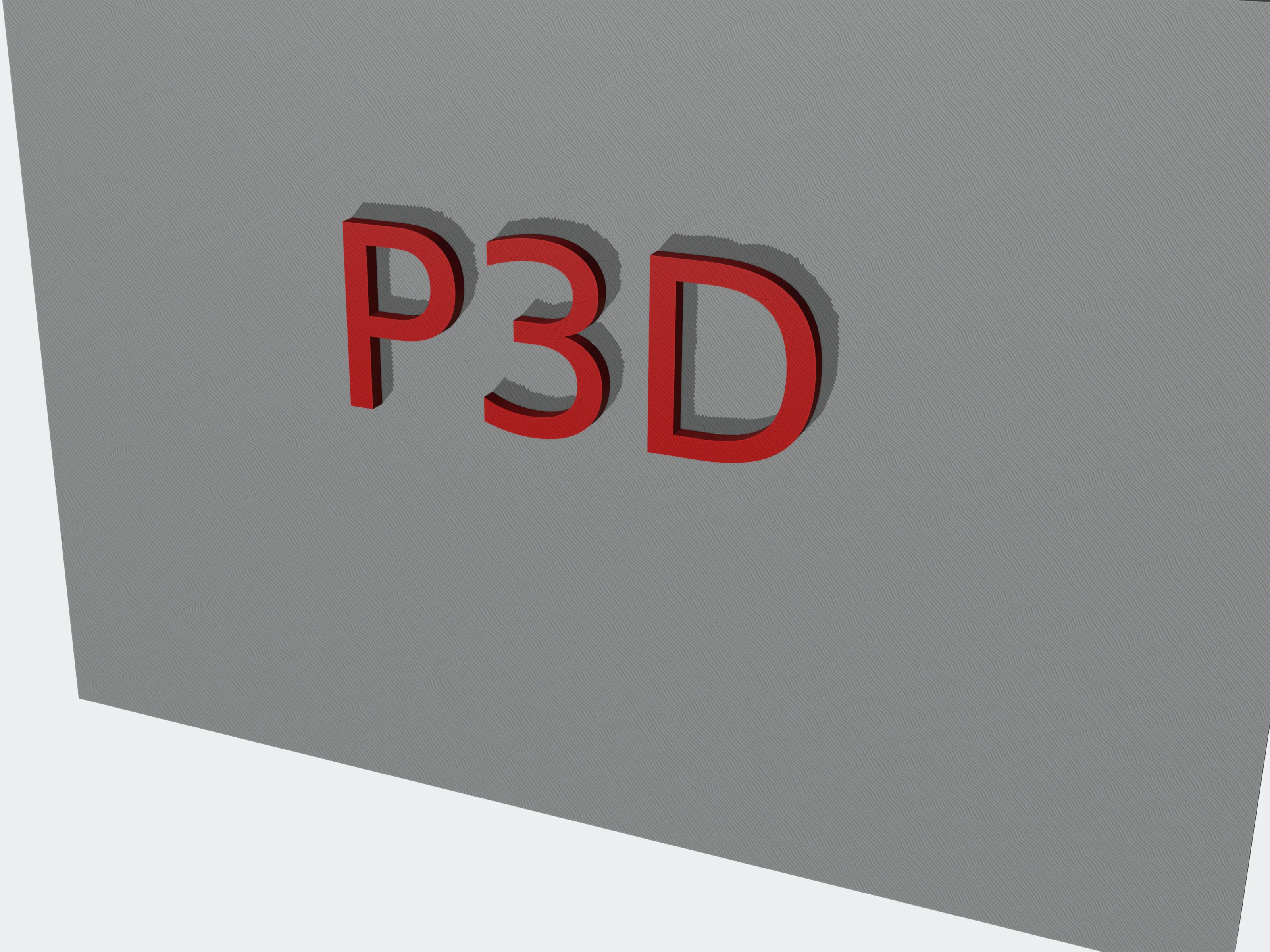 extrude
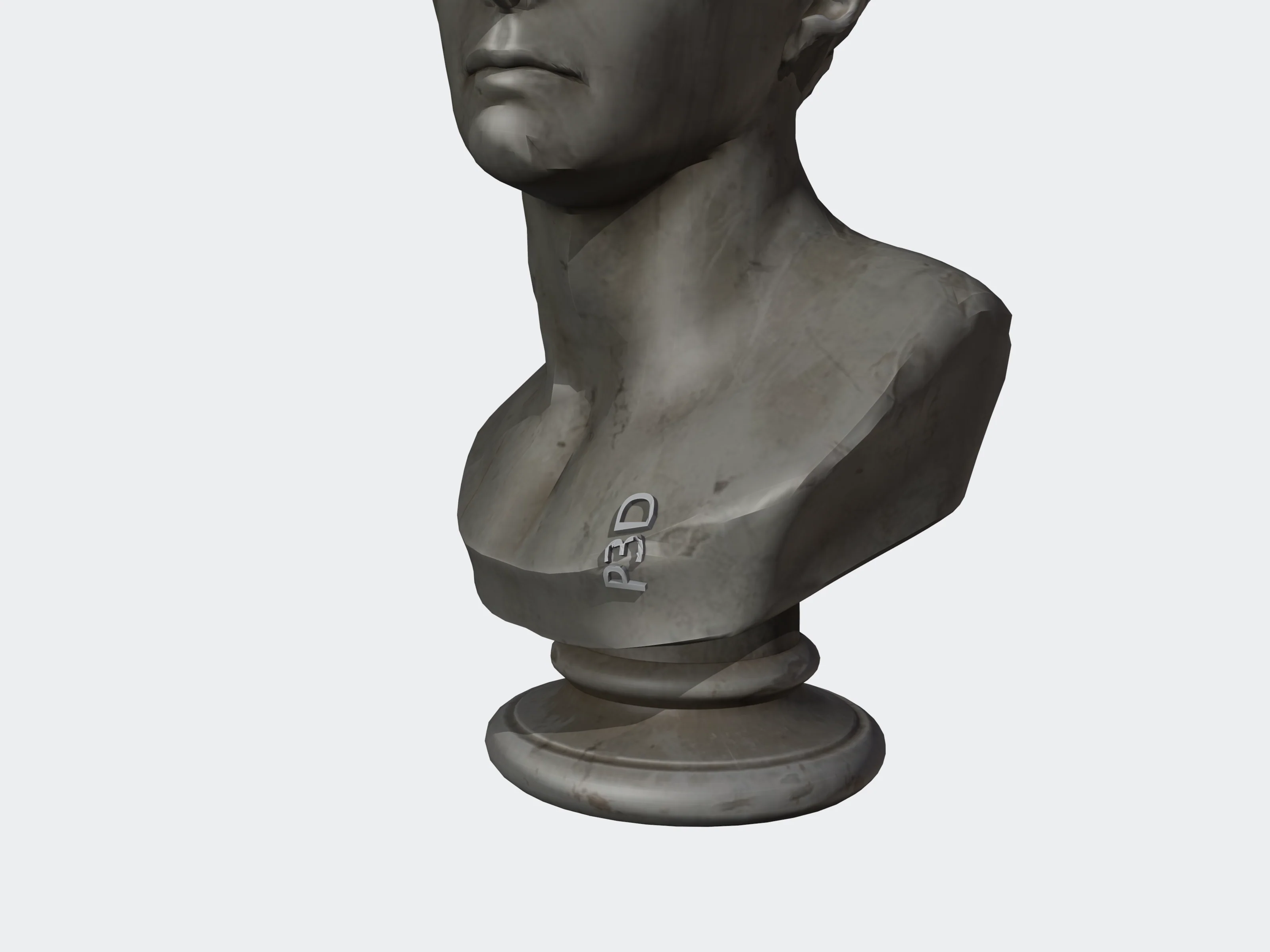 6 mm
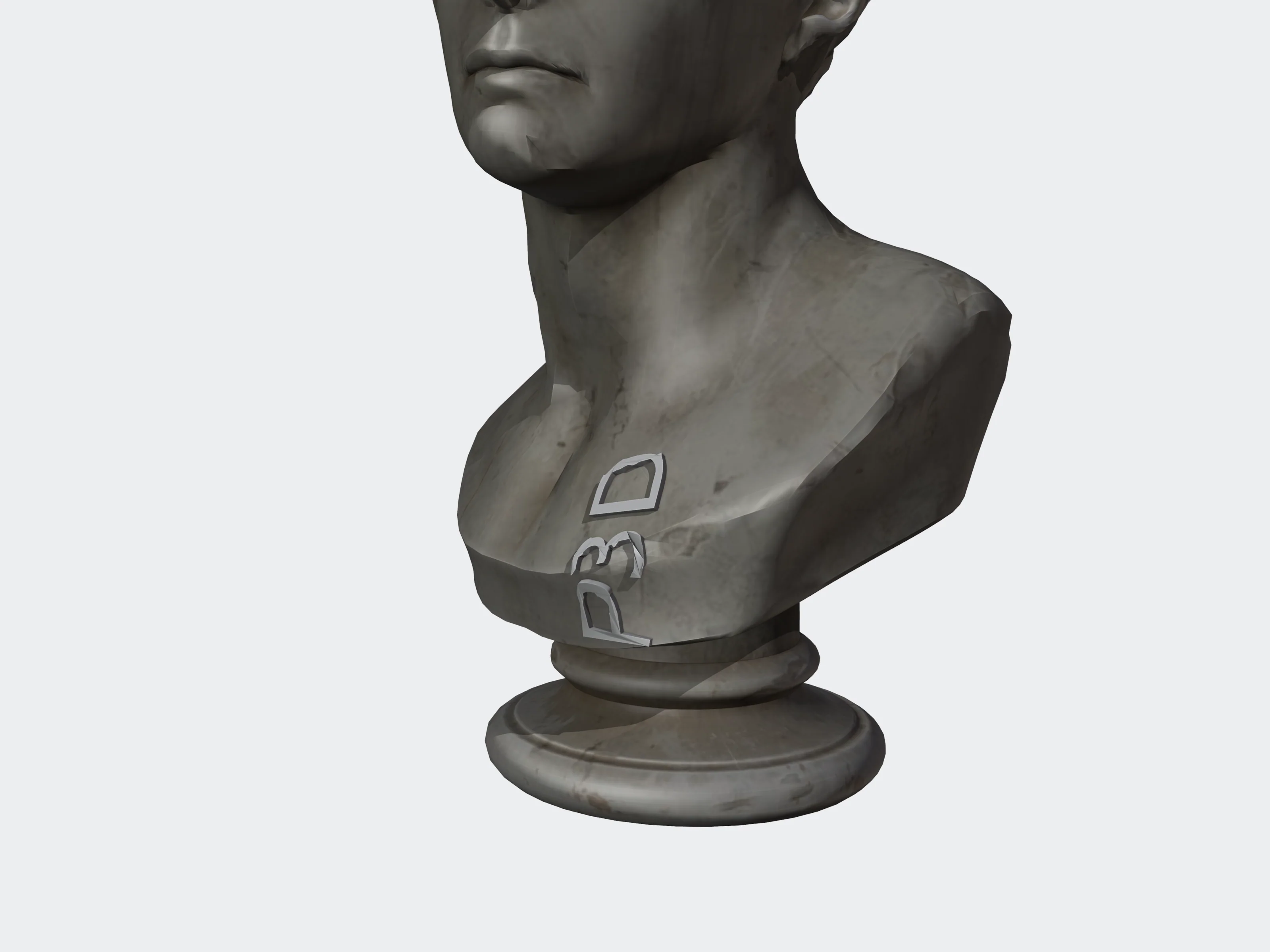 12 mm
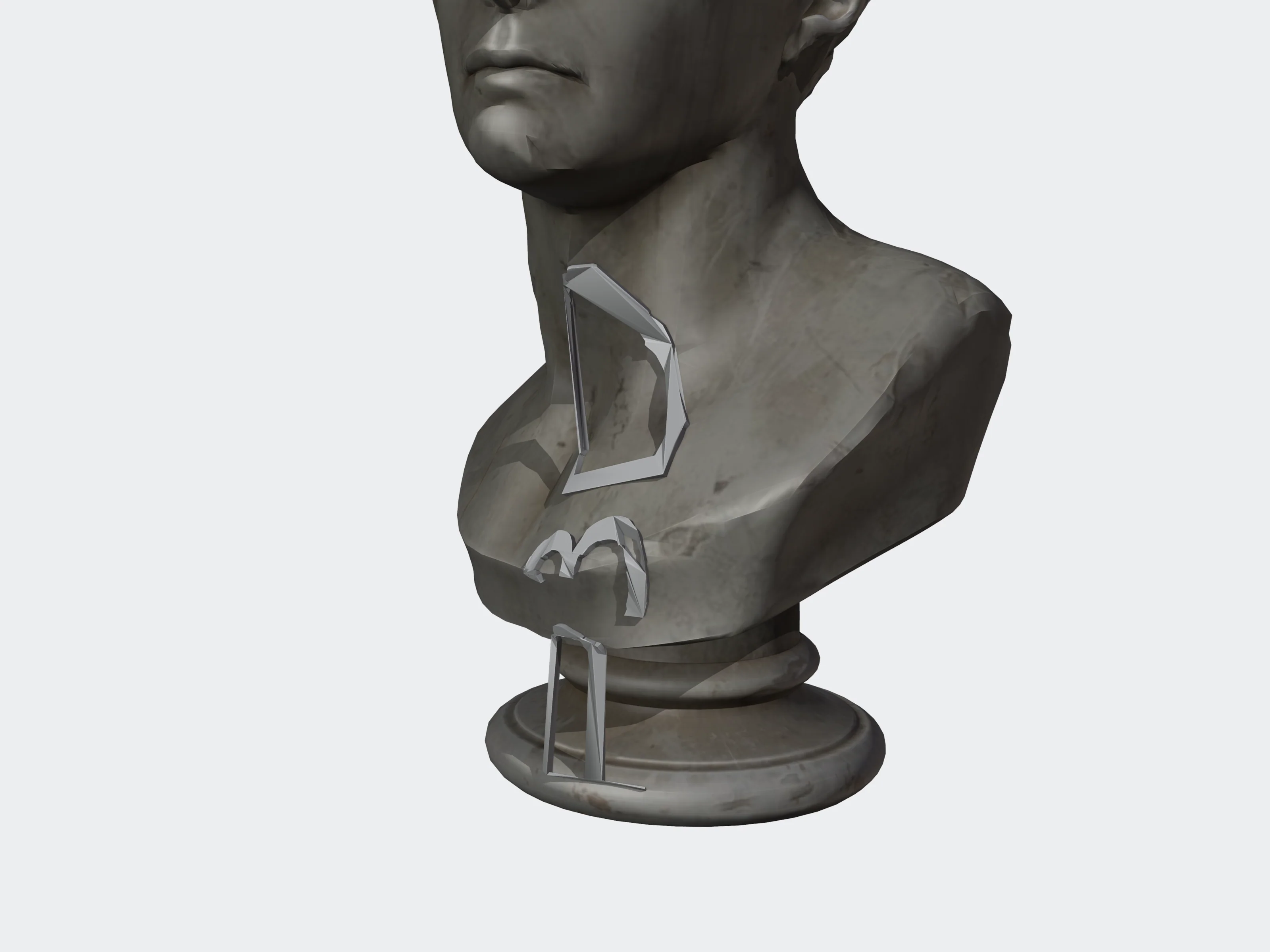 24 mm
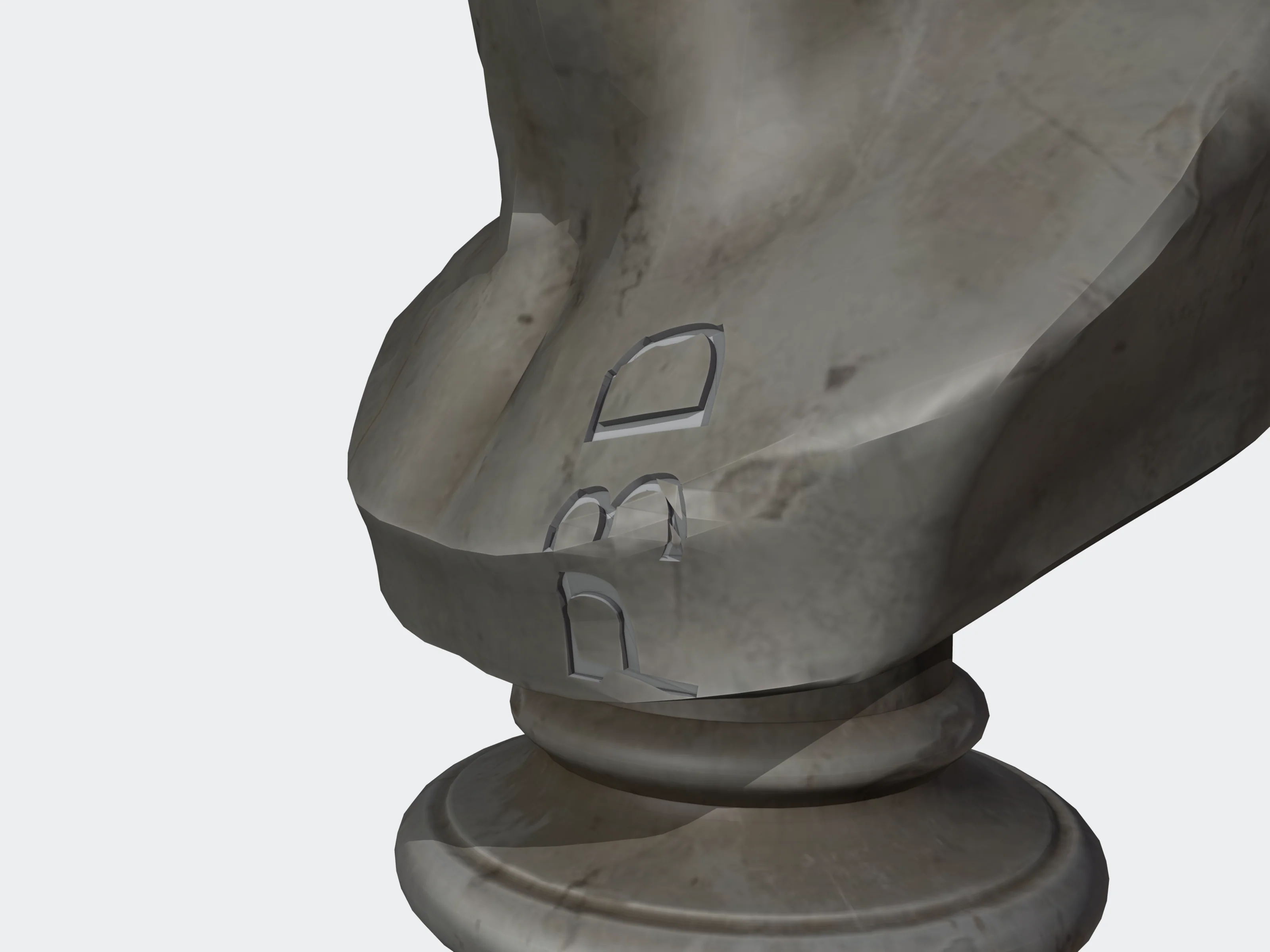 0.5 mm
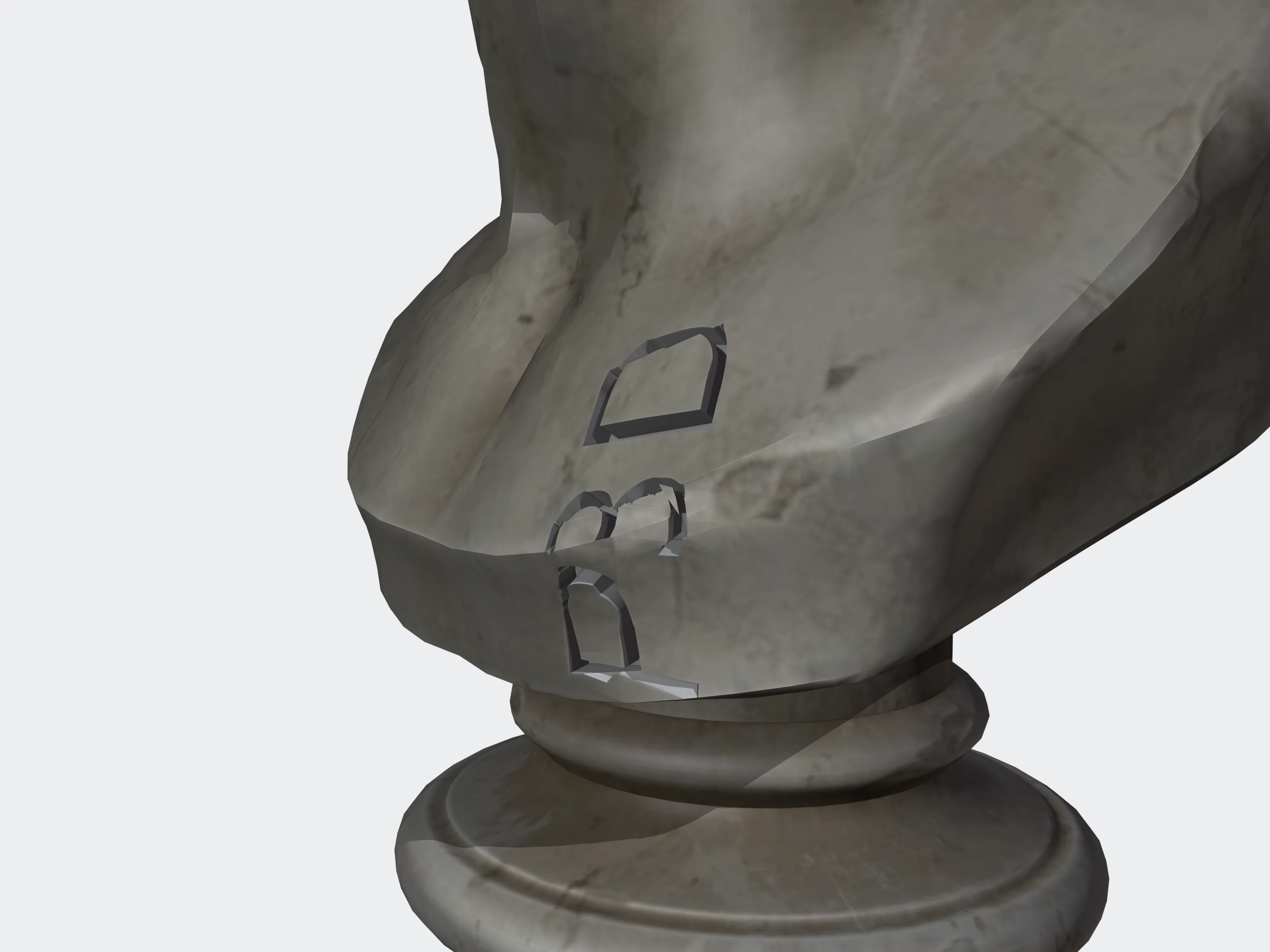 1.5 mm
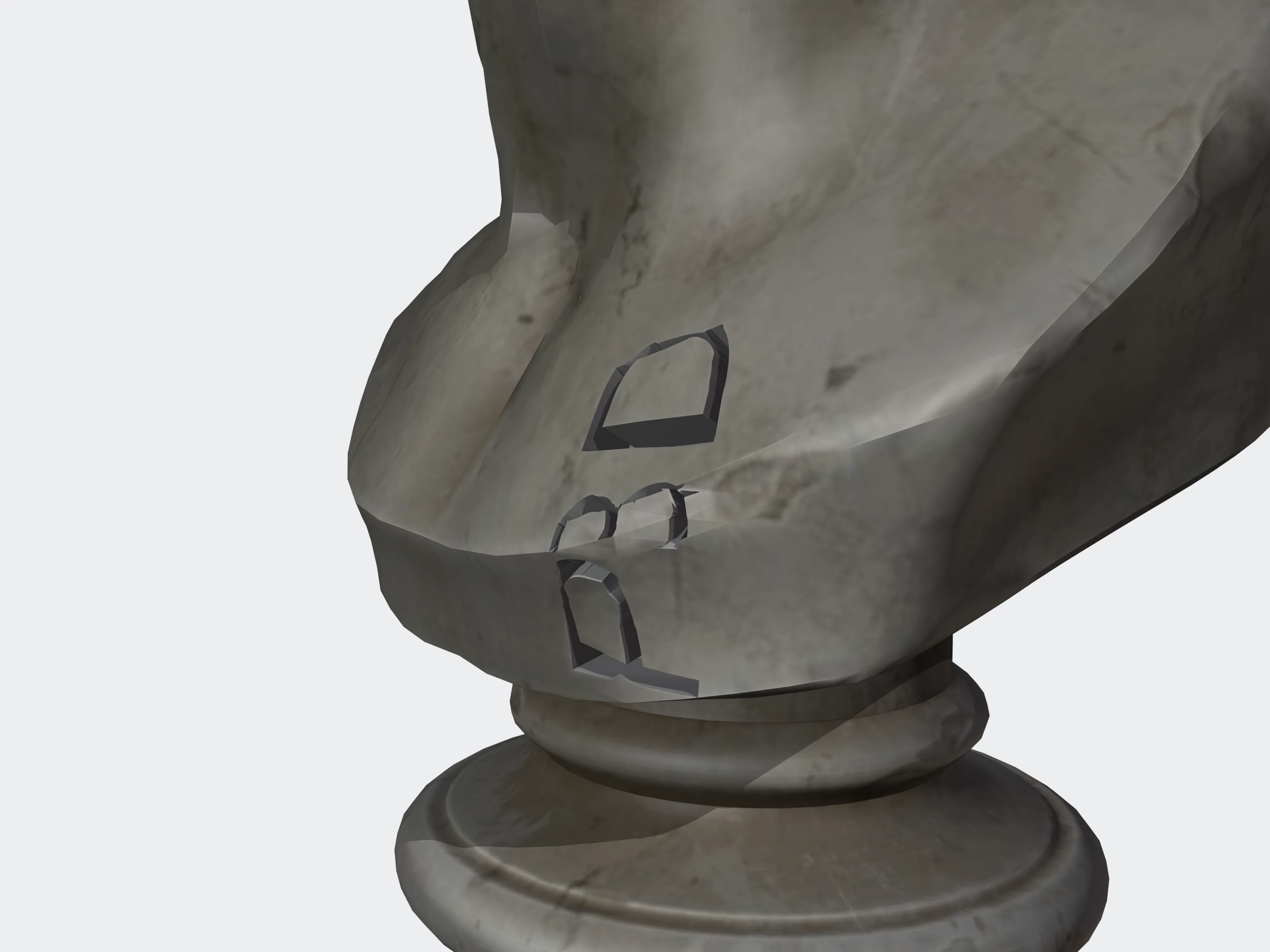 3 mm
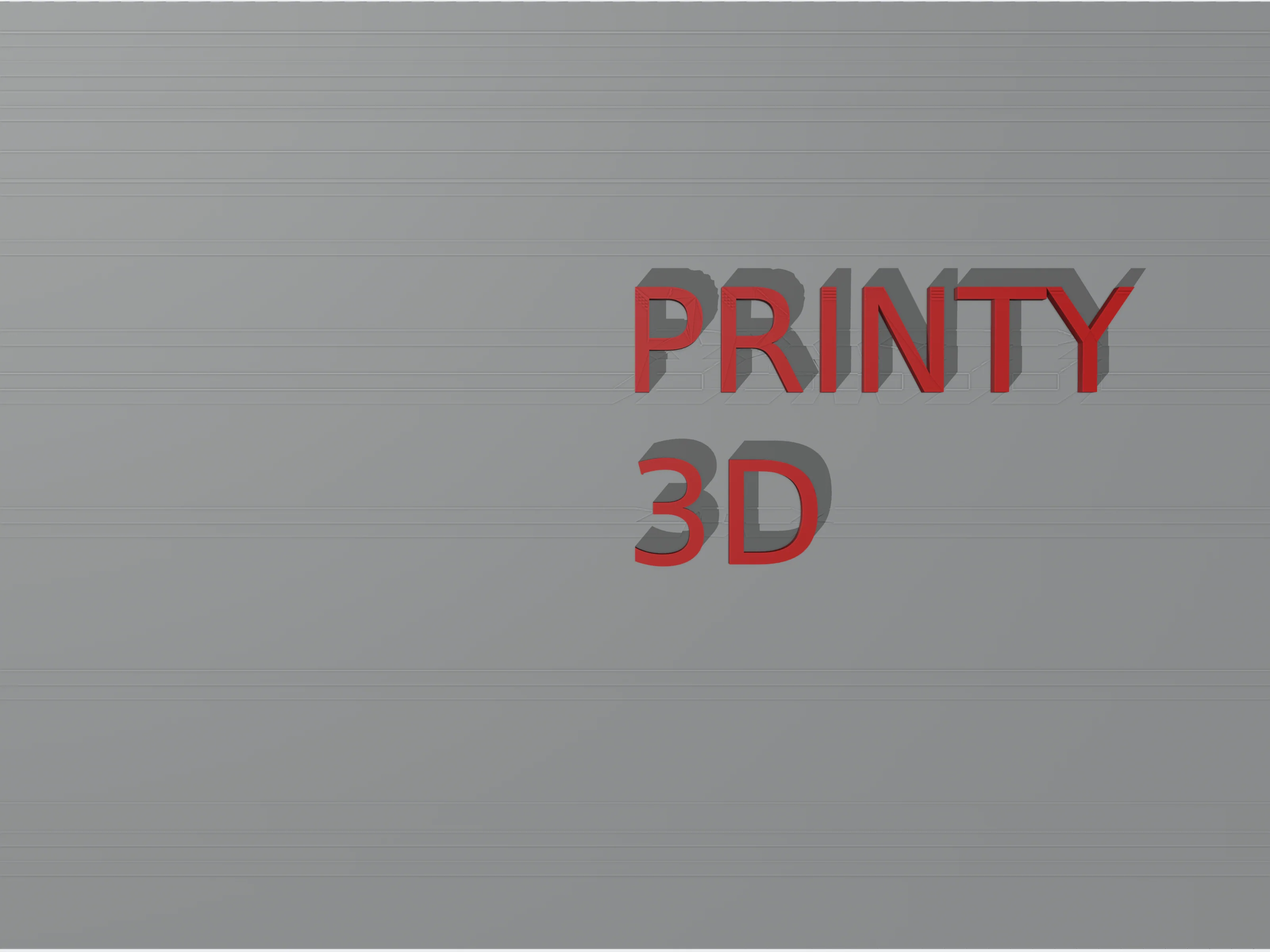 left
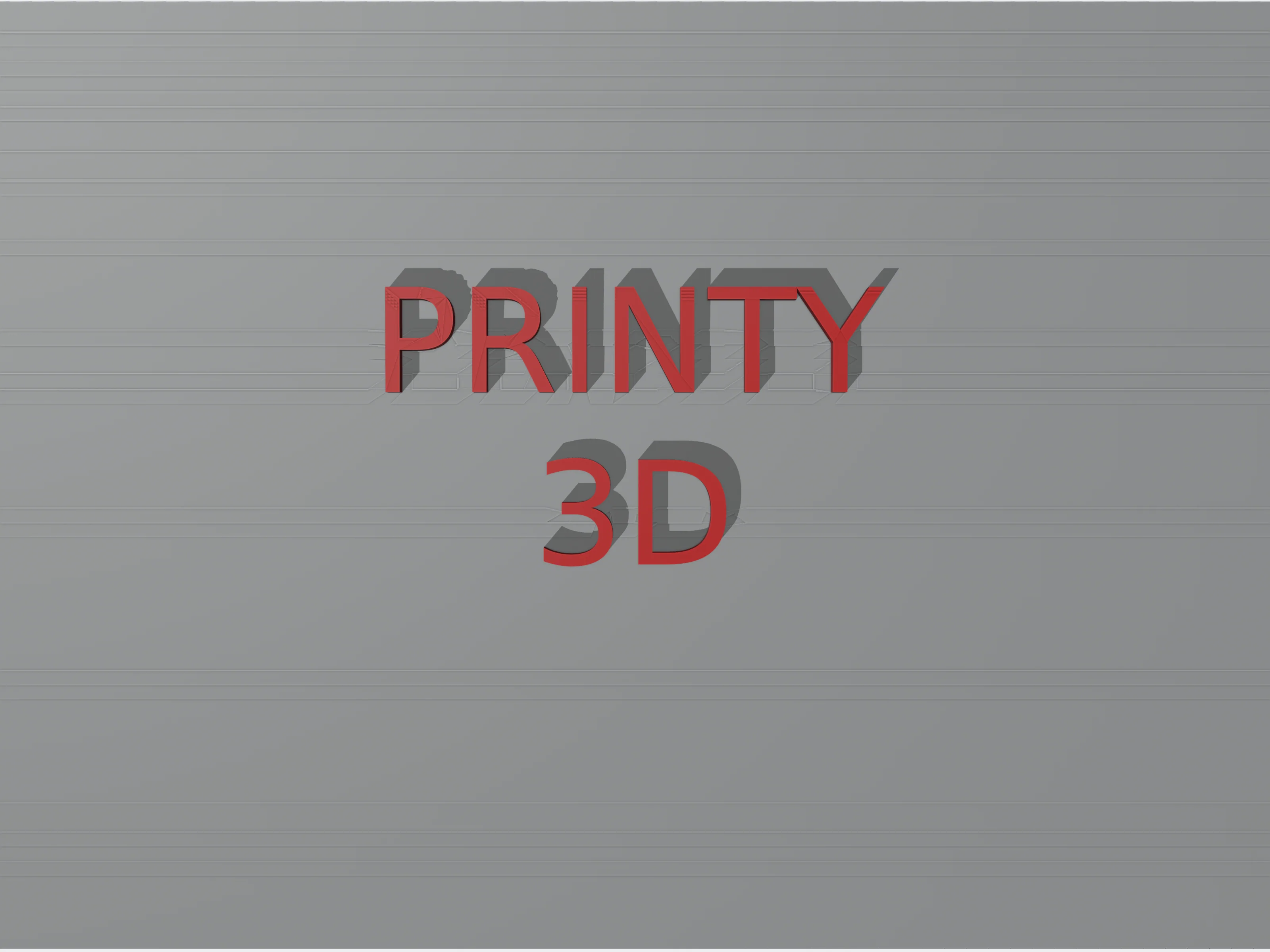 center
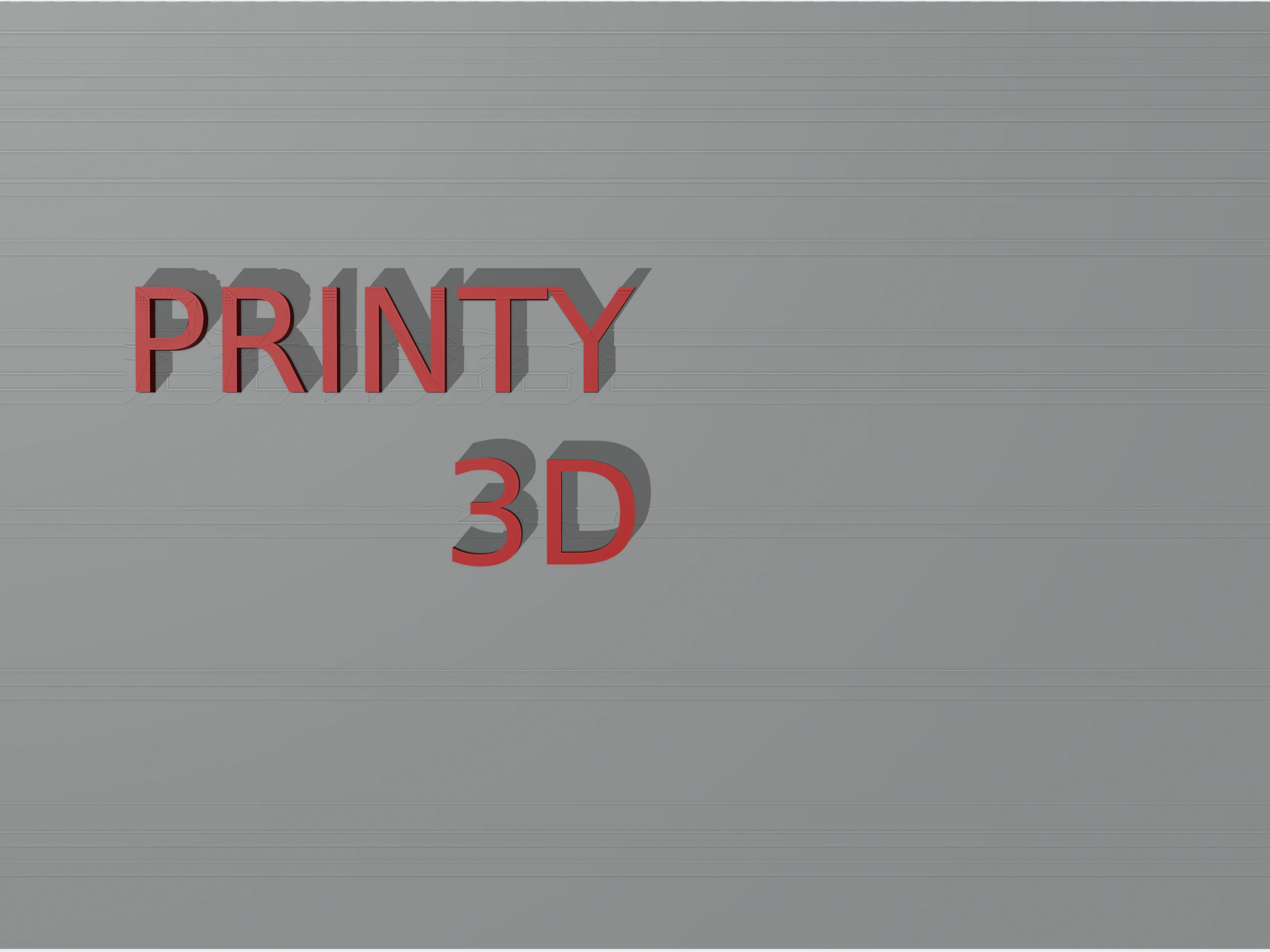 right
 0°
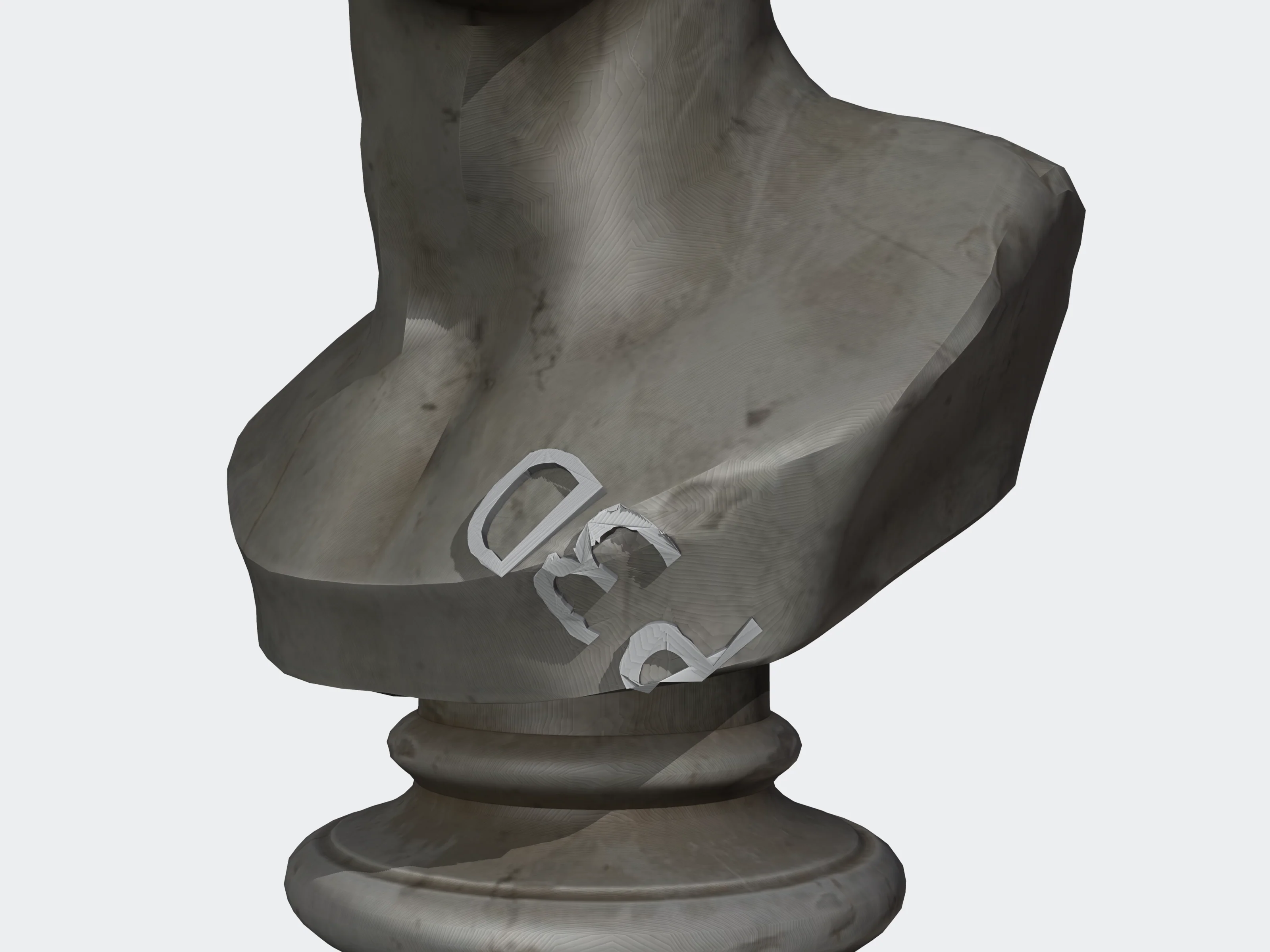 45°
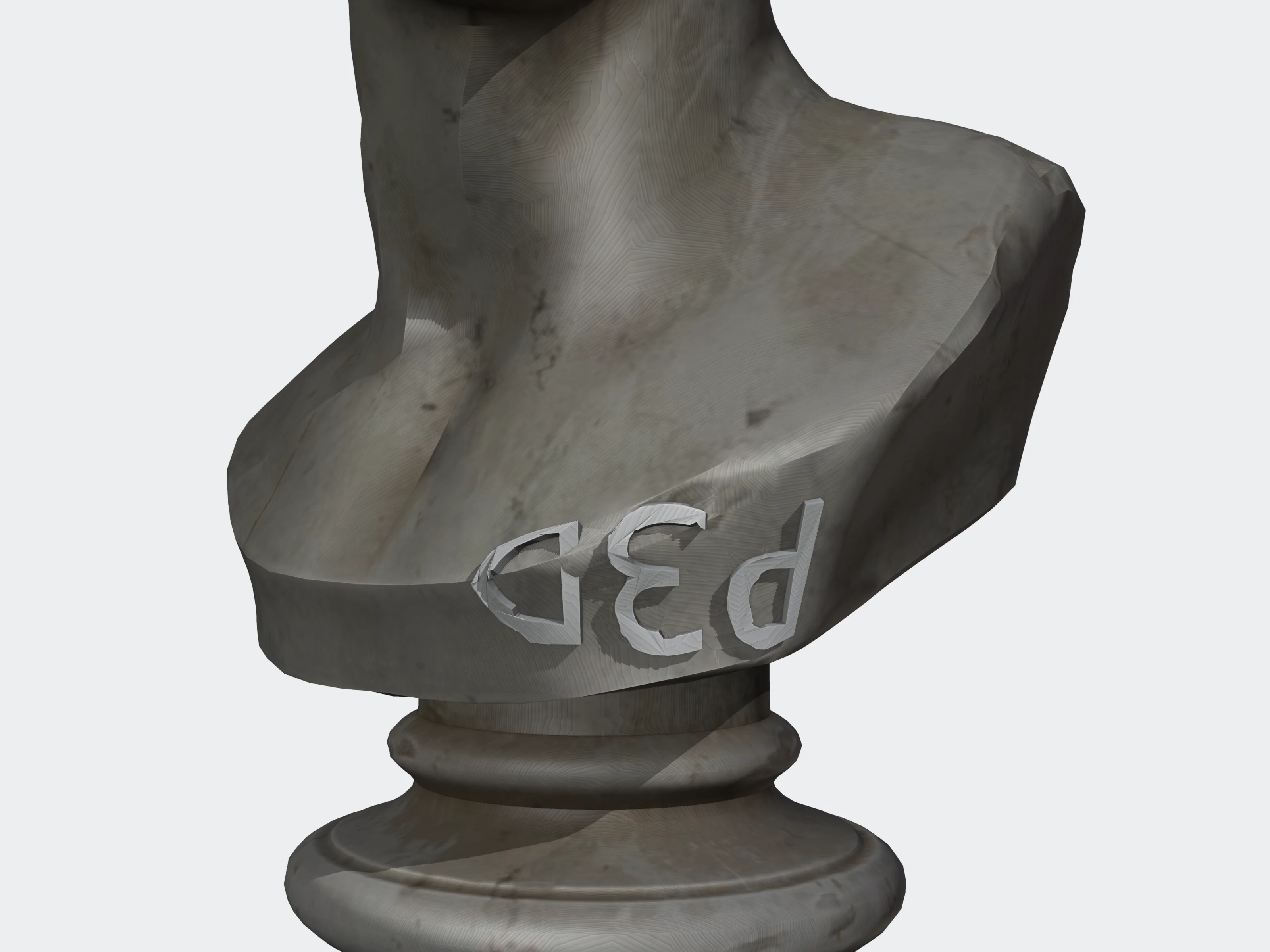 90°
remove_small_parts#
Deletes loose pieces (stray fragments and specks) that are much smaller than the main part. A piece is kept when its face count reaches the threshold: the larger of min_faces and min_percent of the largest piece's face count.
{ "min_percent": 2 }min_percentnumberdefault 1.00–100Threshold as a share of the largest piece's faces. Lower keeps more small pieces.
min_facesintegerdefault 00–100,000,000An absolute face-count threshold.
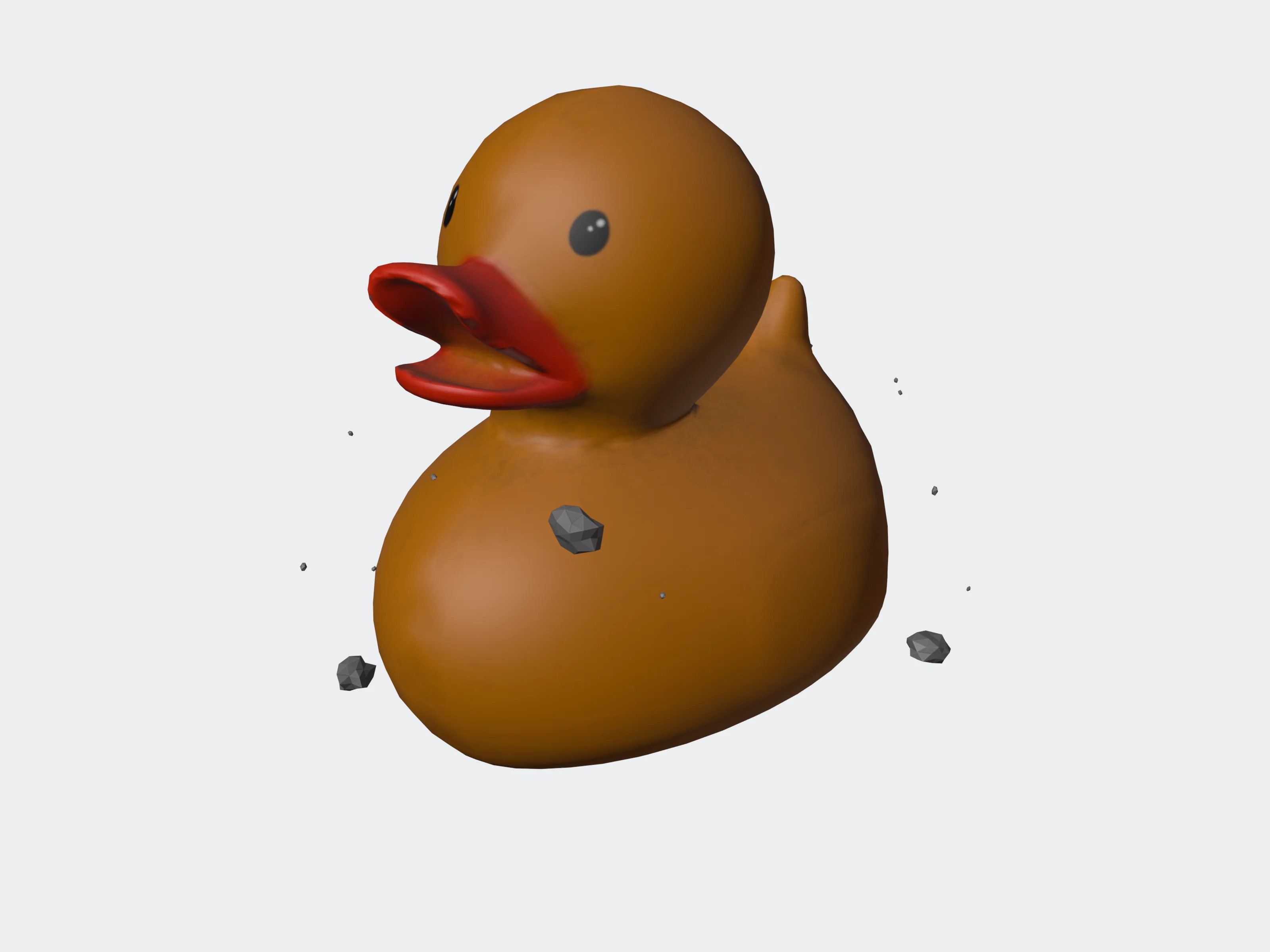 Uploaded
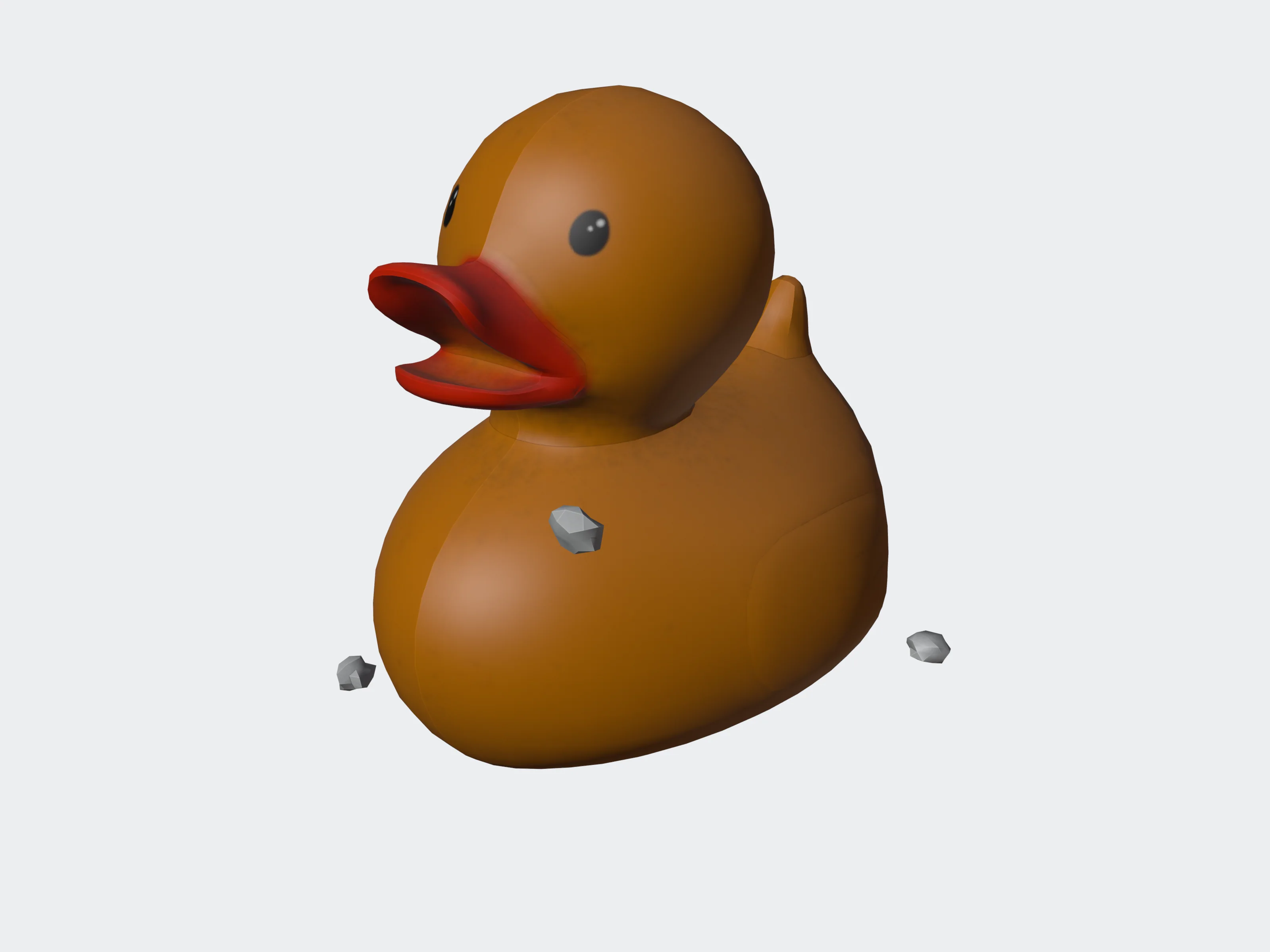 min_percent 1
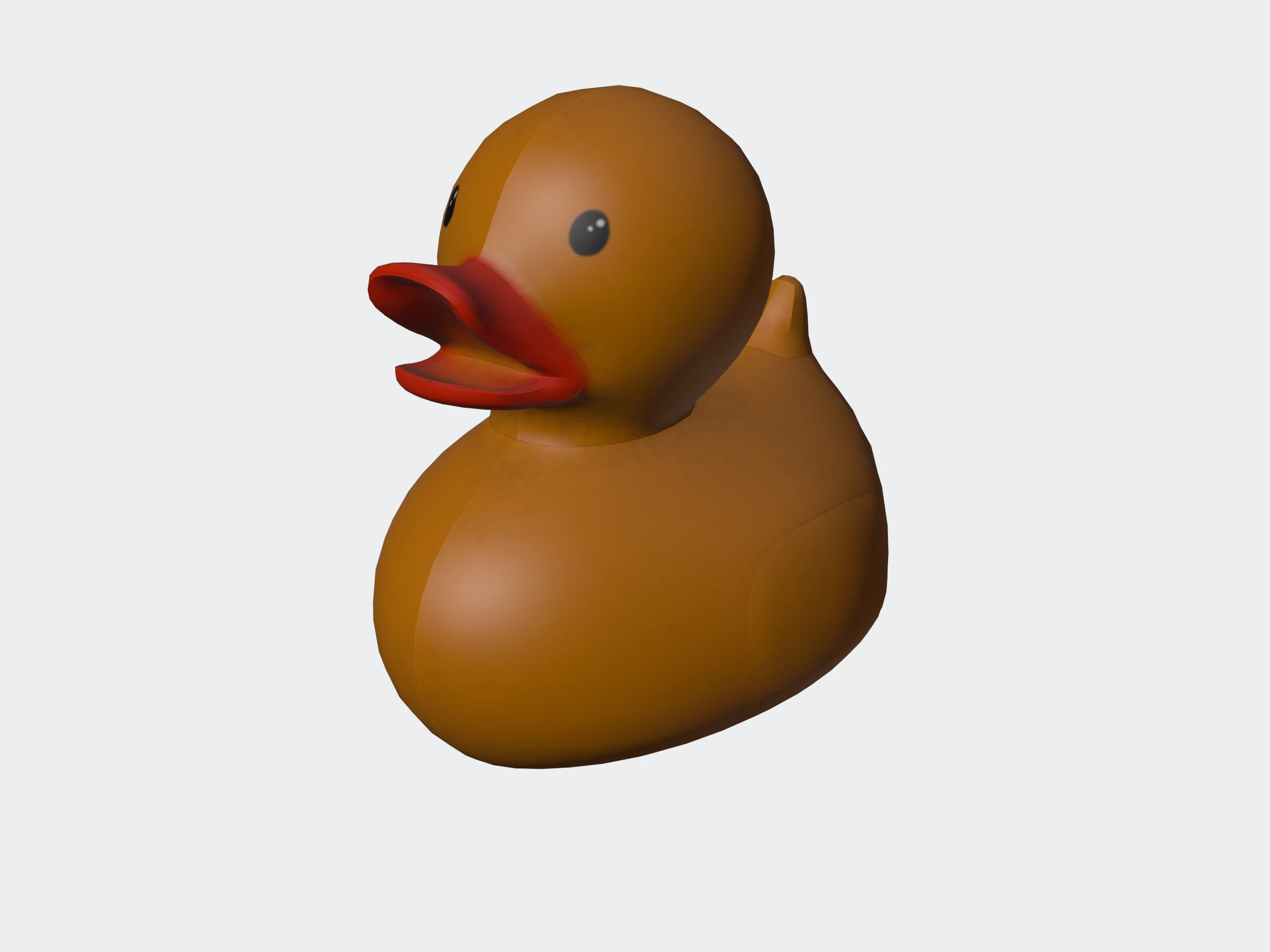 min_percent 10
Keeping small parts on purpose#
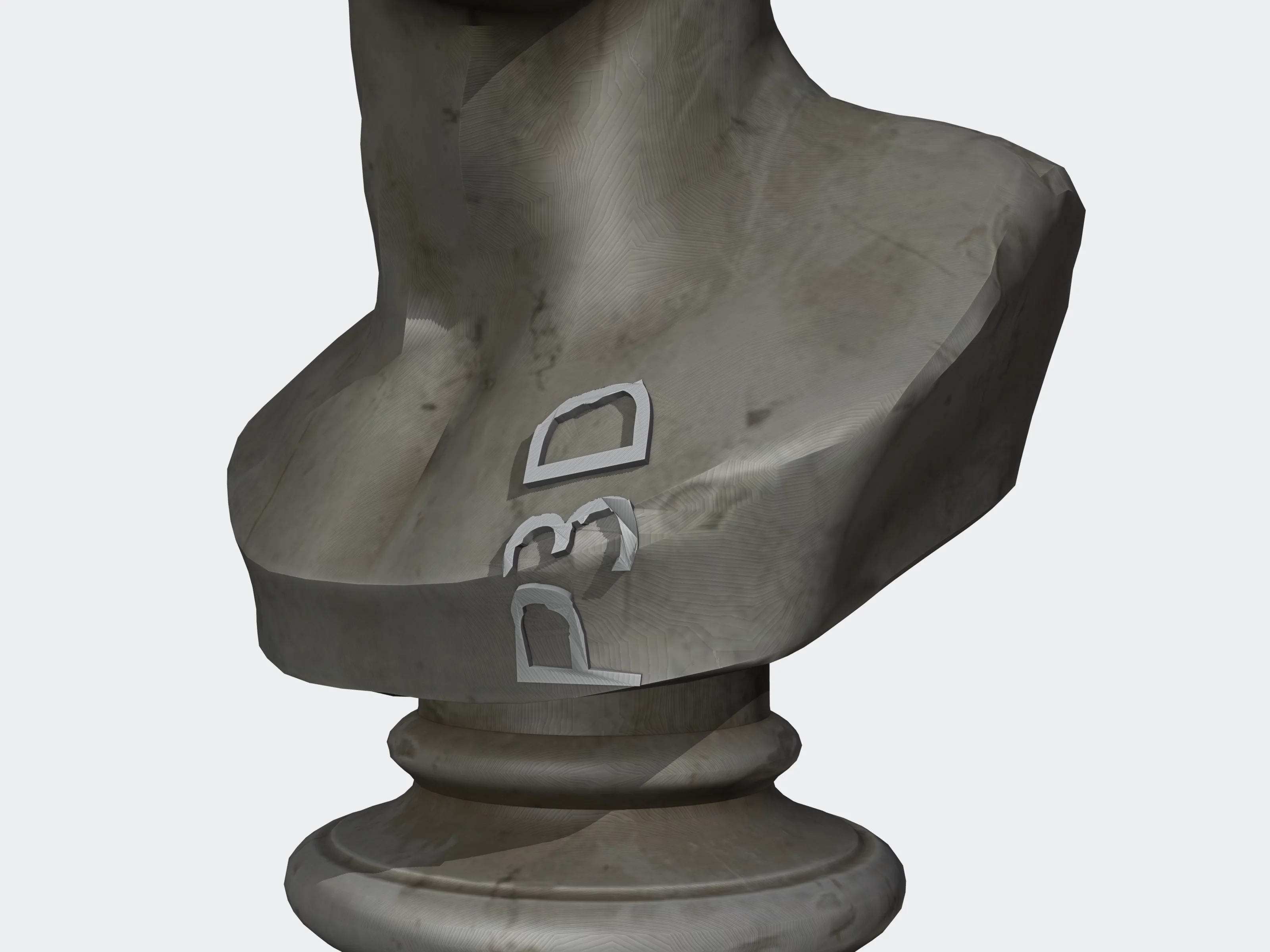
Separate letters, buttons or small accessories are pieces too. Lower min_percent until they survive, or skip this tool for such models.