Tools
Measurement & analysis
Tools that measure the model or convert it, without reshaping it: distances, wall thickness with heatmaps, mesh figures and format conversion.
All run as {"recipe": "tool", "tool": "<name>", "params": {…}}. The numbers are in job.result.result; see what a tool returns.
measure#
The distance between two points, each snapped to the nearest point of the surface.
{ "point_a": [0, 0, 0], "point_b": [10, 0, 0] }point_a, point_b[x, y, z]requiredThe two points, in model coordinates (mm).
compute_geodesicbooleandefault falseAlso measure the distance along the surface.
Result: euclidean_distance (mm, between the snapped points), geodesic_distance (−1 when not computed), the snapped point_a and point_b, and path_vertex_count (always 0 today). No mesh is returned.
convert#
Converts the uploaded model to another format. To convert the output of a repair or tool job, ask for an export instead.
{ "target_format": "3mf" }target_format"stl" | "obj" | "ply" | "3mf" | "glb"default "stl"The format to write.
Result: vertex_count, face_count. Artifact: converted, or converted_zip for several pieces or an OBJ with its MTL and textures. Charged as a tool job.
thickness#
Checks every wall against a target thickness on a voxel grid and reports how much of the model is too thin, optionally with a coloured heatmap mesh. It changes nothing; to thicken walls, repair the model.
{ "thickness_mm": 0.7, "export_mesh": true }thickness_mmnumberrequired> 0, ≤ 100The size of the sphere walls are checked with. A vertex is flagged when too little of that sphere is solid, which happens well below this value. For a measurement in millimetres use medial.
resolutionnumberdefault 100,000,0001,000,000–1,000,000,000Resolution of the voxel grid the walls are measured on; higher is finer and slower.
flag_atnumberdefault 250–245On the engine's 0–245 thinness scale, the level from which a vertex counts as below the target. 25 is where the heatmap starts to show colour.
severe_atnumberdefault 1220–245The level from which a vertex counts as severely thin.
soft_sel_radiusnumberdefault 100–1000The engine's soft-selection radius for the heatmap.
export_meshbooleandefault falseAlso return the coloured heatmap mesh (artifact heatmap, OBJ). It can be 50–70 MB.
support_awarebooleandefault falseUse a per-vertex, process-aware target: a free-standing wall is held to a free-standing wall's minimum instead of one number for the whole model.
profilestringa–z, 0–9, _; ≤ 32A named wall profile of the engine for support_aware.
Result: threshold_mm, resolution, vertices, below_threshold_vertices, below_threshold_fraction, severely_thin_vertices, severely_thin_fraction, mean_thinness, max_thinness (0–245) and a note.
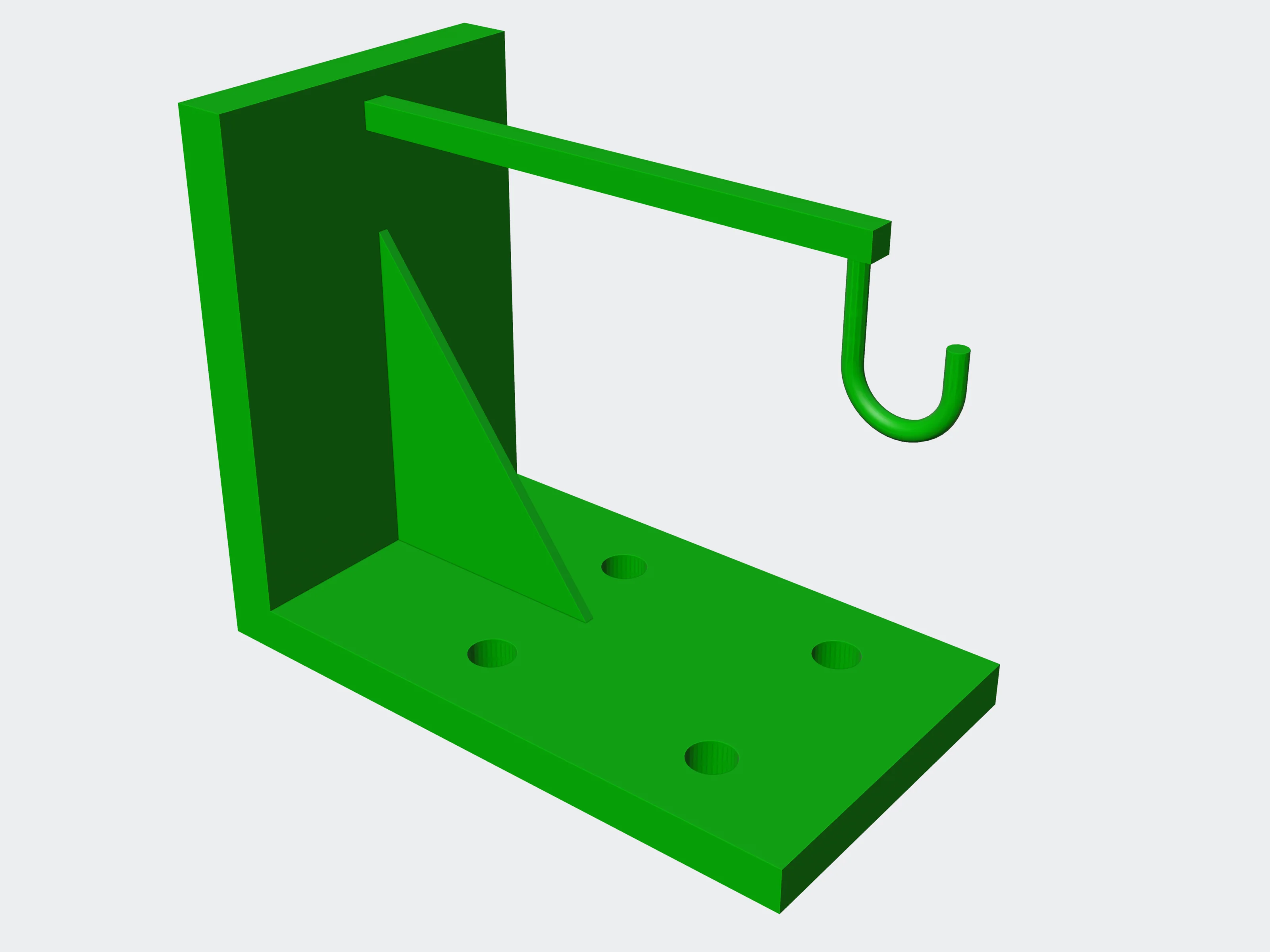 0.7 mm: 0.0% flagged
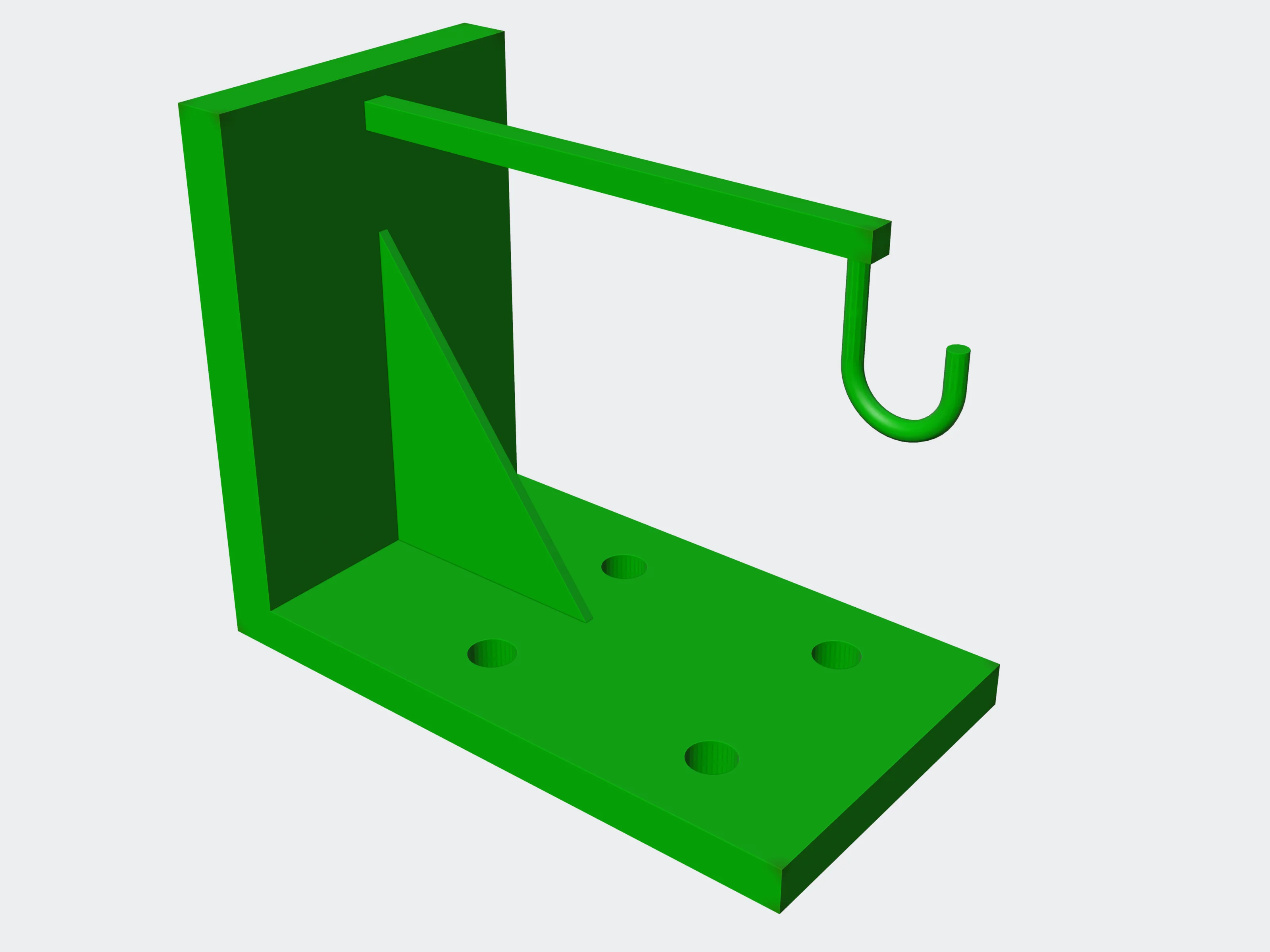 1.5 mm: 0.3% flagged
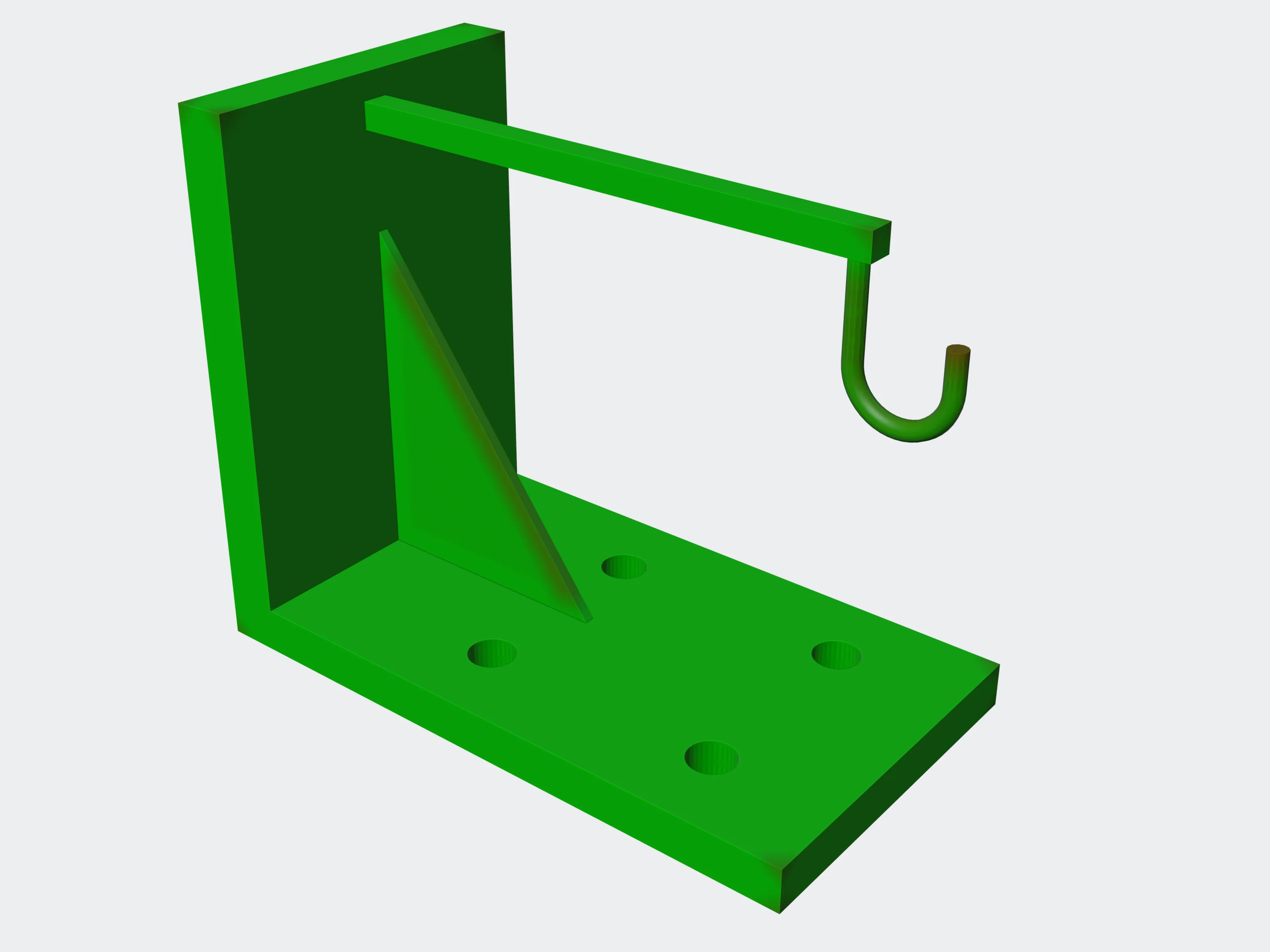 3 mm: 4.3% flagged
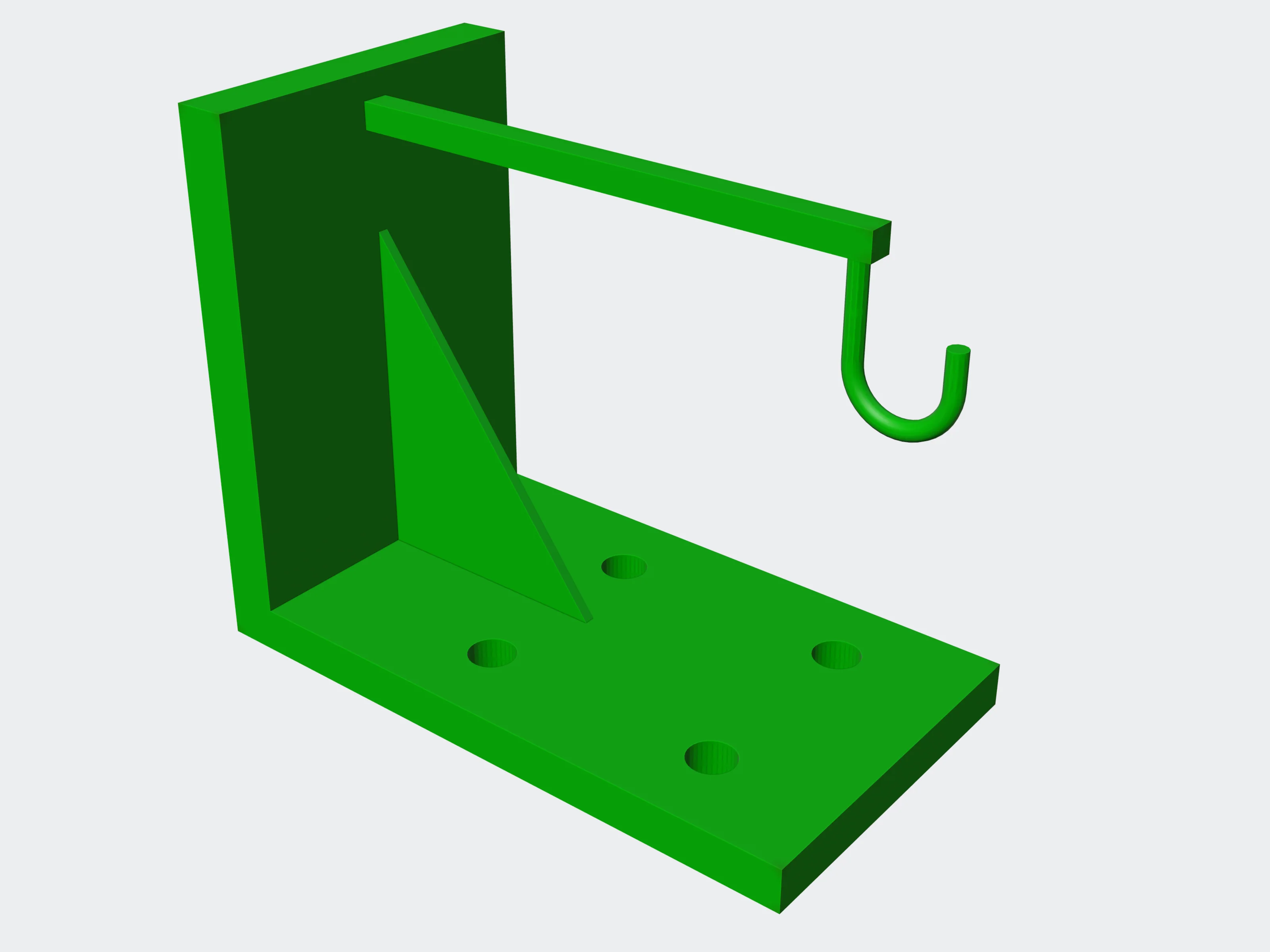 support_aware: false
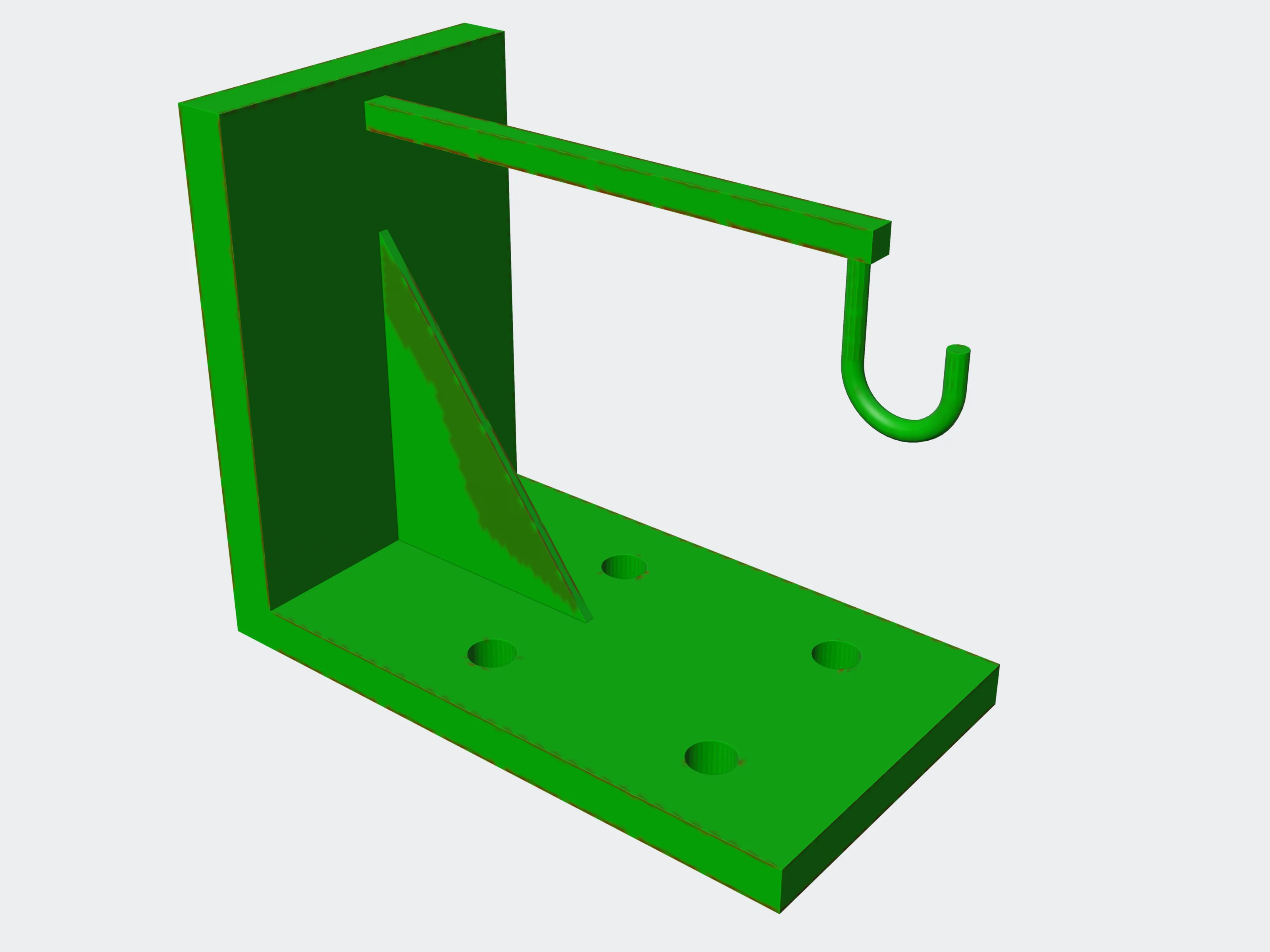 support_aware: true
medial#
Ball wall thickness: at every vertex, the diameter of the largest ball that fits inside the wall, with a voxel flood fill deciding where material is. Report only. A mesh without a real-world scale is refused (basis: refused).
{ "threshold_mm": 0.7 }threshold_mmnumberdefault 1.0> 0, ≤ 100Walls thinner than this are counted and painted.
exteriorbooleandefault trueAlso measure the exterior side; reported in the exterior block.
export_meshbooleandefault trueReturn the heatmap mesh (artifact heatmap); grey where a vertex could not be measured.
paint_dilate_mmnumber0–100How far the painted thin areas spread on the heatmap. Default: threshold_mm.
beamsbooleandefault falseAlso analyse thin beams.
selftestbooleandefault falseRun the tool's own self-test (diagnostics).
Result: interior and exterior blocks with thickness percentiles in millimetres, trusted_fraction, open_surface_fraction and material_from, plus below_threshold_fraction, unmeasured_vertices and painted_quantity.
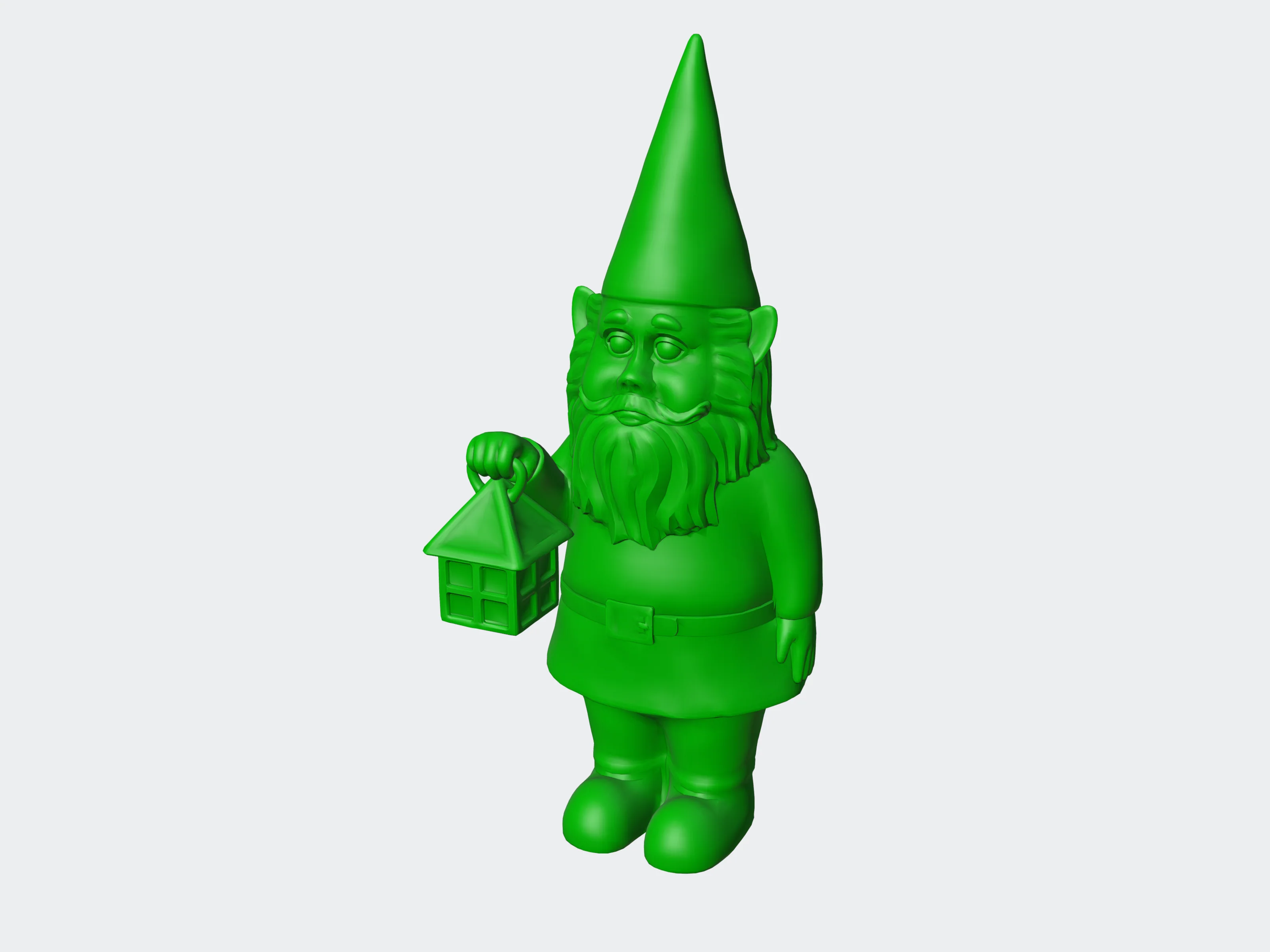 0.5 mm
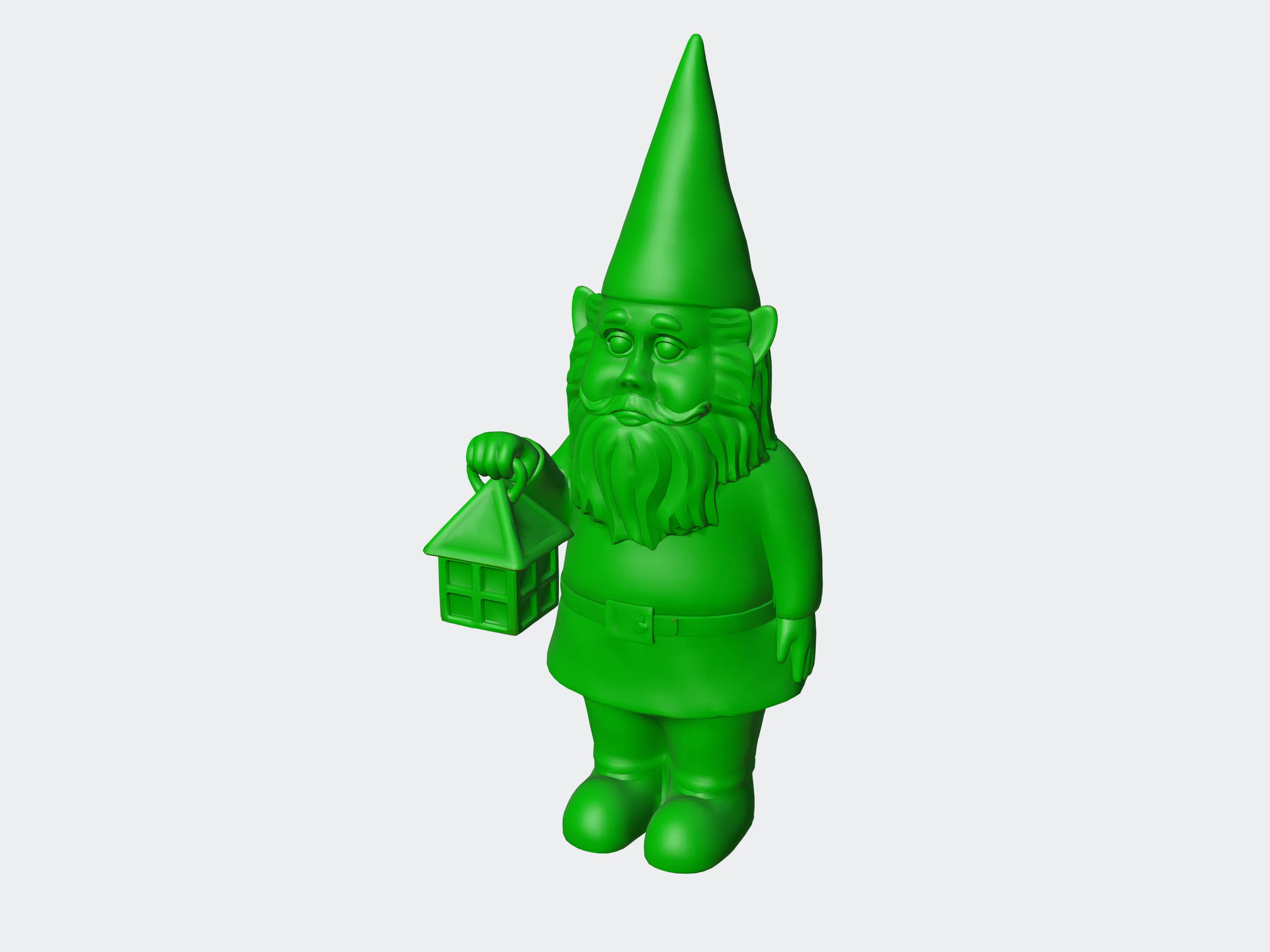 1 mm
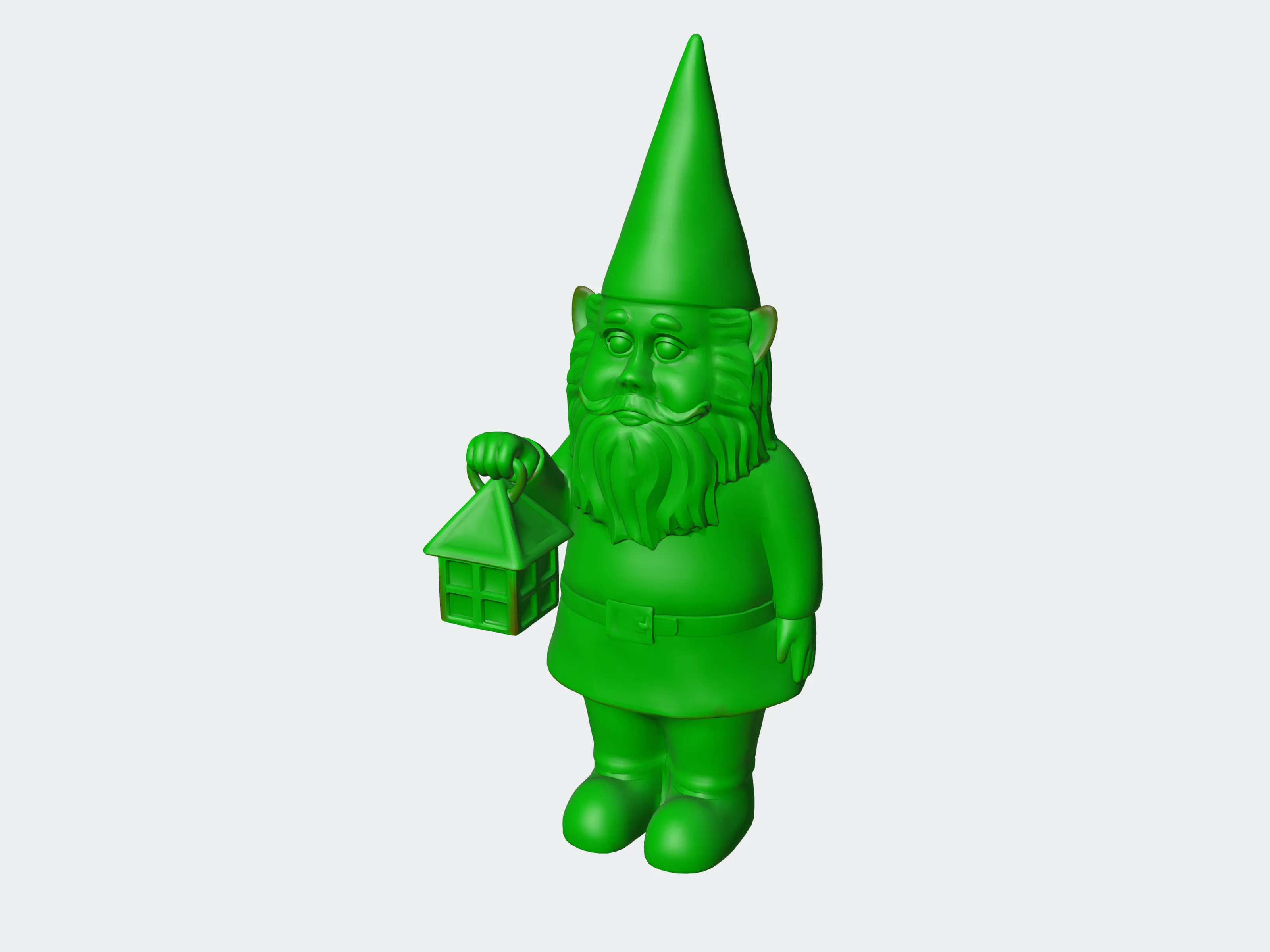 2 mm
analyze#
The engine's mesh figures, for comparing a model before and after other tools. This is not the inspect recipe: it returns no thumbnails, preview or recommendation.
{ "volume": true }volumebooleandefault trueCompute the volume.
volume_resolutionnumberdefault 100,000,0001,000,000–1,000,000,000Resolution of the volume computation.
Result: vertices, faces, volume. Artifact: analysis_raw, the engine's full analysis JSON.