Recipes
Exact Check
Exact Check measures a STEP part or assembly as it was designed and changes nothing: the thinnest walls, the narrow spaces inside each part, and how the parts of an assembly sit against each other. You then ask, free of charge, whether it will print with a given process and material, at a given size.
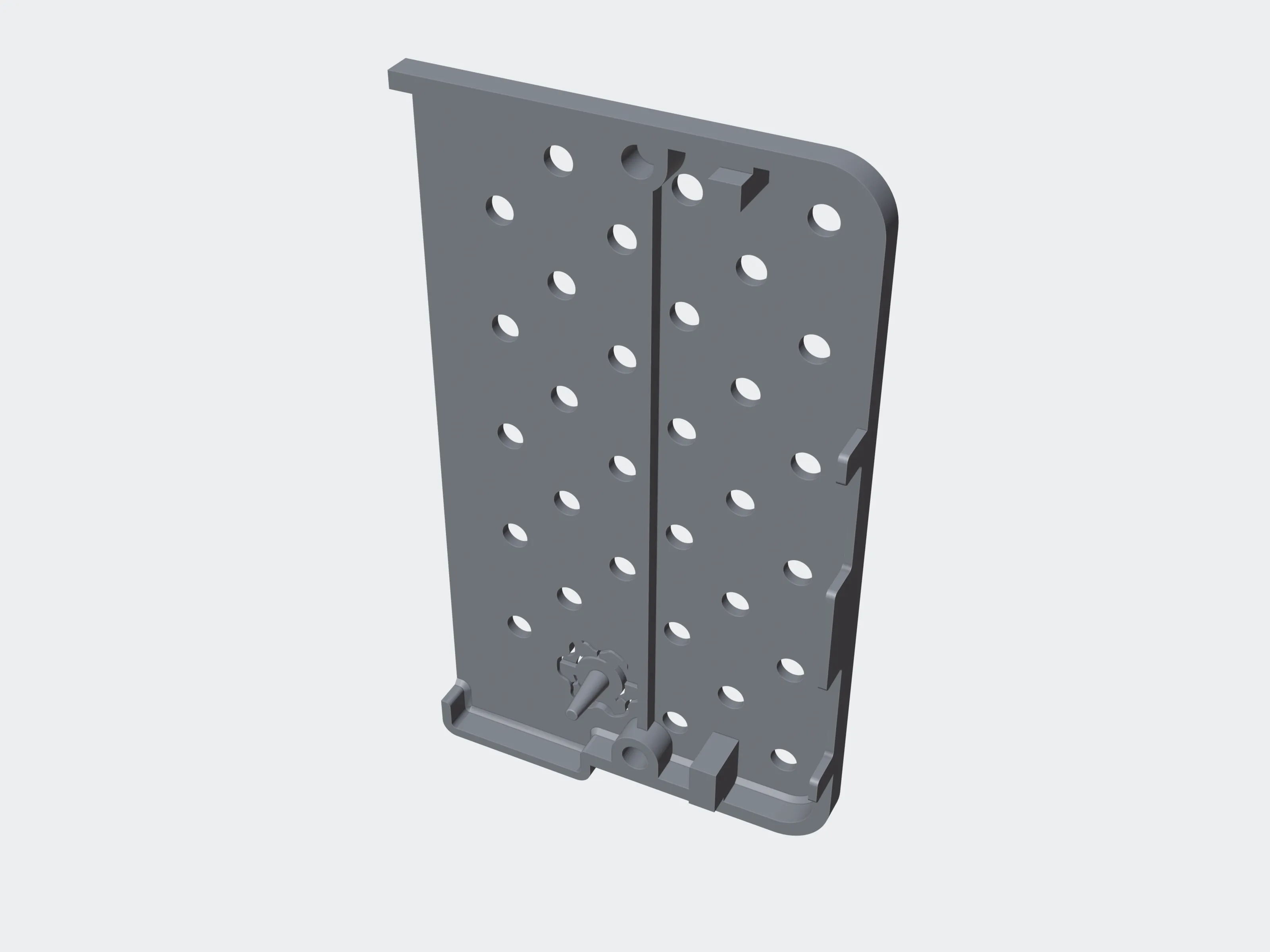 As uploaded
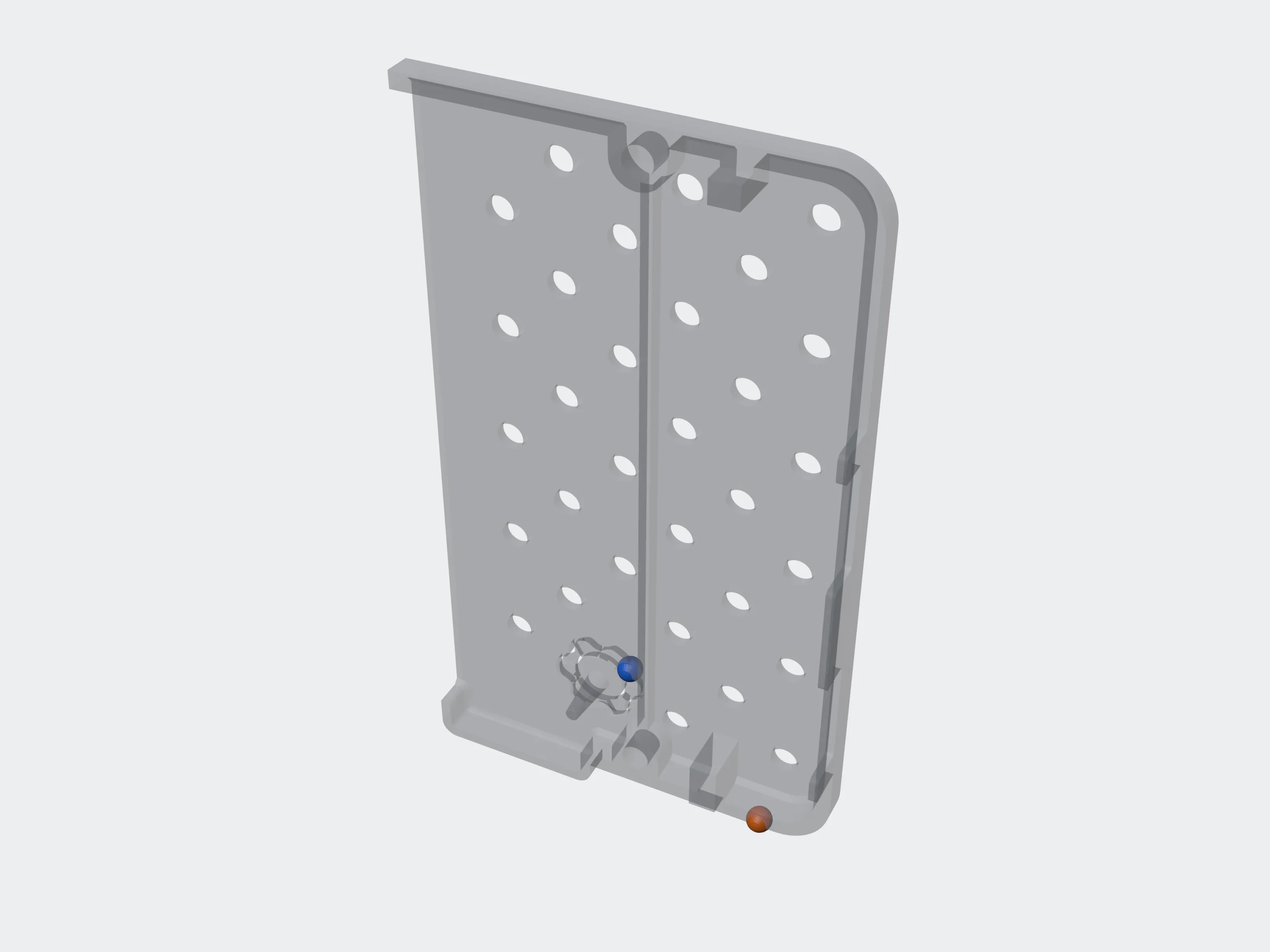 Measured
How it works#
- Upload a
.stepor.stpfile, or a ZIP of an assembly's STEP files. Uploads - Run one check: a job with
recipe: "cad_check". It measures the model once. - Ask for an evaluation as often as you like: the stored measurements judged against one process and material, or all of them, at the scale and assembly intent you choose. Each answer is free.
What it accepts#
- A
.stepor.stpfile, or a ZIP holding an assembly's STEP files. Any other format is refused with422 validation_failedand a sentence that says why. - A ZIP may unpack to at most 2,000 entries and 850 MiB, at a ratio of at most 200:1. Operating-system clutter such as
__MACOSX/and.DS_Storeis skipped. - In a ZIP, the files no other file references are opened, each with the files it references. Files that only reference each other are opened from the first of them by name. Every file is measured once. A ZIP with so many top-level files that one check cannot be given them all fails with
invalid_inputand a sentence saying so. - Your account's upload limits apply as for any file. Rate limits & limits
Running a check#
/v1/jobsjobs:writeinput_file_idstringrequiredpattern ^file_[0-9A-HJKMNP-TV-Z]{26}$A ready STEP file or ZIP of yours.
recipestringcad_check. There is no tool.
params.max_creditsintegerat least 10Optional. The most this check may cost. It caps the credits held when the job is admitted and the credits charged when it finishes. One credit is one second, so it is also the checker's time limit when it is under 290: at 15 the checker gets 15 s. A low value can stop a large file before it is measured (time_limit, not charged). No other key is accepted in params.
notify.webhook_endpointstringpattern ^whe_[0-9A-HJKMNP-TV-Z]{26}$Optional. One of your webhook endpoints, to be told when the job ends instead of polling. Only cad_check jobs take notify.
curl -sS "$API/v1/jobs" -H "Authorization: Bearer $PRINTY3D_API_KEY" \
  -H "Content-Type: application/json" -H "Idempotency-Key: $(uuidgen)" \
  -d "{\"input_file_id\": \"$FILE_ID\", \"recipe\": \"cad_check\", \"params\": {\"max_credits\": 120}}"
Then poll the job until it is succeeded, failed or cancelled, exactly as for any other job (Jobs & polling), or let a webhook tell you.
Where it runs, and how long it may take#
- Checks run on their own CPU workers, not on the GPU fleet, so GPU capacity never refuses them, and
queue.capacityisnull. - When no Exact Check worker is running (none has asked for work or held a check in the last 2 minutes), a live check is refused with
503 capacity_exhausted,reason: "cad_unavailable"andRetry-After: 300. Nothing is queued or held. A test key is never refused this way. - A queued live check fails free with
error_code: capacity_exhaustedonce it has waited 10 minutes with no worker running, or after 24 hours in the queue. - The checker gets 290 s, or
max_creditsseconds when that is less, and stops itself there; one still running 10 s later is stopped. The check then fails witherror_code: time_limitand is not charged. - A check that dies because the file needs more memory than a check is allowed fails with
error_code: memory_limitand is not charged either. - A file the checker cannot read fails with
invalid_inputand costs the 10-credit minimum (When a job fails). - A check the checker stops on a fault of its own, not the file's, fails with
invalid_resultand is not charged. - Only a file the checker refuses is charged. Any other failure (the checker crashing or stopped,
engine_failed) is ours and is not charged either.
What it costs#
- A live check costs 1 credit per second of run time, with a minimum of 10 credits, like every live job (Credits & billing).
- When the job is admitted it holds its expected run time: 120 credits by default, more for a larger file, or the measured run time of similar checks once enough have run; never more than
max_creditswhen you set it. The charge never goes abovemax_creditseither. time_limitandmemory_limitfailures cost nothing; a file the checker cannot read costs the 10-credit minimum.- Evaluations are free: they start no job and touch no balance.
- A check made with a test key is free and simulated (see Test keys).
The result#
When the job has succeeded, job.result holds a count summary. The findings come from the evaluation, not from the job.
partsintegerrequiredDistinct parts: one part can be placed several times in an assembly. A part placed as a mirror image, or scaled, is measured as a part of its own, named "… (mirror image)" or "… (scaled)".
placed_copiesintegerrequiredParts as placed in the assembly, counting every copy.
pairsintegerrequiredPairs of placed parts that touch, overlap or lie close to each other.
open_partsintegerrequiredParts that are not closed solids.
sheet_partsintegerrequiredParts that are surfaces with no thickness.
accuracy_mmnumberrequiredThe tolerance of the measurements, which are taken on a tessellation of the model. A reading is judged under a limit only when it is under it by more than this. An evaluation with a scale scales this tolerance with the model.
sample_limit_per_shapeintegerrequiredThe per-shape limit of wall samples in force for this check: 3,000,000 normally, lower for a very large file. A small shape may need fewer samples than the limit.
truncatedbooleanrequiredTrue when the checker capped the number of pairs or regions it reported.
unsupported_placementsinteger | nullPlacements in the file the checker could not read, so the parts they place were not measured. Normally 0; anything else adds a PLACEMENTS_UNREAD warning to every evaluation. null for a file checked before 10 November 2026, whose checker did not count them.
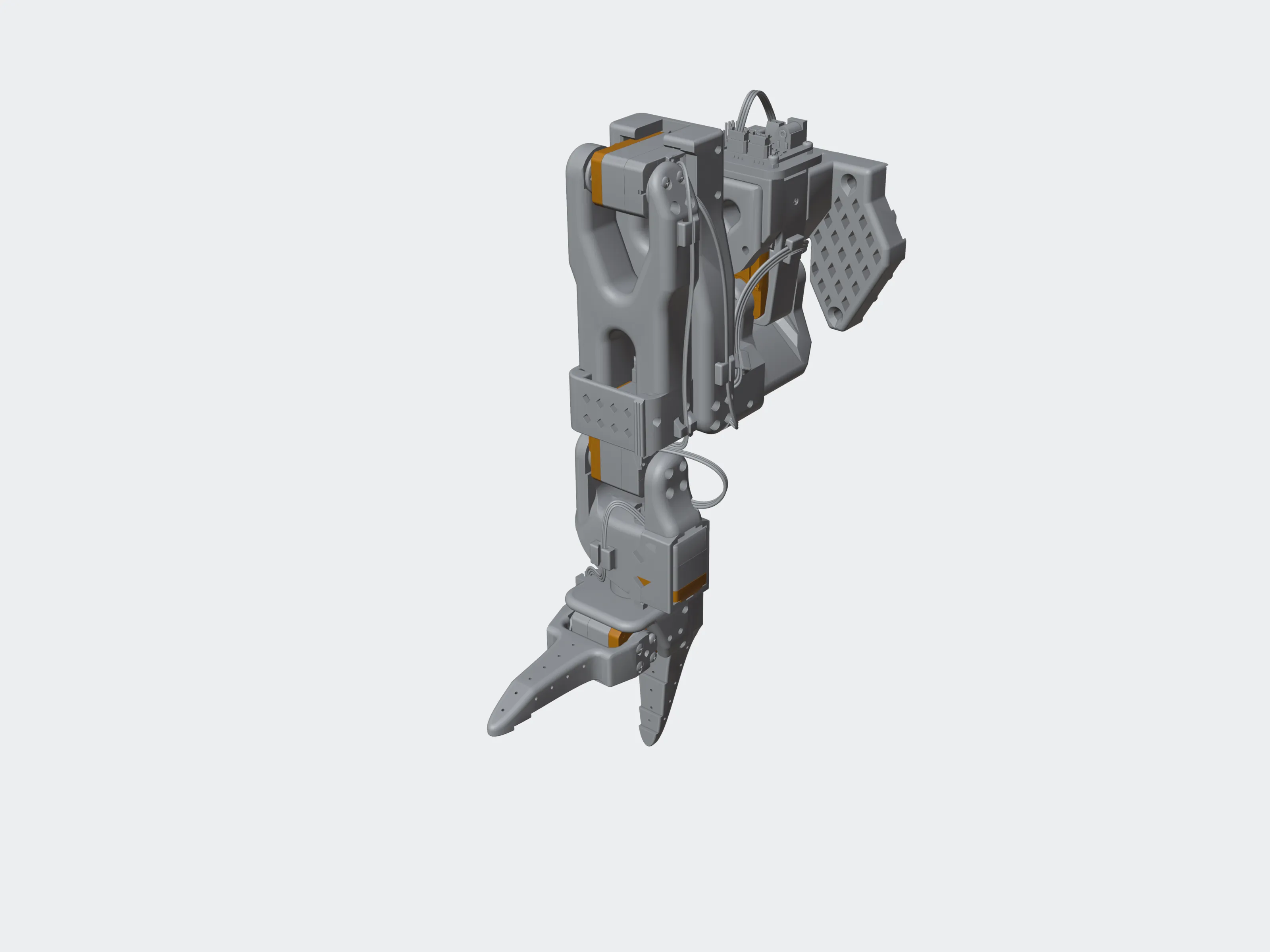 The whole arm
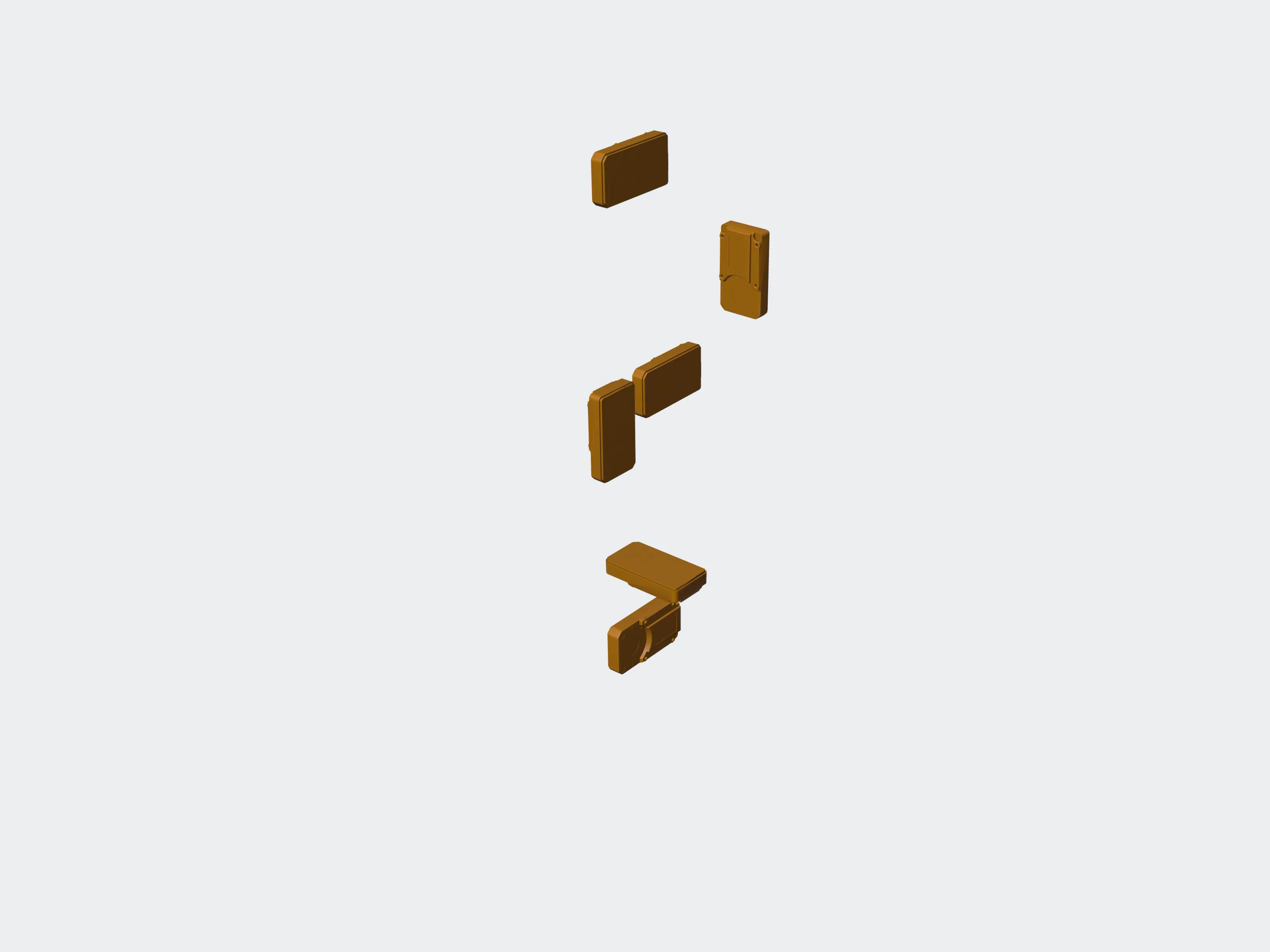 One part, six copies
{
"schema_version": 1,
"parts": 36,
"placed_copies": 36,
"pairs": 132,
"open_parts": 1,
"sheet_parts": 0,
"accuracy_mm": 0.02,
"sample_limit_per_shape": 3000000,
"truncated": false,
"unsupported_placements": 0
}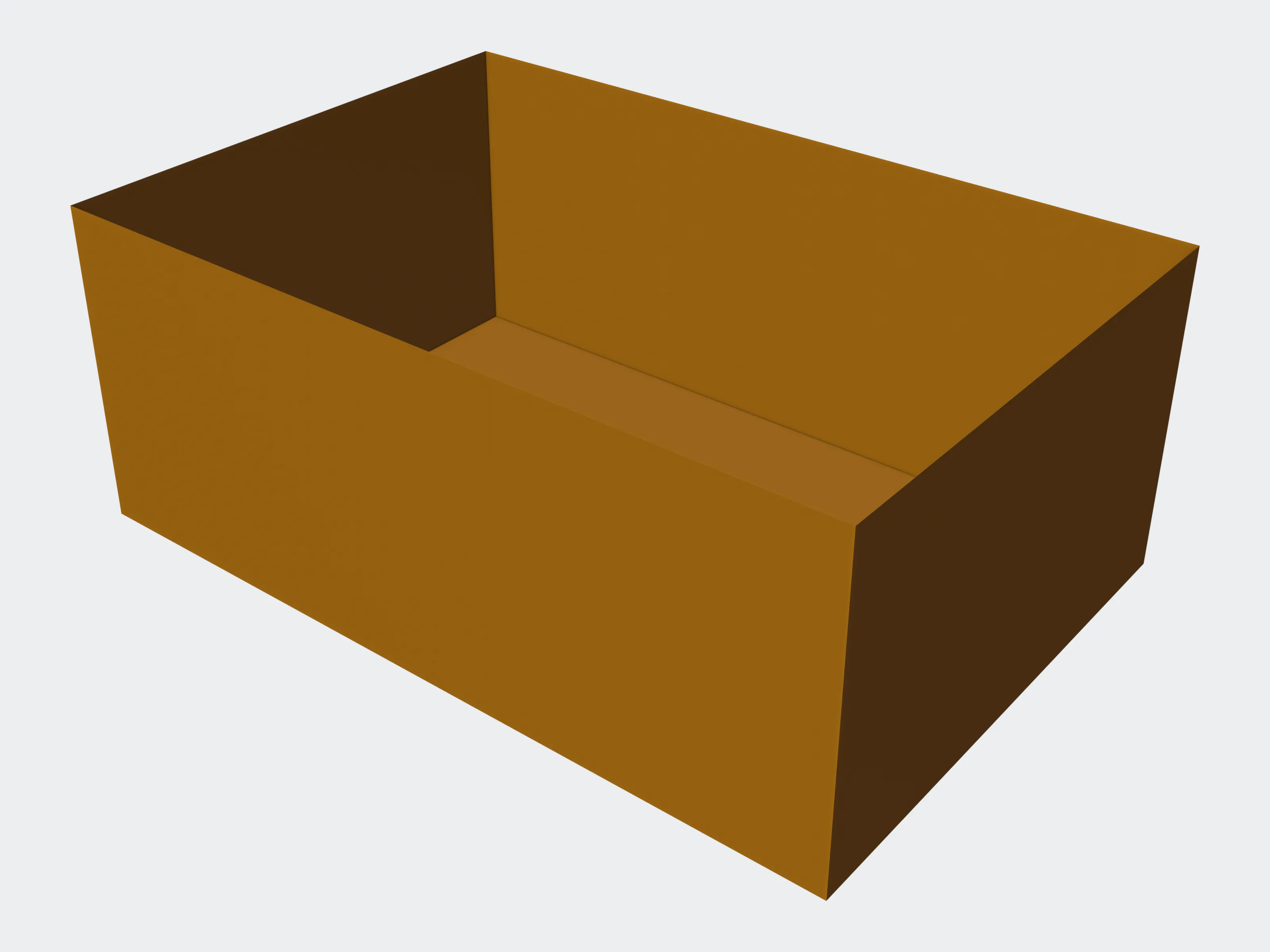 The demo part
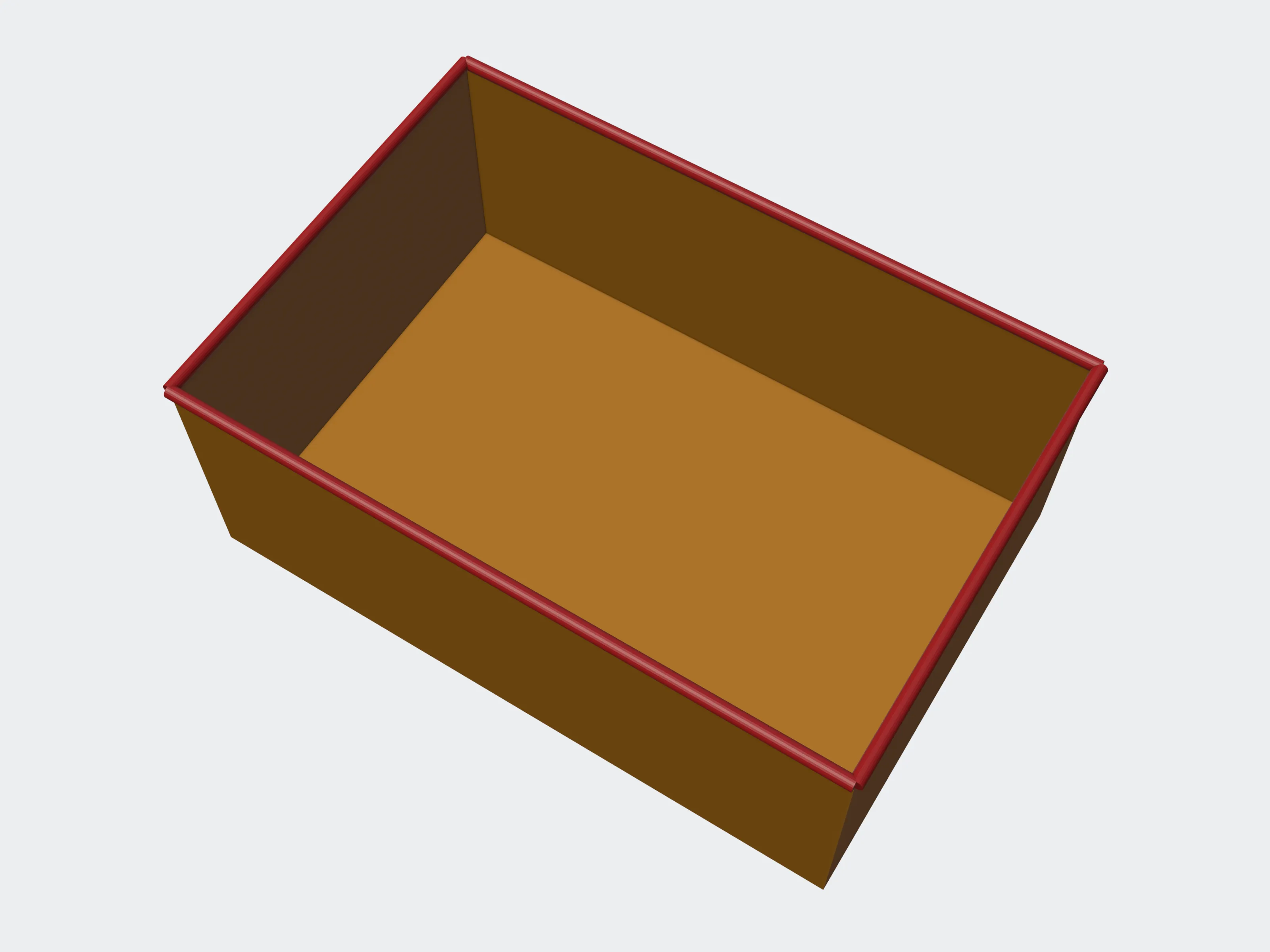 The open top
How walls are read#
A wall is measured from each sample point straight into the material, to the surface facing it. Where two faces meet at a sharp edge, the reading near the edge measures the edge, not a wall, and is not reported. A blade that is genuinely thin is still reported.
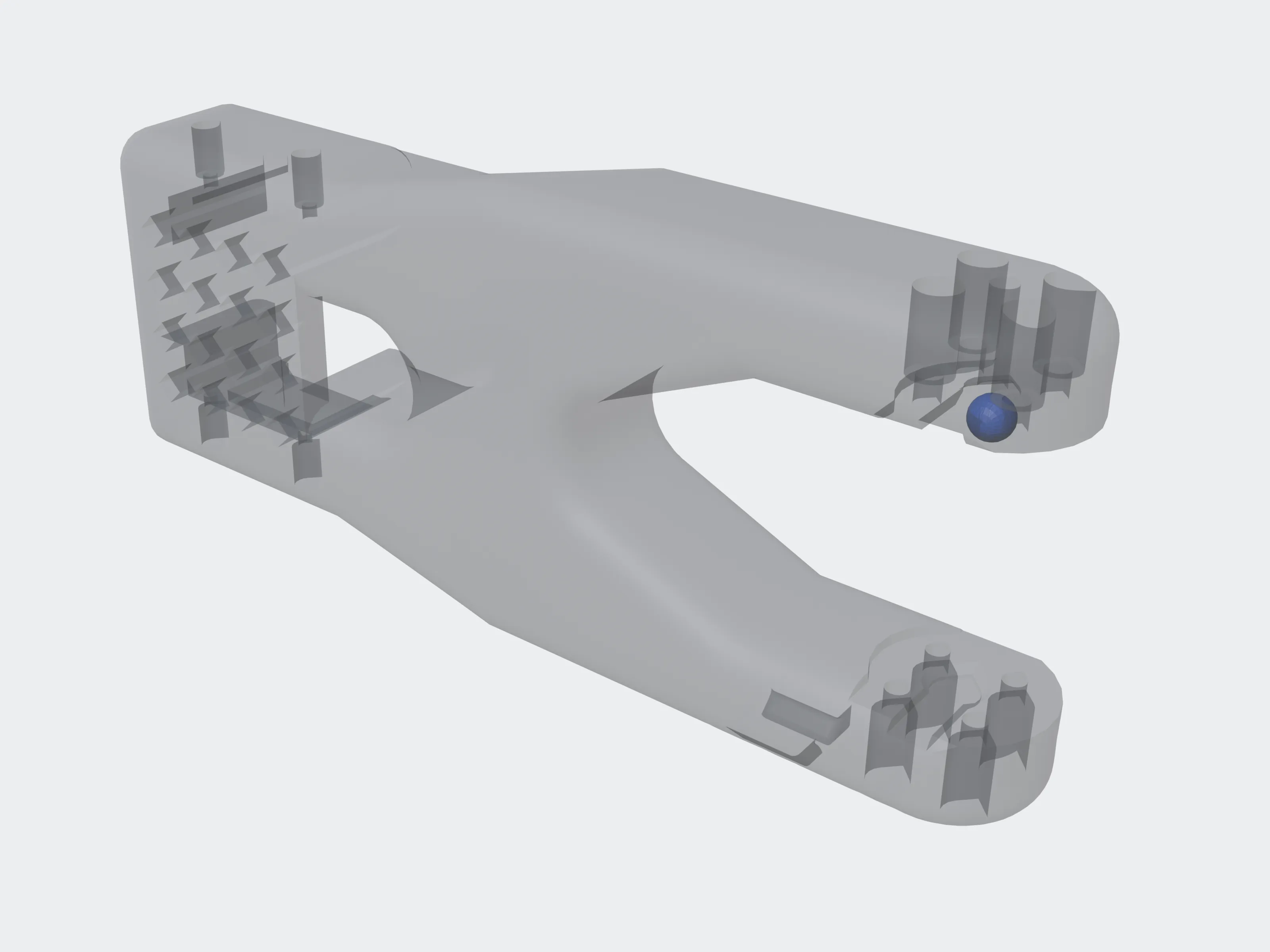 Thinnest wall
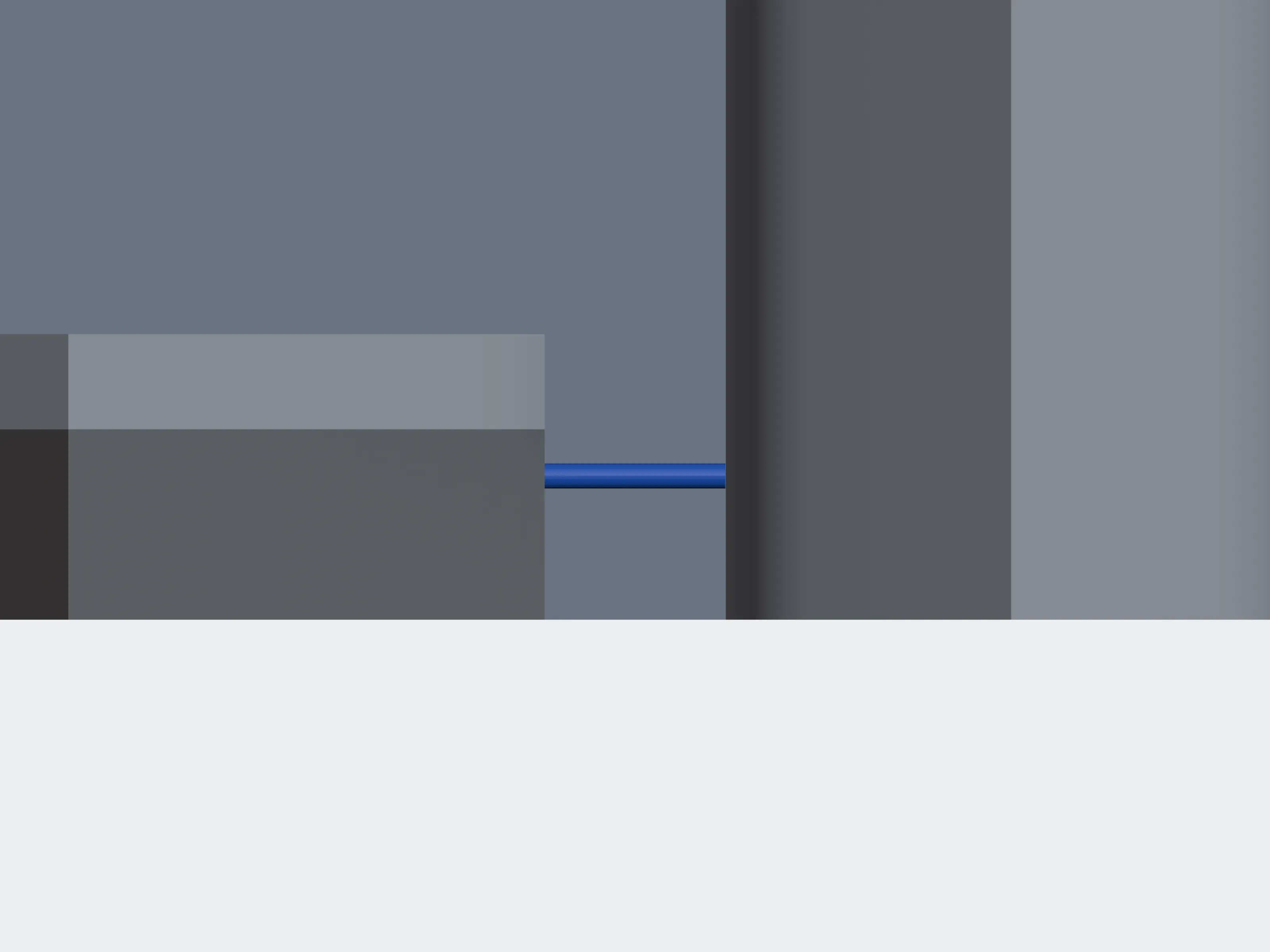 Section at the wall
A wall or gap of 0.01 mm or less is not reported: at that size the reading measures how the curved surfaces were traced, not the model. Neither is a patch of surface too small to hold one sample point.
A gap inside a part is read the same way, from each sample point straight out of the material, across the space, to the surface facing it.
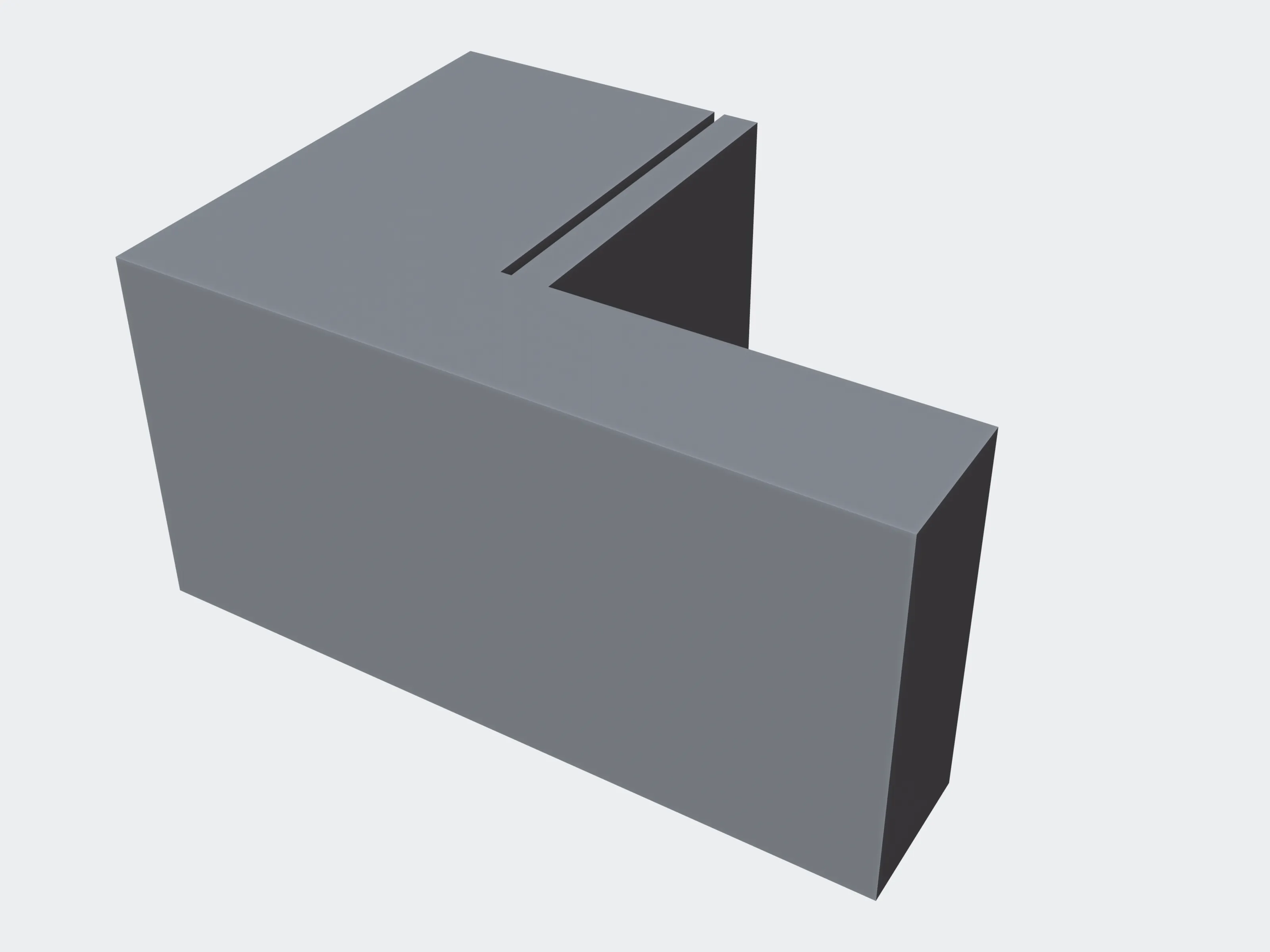 Demo part
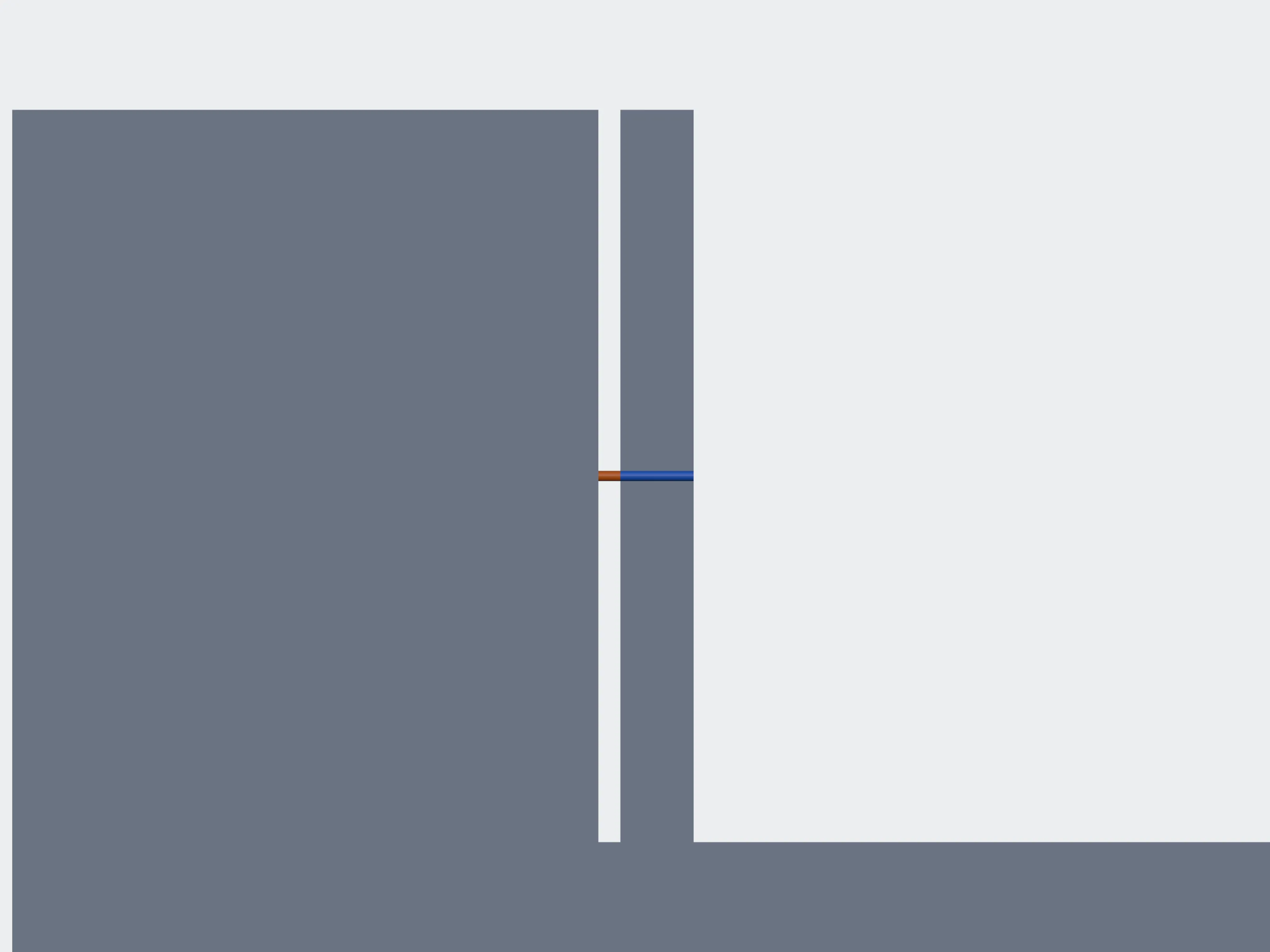 Section at the slot
The limits table#
/v1/technologiesjobs:readThe limits that apply to your account, one row per process and material. Read it to offer your users the processes to choose from, and to show them the data notice.
versionintegerrequiredChanges whenever the table changes. Each evaluation answer carries the table_version it used.
gap_floor_mmnumberrequiredNo gap limit is applied below it, because readings are not reliable under it. It is 0.2 mm; the Printy3D team may set a higher floor for your account, never a lower one.
noticeDataNoticerequiredprocessing_region and retention_days: where files are processed and how long the measurements are kept. Show it to your users before they upload.
rows[]TechnologyRow[]process, material and a label for people; wall_min_mm; gap_inside_mm (inside one part), gap_assembled_mm (between parts printed together) and gap_moving_mm (between parts that must move); interior (closed_ok, needs_holes or not_offered), hole_count and hole_min_diameter_mm for drain holes; the source of the values; and optional wall_by_size bands. A value the process does not define is null.
{
  "version": 3,
  "gap_floor_mm": 0.2,
  "notice": { "processing_region": "...", "retention_days": 30 },
  "rows": [
    {
      "process": "fdm",
      "material": "pla_abs_petg",
      "label": "FDM, PLA / ABS / PETG",
      "wall_min_mm": 1.2,
      "gap_inside_mm": 0.5,
      "gap_assembled_mm": 0.5,
      "gap_moving_mm": 0.5,
      "interior": "closed_ok",
      "hole_count": null,
      "hole_min_diameter_mm": null,
      "source": "...",
      "wall_by_size": null
    }
  ]
}Evaluation#
/v1/jobs/{job_id}/evaluationjobs:readJudges a succeeded check's stored measurements against the limits table. It is free, so change the question and ask again: another material, a larger print, parts printed together or apart.
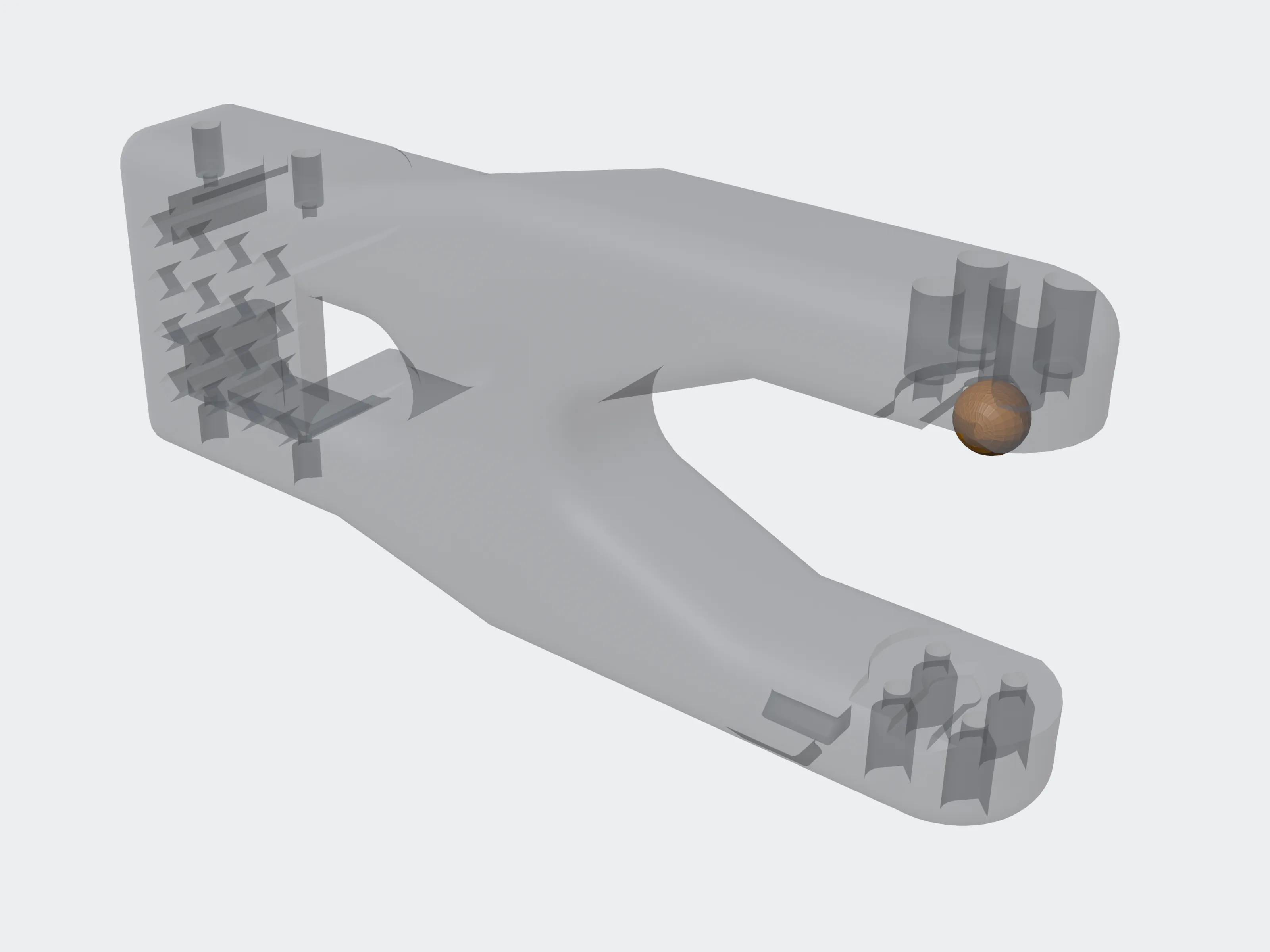 FDM
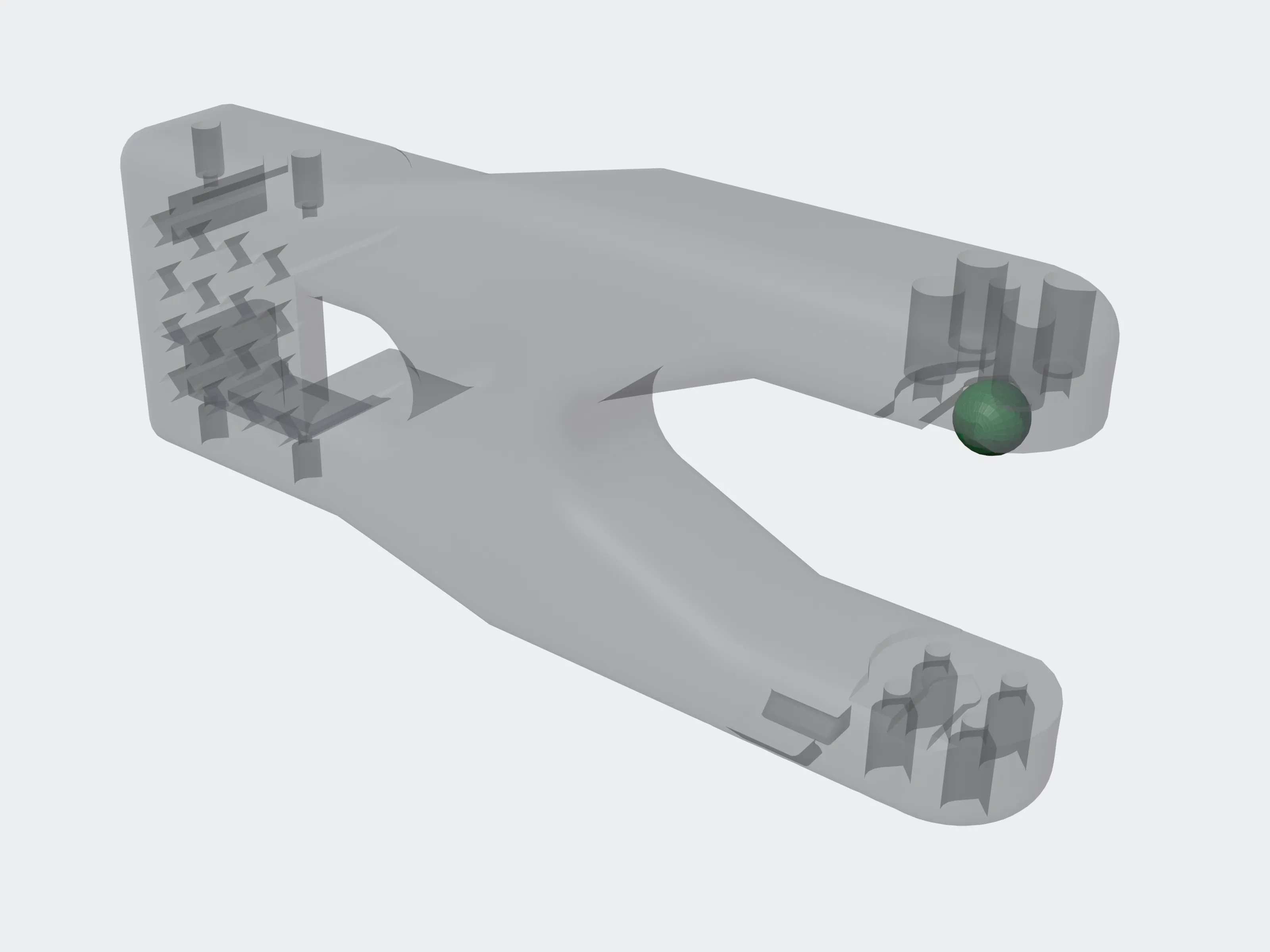 SLA / DLP
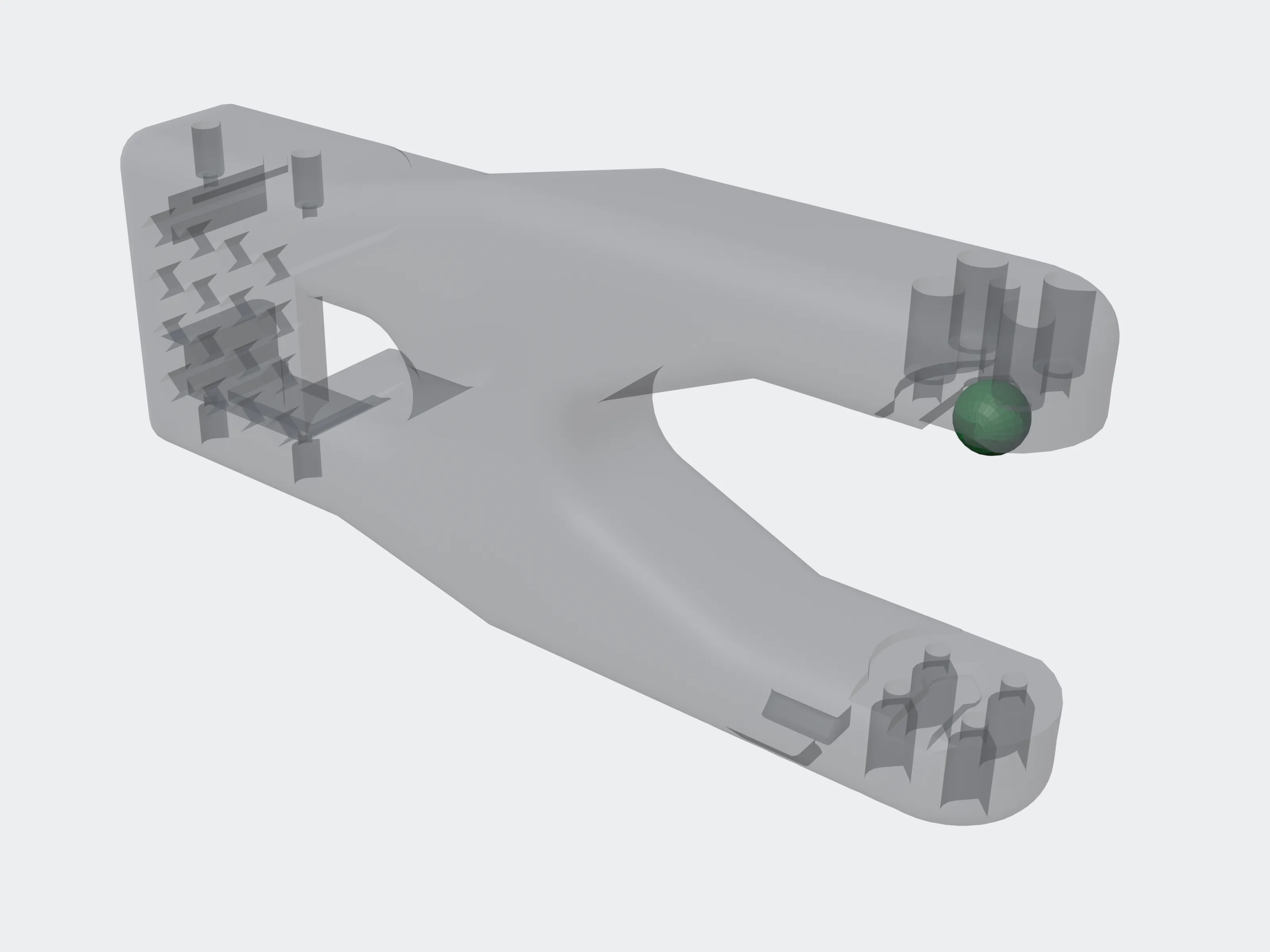 SLS
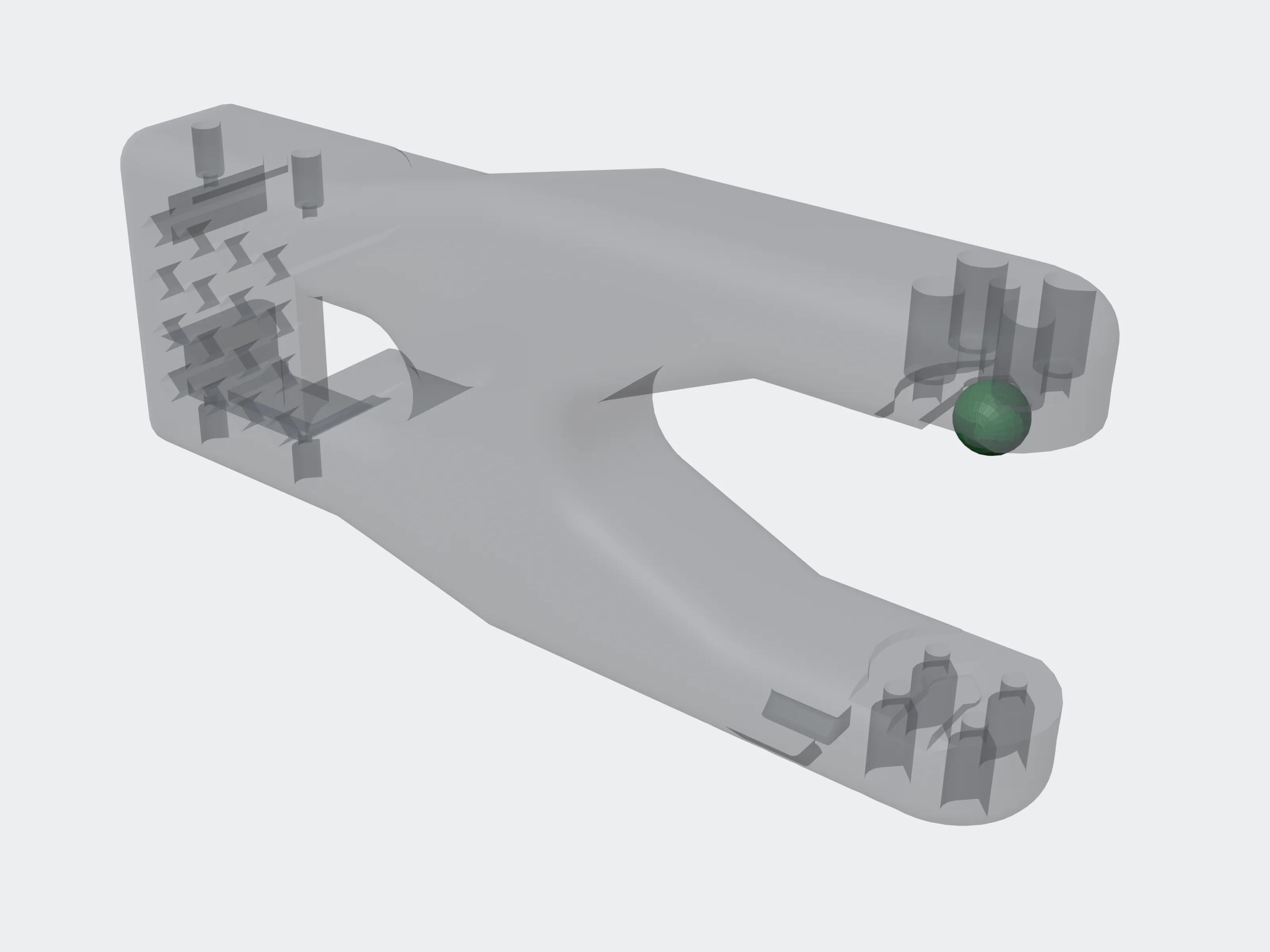 MJF
processstringA process from the table. Without it, every process and material is judged.
materialstringA material of that process. Without it, every material of the process is judged. A material without a process, or a name the table does not have, answers 422.
scalenumberdefault 1greater than 0The model is judged as if multiplied by it: at 2, every wall and gap is twice as wide, and so is the accuracy_mm tolerance.
assembly_intentstringdefault "separate"separate: the parts are printed one by one, so parts touching each other is information only. together: they are printed as one assembly, so it is a warning.
movingbooleandefault falseJudge gaps between parts against gap_moving_mm instead of gap_assembled_mm.
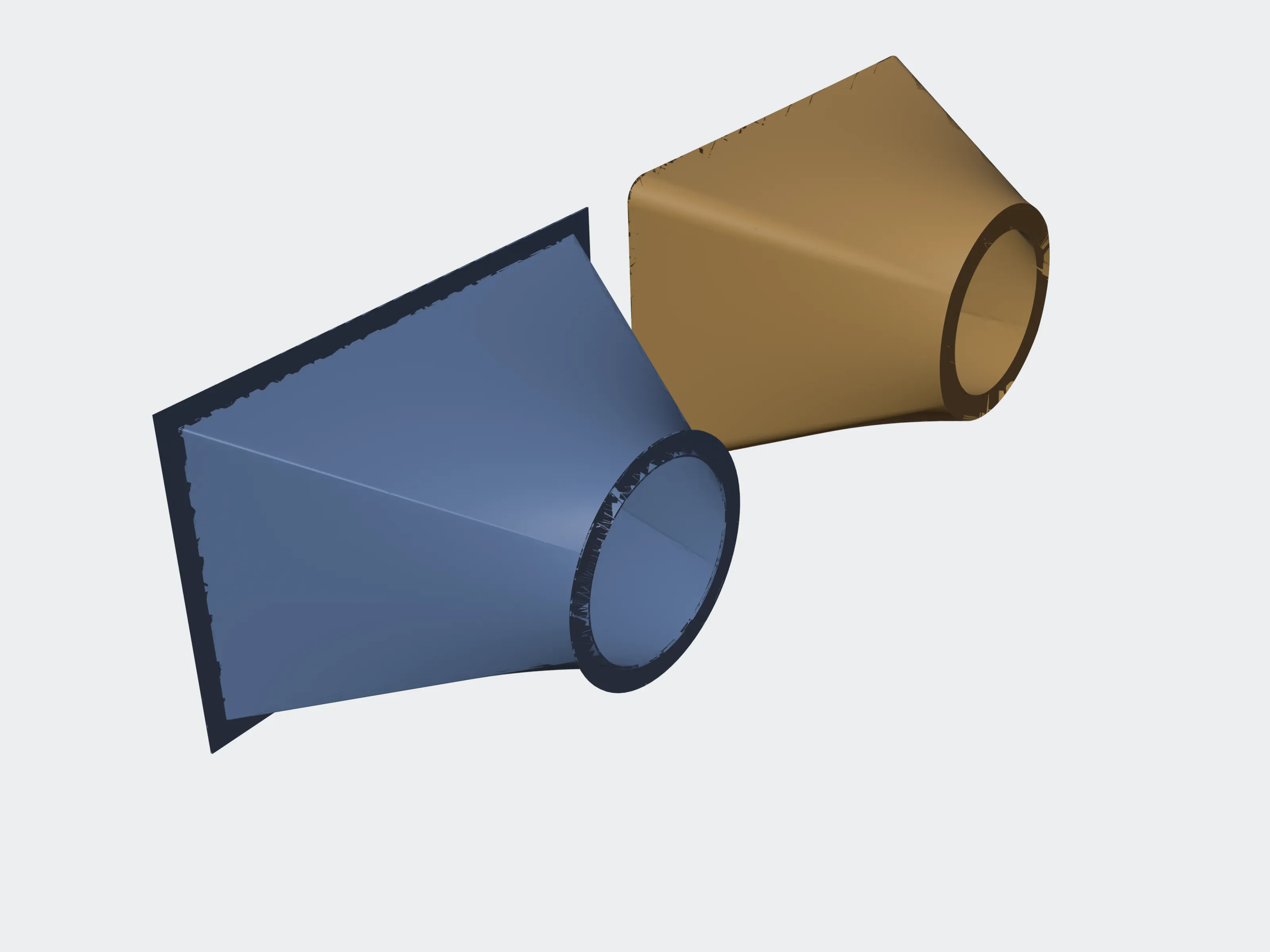 Printed separately
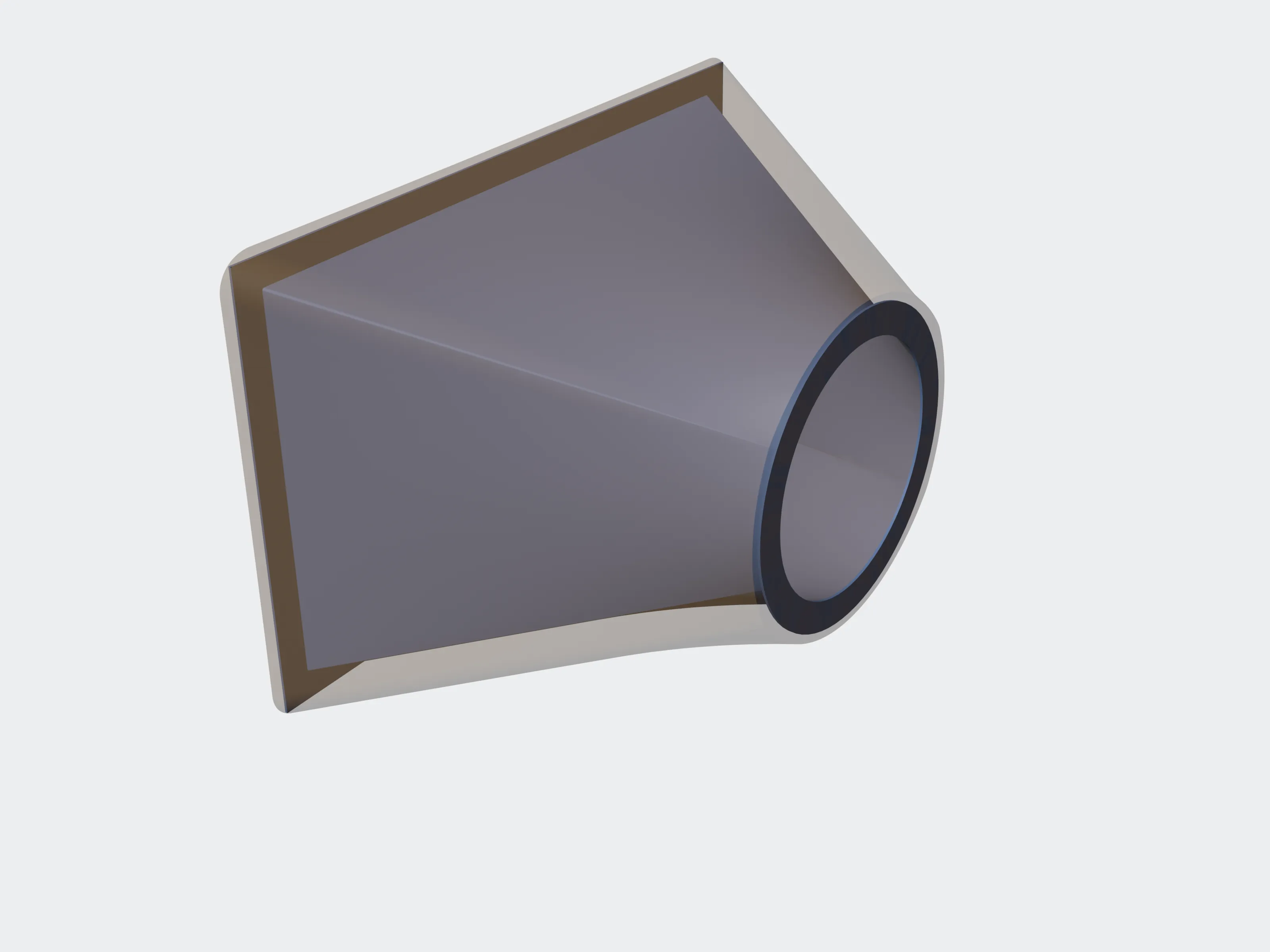 Printed together
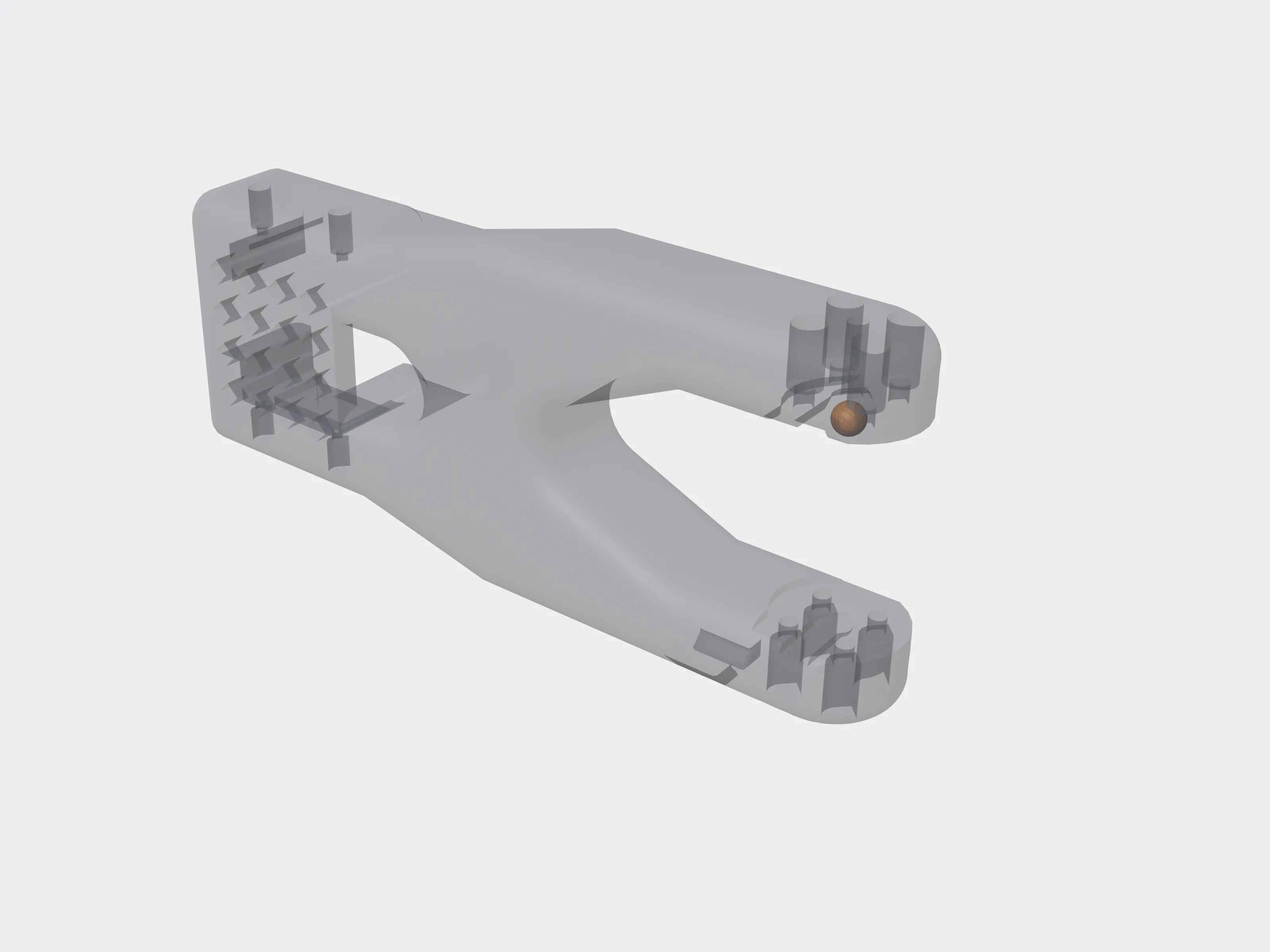 Scale 1
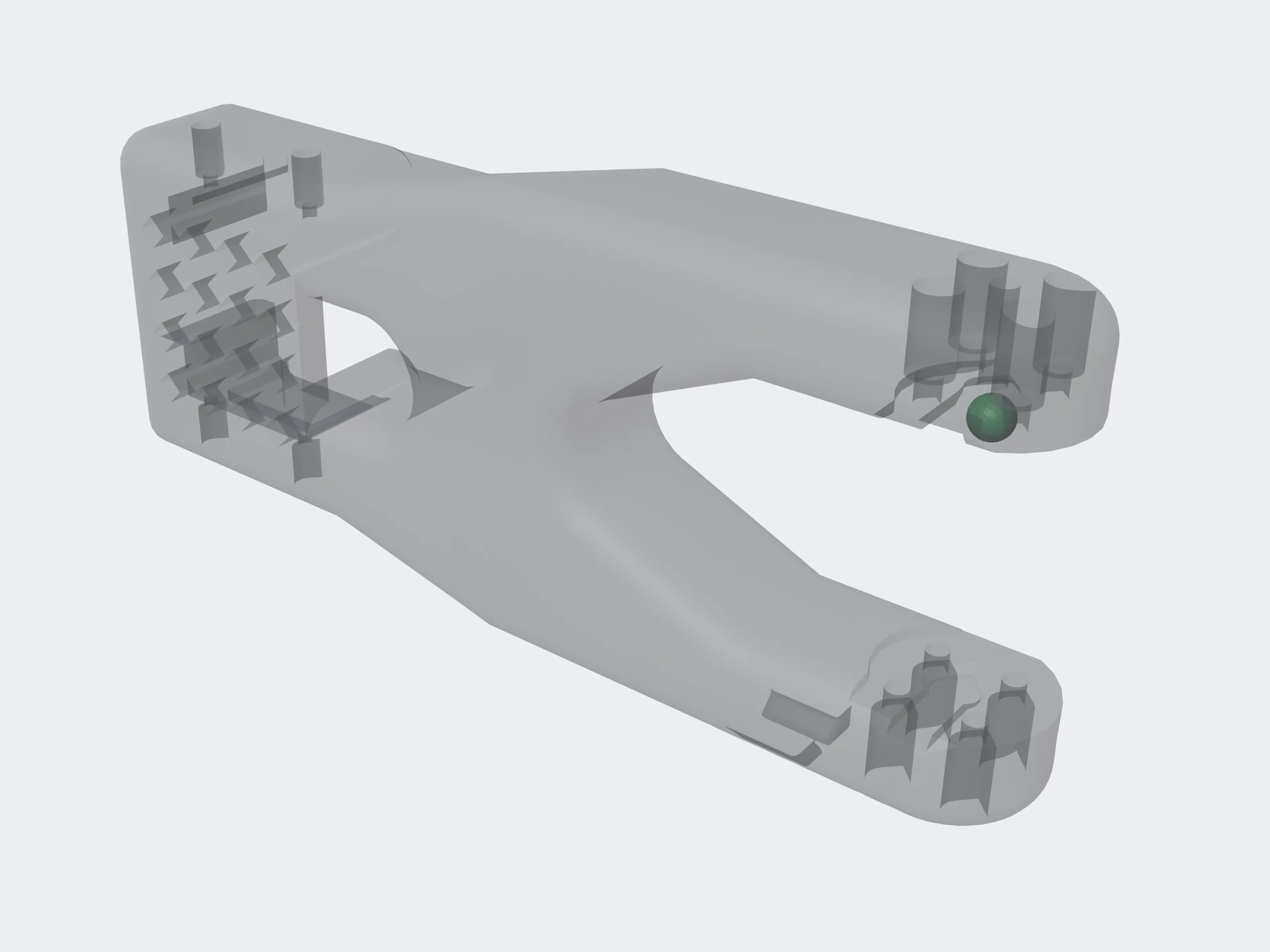 Scale 1.3
curl -sS "$API/v1/jobs/$JOB_ID/evaluation?process=fdm&material=pla_abs_petg&assembly_intent=together" \
-H "Authorization: Bearer $PRINTY3D_API_KEY"{
"table_version": 3,
"items": [
{
"process": "fdm",
"material": "pla_abs_petg",
"summary": "blocked",
"findings": [
{
"code": "NOT_CLOSED",
"severity": "blocking",
"message": "Planet Gear is not a closed solid, so it cannot be printed as it is.",
"part": "Planet Gear",
"value_mm": null,
"limit_mm": null,
"location": null,
"frame": null
},
{
"code": "WALL_BELOW_MIN",
"severity": "warning",
"message": "Sun Gear wall 0.2773 mm, under the 1.2 mm minimum.",
"part": "Sun Gear",
"value_mm": 0.277328,
"limit_mm": 1.2,
"location": [-0.4596, 6.1625, 9.5642],
"frame": "part"
},
{
"code": "PARTS_TOUCH",
"severity": "warning",
"message": "Actuator Housing and Bearing Retainer touch. Printed together they will fuse: print them separately, or open a gap in the design.",
"part": null,
"value_mm": 0.0,
"limit_mm": 0.5,
"location": [40.3617, 37.3564, 62.5],
"frame": "assembly"
}
]
}
]
}summary is blocked when any finding is blocking, warnings when any is a warning, and ok otherwise. A finding is {code, severity, message, part, value_mm, limit_mm, location, frame}; message is a sentence you can show as it is.
| code | severity | Meaning |
|---|---|---|
NOT_CLOSED | blocking | The part is not a closed solid, so it cannot be printed as it is. |
SHEET_NO_THICKNESS | blocking | The part is a surface with no thickness. |
WALL_BELOW_MIN | warning | The part's thinnest wall is under the row's wall_min_mm. |
GAP_BELOW_MIN inside one part | warning | A space inside one part, or between two bodies of one part, is narrower than gap_inside_mm. |
PARTS_TOUCH, PARTS_OVERLAP, GAP_BELOW_MIN between two parts | warning with assembly_intent=together, otherwise information | Two parts touch, overlap, or are closer than gap_assembled_mm (gap_moving_mm with moving=true). Printed together, they fuse. |
WALL_BELOW_SIZE_RECOMMENDATION | information | The wall is under what the row recommends for a part of this size (only rows with wall_by_size). |
SAMPLING_REDUCED | information | The file was large enough to be measured with fewer samples. At most one, with no part or location. |
PLACEMENTS_UNREAD | warning, whatever the process | Some placements in the file could not be read, so the parts they place were not checked. At most one, with no part or location; the message says how many. |
- Bodies of one part that touch or overlap are how multi-body parts are modelled and are not reported; only a real space between them is a gap inside the part.
- A part has at most one gap-inside finding, for its smallest gap, whether that gap lies inside one body or between two bodies, and however many times the part is placed. Findings name parts by their names in the file, so parts that share a name share that one finding, for the smallest gap among them.
locationis a point in millimetres, ornull, andframesays which frame it is in. A wall, or a gap measured inside one body, is in that part's own frame (part), before it is placed in the assembly, and applies to every copy of the part. A finding between two parts, or between two bodies of one part, is in the frame of the whole assembly (assembly).frameisnullwhenlocationis.409when the job is not acad_check, has not succeeded, or its stored measurements have expired.
Artifacts#
| label | What it is |
|---|---|
cad_report | Everything measured: every part, wall and gap region, and pair of parts. Up to 256 MiB of JSON. |
cad_digest | The small summary the evaluation reads, up to 2 MiB. |
preview | A GLB of the model, for a web viewer. |
In both JSON files, a part's volume is null unless every shape in the part is closed. The positions of a region (centroid, bbox_min, bbox_max) and of a part's thinnest wall and narrowest gap (wall_location, gap_location) are in the shape's own frame; the location of a pair is in the assembly's. Downloading works as for any artifact. Artifacts & exports
How long the measurements are kept#
A check's stored measurements are kept as long as its other outputs, the artifact retention of your plan, and no longer. After that the evaluation answers 409; run a new check to judge the file again. The region where files are processed and the retention period are in the limits table's notice.
Test keys#
A check made with a test key is free and runs in the sandbox. The file is not read: the result and the artifacts describe one simulated part named SIMULATED SANDBOX PART, and the preview is a placeholder. The evaluation judges that simulated part, and the webhook is sent as in live mode, so you can build your whole flow before your account is approved.