Recipes
Repair
Repair rebuilds a model as one print-ready solid: holes closed, walls thick enough to print, narrow gaps filled, the textures projected back on. Every setting is optional; by default each comes from the engine's recommendation for your file.
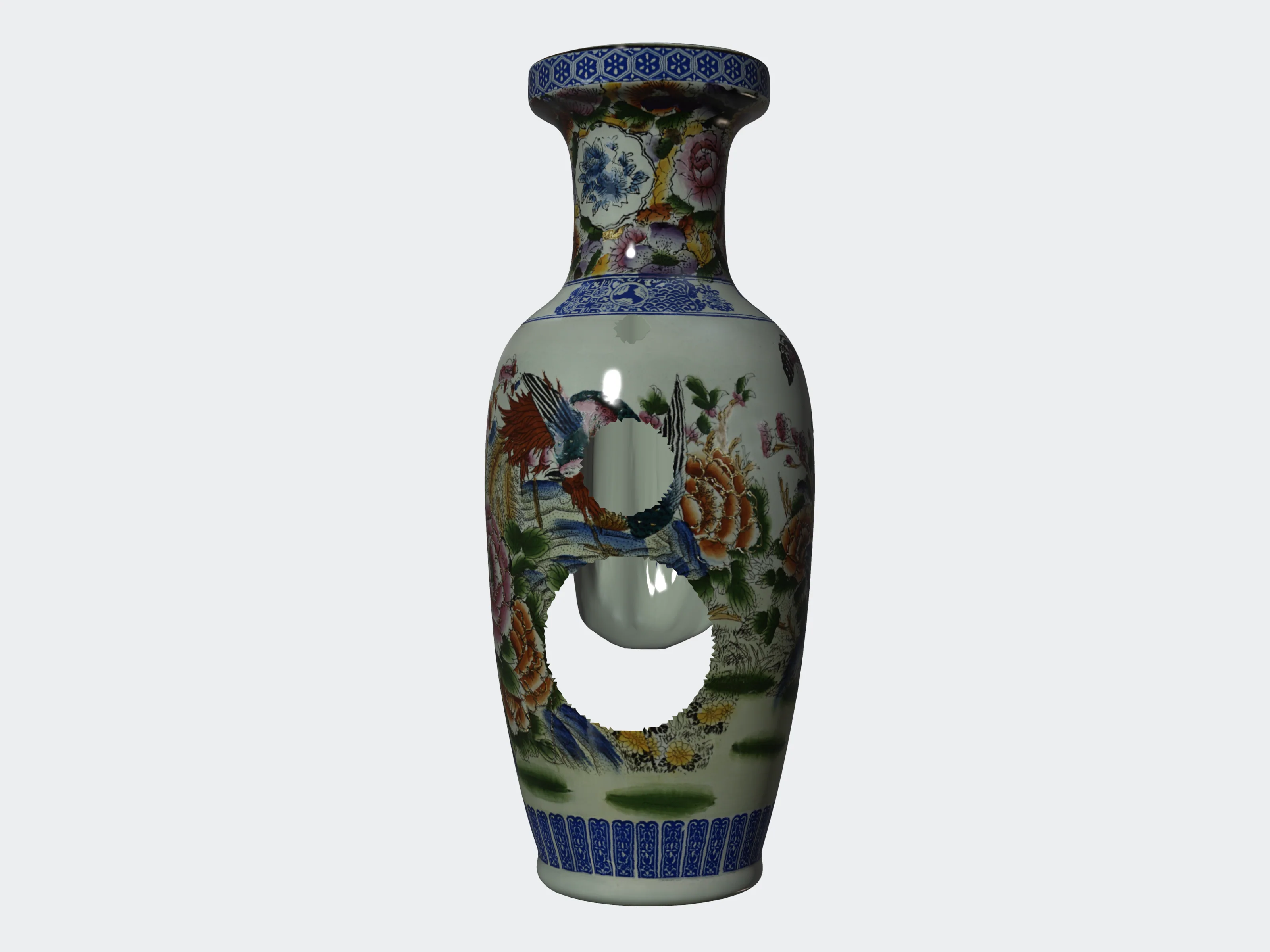 Uploaded
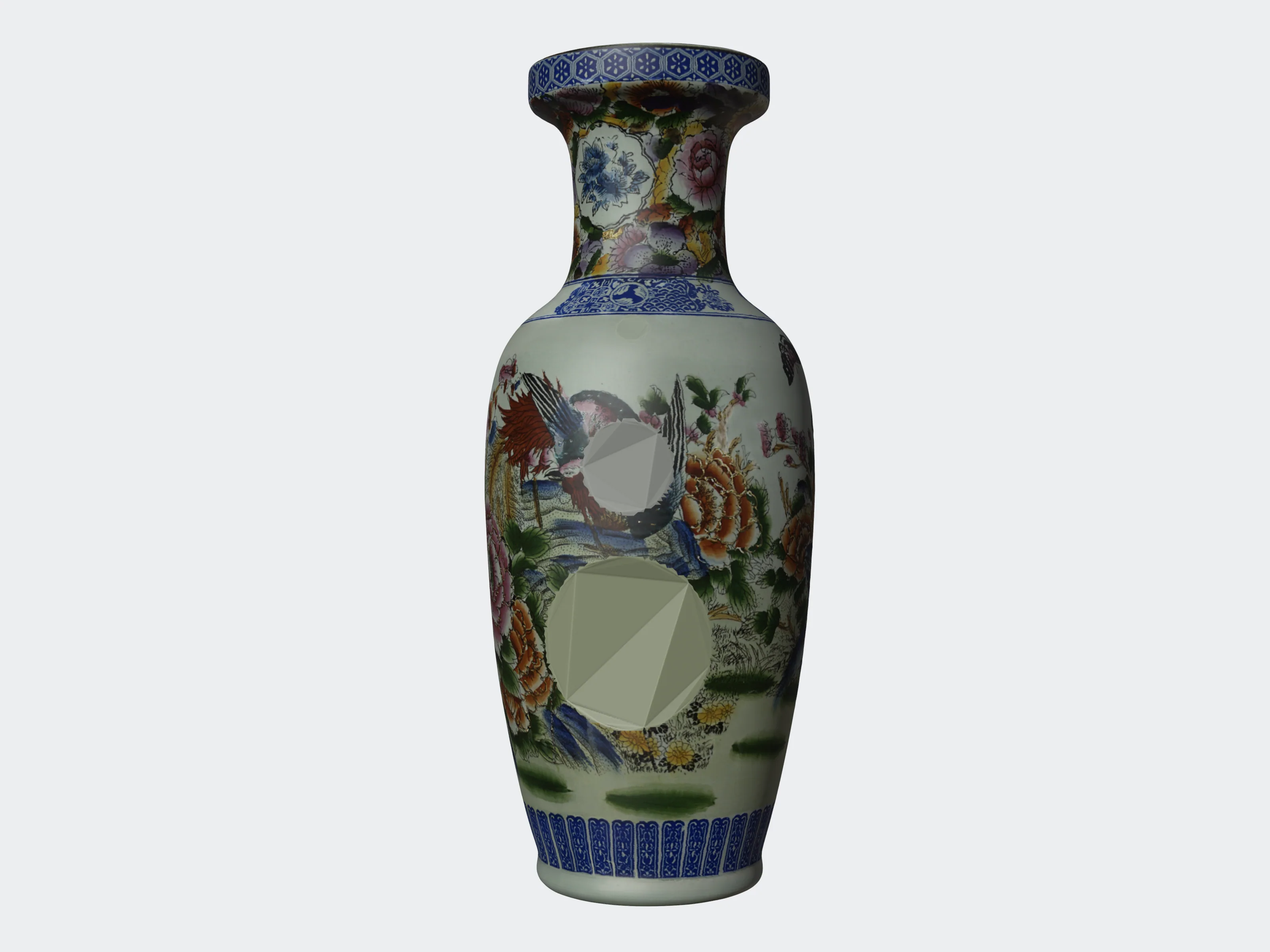 Repaired
Running a repair#
/v1/jobsjobs:writecurl -sS "$API/v1/jobs" -H "Authorization: Bearer $PRINTY3D_API_KEY" \
-H "Content-Type: application/json" -H "Idempotency-Key: $(uuidgen)" \
-d '{
"input_file_id": "'"$FILE_ID"'",
"recipe": "repair",
"params": {
"printer": "mimaki",
"scale": {"mode": "target", "value": 6, "unit": "in"},
"quality": "high"
}
}'A repair takes minutes; poll it as described in Jobs & polling. Unknown parameters and values out of range are refused with 422 validation_failed before anything runs.
Where each setting comes from#
You only send what you want to decide. For every setting you leave out, the API takes, in this order:
- Your value, when you sent one.
- For
wall_thickness_mmandclearance_mm: theprinter's value, when you named one. - The profile's value, for the fields a named profile fixes.
- With
profile: "recommended"(the default): the engine's recommendation for this file, measured at the print size. - The documented default listed below.
scale is the exception: unless you set it, every profile uses the engine's print-size window, so a model whose longest side is under 1 inch or over 20 inches is scaled to the nearest bound and anything in between keeps its size. Send {"mode": "none"} to keep the file's size exactly.
The result says what actually ran: result.applied.params holds every value and result.applied.sources where each came from (explicit, printer, profile, recommended or default). job.params echoes your request as you sent it.
Profiles#
profile"recommended" | "character" | "mechanical" | "vehicle" | "custom"default "recommended"Chooses where the settings you leave unset come from. Any setting you send beside it overrides that one field.
| profile | For | Fixes |
|---|---|---|
recommended | Any model (default) | Nothing: every unset field takes the engine’s recommendation for your file. |
character | Figures and organic models | quality high, wall 0.7 mm, clearance 1.5 mm, cut_transparent and mix_textures on |
mechanical | Parts that must keep their gaps | quality high, wall 1.0 mm, clearance 0, cut_transparent on, mix_textures off. Pair with preserve_shells to keep separate shells separate. |
vehicle | Vehicles and hard-surface models | quality high, wall 0.8 mm, clearance 1.0 mm, cut_transparent and mix_textures off |
custom | Full control | Nothing except scale: unset fields keep the documented defaults. |
The named profiles also set hollow_mm 0, target_faces 0, close_holes_mm 0, preserve_shells false and all smoothing off. GET /v1/profiles returns these values.
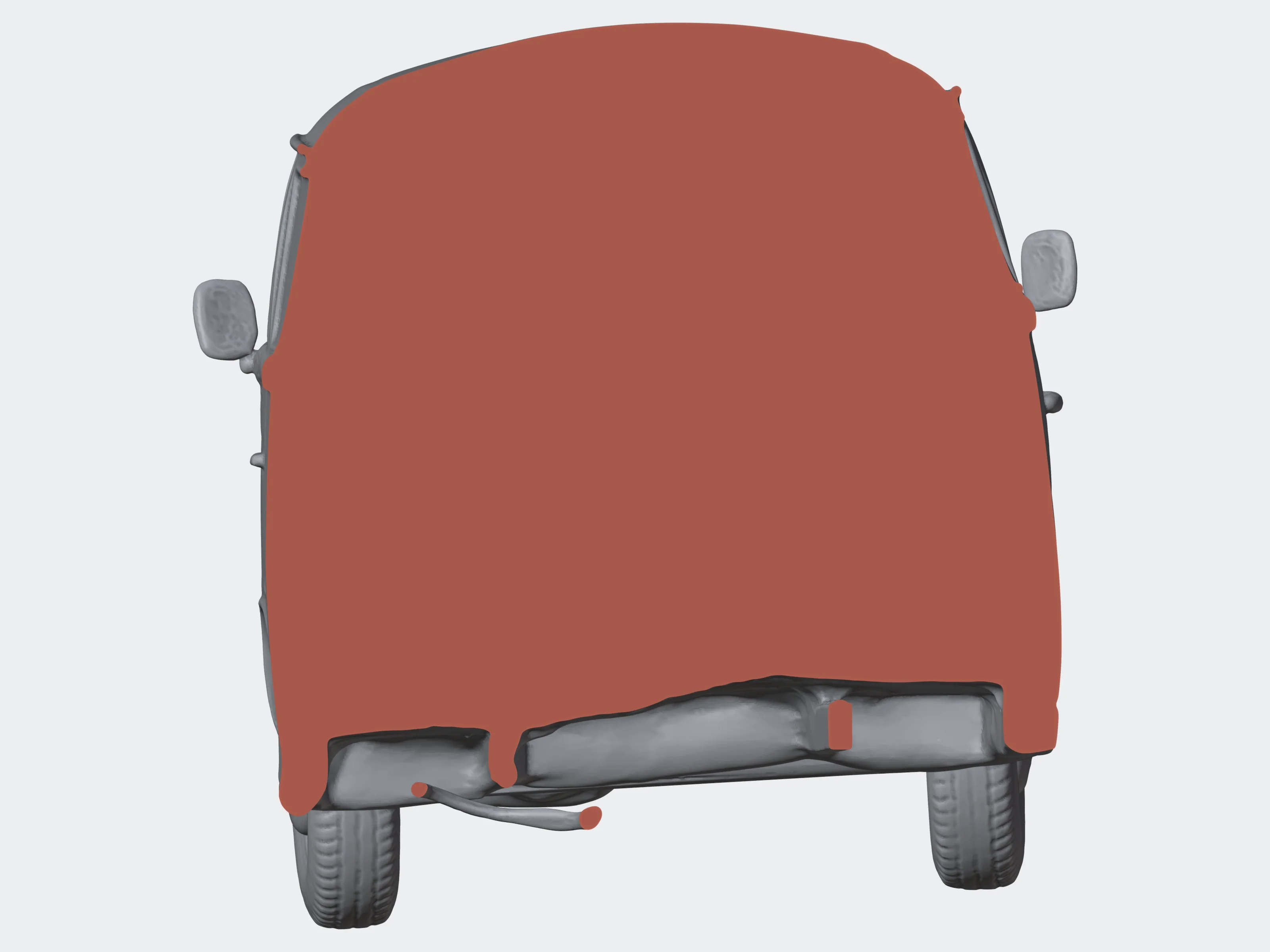 recommended: 171.4 cm³
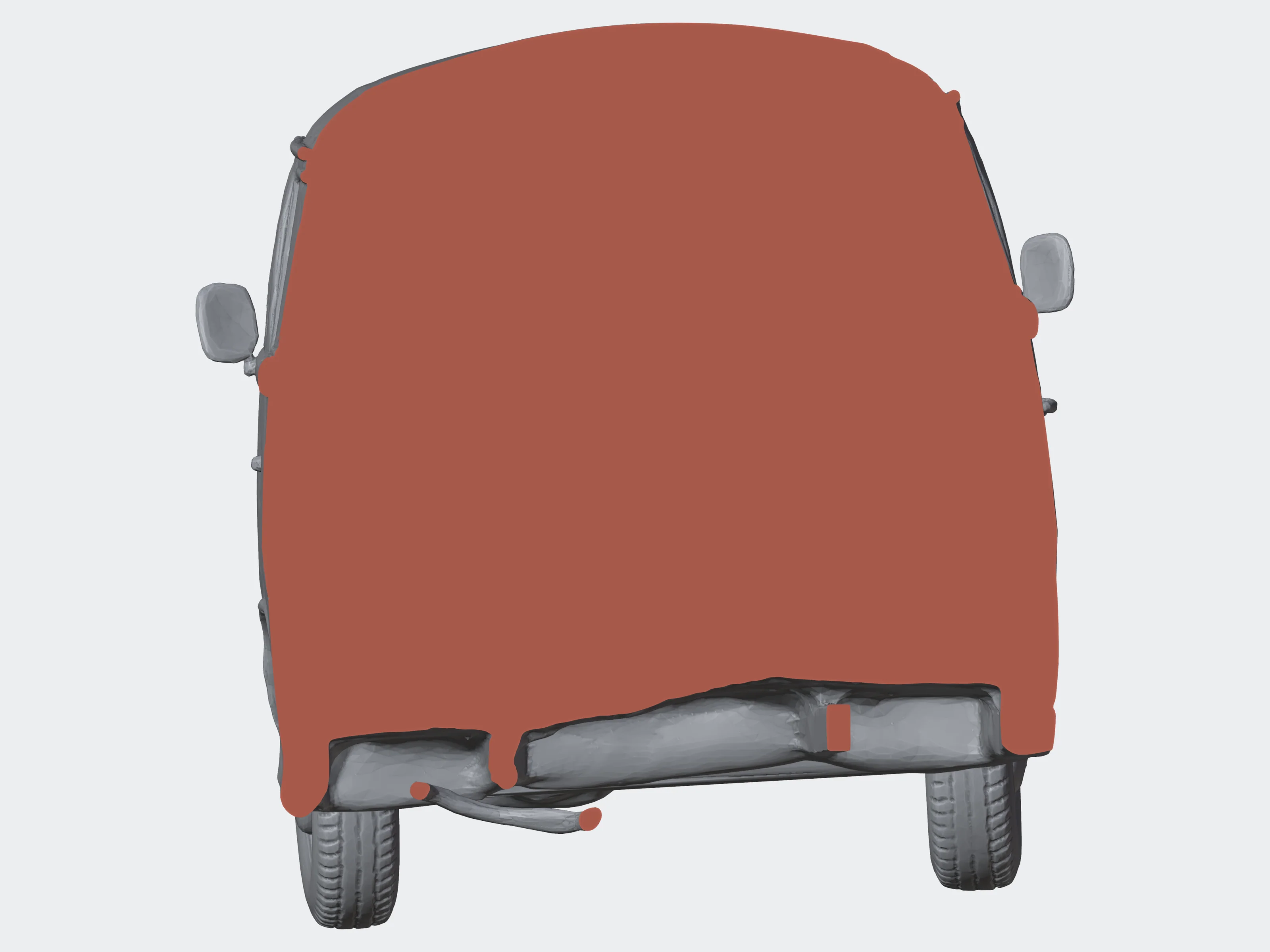 character: 174.1 cm³
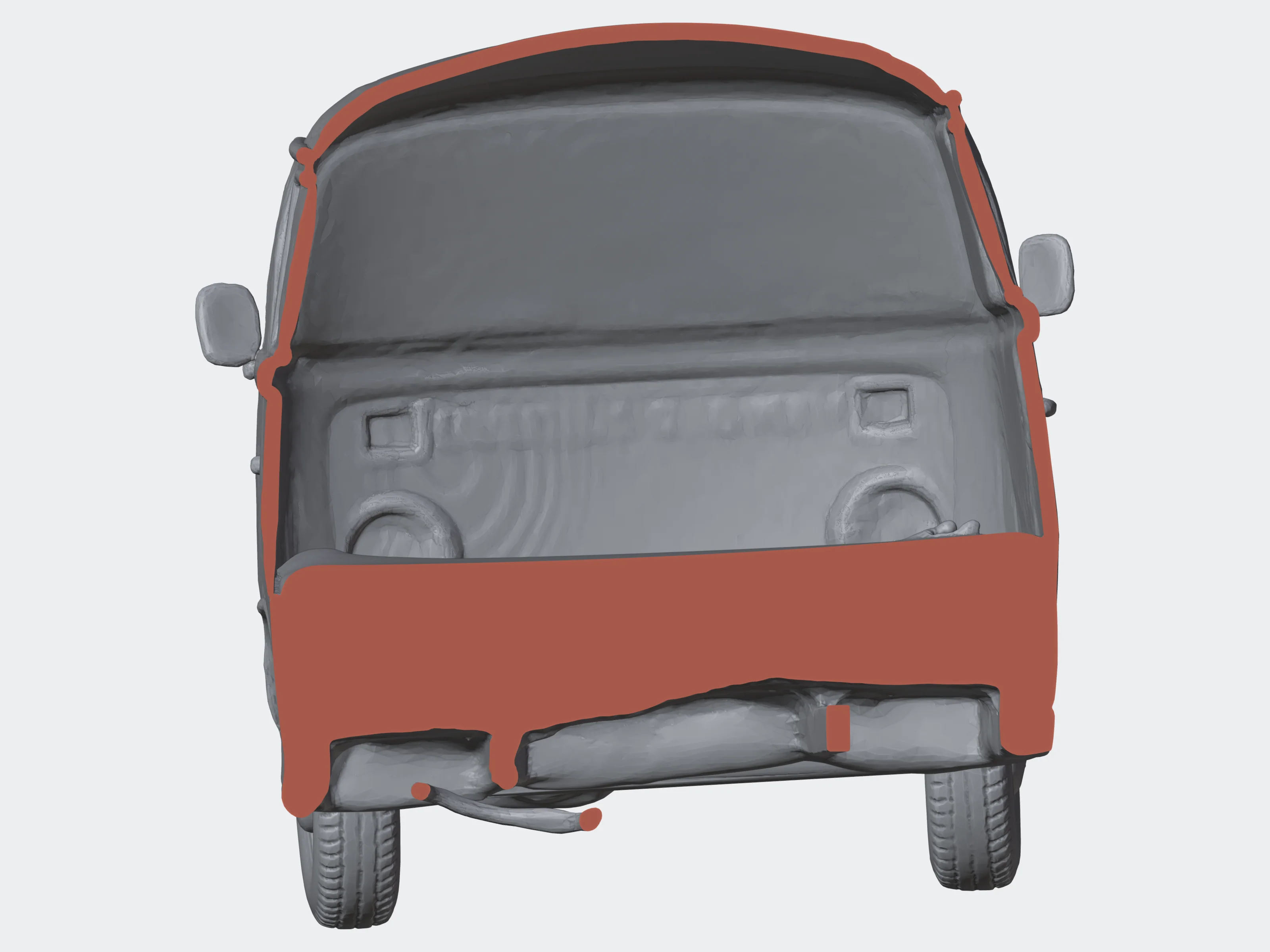 mechanical: 54.2 cm³
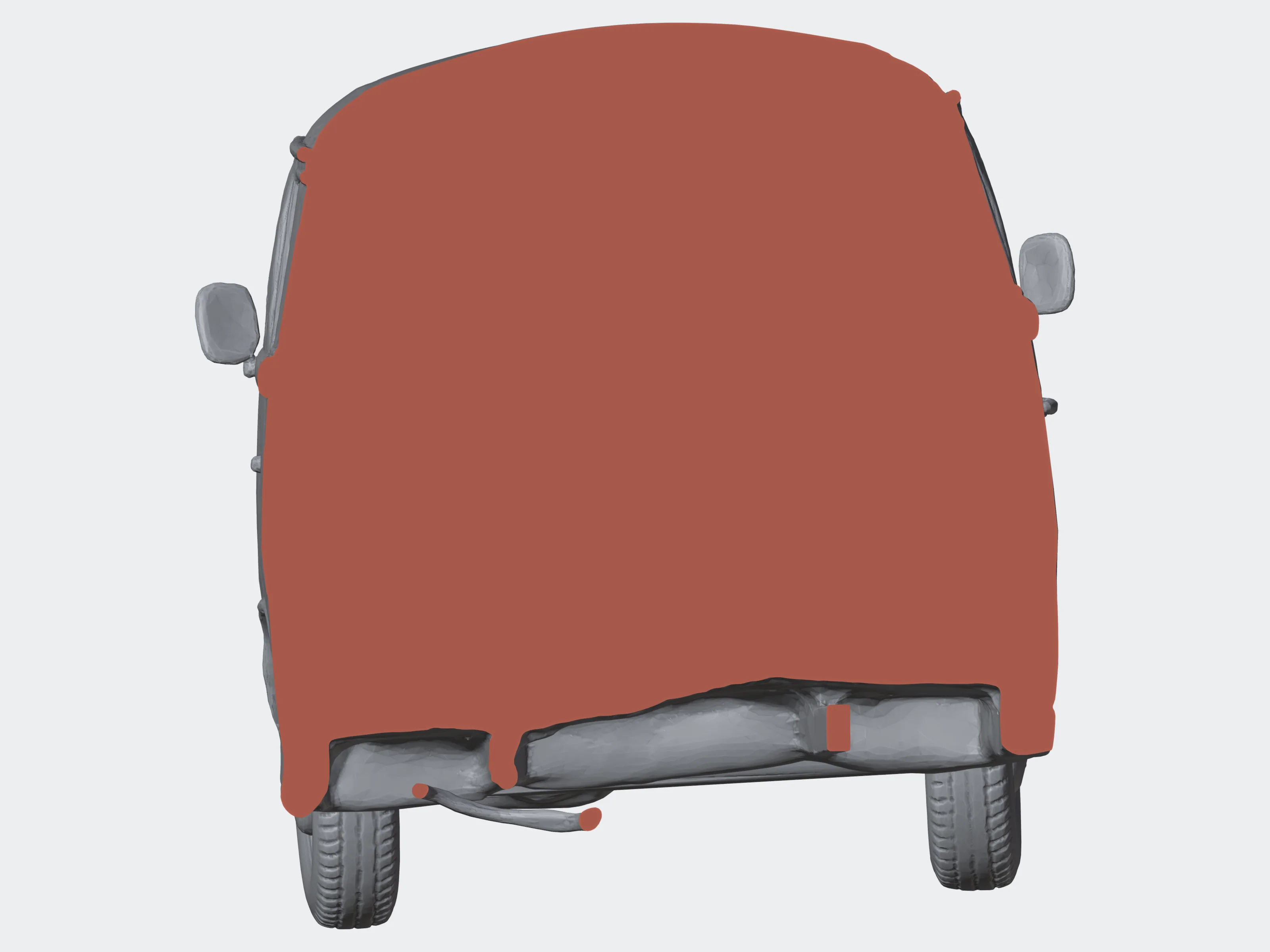 vehicle: 174.8 cm³
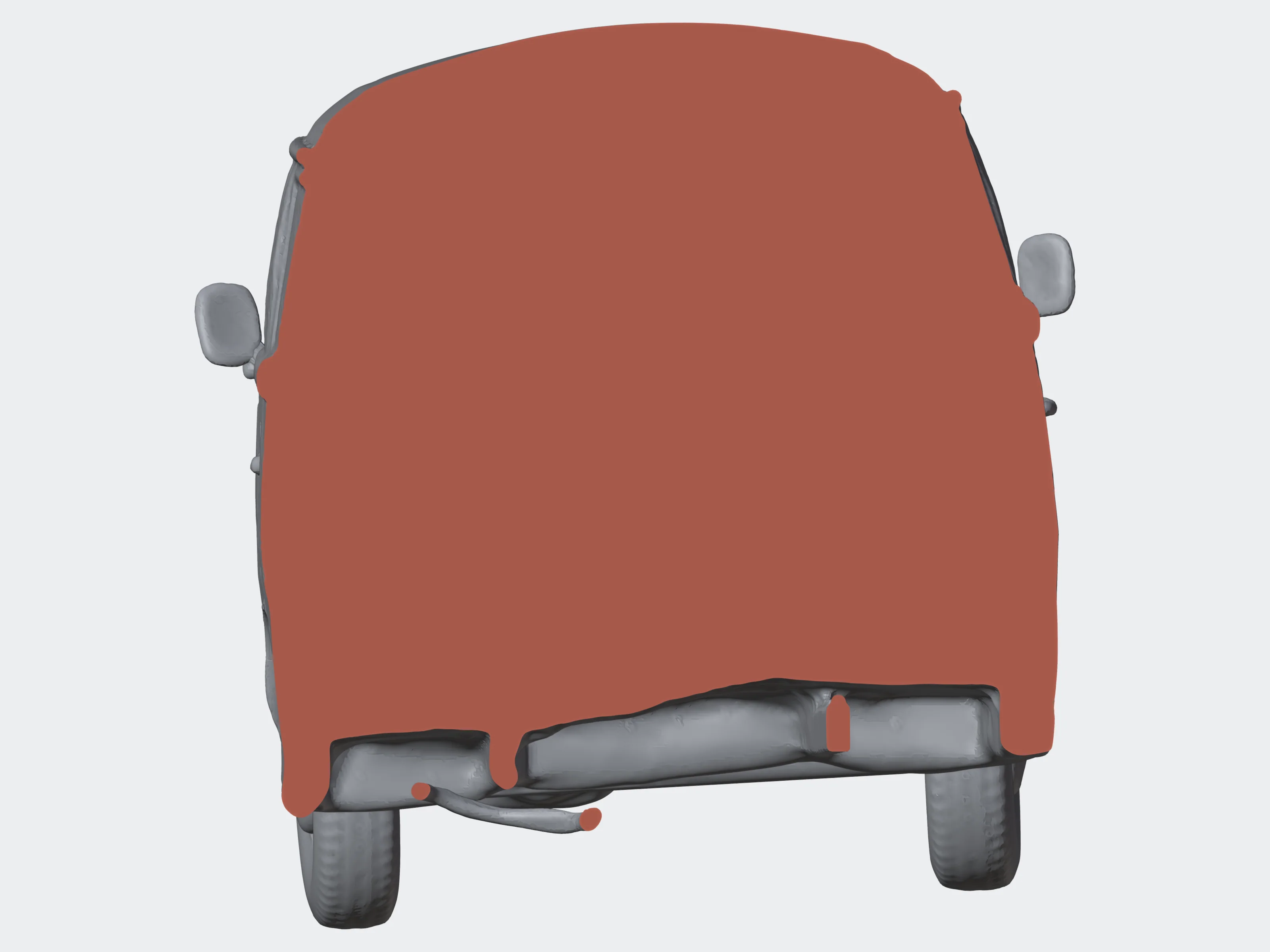 custom: 176.4 cm³
Printer#
printer"mimaki" | "fdm" | nullThe printer the model is for. It fills wall_thickness_mm and clearance_mm when you leave them unset, ahead of the profile and the recommendation: mimaki (full-colour inkjet) 0.7 mm wall and 1.5 mm clearance, fdm 1.5 mm wall and 0.3 mm clearance.
For a STEP input only the wall is taken: a CAD design's gaps are intended, and clearance would close them.
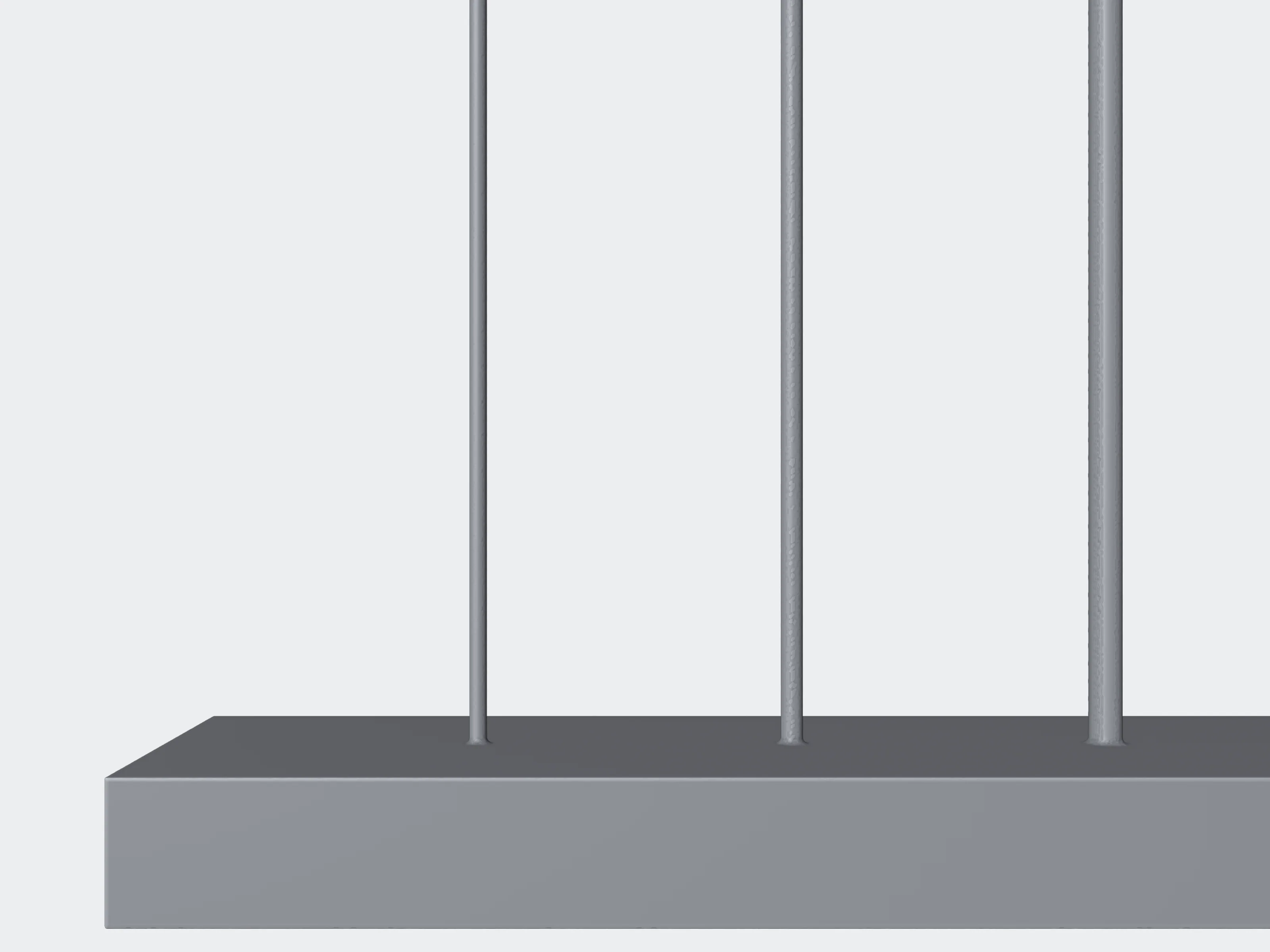 printer: mimaki (wall 0.7 mm)
 printer: fdm (wall 1.5 mm)
Size and quality#
quality"draft" | "standard" | "high"default "standard"The resolution of the rebuild. draft uses the engine's coarsest grid (100 layers) and a 2048 px texture, standard 500 layers and 4096 px, high 1000 layers (1500 when all smoothing is off) and 8192 px. Higher quality keeps more detail and takes longer.
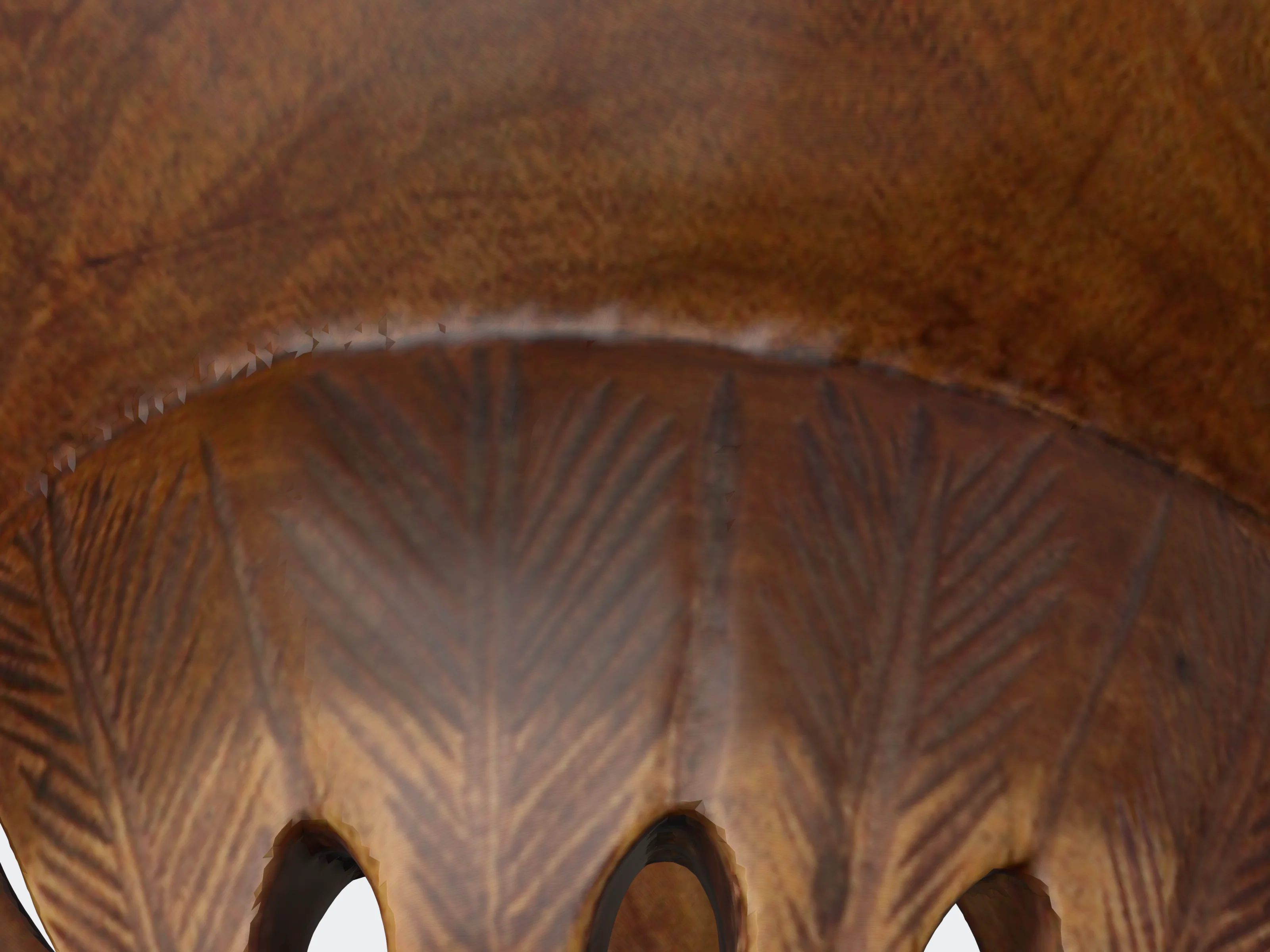 draft: 100 layers, 2048 px, 968,166 faces
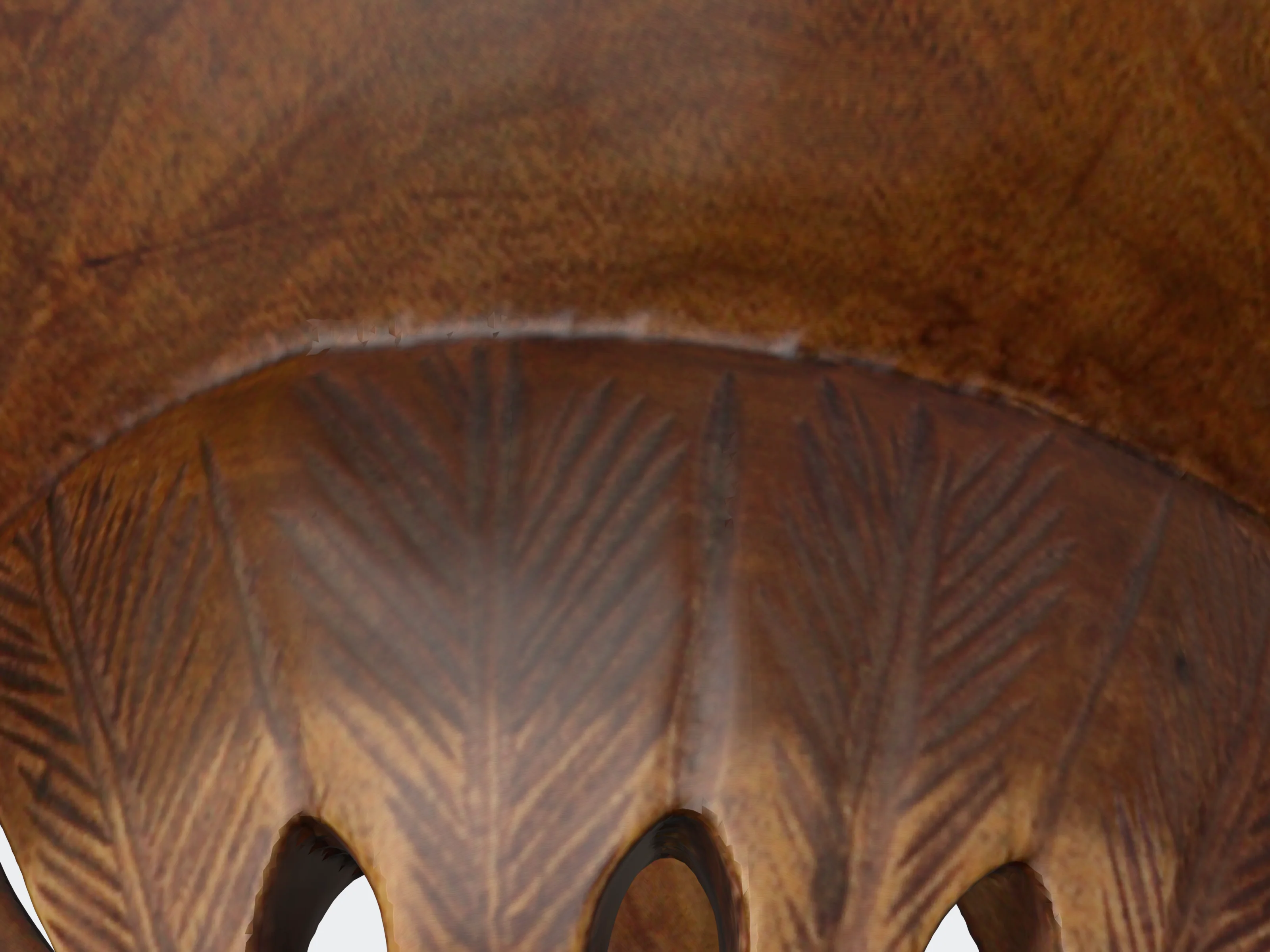 standard: 500 layers, 4096 px, 1,644,552 faces
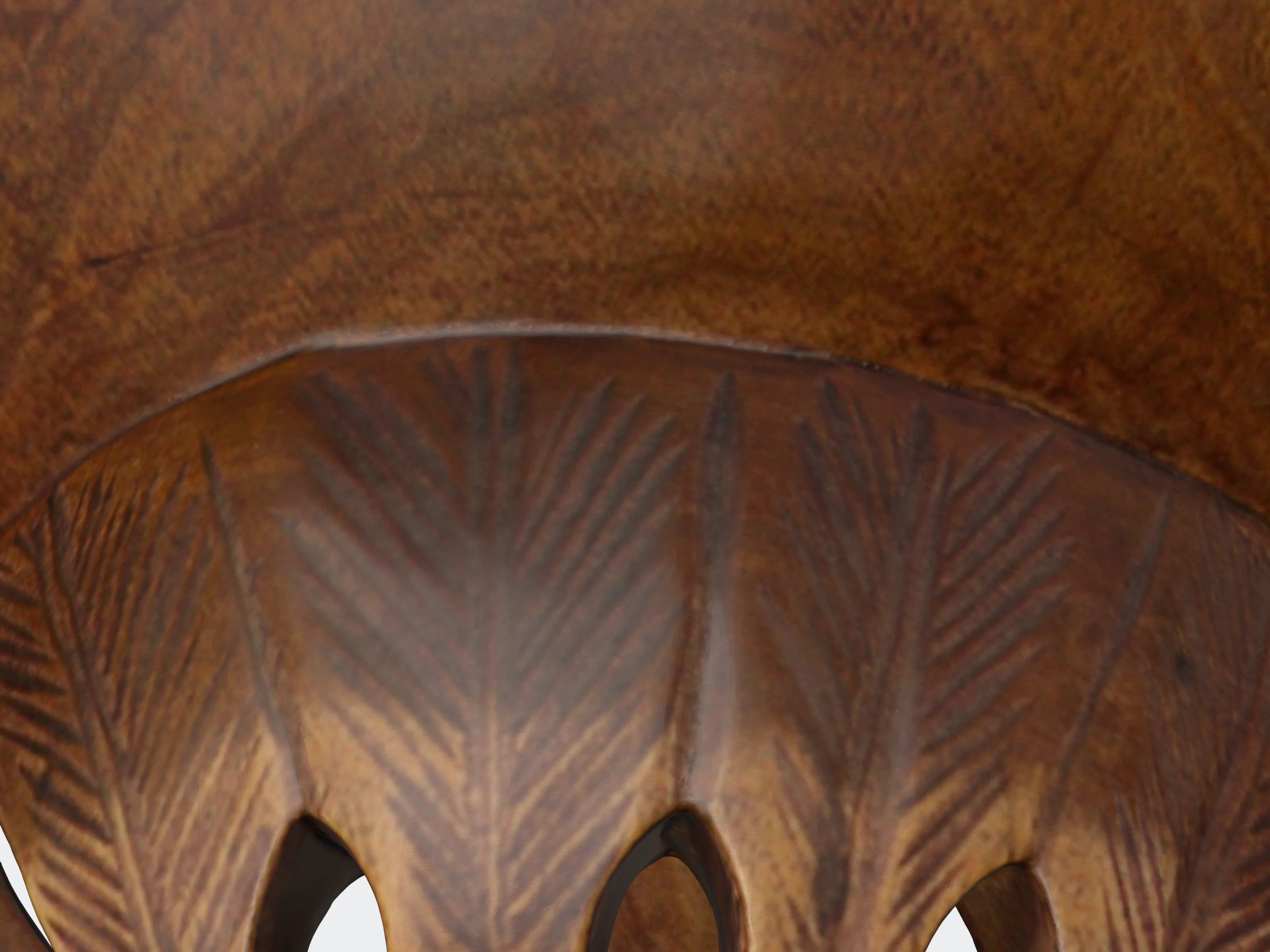 high: 1000 layers, 8192 px, 3,285,966 faces
scale.mode"none" | "target" | "multiplier"default "none"none keeps the file's size; target scales the model so its longest side is value unit; multiplier multiplies its size by value. Leaving scale out applies the print-size window described above.
scale.valuenumber | null> 0, ≤ 10,000Required unless the mode is none.
scale.unit"mm" | "cm" | "in"default "mm"Unit of a target value: millimetres, centimetres or inches.
Walls and gaps are millimetres of the printed object, so the print size matters: the engine measures and recommends for the size you will print. Inspect's recommended_by_scale gives a ready parameter set per size.
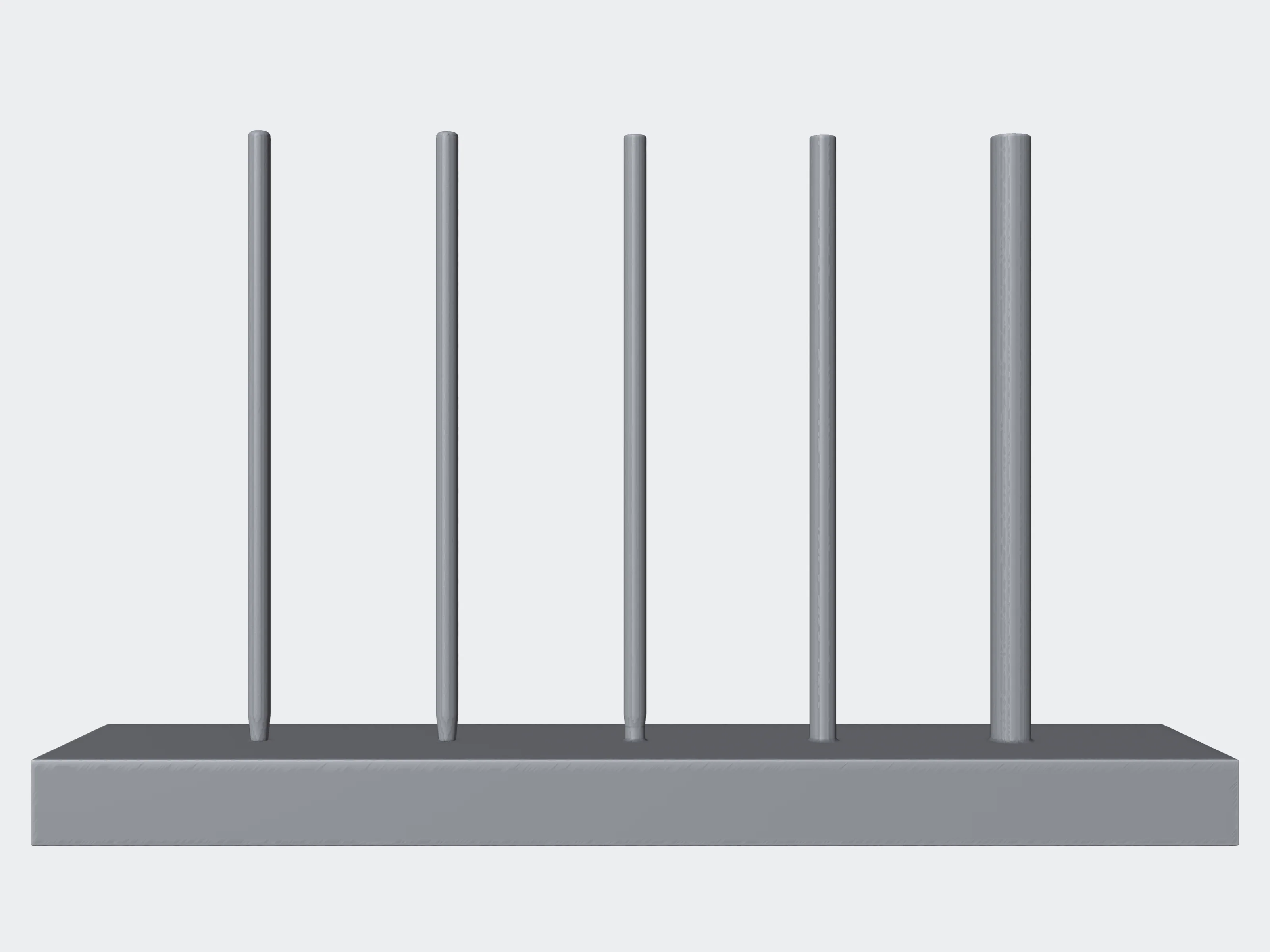 target 2 in (printed 51 mm wide)
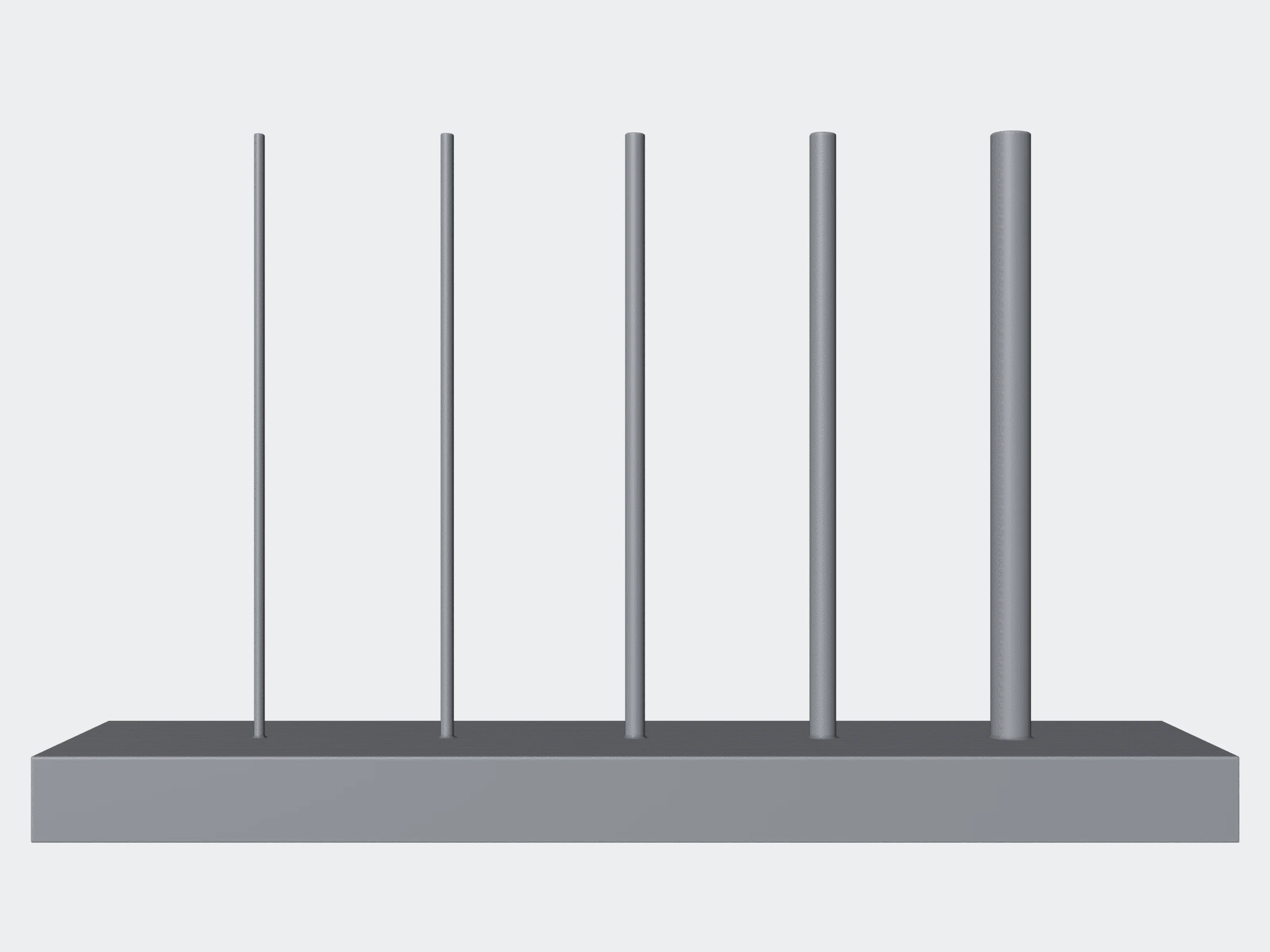 target 10 in (printed 254 mm wide)
Walls and gaps#
wall_thickness_mmnumberdefault 10–10The minimum wall to enforce. Walls thinner than this are thickened so the print stays intact.
The engine may raise it: the wall is at least four voxels of its grid (a 0.7 mm request ran at 1.46 mm on a 20-inch print) and at most 10 % of the longest side. result.applied.wall_thickness_applied_mm reports the wall used and wall_thickness_clamped whether it differs from yours.
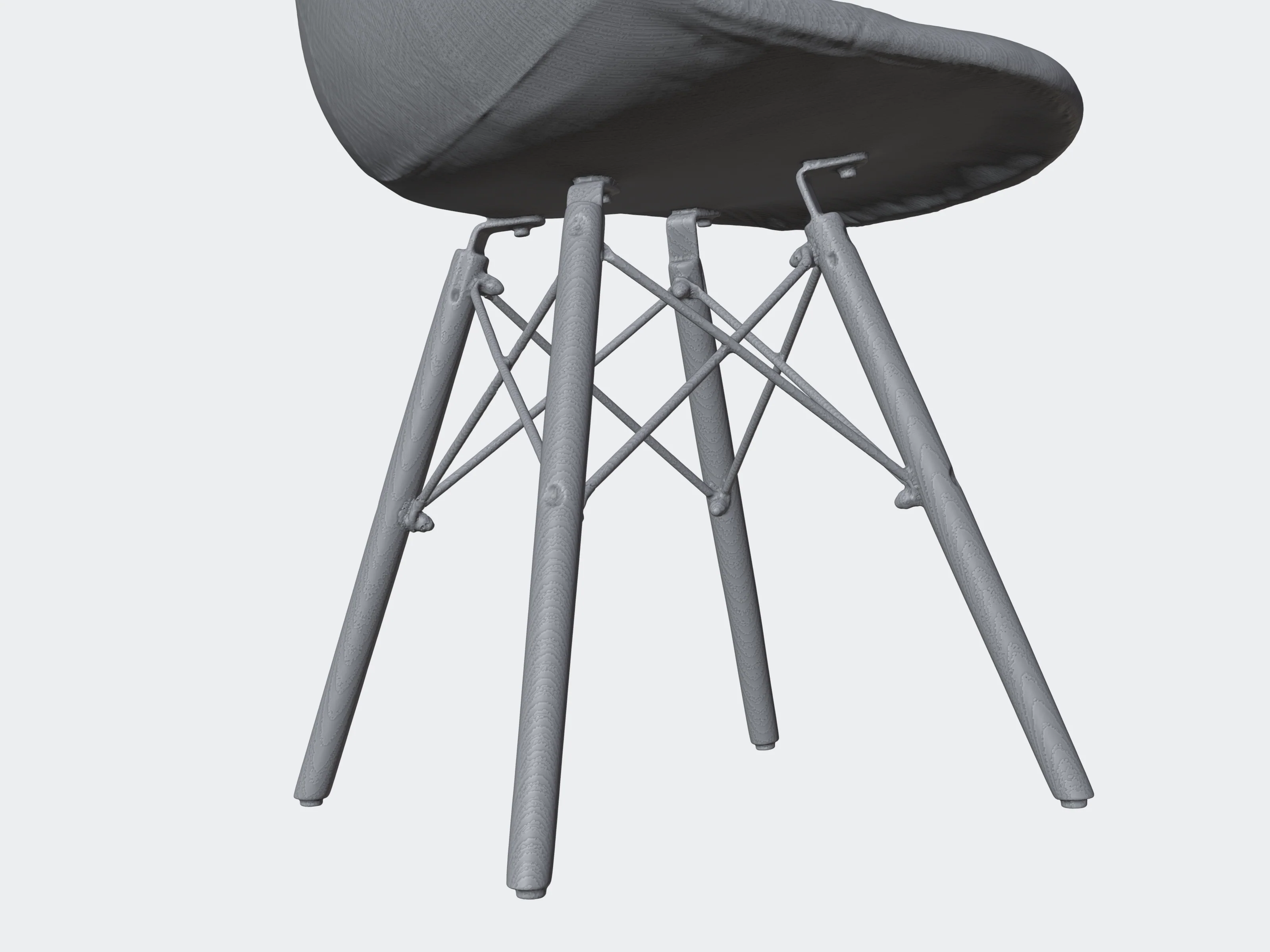 0.5 mm: 34.6 cm³
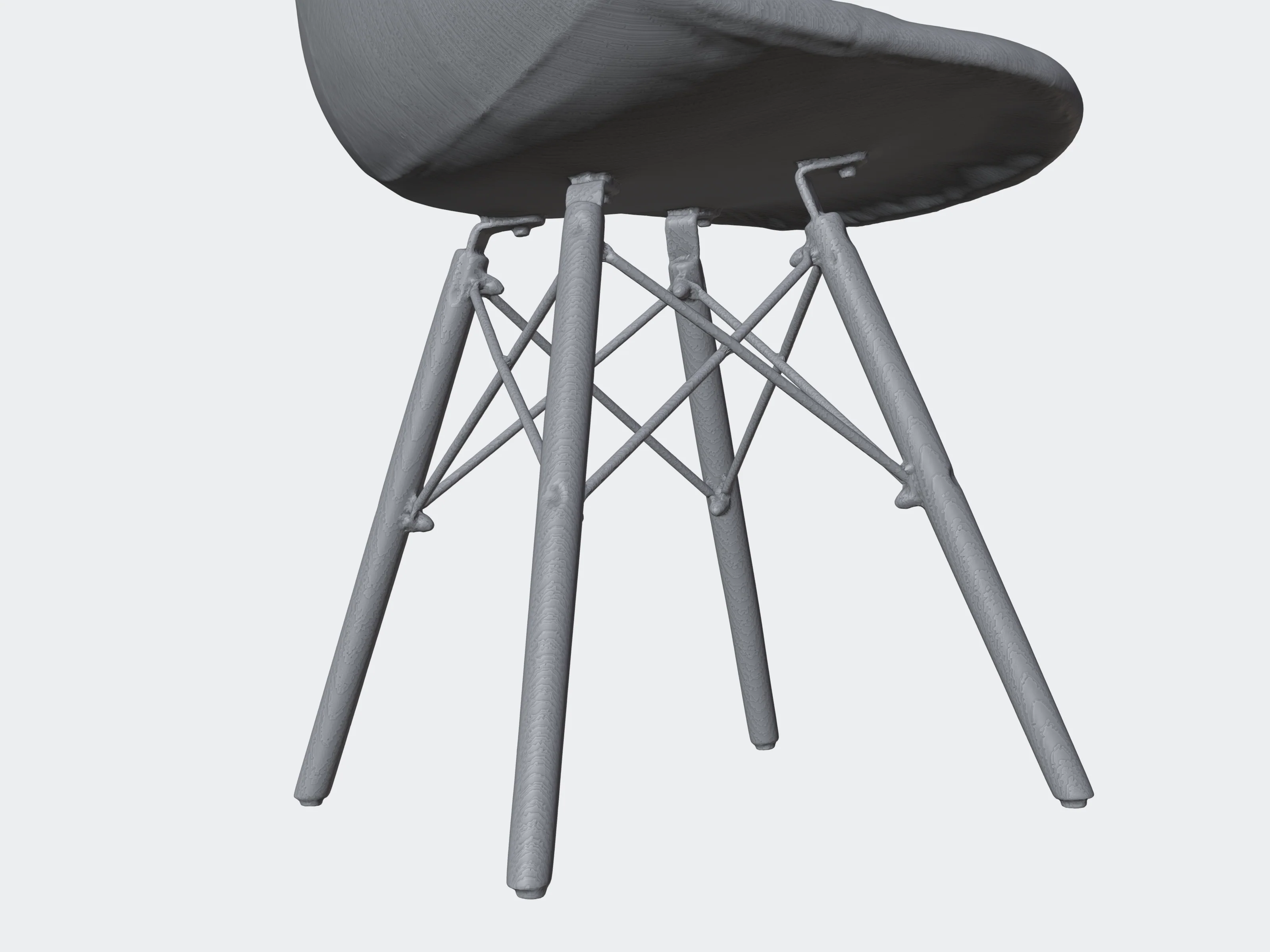 1.0 mm: 34.7 cm³
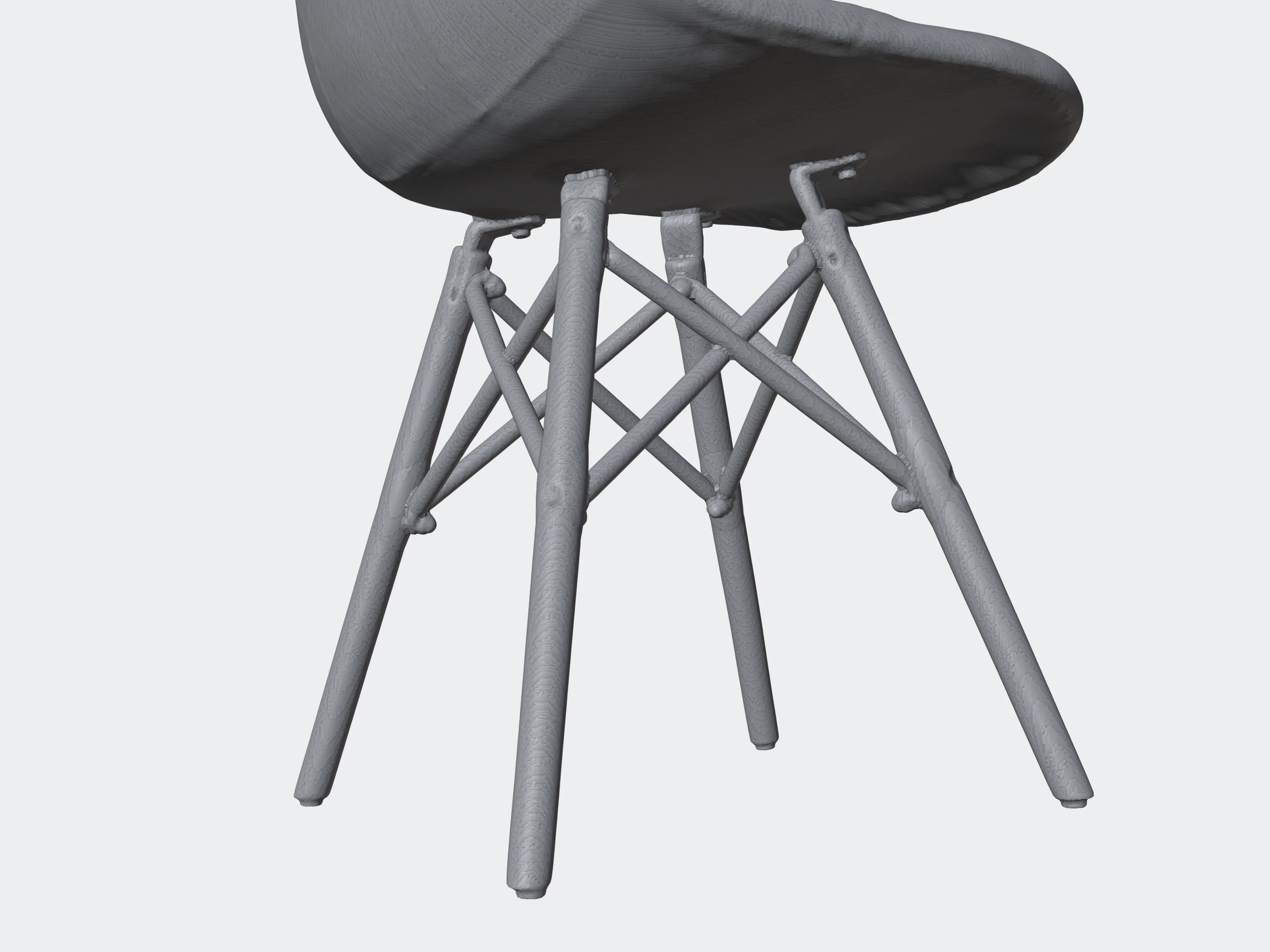 2.0 mm: 35.6 cm³
clearance_mmnumberdefault 1.50–10Gaps between surfaces narrower than this are filled and fused, so fingers, sleeves and props that nearly touch print as one solid instead of a fragile slit. Larger values fuse more; 0 keeps every gap. It can change far more than the gaps: when closing them seals a cavity, the cavity comes out solid. Use 0 to keep a hollow scan hollow.
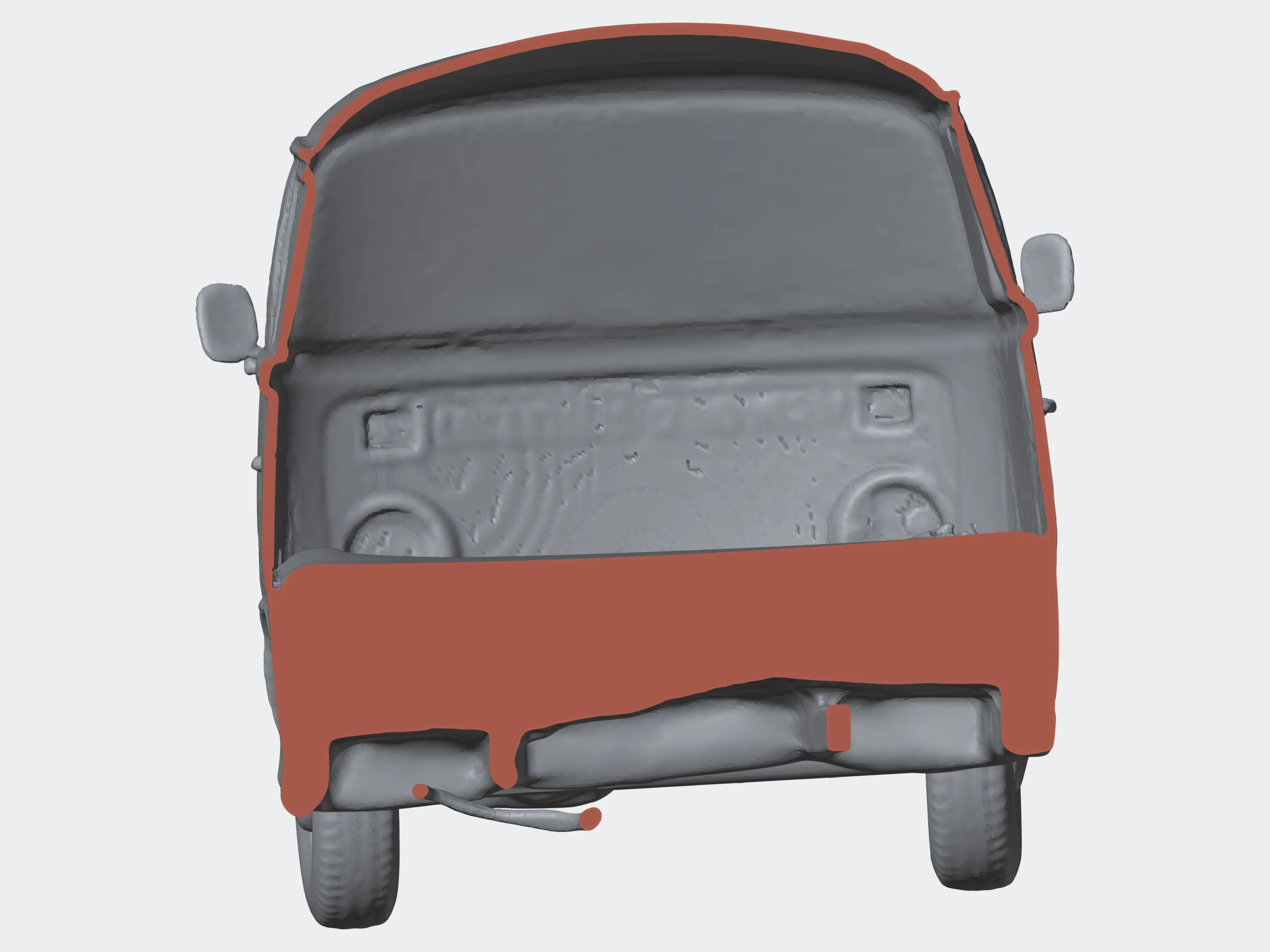 0 mm: 50.9 cm³
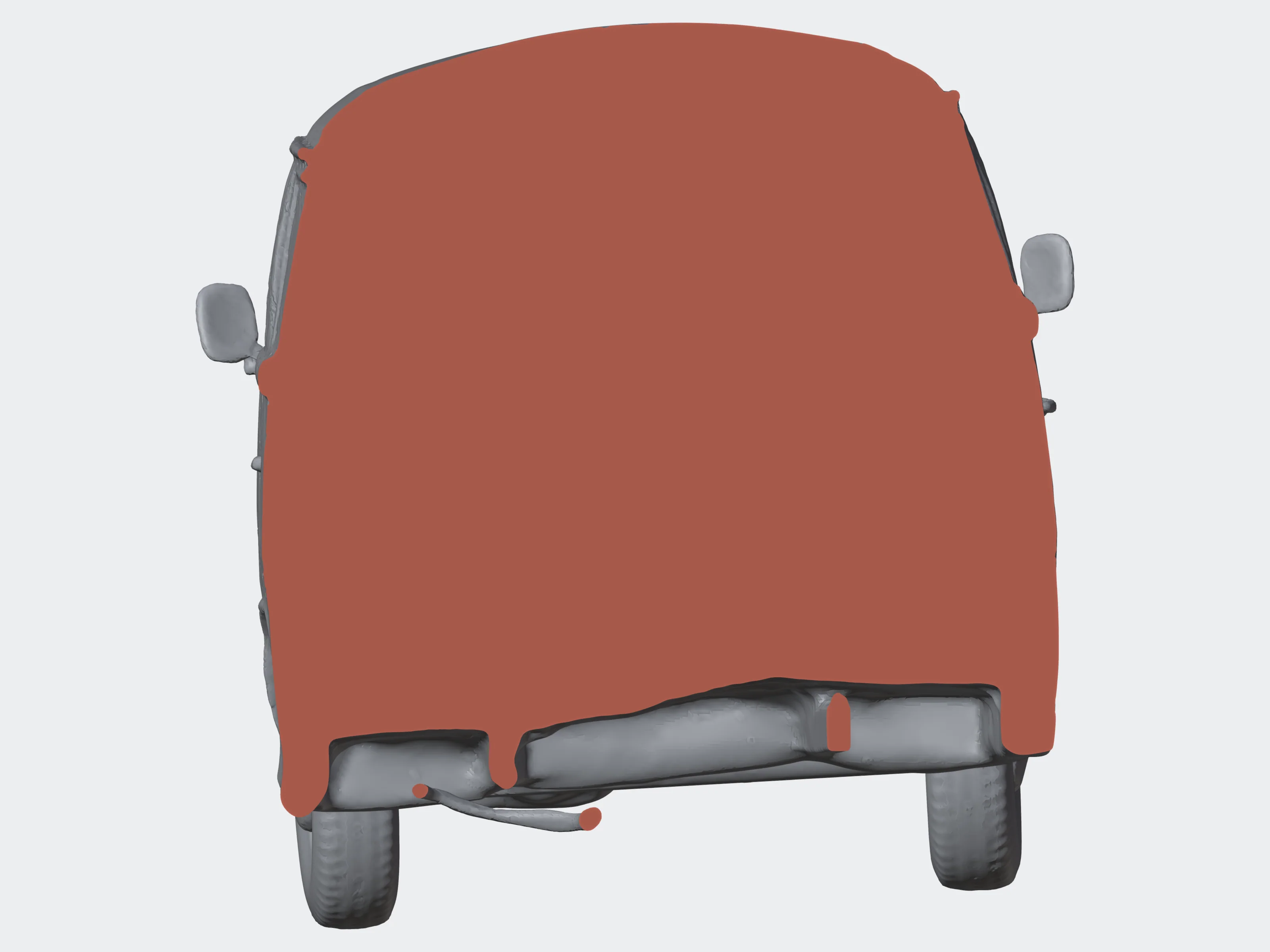 1 mm: 174.3 cm³
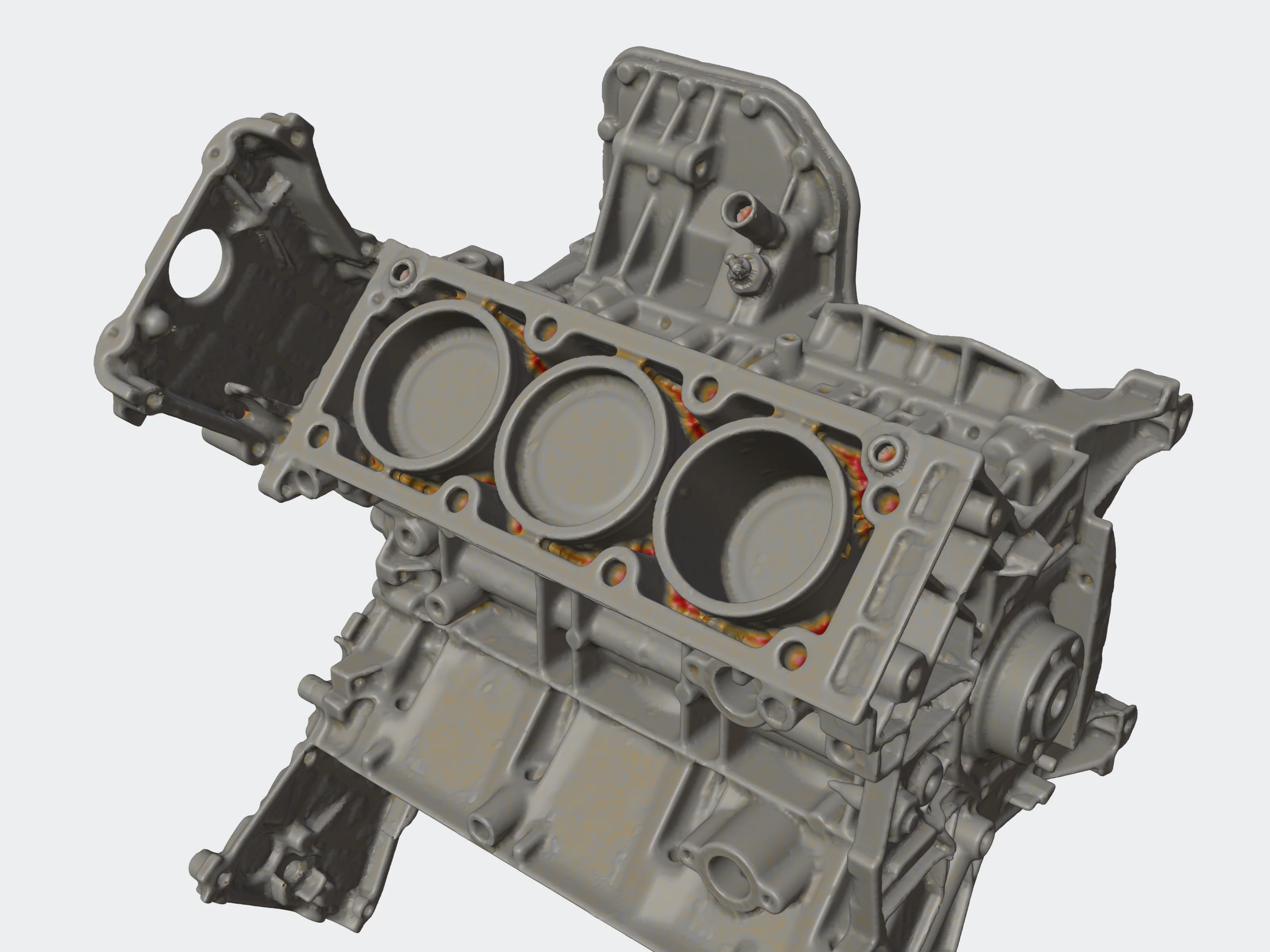 3 mm on a car engine: filled gaps coloured
preserve_shellsbooleandefault falseKeep parts that do not touch as separate watertight shells, by skipping the step that closes small gaps. Off, parts that nearly touch merge into one solid. Parts that really touch merge either way, so this helps collections of separate parts more than tightly fitted assemblies.
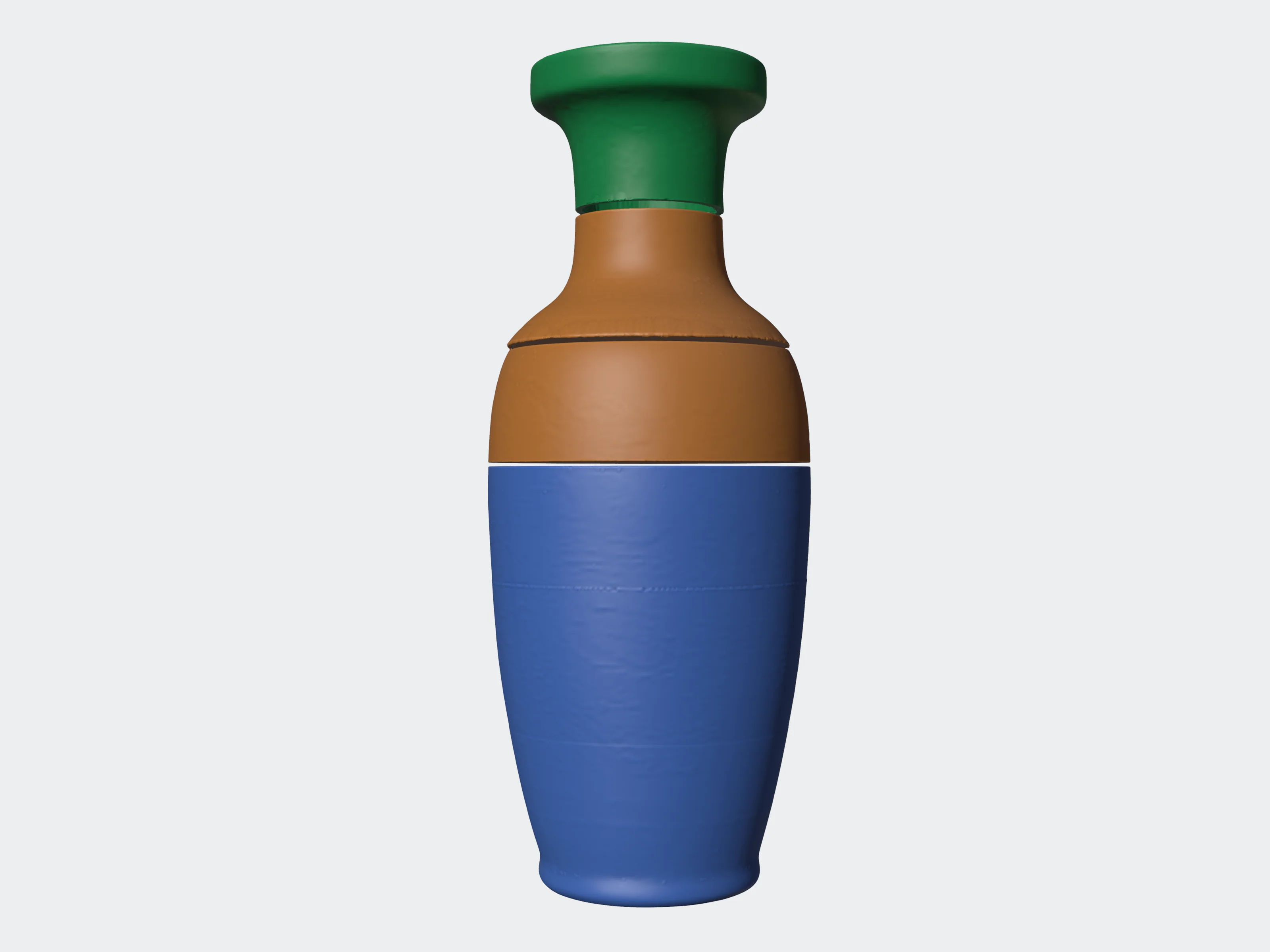 preserve_shells: false, 3 shells
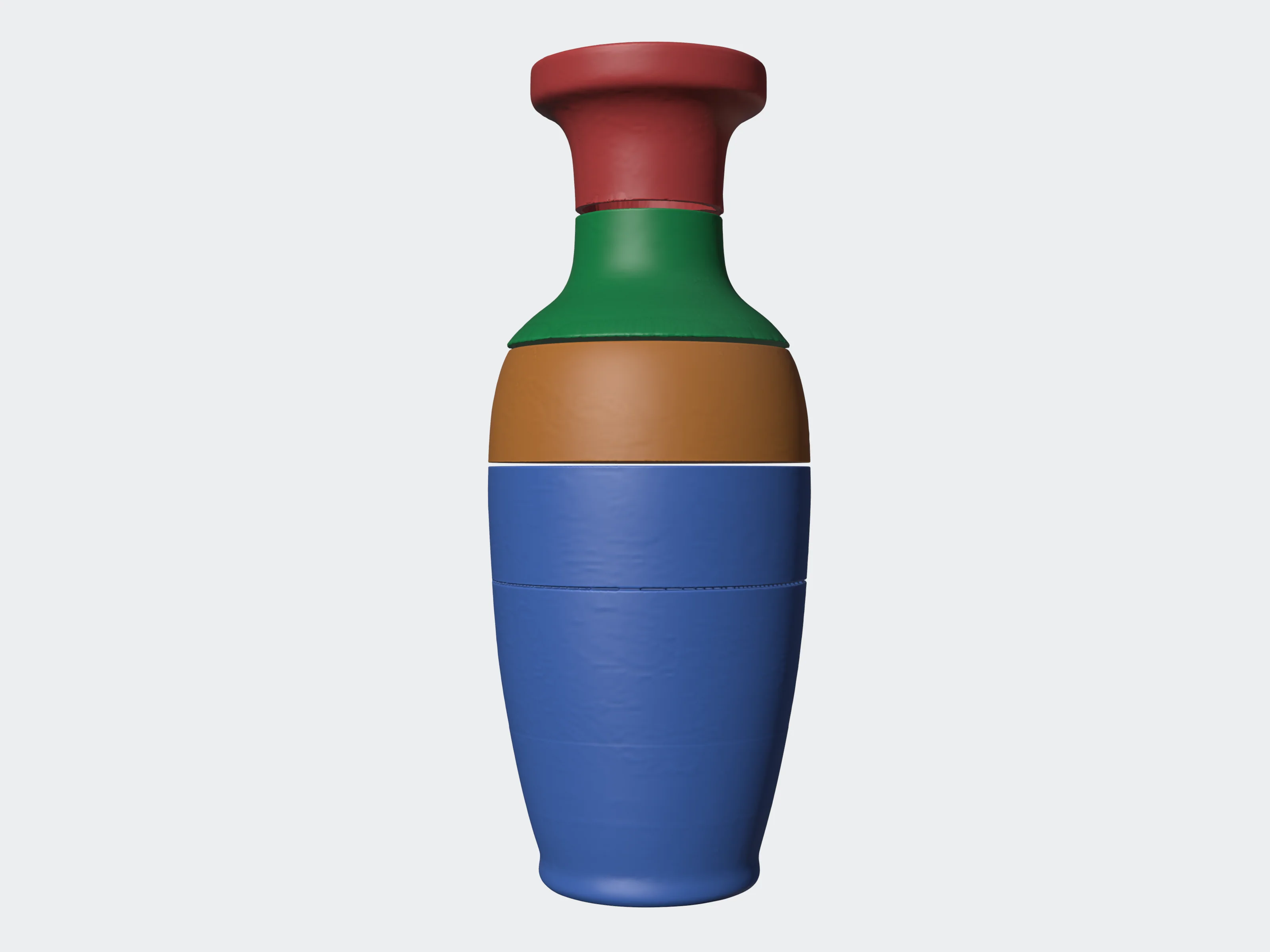 preserve_shells: true, 4 shells
hollow_mmnumberdefault 00–20Hollow the model and keep a shell of this thickness; 0 keeps it solid. Hollowing saves material on large prints. Check whether your printing process needs drain holes.
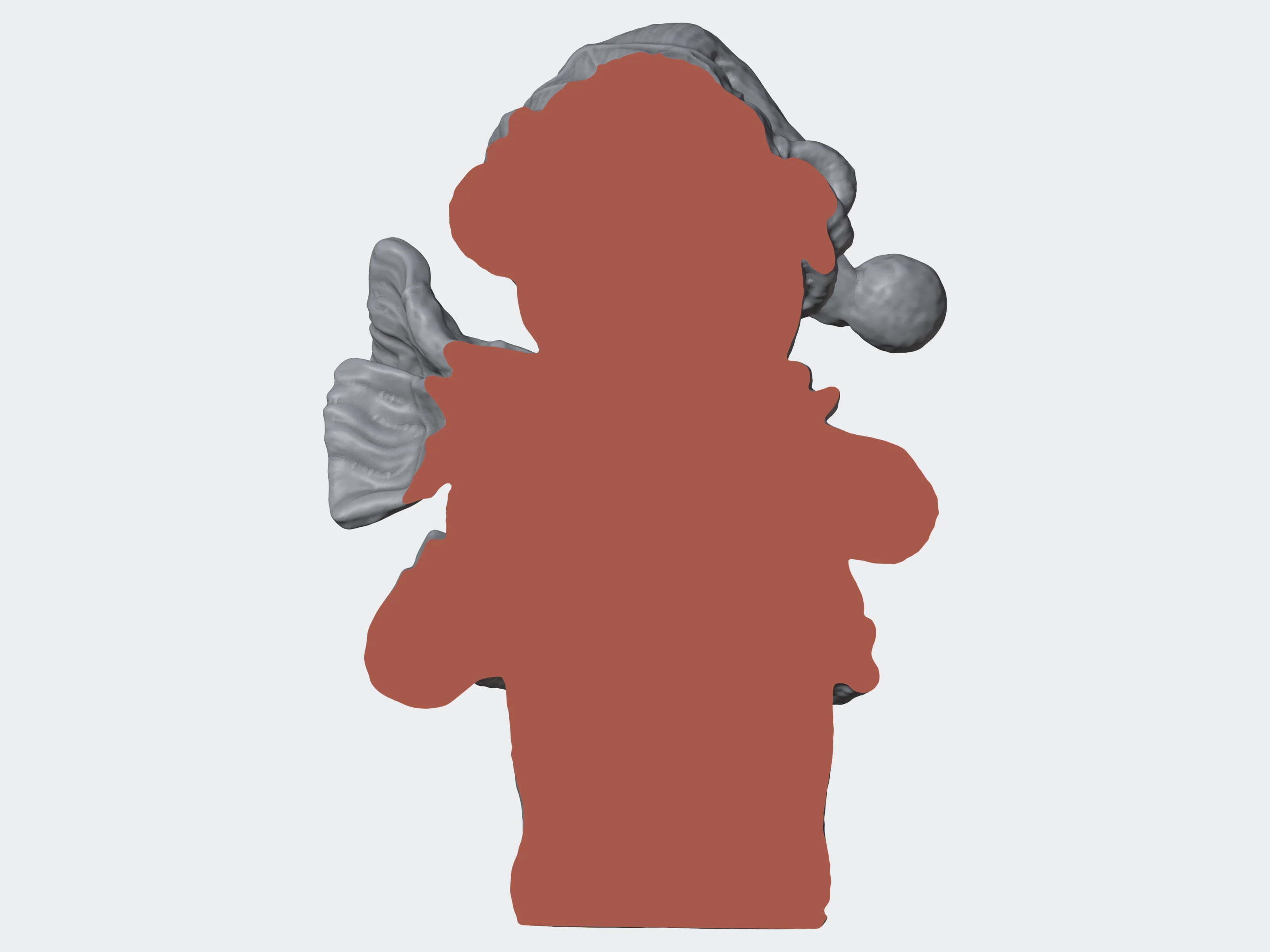 0 (solid): 321.5 cm³
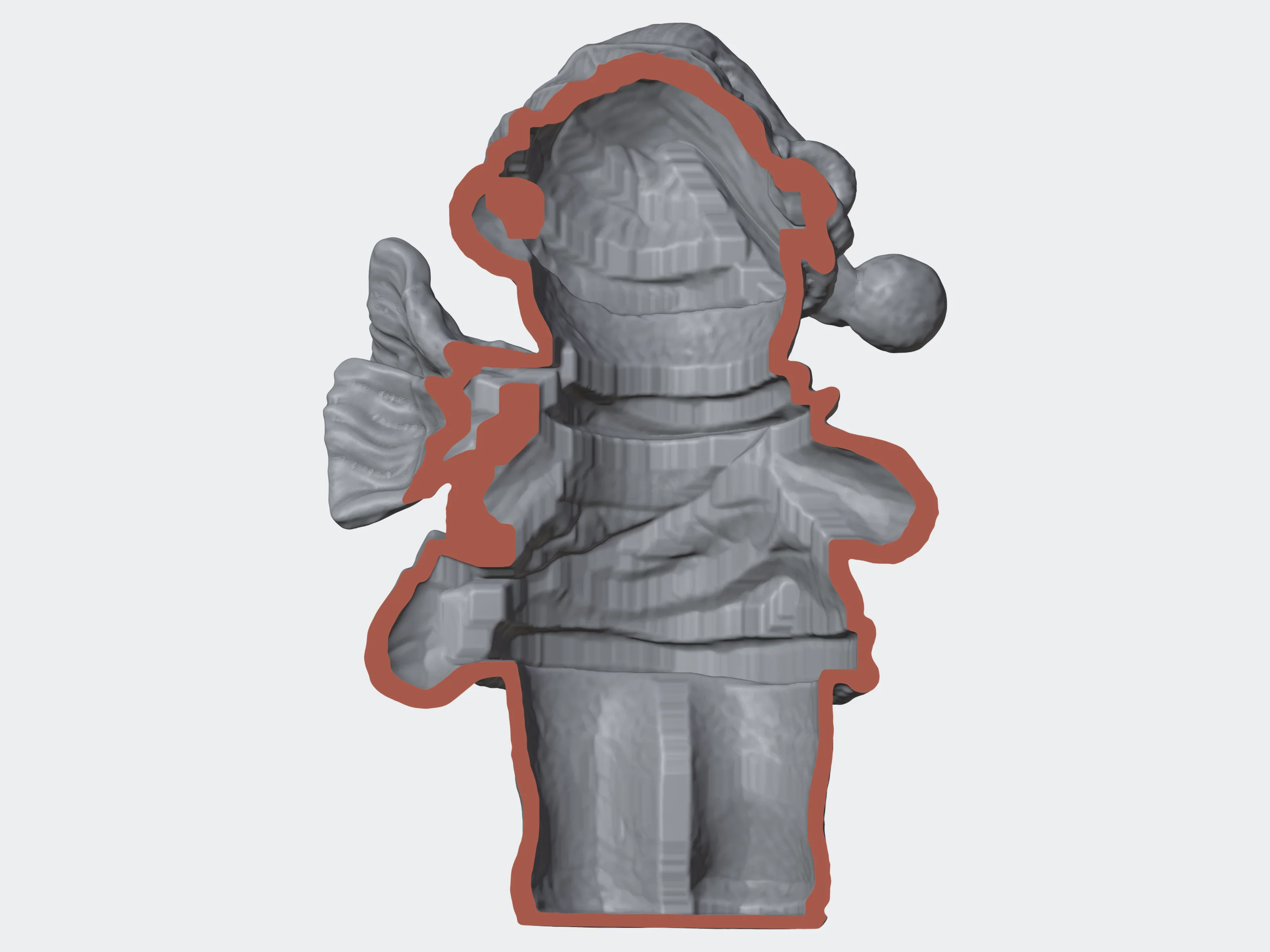 2 mm: 118.7 cm³
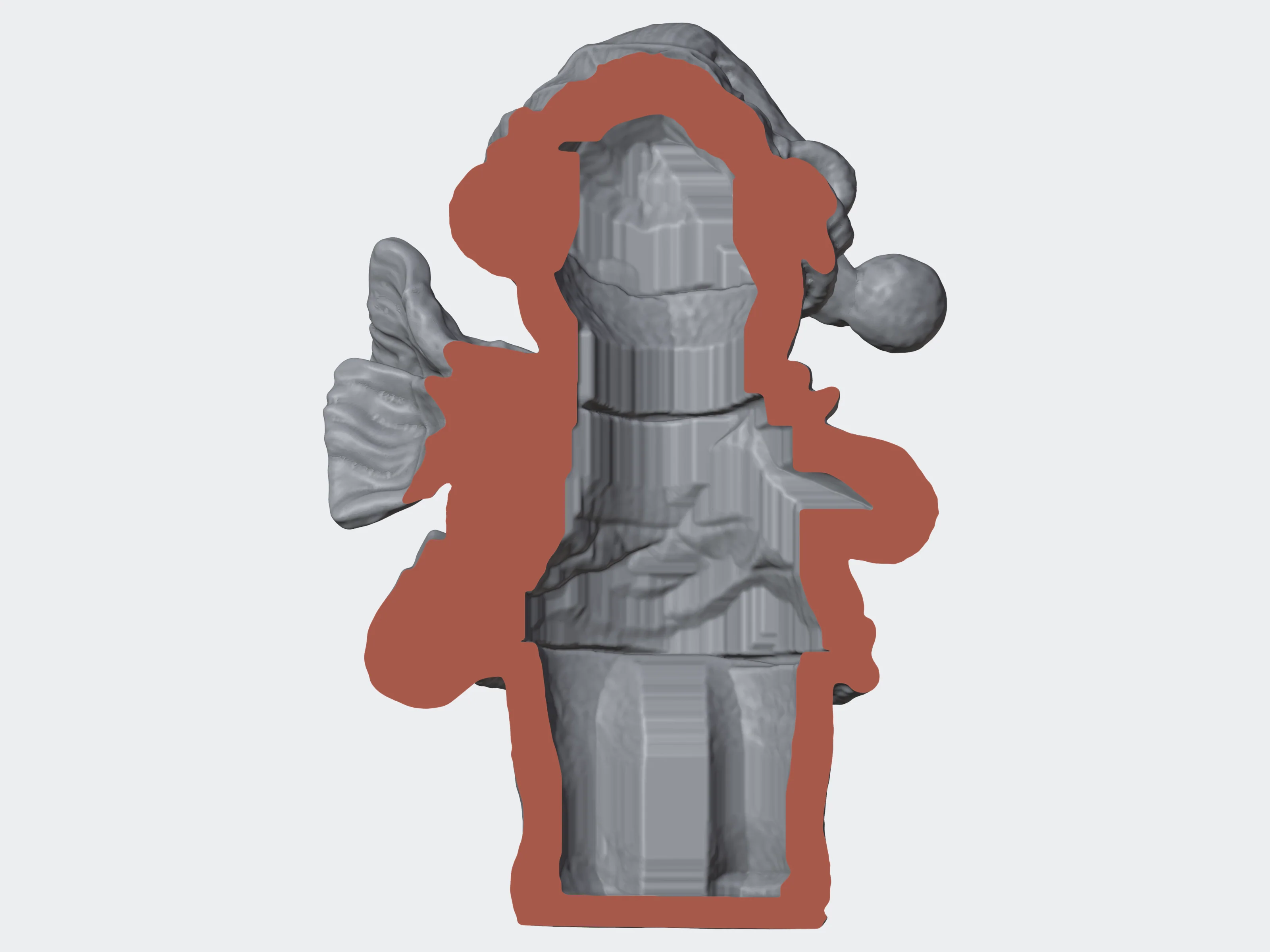 5 mm: 224.5 cm³
Surface and mesh#
close_holes_mmnumberdefault 00–2000Holes whose perimeter is at most this many millimetres are capped before the model is rebuilt; 0 caps none. A hole left open still comes out closed, because every repair ends watertight, but as an uneven crater instead of a clean cap. The engine's recommendation is the largest hole's perimeter plus 10 %.
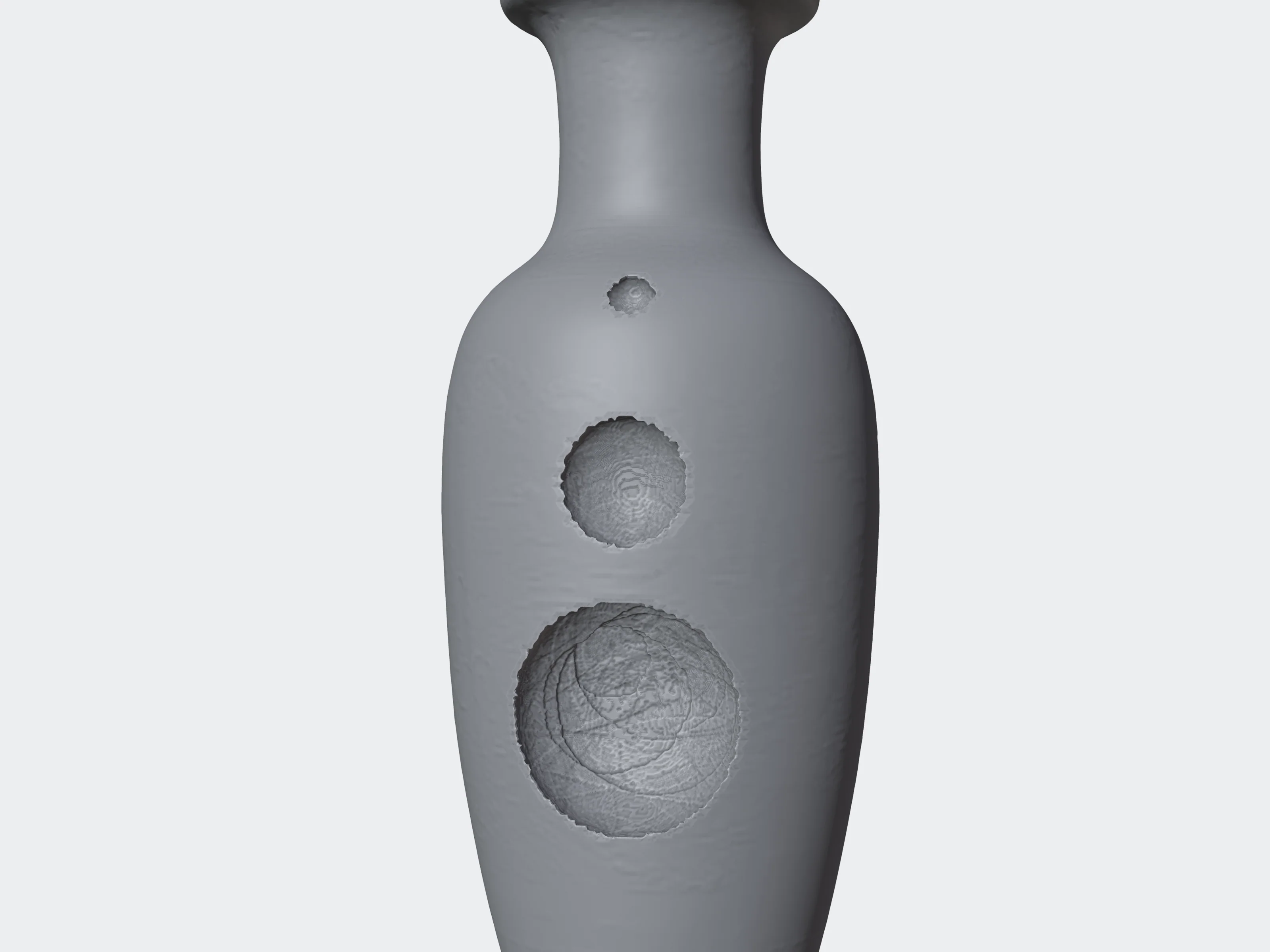 0 mm: none closed
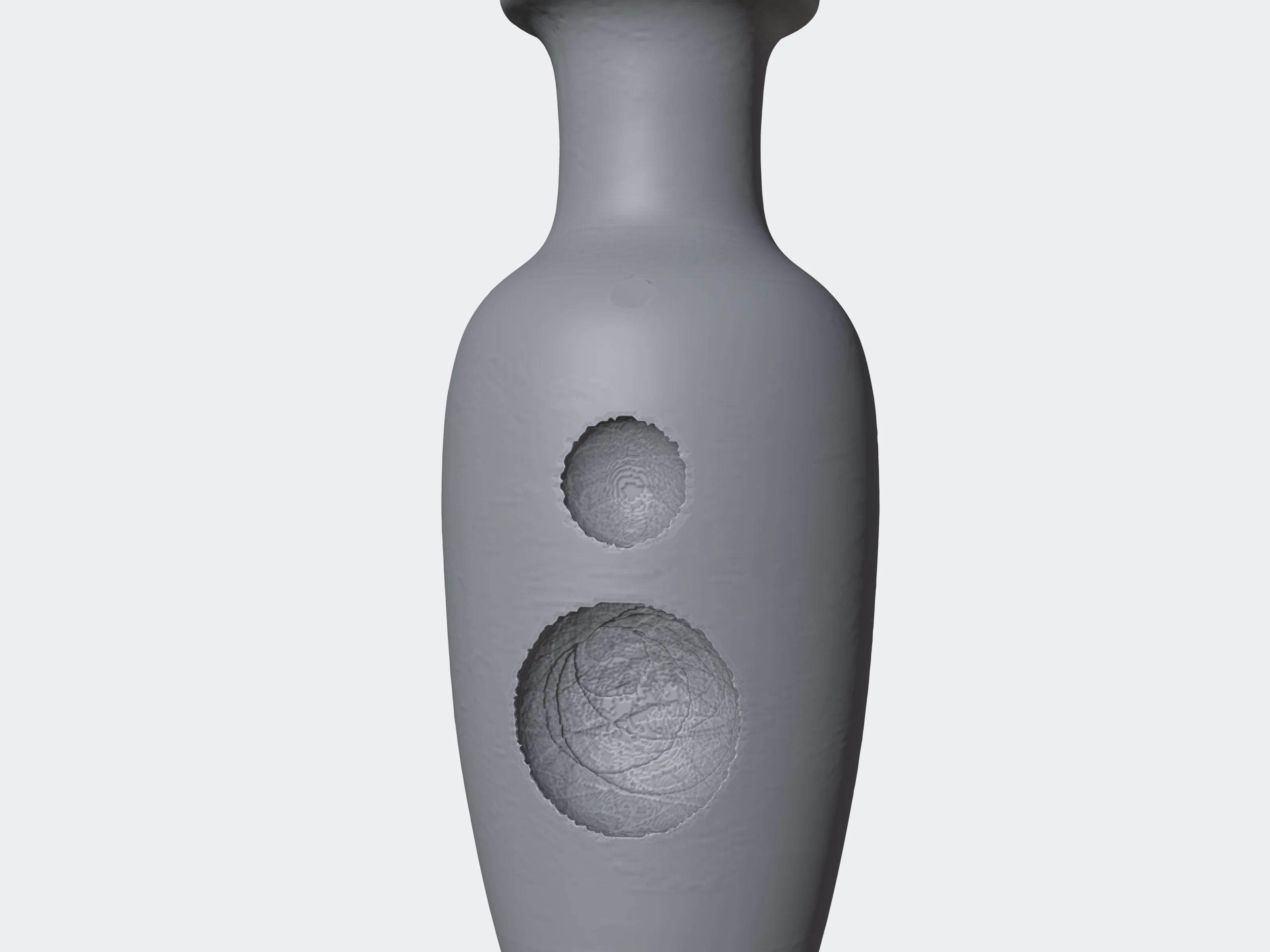 30 mm: the small one closed
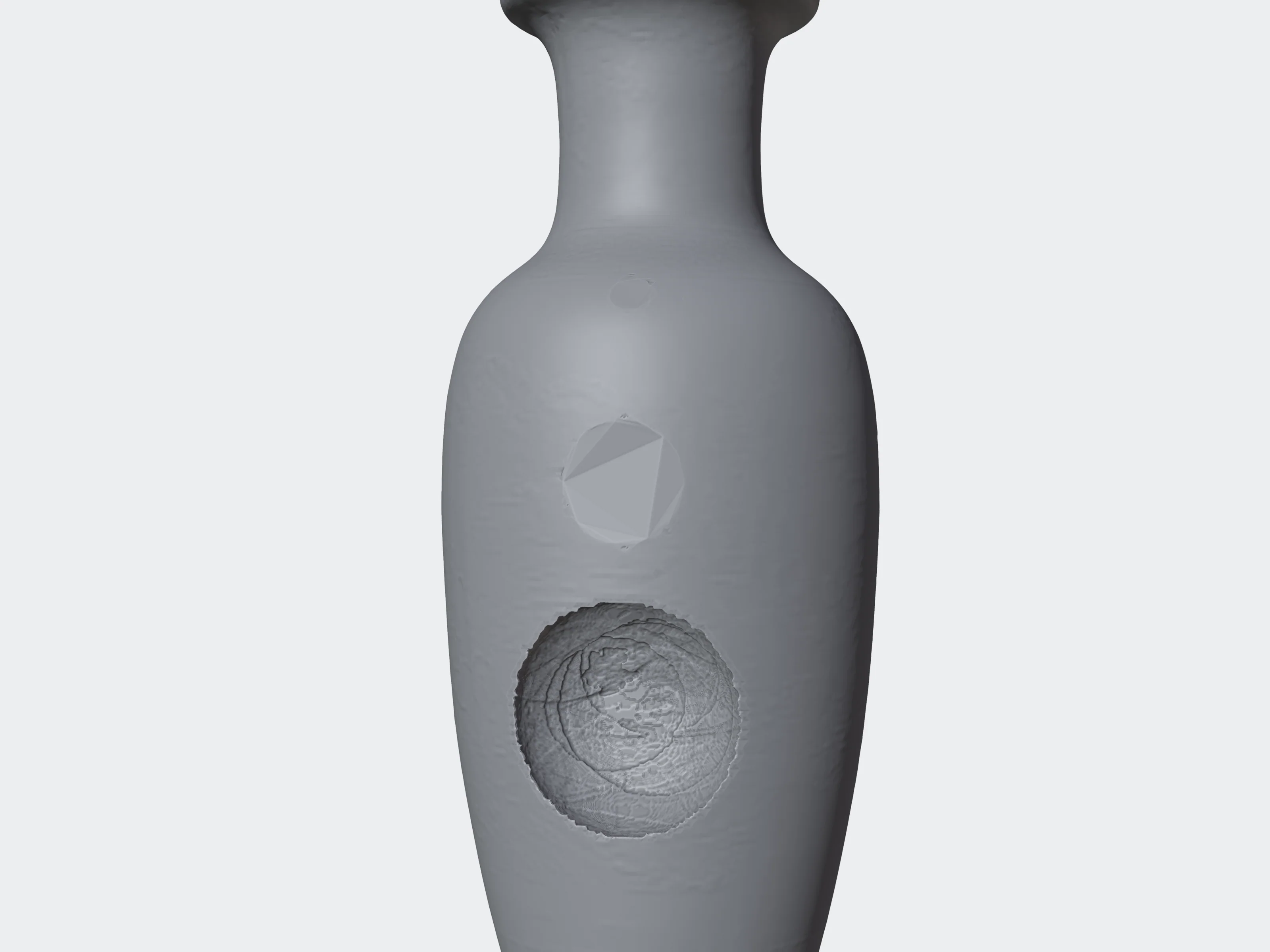 70 mm: two closed
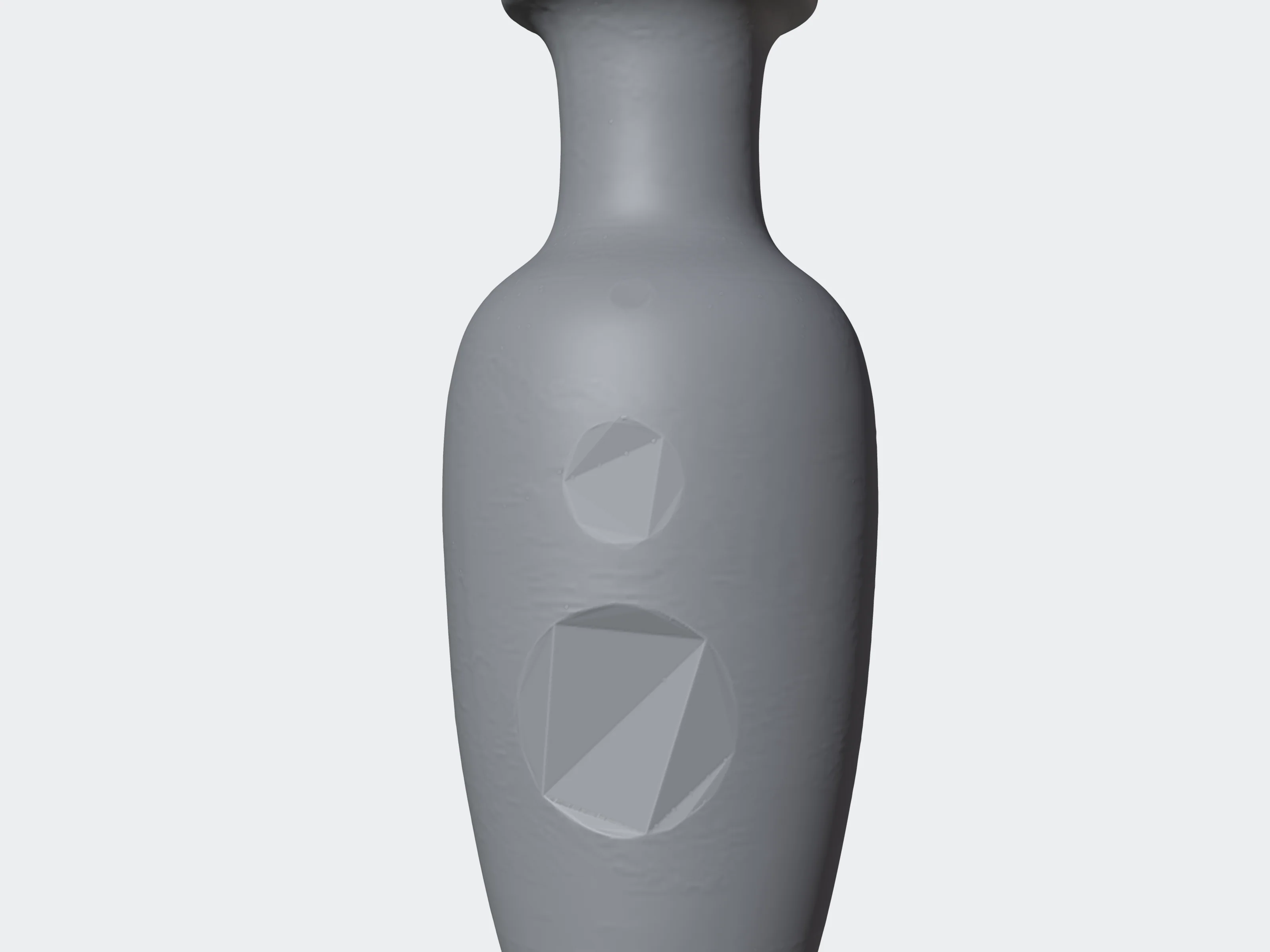 150 mm: all closed
target_facesintegerdefault 00–5,000,000Reduce the result to about this many faces for a smaller file; 0 keeps the face count the rebuild produced. Fewer faces means less detail.
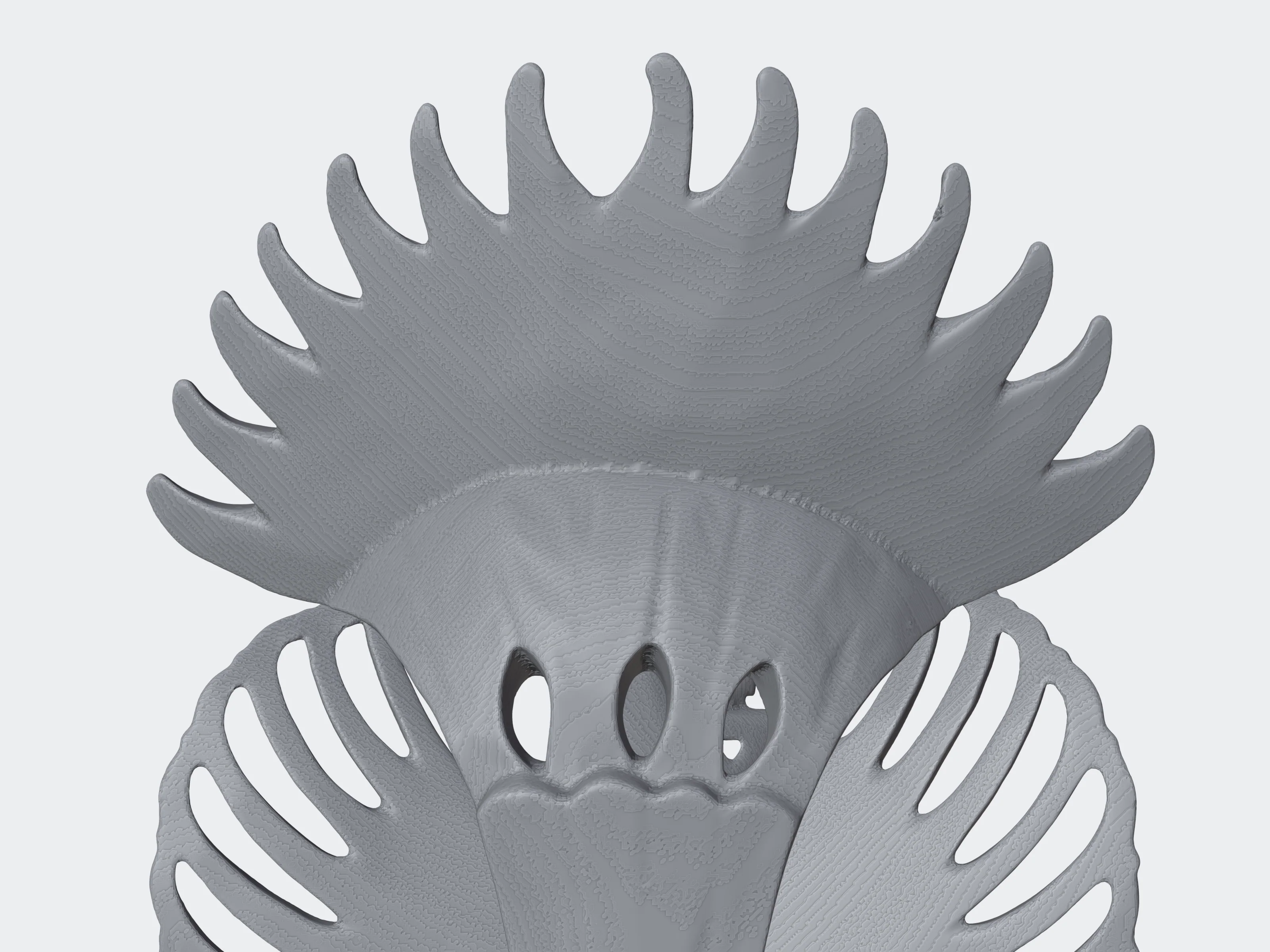 0 (keep): 1,644,552 faces
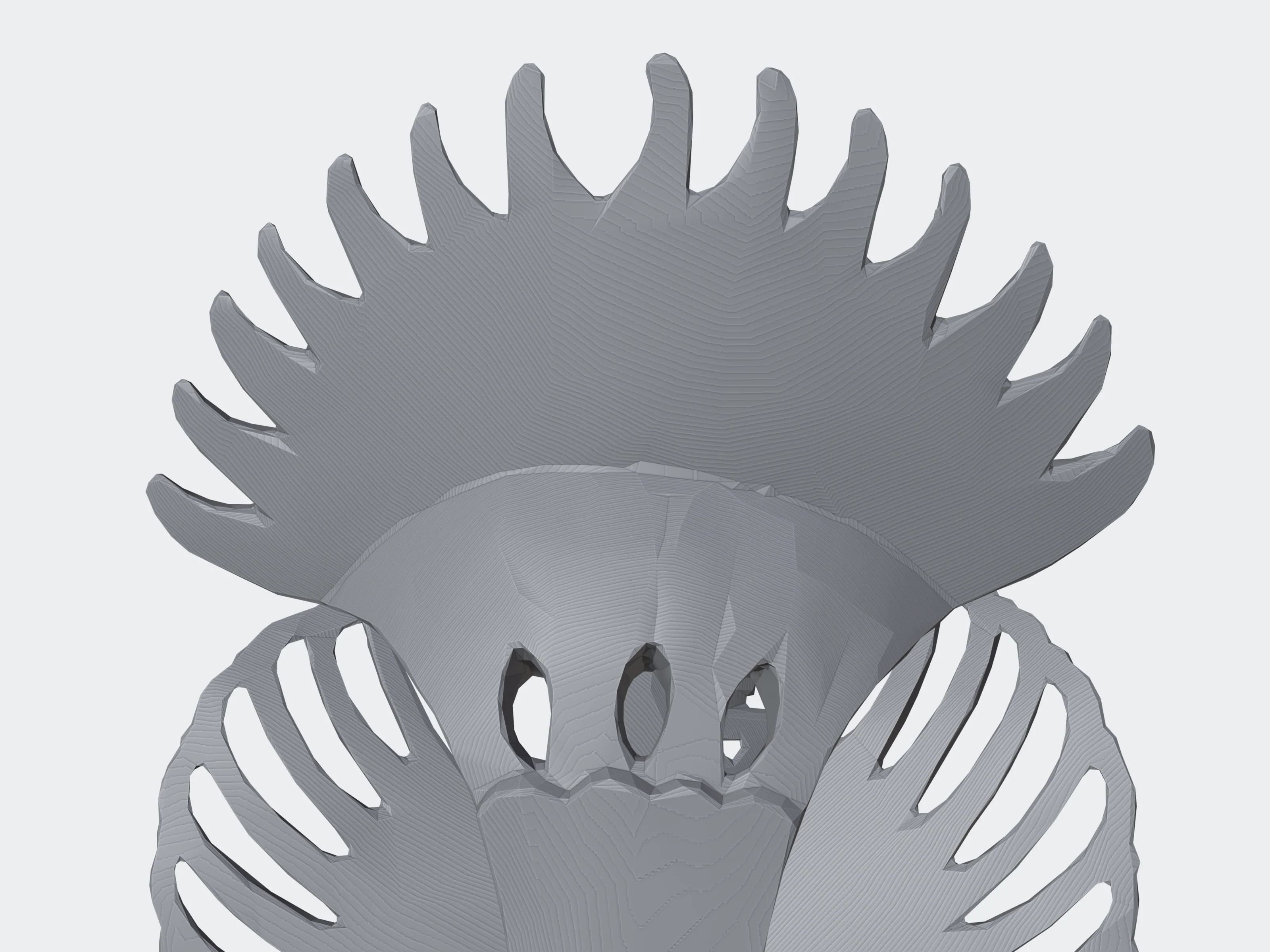 20,000 faces
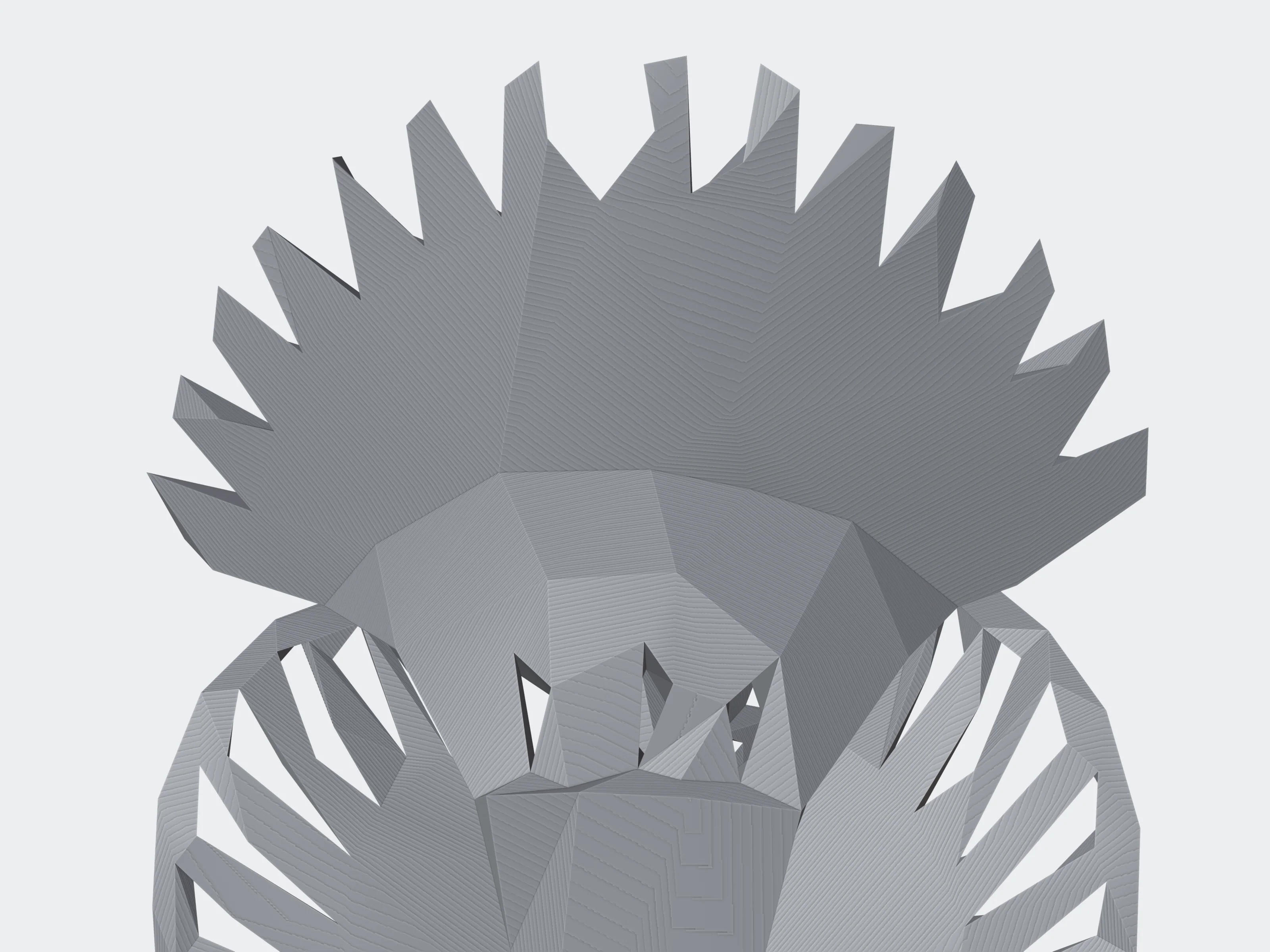 2,000 faces
Smoothing#
The rebuild works on a voxel grid, which can leave small stair-steps on curved surfaces. Three settings smooth them; all are off in the named profiles.
smoothing.post_constructintegerdefault 00–50Smoothing iterations on the output mesh after it is rebuilt. 0 keeps fine surface detail; higher values soften sharp edges. Expect a small effect on a clean model, and little more above about 30.
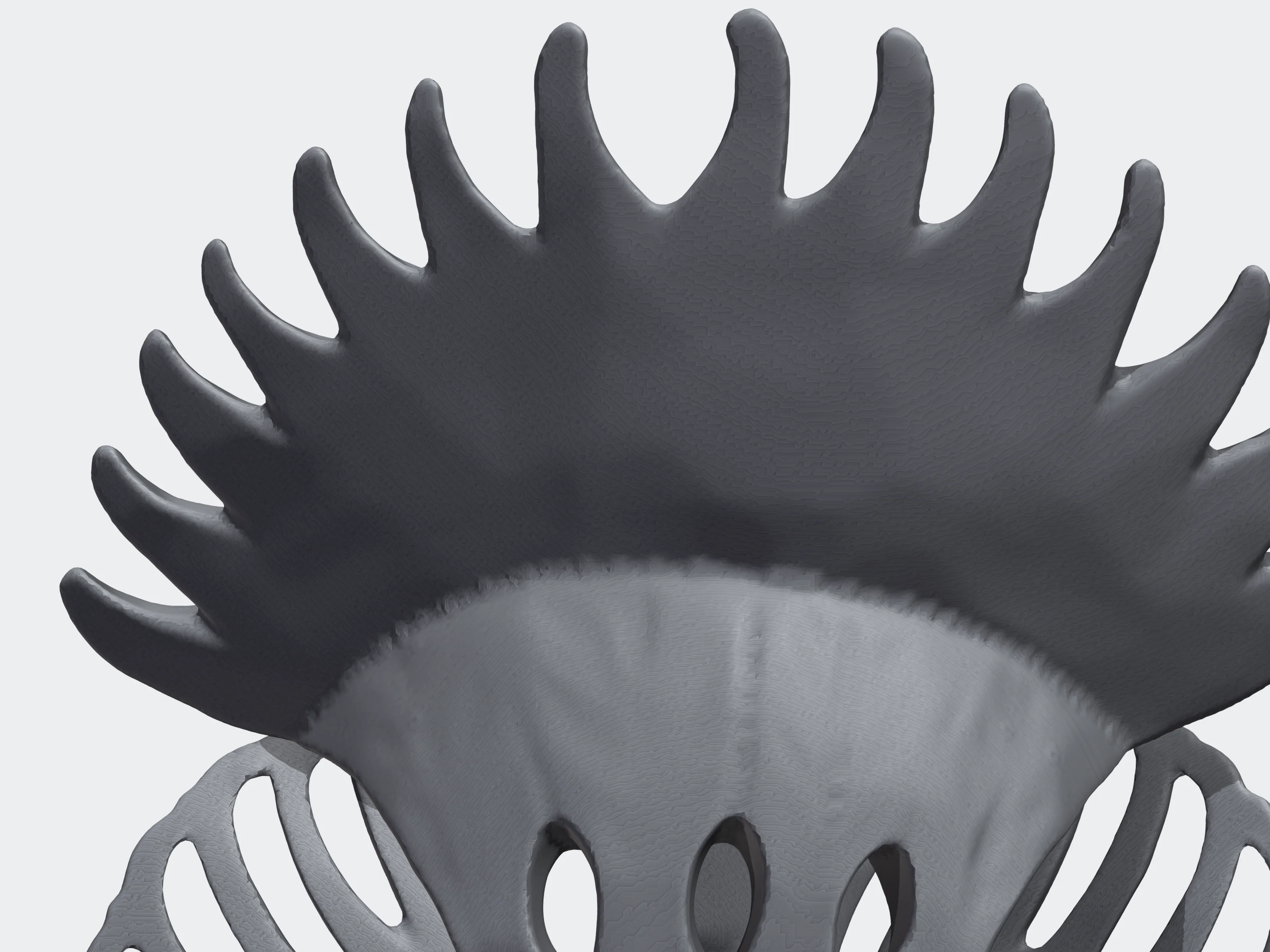 0
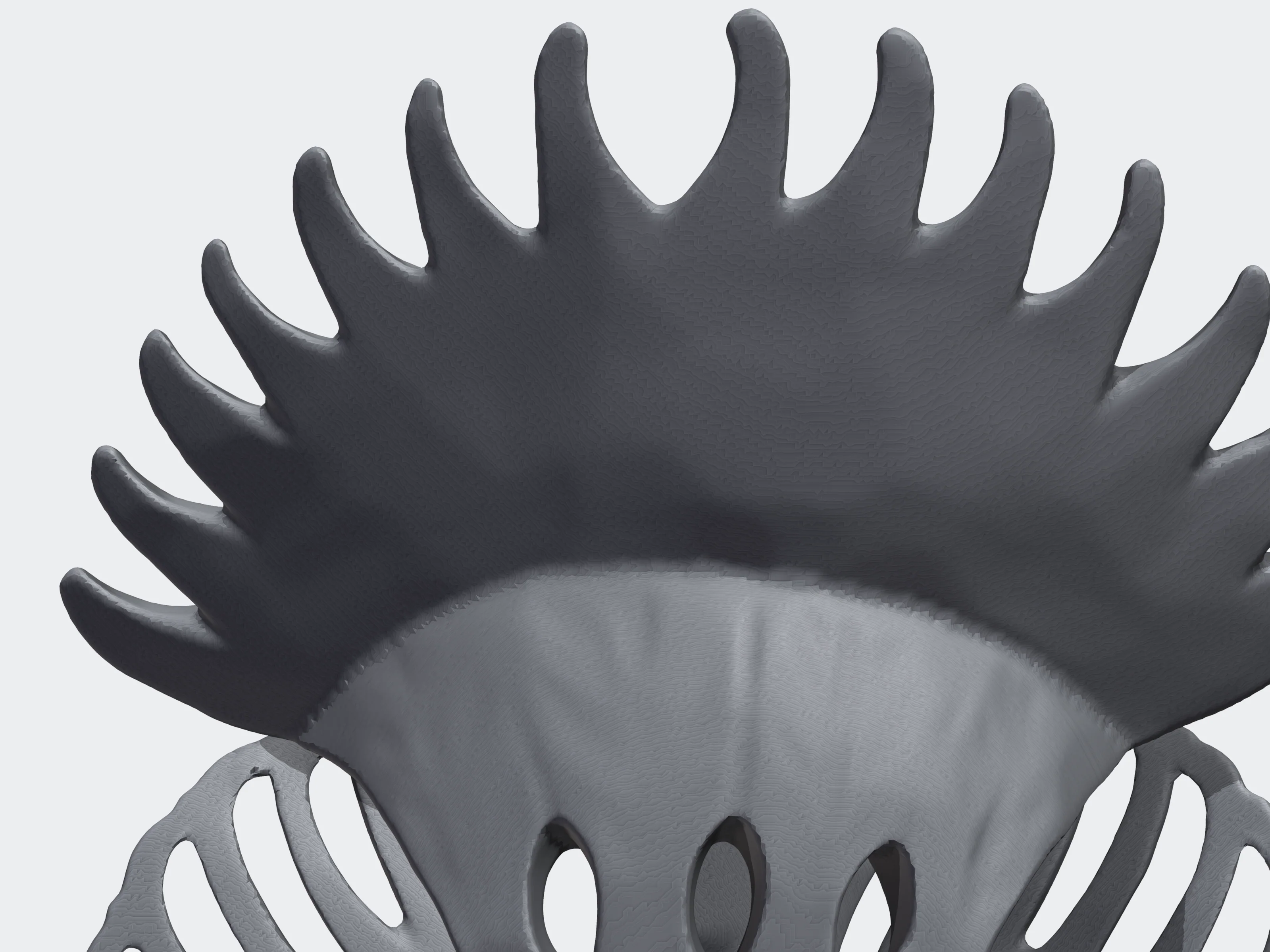 30
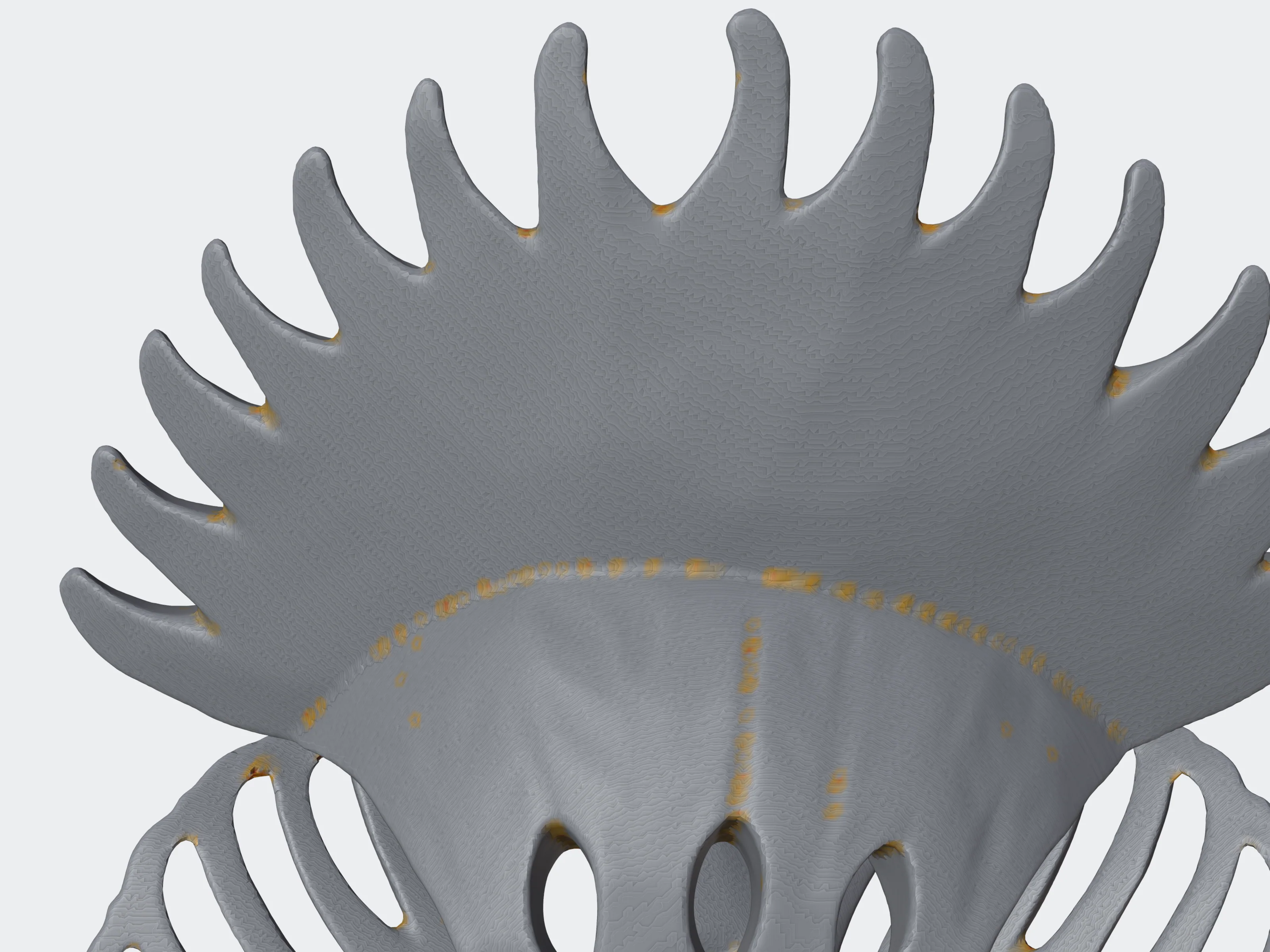 Where 30 changed the surface
smoothing.clrintegerdefault 00–256Smoothing inside the clearance stage. Higher values round off the areas that stage filled, and leave the rest of the surface alone; 0 keeps the finest detail. It does nothing when clearance_mm is 0 or the part has no narrow gaps.
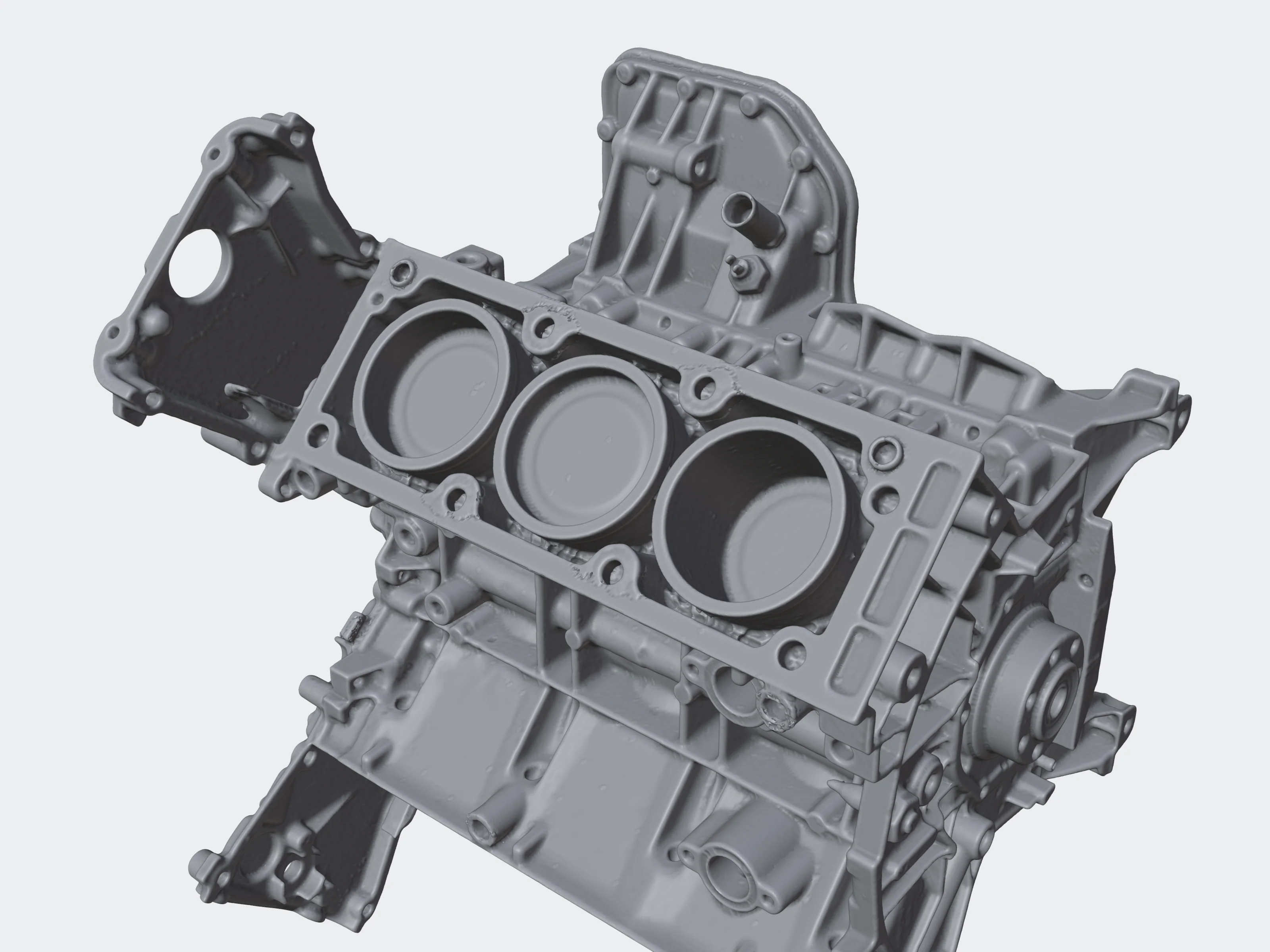 0
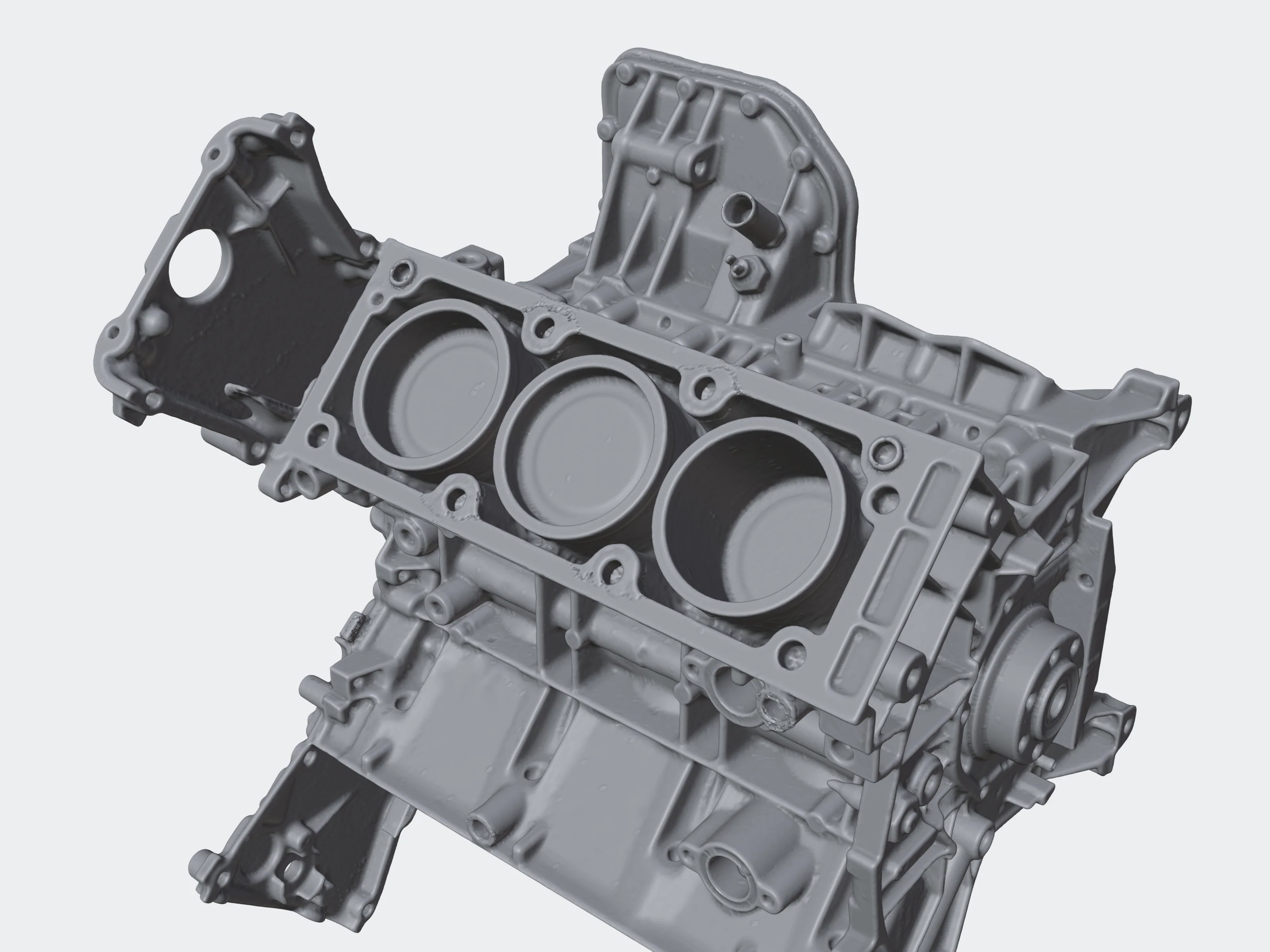 128
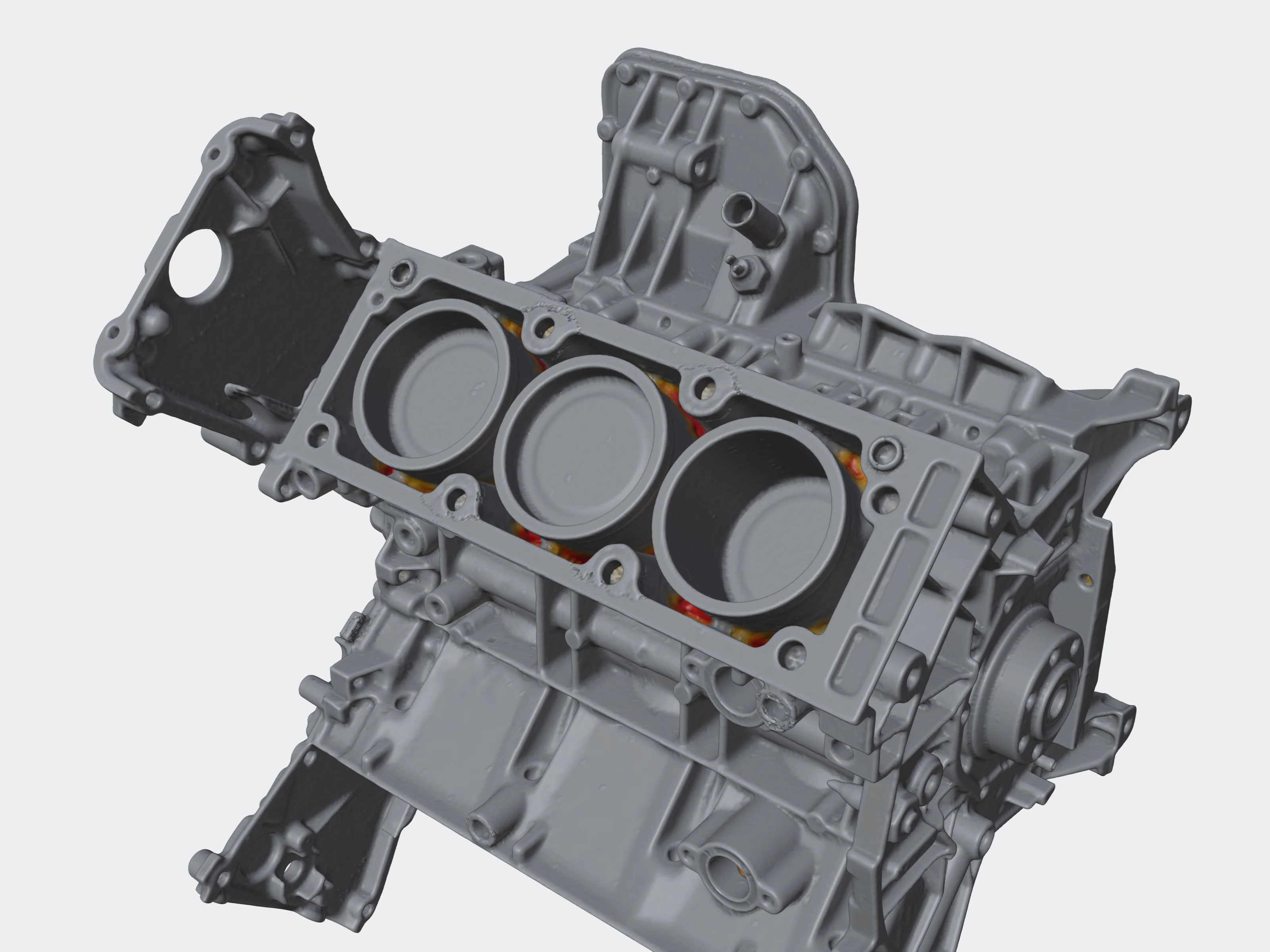 Where 128 changed the surface
smoothing.pre_smoothboolean | nullSubdivide the input before it is voxelized, which rounds off coarse facets and reduces stair-stepping. The extra faces are used while the model is rebuilt; the result's face count stays about the same. Unset keeps the engine's default, on; turn it off to keep sharp original edges and for LiDAR point clouds.
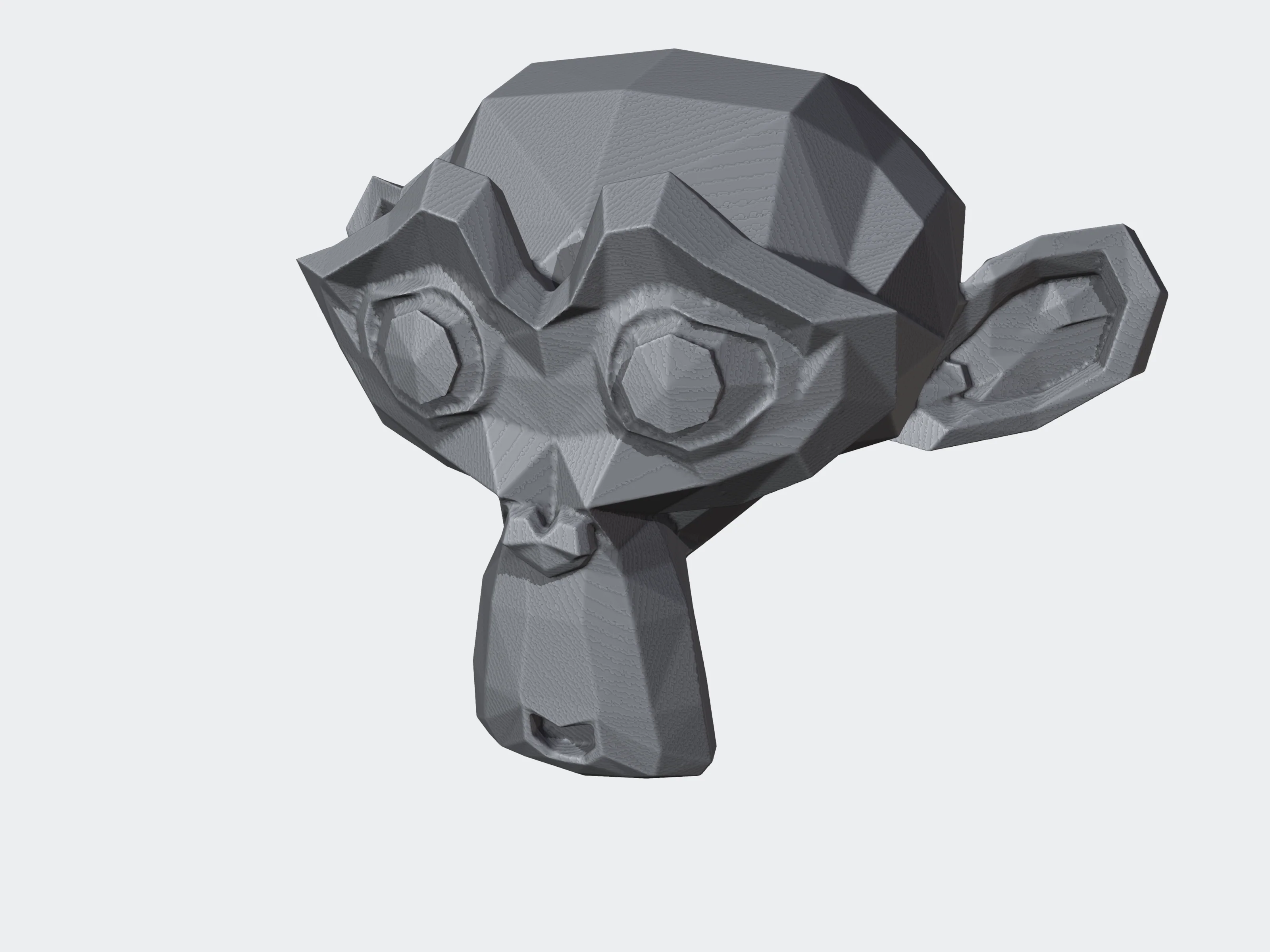 pre_smooth: false
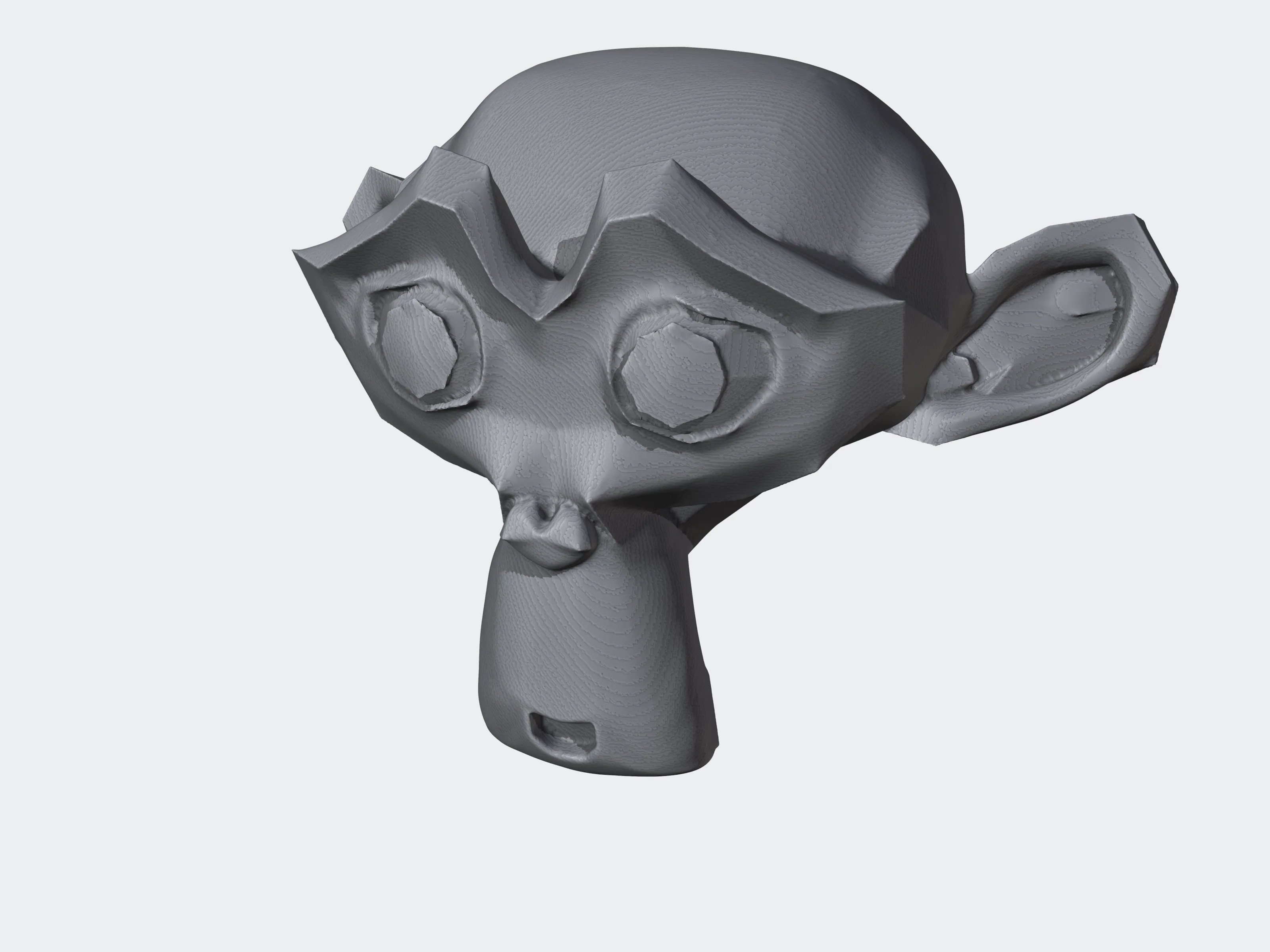 pre_smooth: true
Textures#
Repairs keep colour: the texture of the input is projected onto the rebuilt surface and exported with it (the OBJ ZIP carries the MTL and the texture images, the GLB embeds them).
cut_transparentbooleandefault falseCut away geometry behind transparent texture, so hair cards, lace and leaves keep their outline instead of printing as solid cards. Only fully transparent texels (alpha 0) in 8-bit RGBA textures count. An opening it cuts stays open when it can be seen and its mean width is at least 0.5 mm and at least twice clearance_mm; a narrower one is closed. A hole through a thin card or sheet leaves the material between the holes solid, so a lace card stays in one piece.
 cut_transparent: false
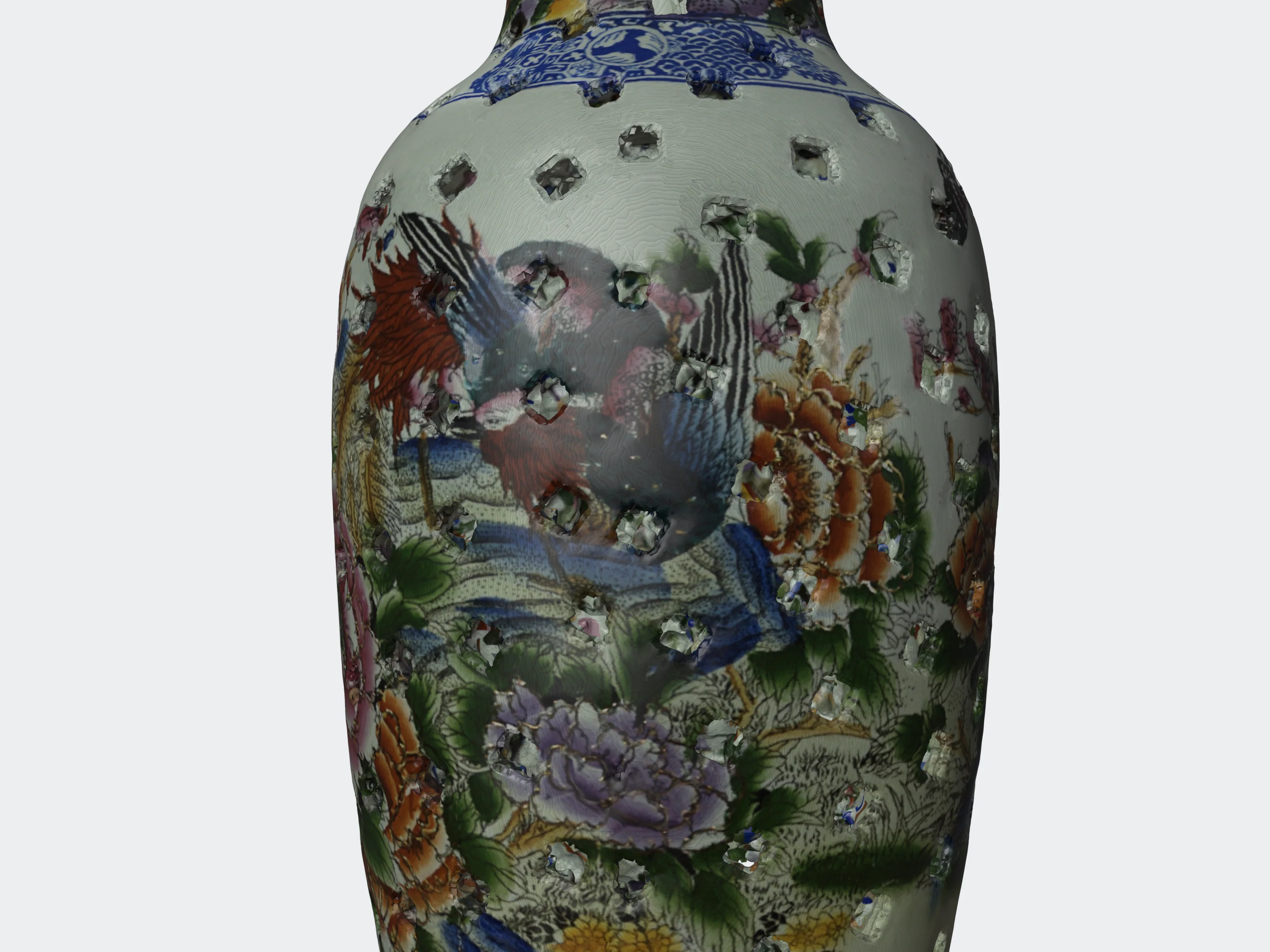 cut_transparent: true
mix_texturesbooleandefault falseBlend the model's material textures and colours into one combined texture. Useful when parts are coloured by a material colour rather than a texture.
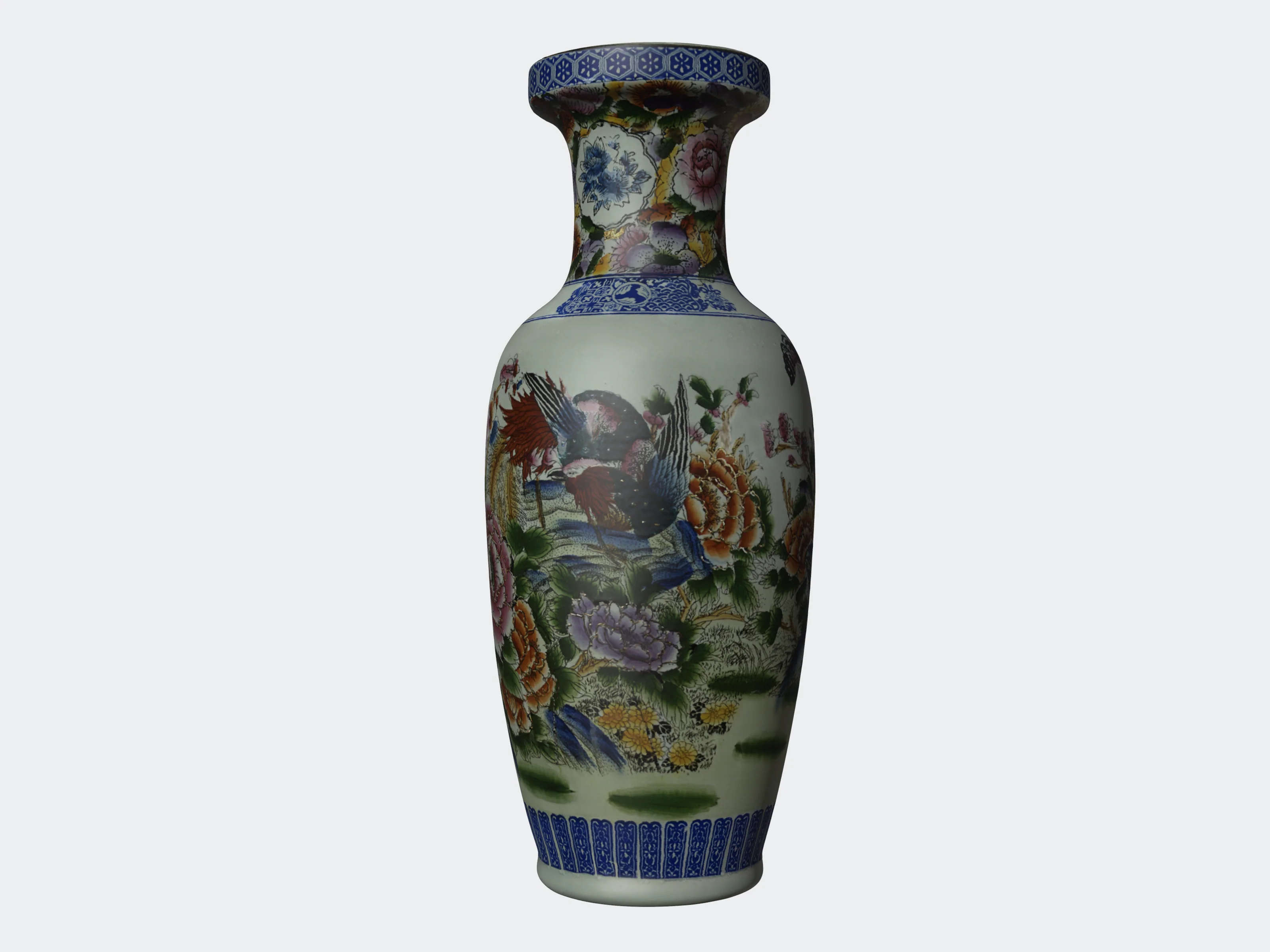 mix_textures: false
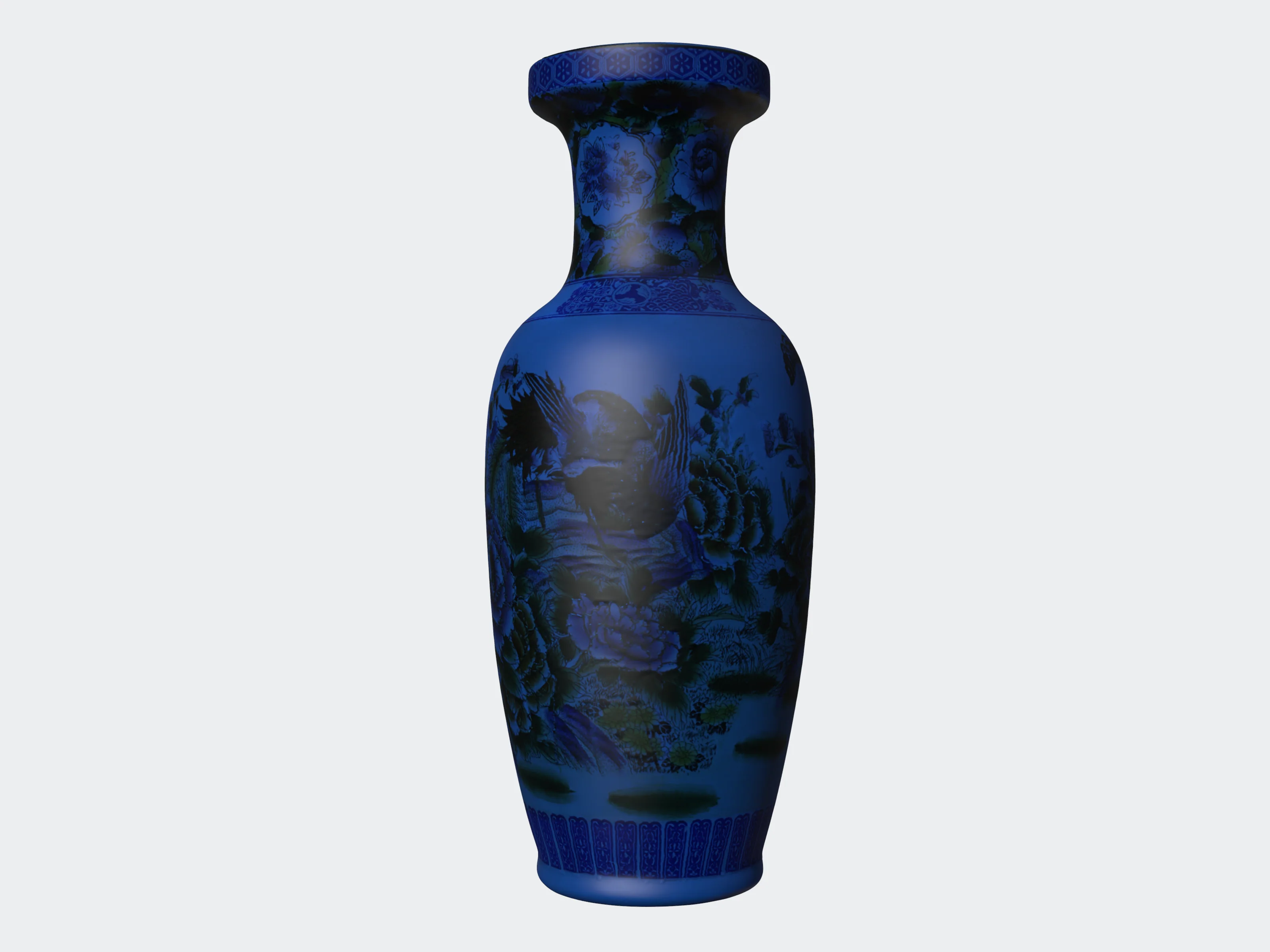 mix_textures: true
Thin features#
thickness chooses how the wall stage measures and thickens walls, and whether thin beams are reinforced.
thickness.method"medial" | "lattice"default "medial"medial measures every wall with the largest ball that fits inside it (independent of orientation and curvature), pushes the missing thickness out along the wall and caps it by the free room on each side, adding material only where a wall is too thin. lattice is the voxel heatmap method of the 3D Prep Pro pipeline.
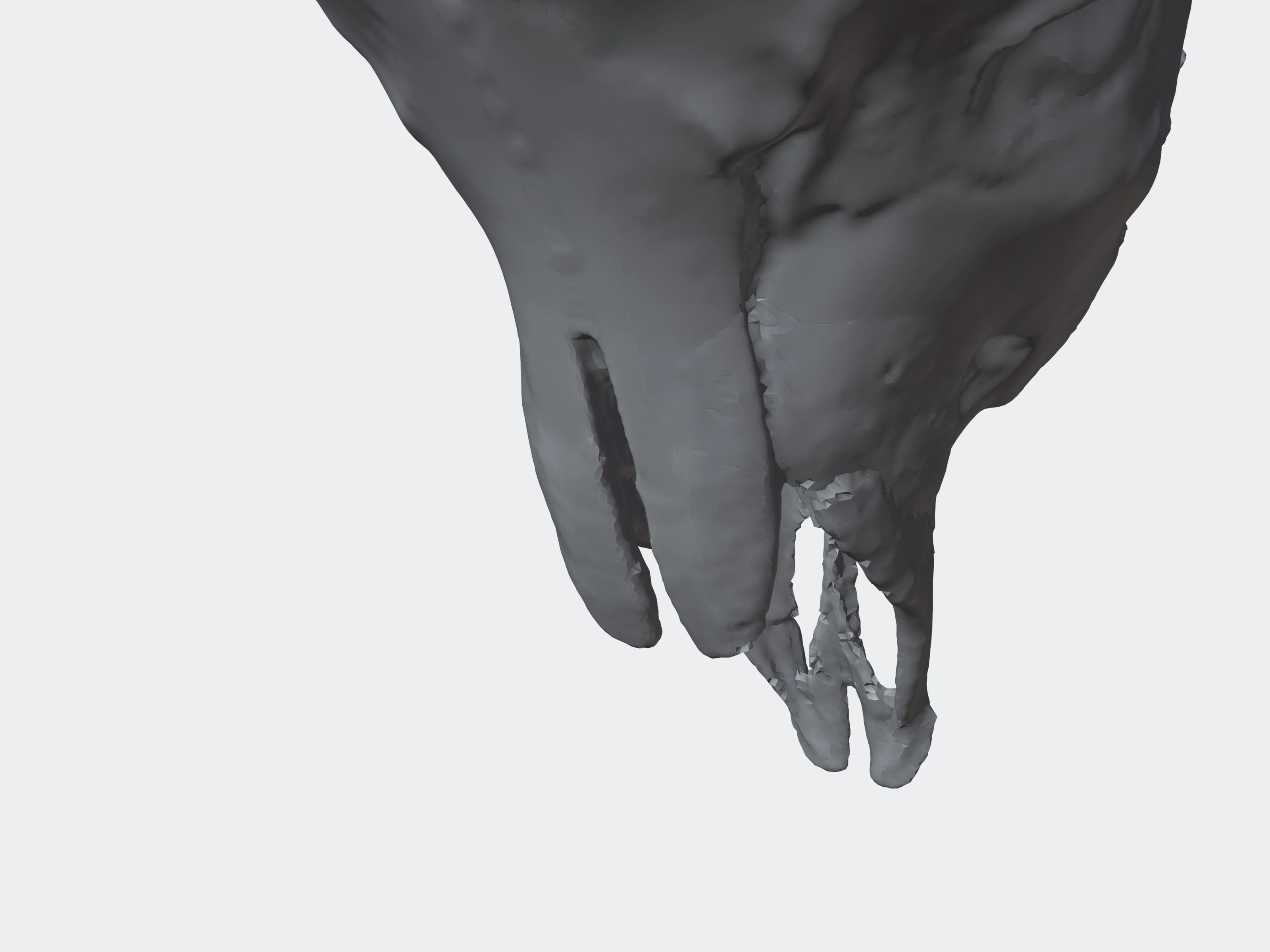 method: medial, 21.4 cm³
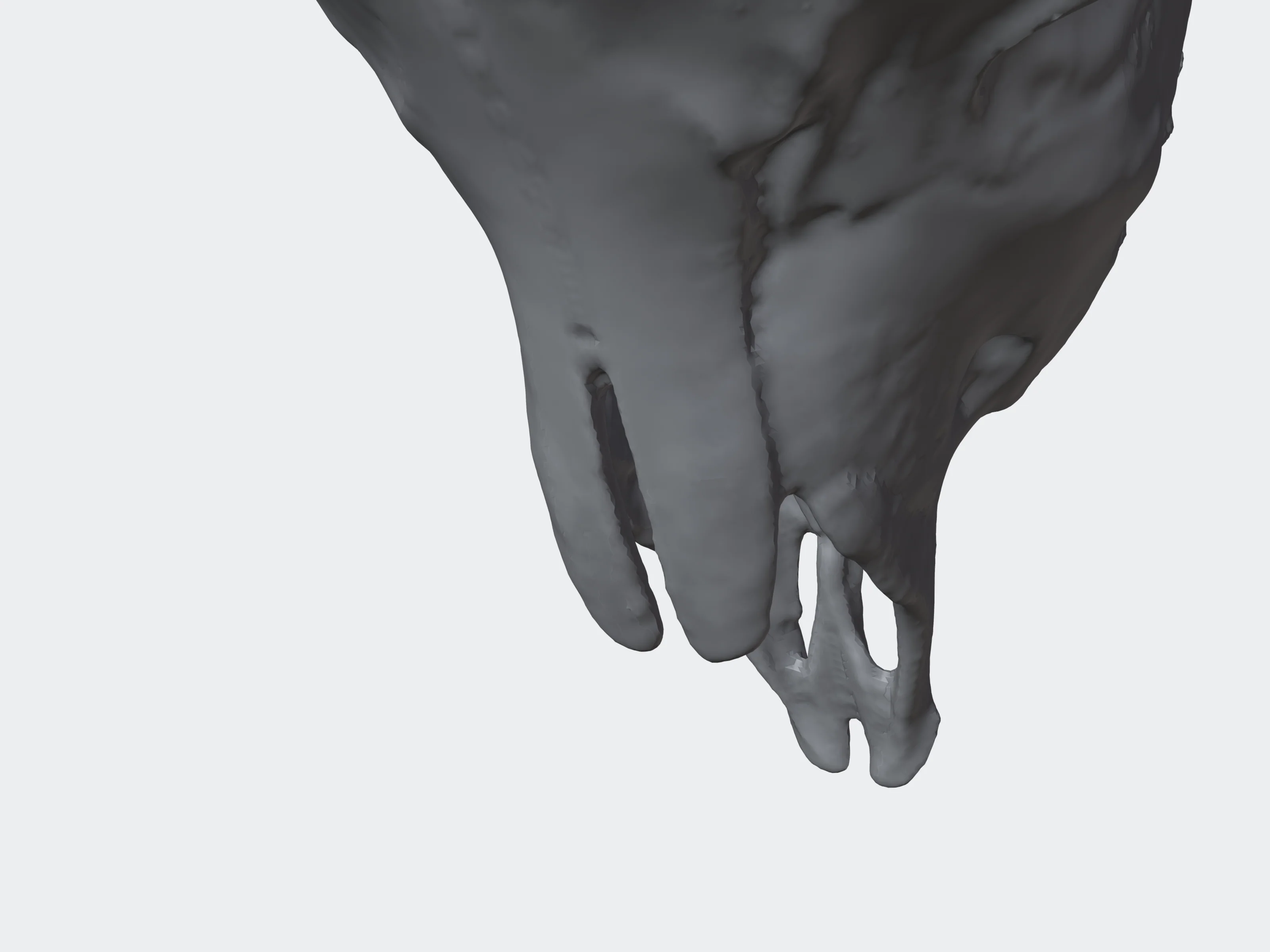 method: lattice, 21.7 cm³
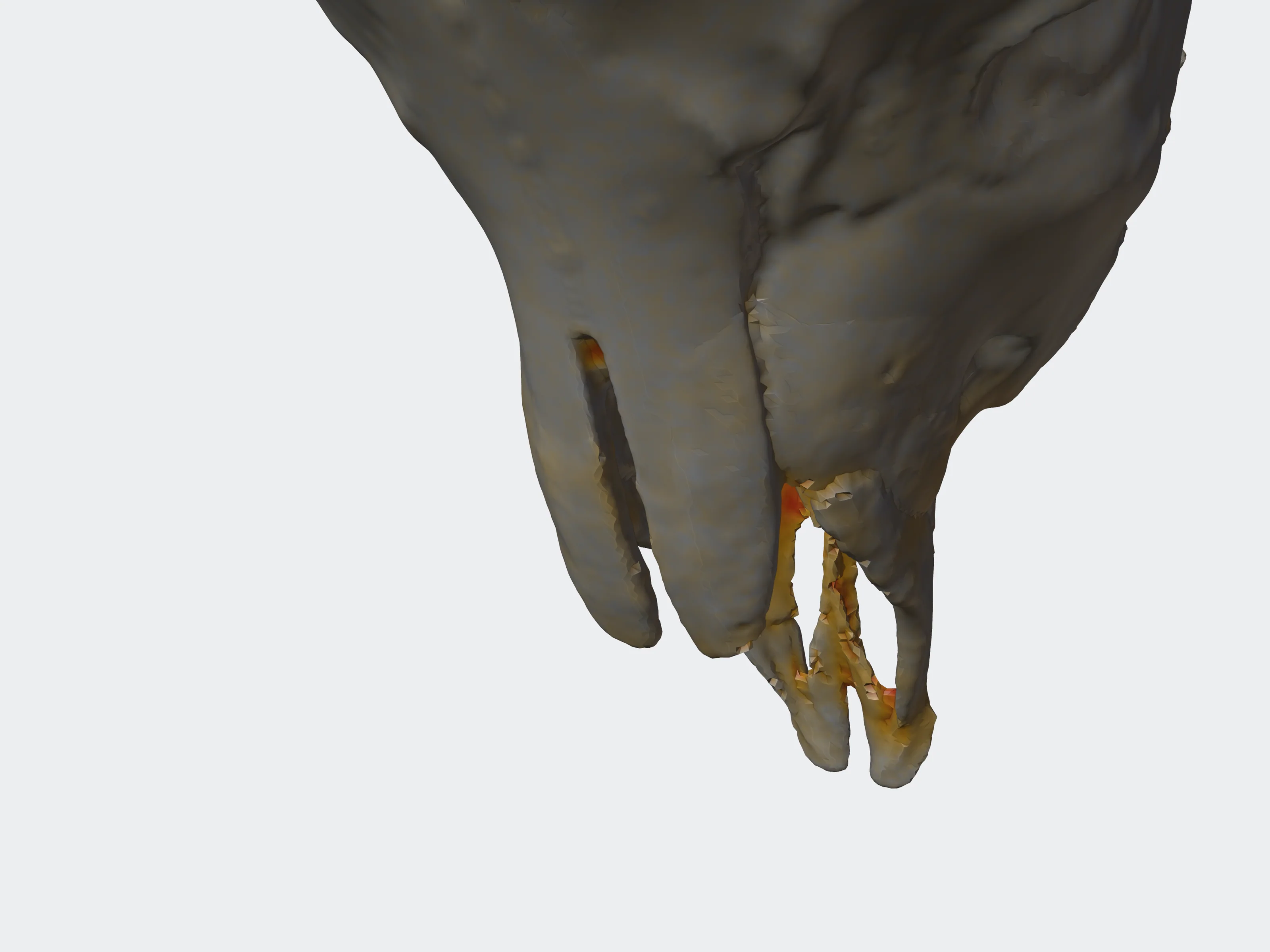 Where the two differ
thickness.structuralbooleandefault trueWith medial, also thicken thin free-standing features (fingers, antennae, pins) at the root, where they would fail under tip_load_n at target_sf. Features braced at both ends, and features thick enough already, are left alone, so on many models it changes nothing.
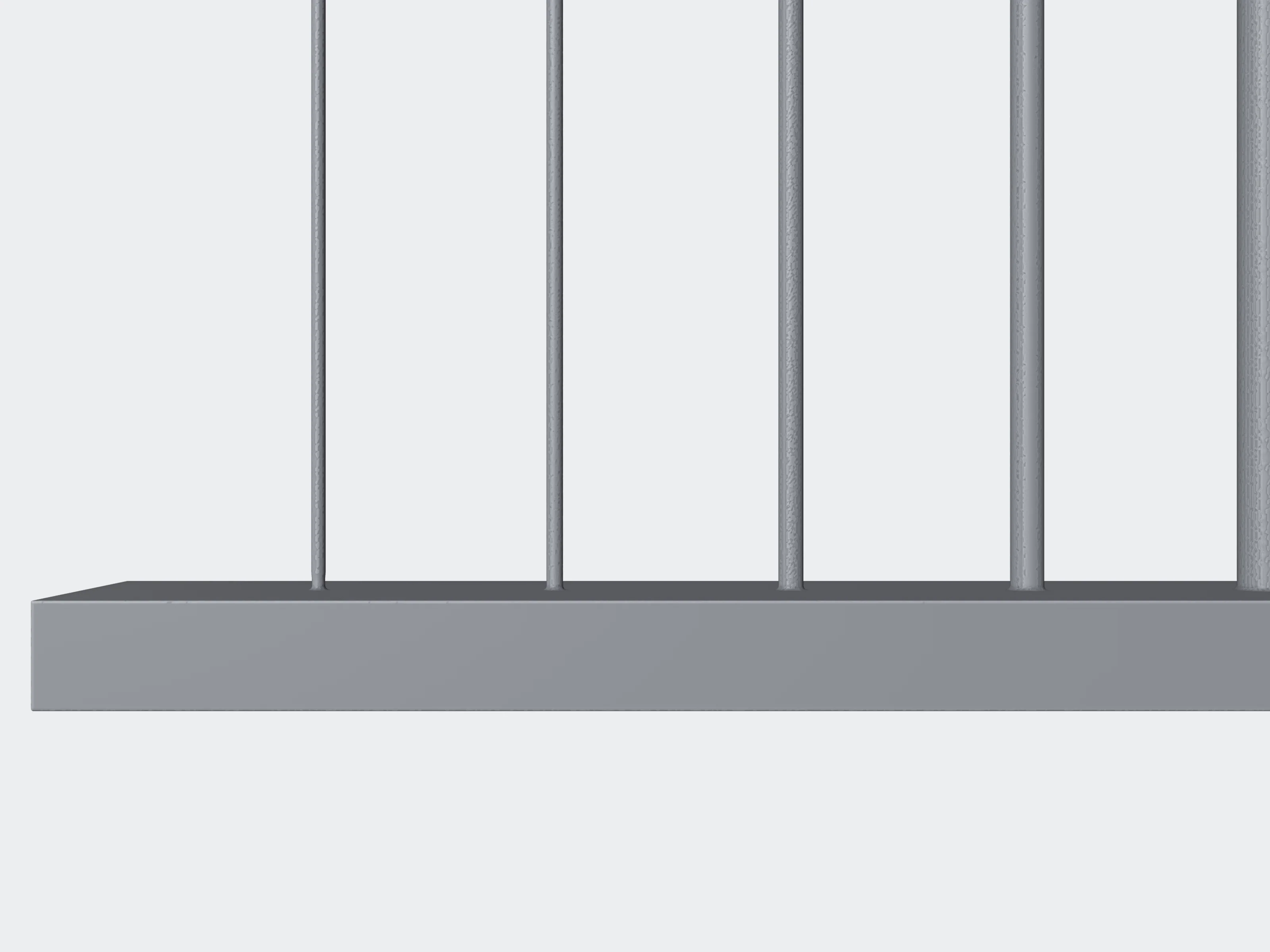 structural: false
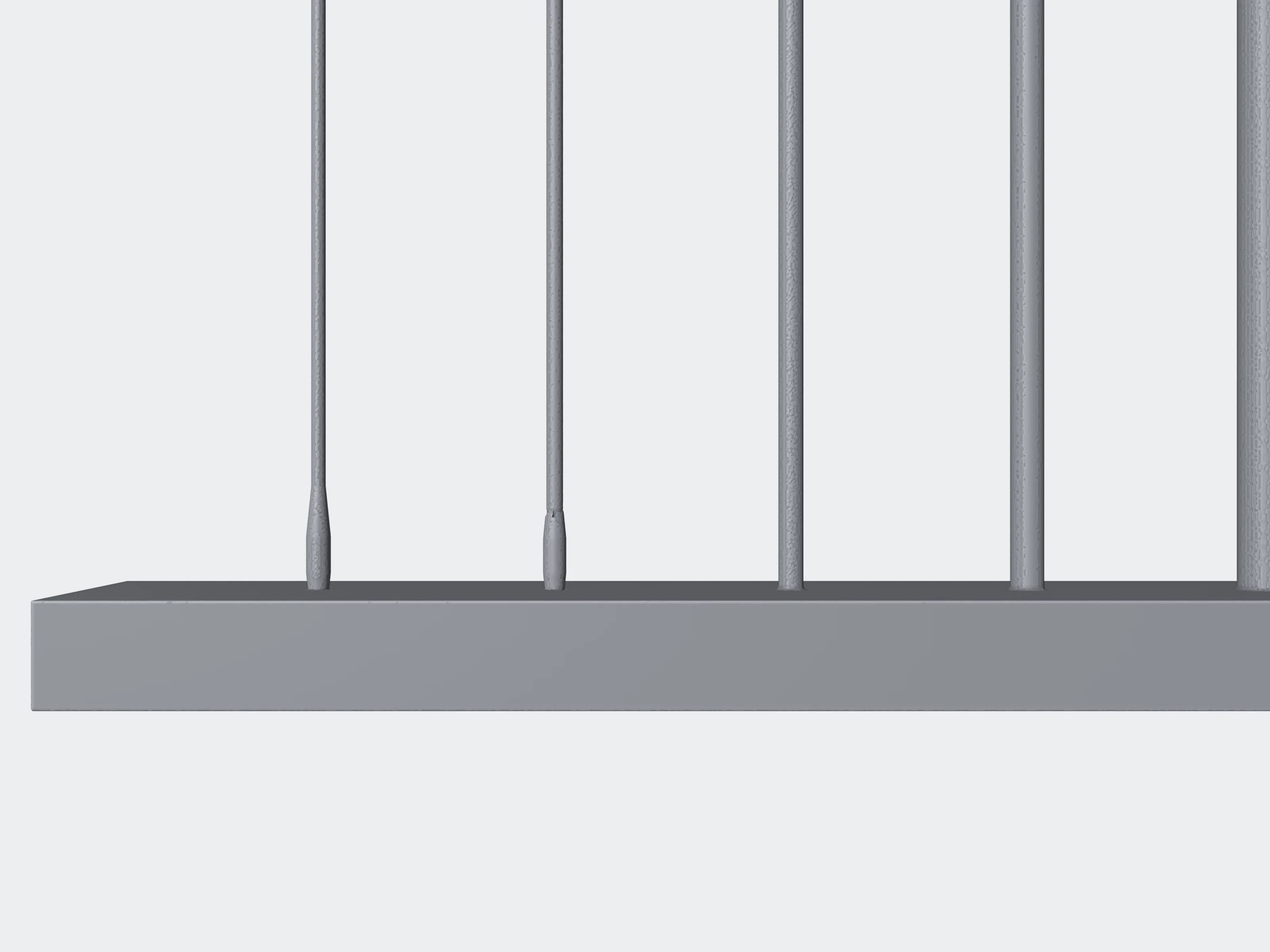 structural: true
thickness.tip_load_nnumberdefault 0.5> 0, ≤ 50The handling load in newtons a thin feature's tip must hold. It is a guide, not yet calibrated against printed test pieces, and every result echoes it.
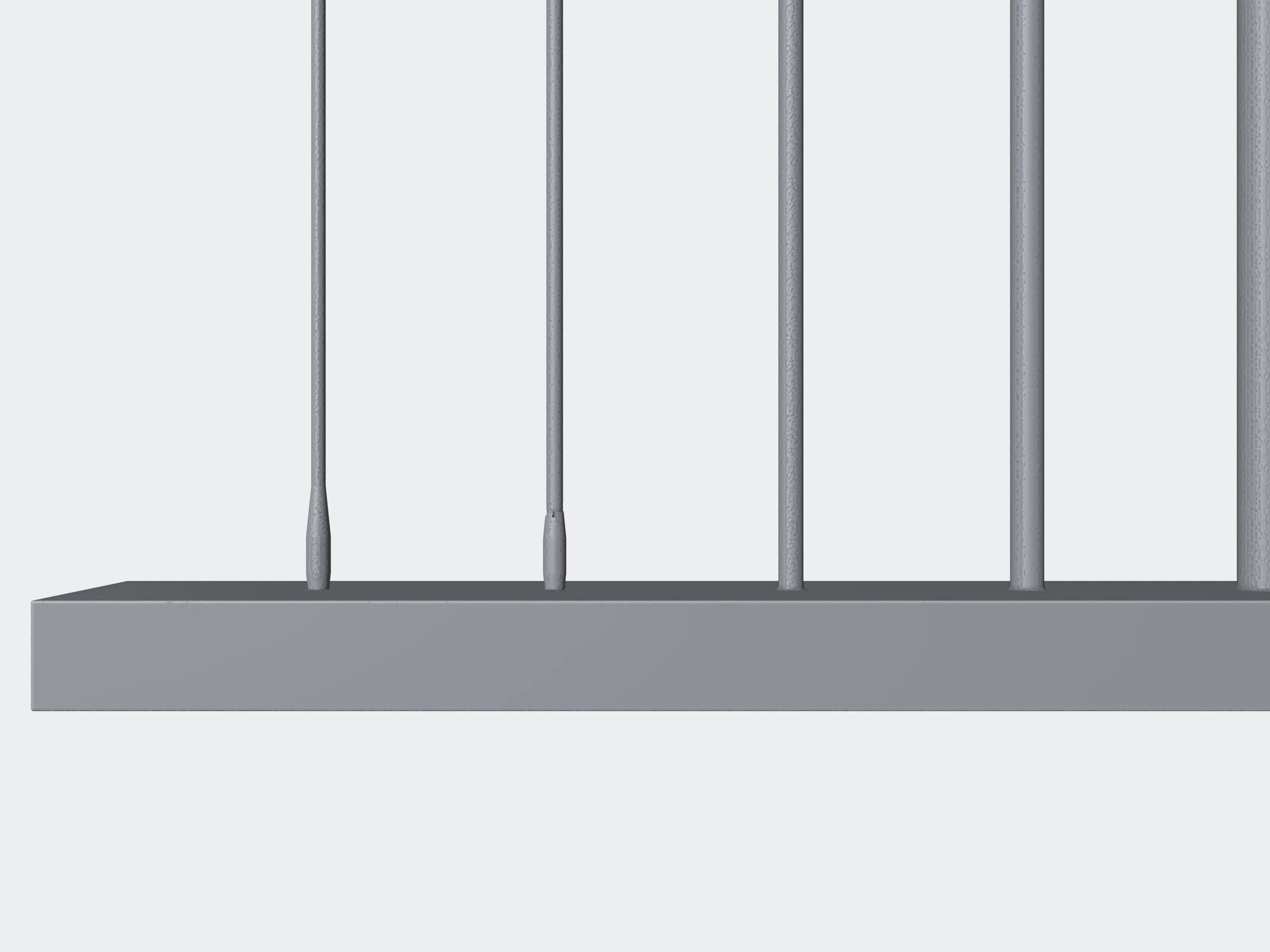 0.5 N
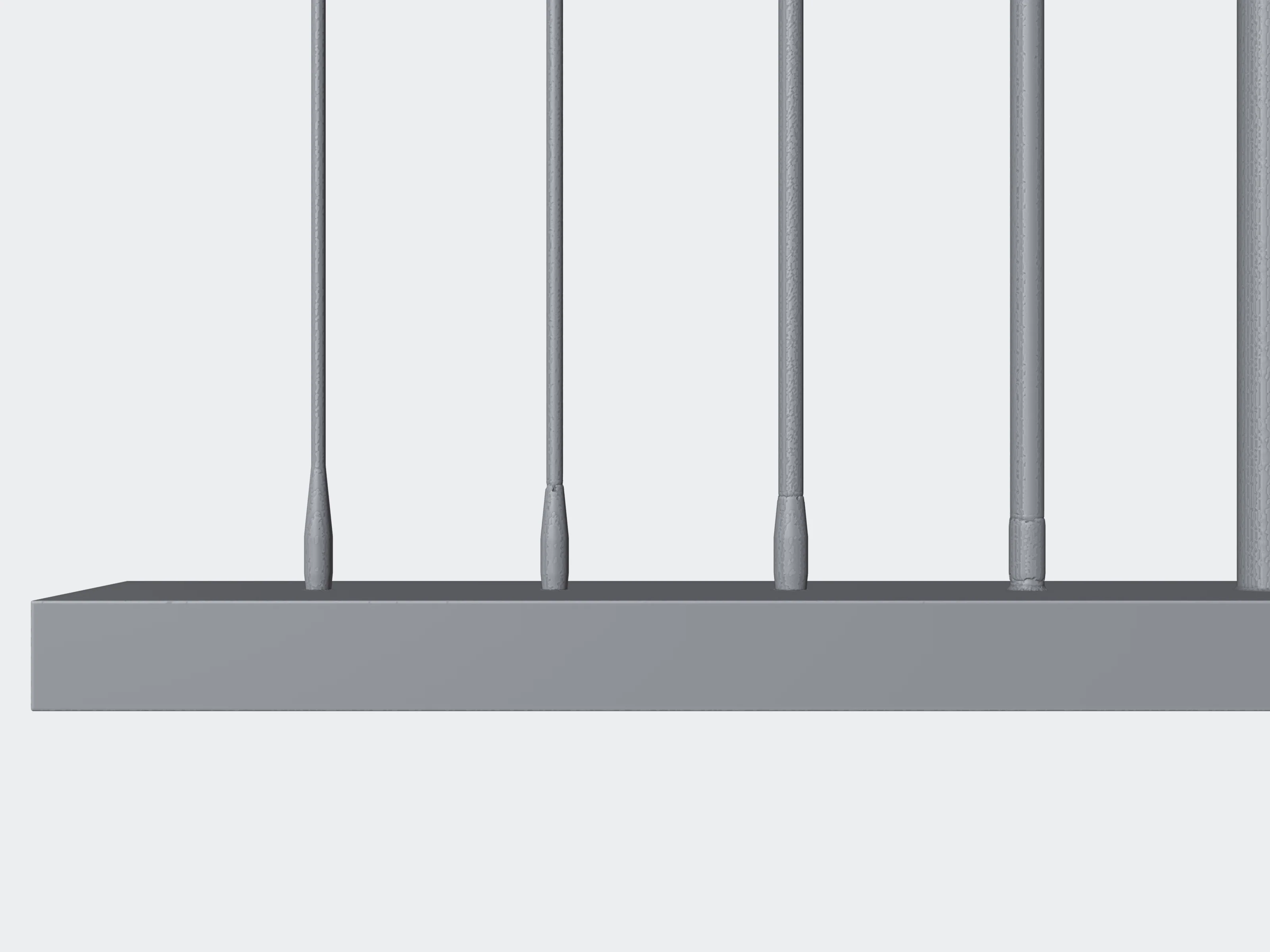 2 N
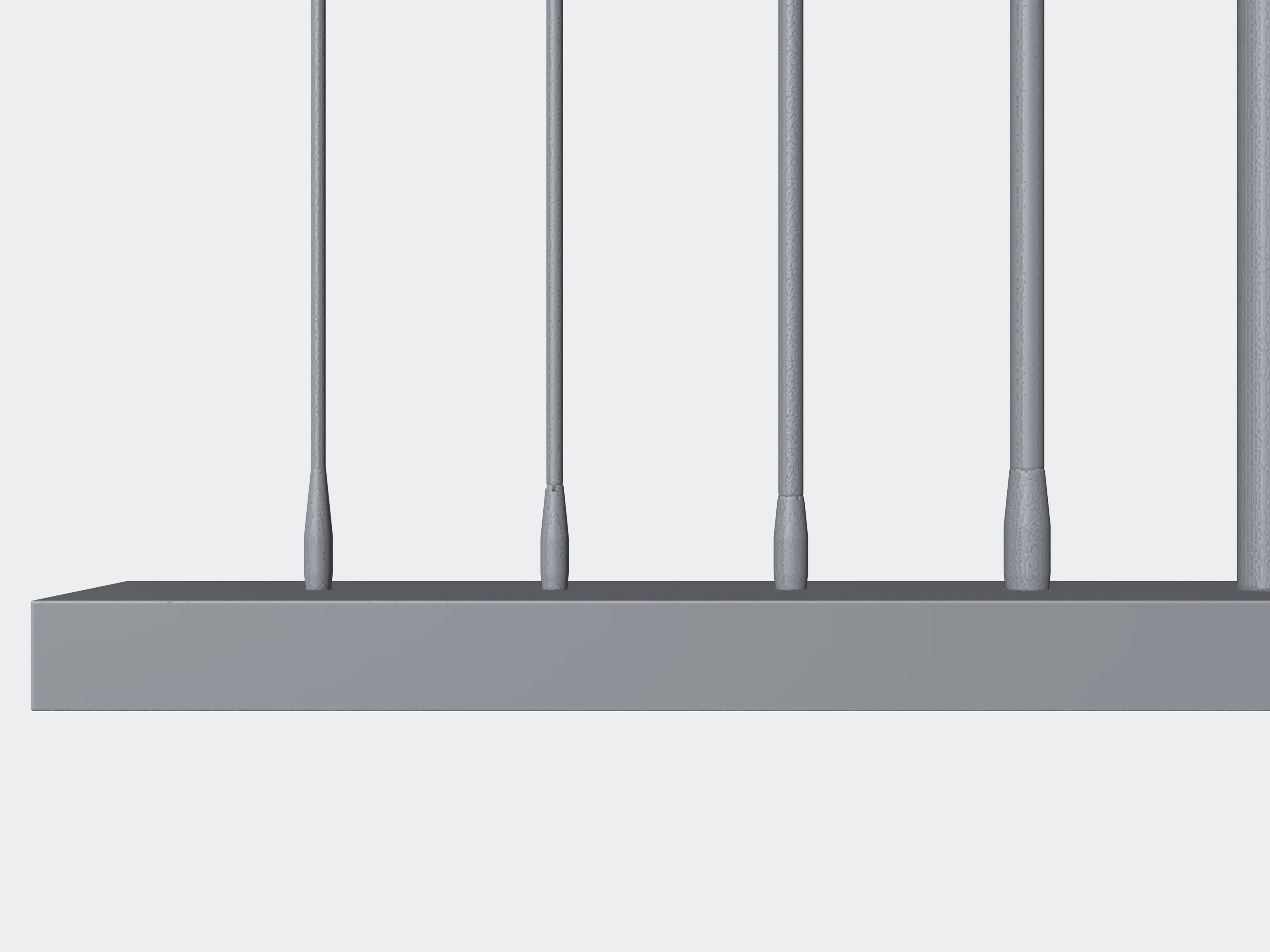 5 N
thickness.target_sfnumberdefault 21–10The safety factor a reinforced feature must reach under the tip load.
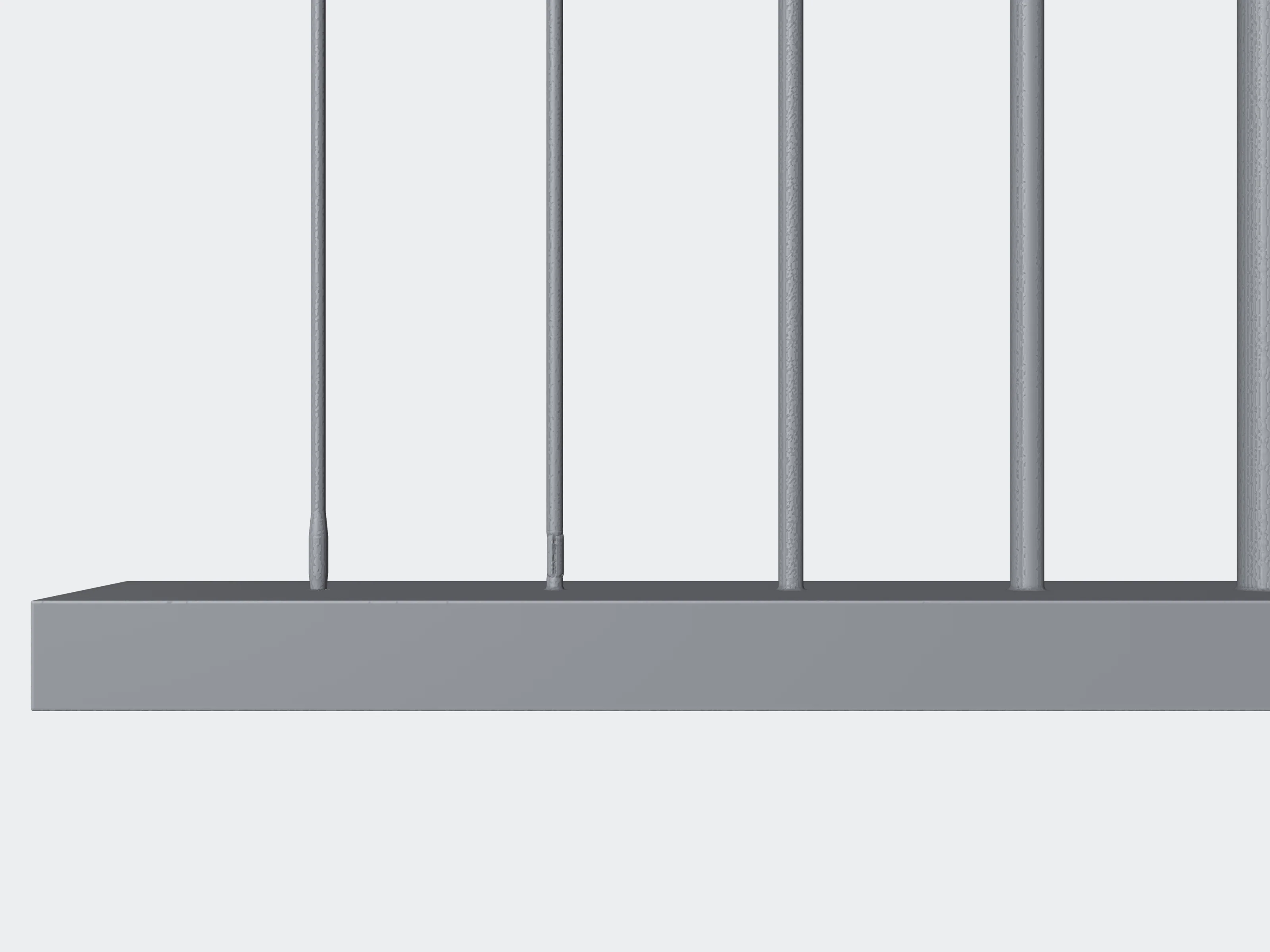 1
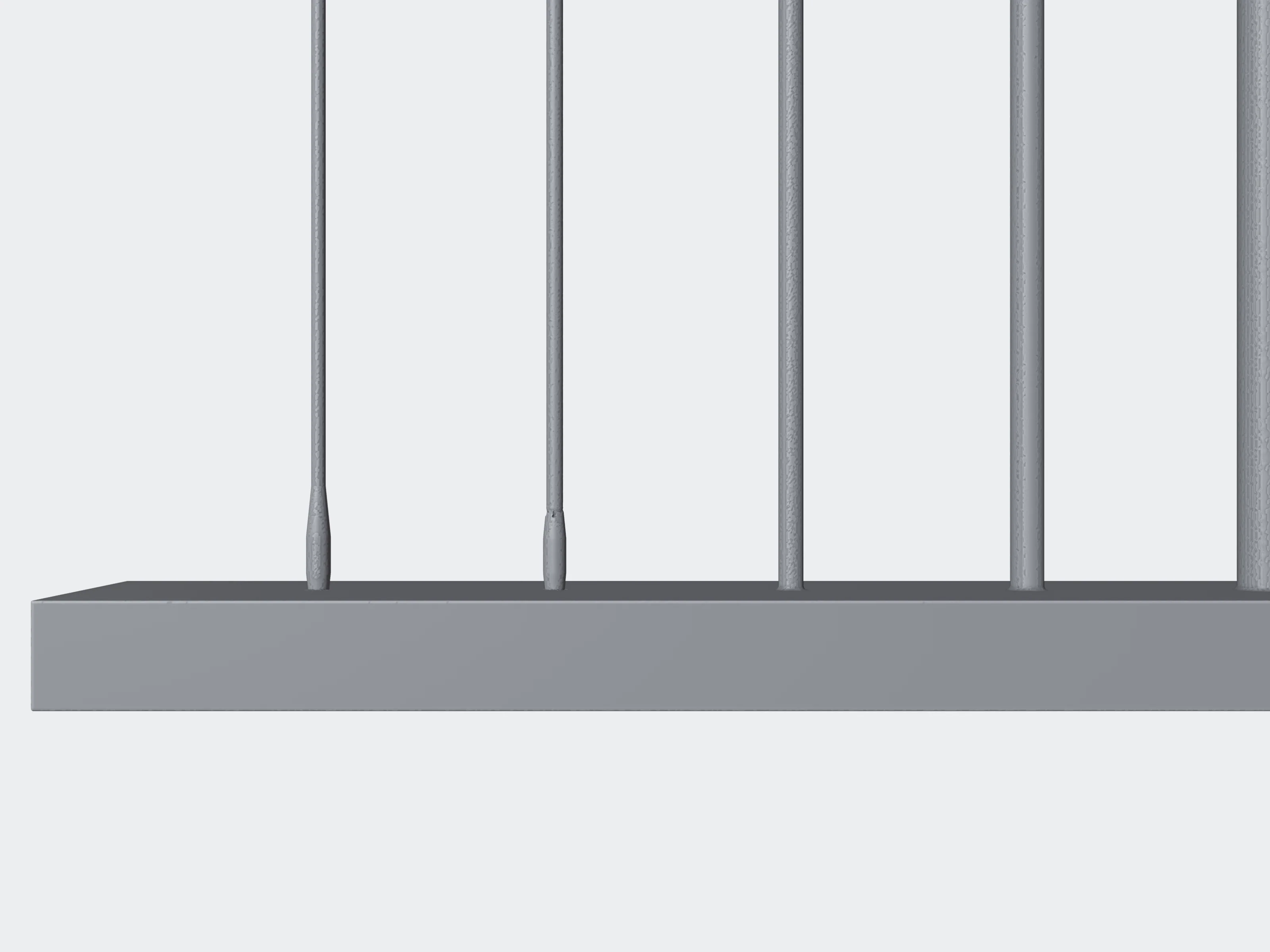 2
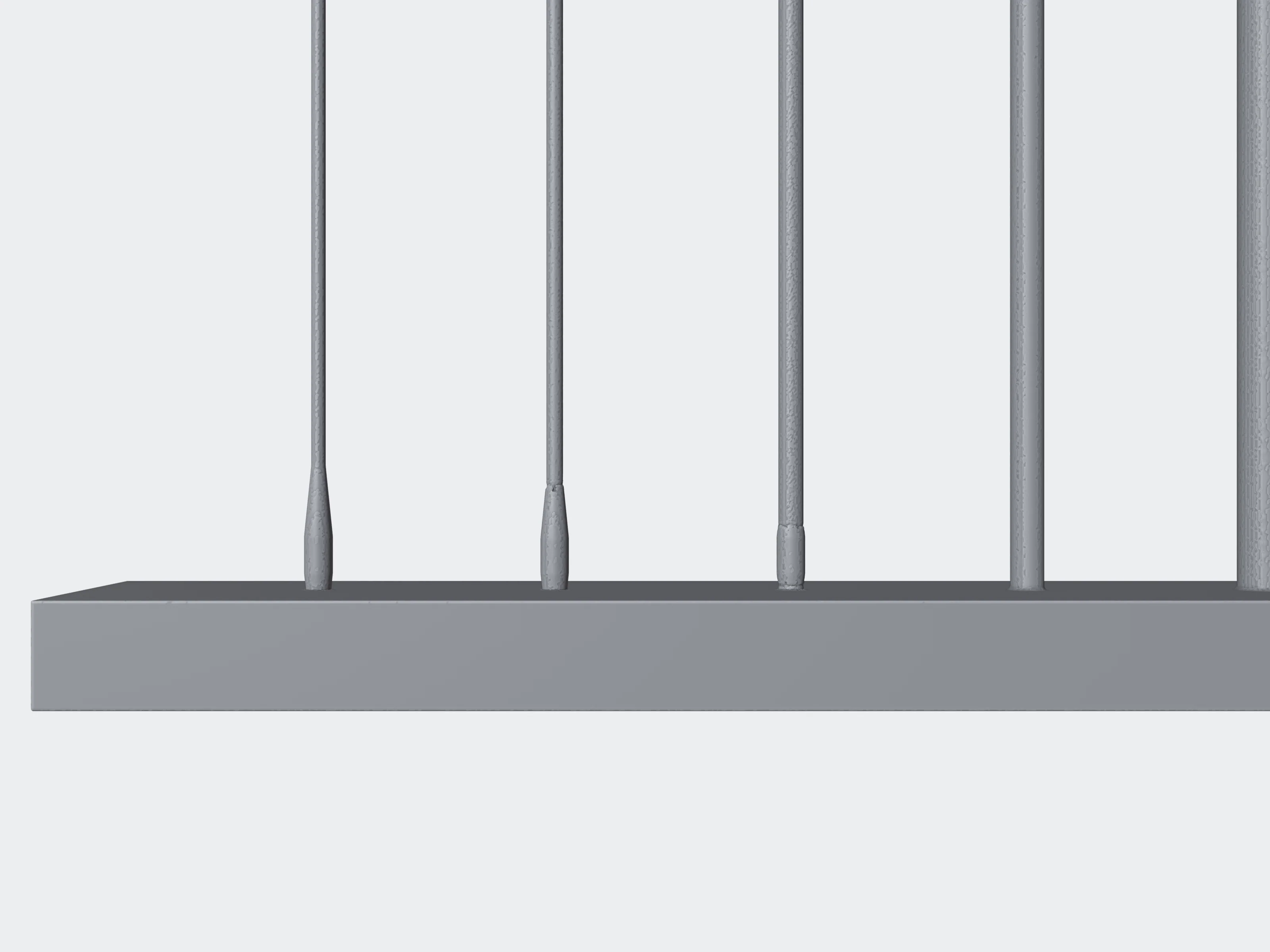 4
The result#
A succeeded repair carries job.result, a before/after comparison, and its artifacts.
before, afterAnalysisThe analysis of the input and of the repaired mesh, with the same fields as an inspection.
issuesRepairIssue[]Problems found in the input, each with severity (critical, warning, info), name, description and whether it was fixed.
improvementsstring[]What changed, in words (for example the face-count change).
printability_scoreintegerrequired0–100A simple 0–100 score of the repaired mesh: watertight, a single shell, a positive volume. It is not a shape-fidelity verdict.
qualityQualityAssessmentObserved failures of the result: failed when it is not watertight or has no volume; not_assessed or needs_review otherwise. Missing evidence is never reported as passed.
appliedAppliedRepair | nullThe parameters that ran and the source of each, plus wall_thickness_applied_mm and wall_thickness_clamped.
output_bytesintegerrequired≥ 0Size of the repaired output.
{
  "params": { "profile": "recommended", "printer": "mimaki", "quality": "high",
              "wall_thickness_mm": 0.7, "clearance_mm": 1.5, "close_holes_mm": 42.9, "...": "..." },
  "sources": { "quality": "explicit", "wall_thickness_mm": "printer", "clearance_mm": "printer",
               "close_holes_mm": "recommended", "hollow_mm": "default", "scale": "explicit" },
  "wall_thickness_applied_mm": 0.92,
  "wall_thickness_clamped": true
}
Artifacts: result_glb, result_obj_zip (OBJ, MTL and textures), measurements, analysis, analysis_before, and when produced texture, result_3mf and result_parts_zip (one OBJ per part of a STEP assembly). Need STL or PLY? Ask for an export.